Продукт закінченийview
The NICREW C10 Plants LED Aquarium Light is designed to provide optimal lighting for aquatic plants, featuring a full spectrum, adjustable brightness, and a programmable day/night cycle. Its robust construction ensures durability and efficient heat management.

Image: NICREW C10 Plants LED Aquarium Light, designed to maximize plant growth potential.
Ключові характеристики
- Excellent Spectrum: Combines 6500K white, 460nm blue, and TRUE 665nm deep red LEDs for efficient photosynthesis.
- Регульована яскравість: Individual dimming from 0% to 100% for CH1 (white and red LEDs) and CH2 (blue LEDs), offering 10,000 color temperature combinations.
- Day+Night Cycle: Simulates natural day and night cycles with gradual ramp-up and dim-down features for sunrise and sunset.
- Nature-Centered Design: Gentle light transitions prevent startling fish. Light is completely off at night for fish rest.
- Water-Resistant and Effective Heat Management: Aluminum alloy body with heat sinks for durability and cooling.
Налаштування та встановлення
Follow these steps for initial setup and installation of your NICREW C10 Plants LED Aquarium Light.
Монтаж світла
The light features adjustable mounting arms to fit various aquarium sizes. Simply extend the brackets to rest securely on the edges of your rimless tank.

Image: The NICREW C10 light with adjustable brackets, showing how it fits various aquarium sizes and its dimensions.
Налаштування контролера
The C10 light includes an inline digital controller for easy programming. Refer to the video below for a detailed guide on setting up the controller.
Video: This video from NICREW demonstrates how to use the C10 Plants LED Controller, including first-time setup, setting the current time, and programming the timer and color spectrum.
First Time Setup (Reset to Factory Settings)
- Натисніть і утримуйте Налаштування кнопка і потужність button simultaneously for 3 seconds to reset the unit to default factory settings.
Встановіть поточний час
- Натисніть і утримуйте Налаштування button for 3 seconds. The current time will begin to flash.
- Використовуйте + і - кнопки для налаштування годин.
- Натисніть Налаштування button to advance to the minutes setting.
- Використовуйте + і - кнопки для налаштування хвилин.
- Натисніть Налаштування button again to set the time. This will advance you to the sunrise time setting.
Set the Timer (Sunrise, Sunset, Sleep)
After setting the current time, the LCD display will flash the sunrise time. Follow these steps to set the timer and color spectrum:
- Використовуйте + і - buttons to set the desired sunrise hour. Press Налаштування to save and advance to minutes. Repeat for minutes.
- Натисніть Налаштування button to move to the sunset time setting. Use + і - to set hours and minutes.
- Натисніть Налаштування button to move to the sleep time setting. Use + і - to set hours and minutes.
- Порада: If you want to use only the day cycle and not the night cycle, press the потужність button when the sleep time is flashing. Sleep time will change to OFF, and the night cycle will be disabled. The lights will begin to dim at sunset time and turn off completely after 15 minutes.
Set the Color Spectrum (Daylight and Moonlight)
After setting the sleep time, the LCD display will flash the daylight spectrum settings.
- Використовуйте + і - buttons to set the brightness of the white and red LEDs (CH1).
- Натисніть Налаштування button to advance to the brightness of blue LEDs (CH2) setting.
- Використовуйте + і - buttons to set the brightness of the blue LEDs.
- Натисніть Налаштування button. The moonlight color spectrum will be set, and the setup is complete.

Зображення: Крупний план view of the NICREW C10 controller, showing its clear display and intuitive buttons for easy programming.
Керування світлом
Once programmed, the light will operate automatically according to your settings. You can also manually control the light or adjust brightness as needed.
Manual On/Off and Mode Cycling
If at any time you wish to turn your light on or off manually, simply press the потужність кнопку. Натисніть потужність button again to cycle through different modes (e.g., full spectrum, blue only, off).
Регулювання яскравості
When the light is on, you can adjust the brightness of the white/red LEDs (CH1) and blue LEDs (CH2) individually using the + і - buttons. This allows for fine-tuning the light intensity and color temperature to suit your aquarium's needs.

Image: The controller display illustrating the individual dimming controls for Channel W (White & Red LEDs) and Channel B (Blue LEDs), allowing for precise brightness adjustments from 0% to 100%.

Image: A split aquarium view demonstrating the difference between vibrant daylight illumination and natural lunar-simulated moonlight, highlighting the light's versatile modes.
Технічне обслуговування
Proper maintenance ensures the longevity and optimal performance of your aquarium light and the health of your aquatic environment.
Light Unit Care
- The light is constructed from aluminum alloy with heat sinks for efficient heat dissipation. This design helps keep the LEDs cool and extends their lifespan.
- The unit is water-resistant, designed to withstand daily splashes and humidity. However, avoid submerging the unit.
- Regularly wipe the light surface with a soft, damp cloth to remove dust and water spots, ensuring maximum light output.
Боротьба з водоростями
Effective algae control is crucial for a healthy aquarium. The following practices are recommended:
- Proper Lighting Period: Limit aquarium lighting to 8-10 hours per day. Excessive light can promote algae growth.
- Регулярна підміна води: Perform water changes of about 15-20% every other week to reduce nutrient buildup.
- Avoid Overfeeding the Fish: Observe your fish's food consumption and adjust meal sizes as needed to prevent excess food from decaying and contributing to algae.
- Choose the Location Wisely: Keep your aquarium away from direct sunlight, which can significantly increase algae growth.
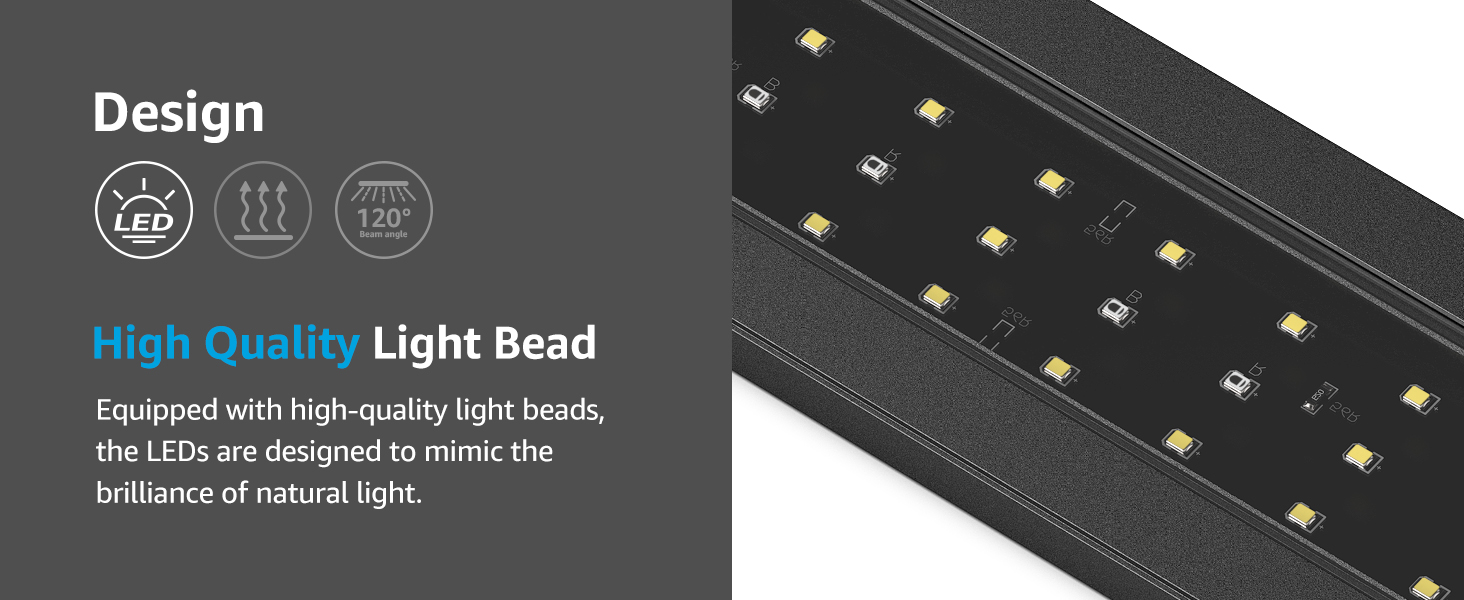
Image: Visual guide offering tips on how to effectively control algae blooming in an aquarium, including proper lighting, water changes, feeding, and placement.
Усунення несправностей
If you encounter issues with your NICREW C10 Plants LED Aquarium Light, try the following steps:
- Світло не вмикається: Check all power connections. Ensure the adapter is securely plugged into both the light and the power outlet.
- Incorrect Timing/Brightness: Refer to the 'Setup and Installation' section to re-program the controller. You can also perform a factory reset as described in the 'First Time Setup' section.
- Мерехтливі вогні: Ensure the power supply is stable. If flickering persists, try resetting the unit.
- Controller Display Issues: If the display is blank or unresponsive, check connections. A factory reset may resolve minor software glitches.
For persistent issues, please contact NICREW customer support.
Технічні характеристики
| Особливість | Специфікація |
|---|---|
| Бренд | NICREW |
| Назва моделі | C10 V2 |
| Номер моделі товару | N81214 |
| Розмір | 30 - 36 дюймів |
| Wattage | 20 Вт |
| Розміри продукту (ДxШxВ) | 28 x 3.1 x 0.39 дюймів |
| Вага товару | 2.05 фунта |
| матеріал | Алюміній |
| Тип джерела світла | LED |
| Колірна температура | 6500 кельвінів |
| Особливості лампочки | Adjustable Brightness, Day+Night Cycle, Sunrise/Sunset Simulation |
| Включені компоненти | Перехідник |
Гарантія
This NICREW C10 Plants LED Aquarium Light comes with a 1-річна гарантія виробникаБудь ласка, збережіть чек про покупку для гарантійного обслуговування.
Підтримка
For further assistance, technical support, or warranty inquiries, please visit the official NICREW webсайту або зв’яжіться зі своїм відділом обслуговування клієнтів.


