1. Вступ
This manual provides essential information for setting up, operating, maintaining, and troubleshooting your HP ProDesk 600 G4 Small Form Factor (SFF) Desktop PC. The HP ProDesk 600 G4 SFF is designed for various computing needs, offering a compact design with robust performance.
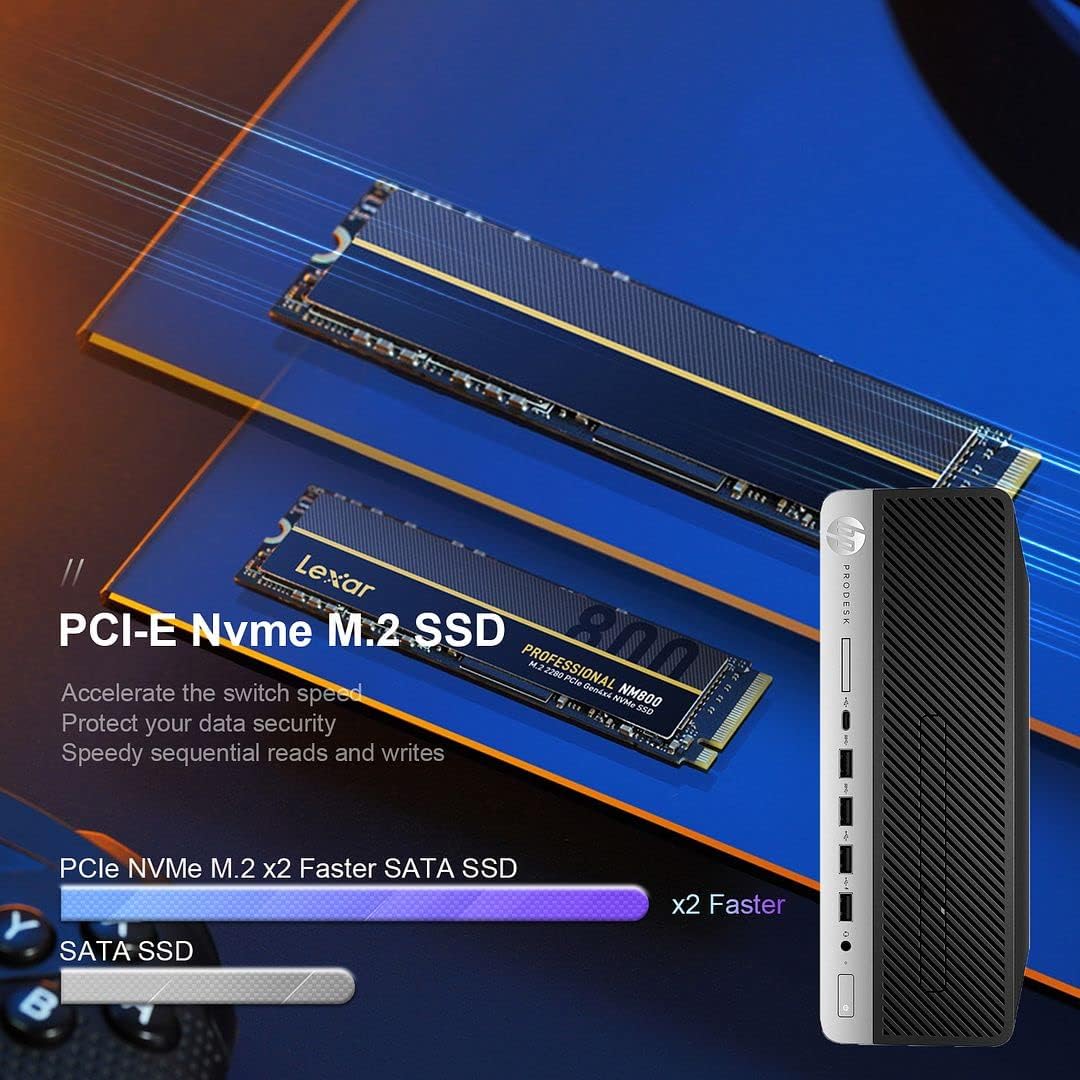
This system comes pre-installed with Windows 11 Pro and features an Intel i7-8700 processor, 32GB DDR4 RAM, a 512GB NVMe M.2 SSD, and a 1TB HDD for ample storage. Integrated Wi-Fi and Bluetooth 6E AX210 provide wireless connectivity, while a range of ports including USB-C, USB-A, HDMI (via adapter), and DisplayPort ensure broad compatibility with peripherals.

2. Посібник із налаштування
2.1 Розпакування
Обережно вийміть усі компоненти з упаковки. Переконайтеся, що є такі предмети:
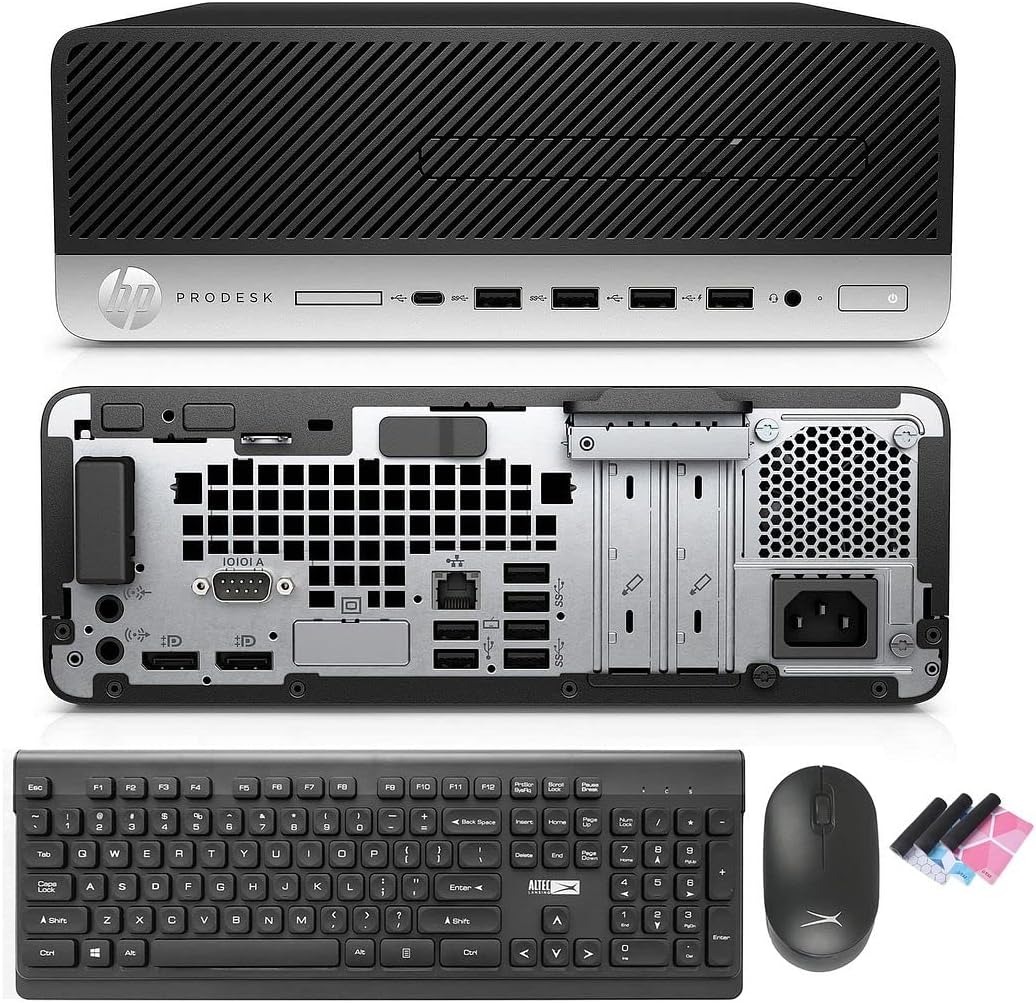
- HP ProDesk 600 G4 SFF Computer Desktop PC
- Altec Wireless Keyboard and Mouse Combo
- TJJ Large Mouse Pad (color may vary)
- Шнур живлення
- Адаптер DP – HDMI
2.2 Підключення периферійних пристроїв
Follow these steps to connect your computer:
- Підключення монітора: Use the provided DP to HDMI adapter or a DisplayPort cable to connect your monitor to one of the DisplayPort outputs on the rear of the PC.
- Підключення клавіатури та миші: Insert the wireless USB receiver for the Altec keyboard and mouse combo into any available USB-A port on the front or rear of the PC.
- Підключіть живлення: Plug the power cord into the power input on the rear of the PC, then plug the other end into a wall outlet or surge protector.
- Додаткові підключення: Connect any other peripherals such as speakers, printers, or external drives to the appropriate ports.
2.3 Початкове завантаження
Press the power button on the front of the PC. The system will boot into Windows 11 Pro. Follow the on-screen instructions for initial Windows setup, including language, region, and user account creation.
3. Інструкція з експлуатації
3.1 Windows 11 Pro (старша версія)view
Your PC comes with Windows 11 Pro. Familiarize yourself with the new Start Menu, taskbar, and multi-window snapping layout for improved productivity.

3.2 Підключення до мережі
The HP ProDesk 600 G4 features built-in Wi-Fi 6E AX210 for wireless internet access. To connect to a Wi-Fi network:
- Клацніть піктограму Wi-Fi на панелі завдань.
- Виберіть потрібну мережу зі списку.
- Якщо буде запропоновано, введіть пароль мережі.
For wired connections, connect an Ethernet cable to the Ethernet port on the rear of the PC.

3.3 Конфігурація дисплея
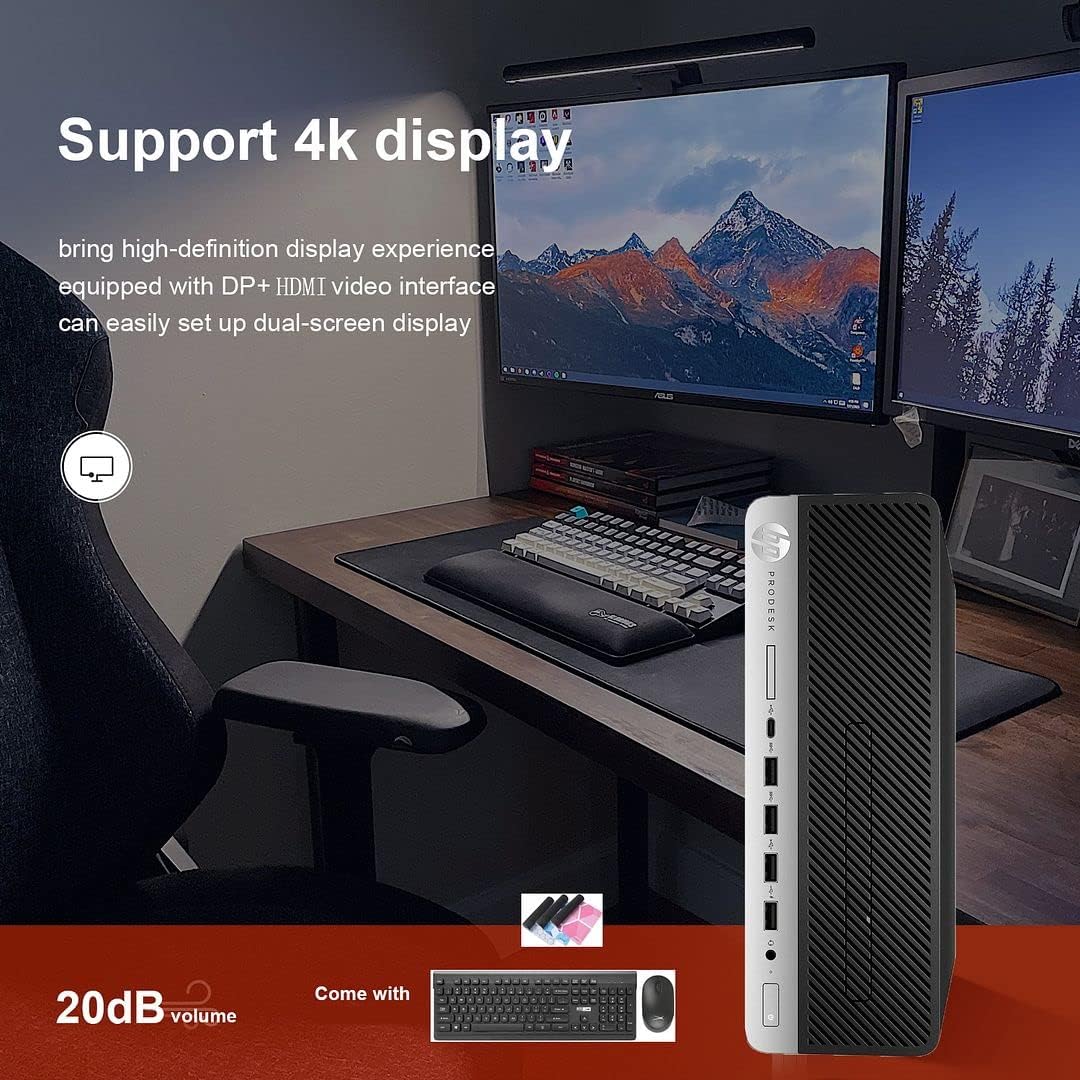
The PC supports 4K display output and dual-screen configurations using its DisplayPort outputs. Use the provided DP to HDMI adapter for HDMI-only monitors. To configure multiple displays in Windows 11:
- Клацніть правою кнопкою миші на робочому столі та виберіть «Параметри дисплея».
- Detect and arrange your displays as needed.
3.4 Використання оптичного приводу
The integrated DVD-RW drive allows you to read and write CDs and DVDs. Insert the disc into the drive, and Windows will typically prompt you with options for playback or burning.
4. Технічне обслуговування
4.1 Очищення системи
To ensure optimal performance and longevity, regularly clean your PC:
- Використовуйте м’яку суху тканину, щоб протерти зовнішню поверхню.
- Use compressed air to clear dust from vents and ports. Ensure the PC is powered off before cleaning.
- Keep the area around the PC clear to allow for proper airflow.
4.2 Оновлення програмного забезпечення
Regularly update Windows and device drivers to maintain security and performance. Windows Update can be accessed via Settings > Windows Update.
4.3 Резервне копіювання даних
It is recommended to regularly back up important data to an external drive or cloud storage to prevent data loss.
4.4 Можливість оновлення
The Small Form Factor design allows for some internal upgrades, such as adding a low-profile graphics card or additional storage, thanks to its PCIe slots.
5. Вирішення проблем
If you encounter issues with your HP ProDesk 600 G4, refer to the following common troubleshooting steps:
- Немає живлення: Ensure the power cord is securely connected to both the PC and the power outlet. Try a different outlet.
- Немає дисплея: Verify that the monitor is powered on and correctly connected to the PC. Check that the correct input source is selected on your monitor.
- Немає підключення до Інтернету: For Wi-Fi, ensure you are connected to the correct network and have entered the password correctly. For wired connections, check the Ethernet cable and router status.
- Периферійний пристрій не відповідає: Ensure the keyboard, mouse, or other peripherals are properly connected. Try connecting them to a different USB port.
- Уповільнення системи: Close unnecessary applications. Check for background processes in Task Manager. Ensure sufficient free space on your drives.
For more complex issues or persistent problems, please contact technical support.
6. Технічні характеристики
Below are the key technical specifications for the HP ProDesk 600 G4 SFF Desktop PC:
| компонент | Специфікація |
|---|---|
| Процесор | Intel Core i7-8700 (3.20-4.60 GHz, 6 Cores, 12 Threads, 12 MB Cache) |
| Операційна система | Windows 11 Pro |
| Пам'ять (RAM) | 32 ГБ DDR4 |
| Зберігання | 512GB NVMe M.2 SSD + 1TB HDD |
| Графіка | Intel UHD Graphics 630 |
| Бездротове підключення | Built-in Wi-Fi + Bluetooth 6E AX210 Combo |
| Порти USB-C | 1 (USB 3.1) |
| Порти USB-A | 4 (USB 3.1) + 2 (USB 3.0) + 4 (USB 2.0) |
| Відображення портів | 2 (with 1x DP to HDMI Adapter included) |
| Порт Ethernet | 1 |
| Оптичний привід | DVD-RW |
| Розміри (ДxШxВ) | 16 x 11 x 7 дюймів |
| вага | 22 фунта |
7. Гарантія та технічна підтримка
Your HP ProDesk 600 G4 SFF Desktop PC comes with a Гарантія 90 днів. Ця гарантія поширюється на дефекти матеріалів і виготовлення за нормального використання.
For any technical issues, questions, or warranty claims, please contact the seller's technical support. They are committed to responding within 24 hours to assist you.
Будь ласка, збережіть чек про покупку для підтвердження гарантії.