1. Вступ
The ASHATA MF800-2 is a portable 4G LTE mobile WiFi router designed to provide high-speed internet access on the go. This device allows you to create a personal Wi-Fi hotspot, enabling multiple devices to connect to the internet via a 4G LTE network. Its compact design and long-lasting battery make it ideal for travel, outdoor activities, and business use.
2. Вміст упаковки
Будь ласка, перевірте вміст упаковки після розпакування, щоб переконатися в наявності всіх елементів:
- 1 x ASHATA MF800-2 Portable WiFi Router
- 1 х літієва батарея 2100 мАг
- 1 x USB-кабель для зарядки
- 1 х посібник користувача

Image: Package contents including the router, battery, and charging cable.
3. Продукт закінчивсяview
The ASHATA MF800-2 router is designed for convenience and performance. It features a lightweight and compact body, making it easy to carry. The device includes an intelligent LED display to show important status information such as network signal, battery level, and Wi-Fi connection status.
Зображення: спереду view of the ASHATA MF800-2 4G LTE Mobile WiFi Router.
Ключові характеристики:
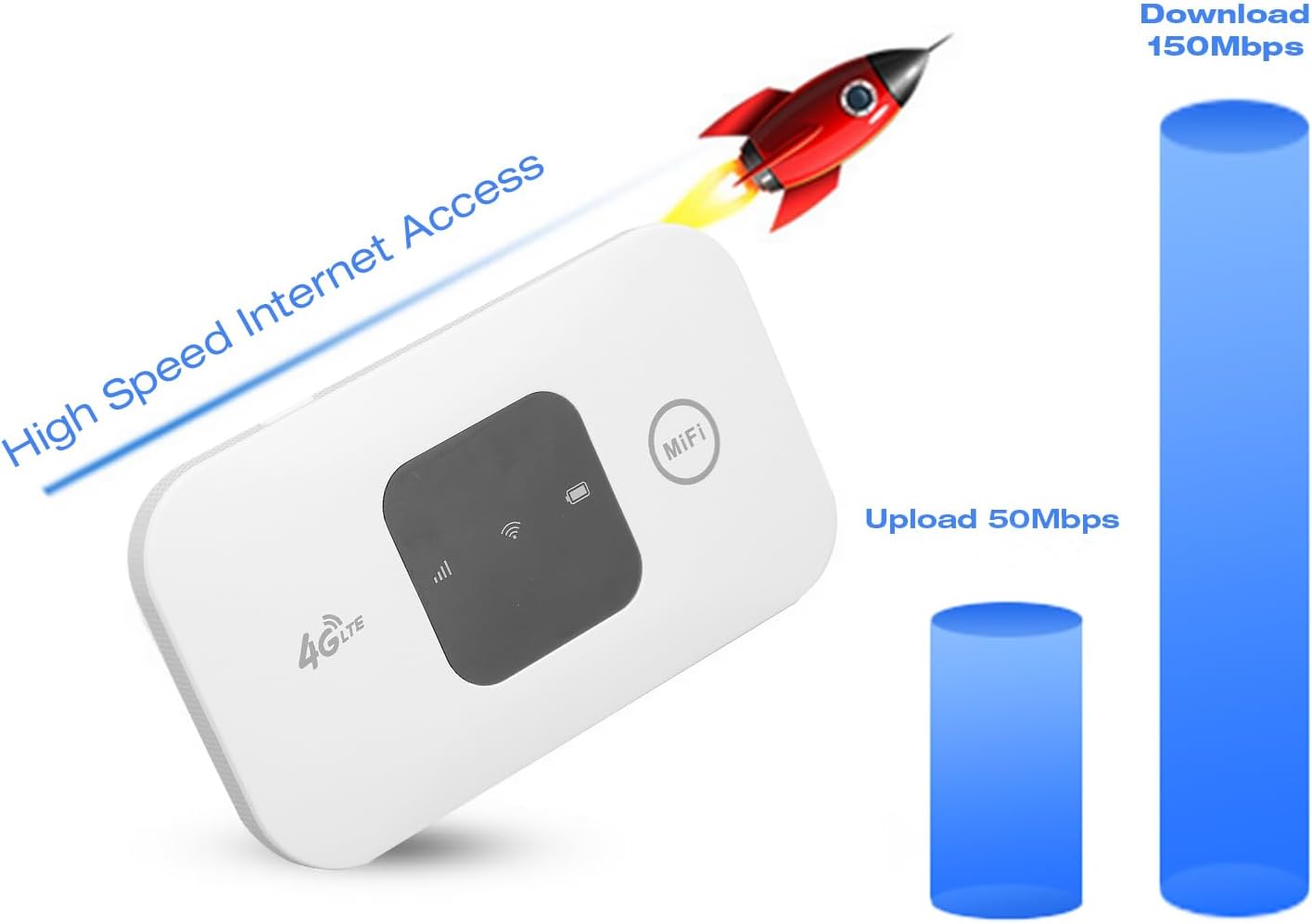
- Високошвидкісний Інтернет: Supports 4G LTE networks with download speeds up to 150 Mbps and upload speeds up to 50 Mbps.
- Портативний дизайн: Lightweight, thin, and compact for easy carrying.
- Довговічний акумулятор: Equipped with a 2100mAh lithium battery, providing up to 72 hours of standby time.
- Підтримка кількох користувачів: Дозволяє підключати до 10 пристроїв одночасно.
- Широка сумісність: Connects to mobile phones, laptops, desktops, and tablets.
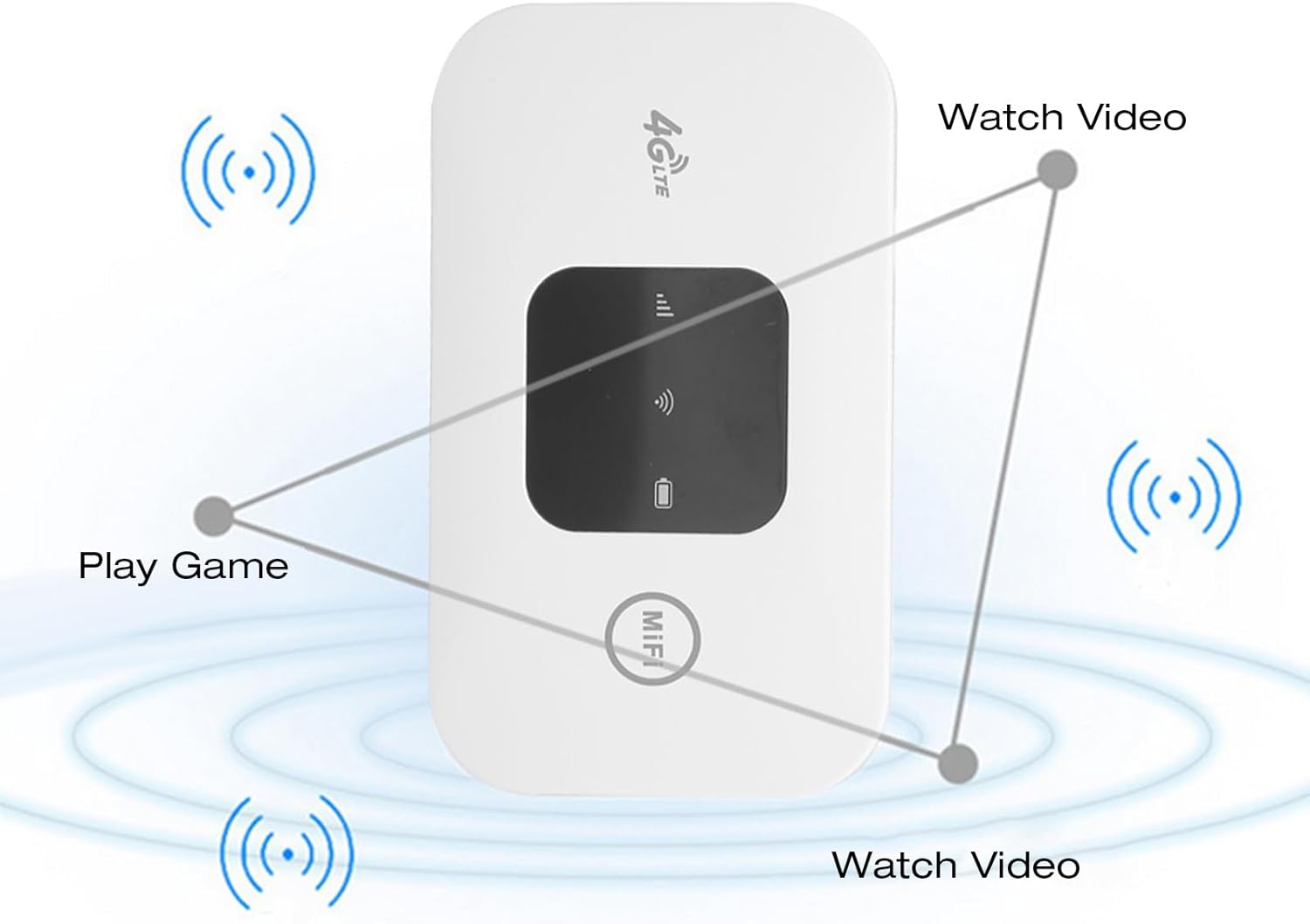
Image: Visual representation of the router's high-speed internet capabilities.
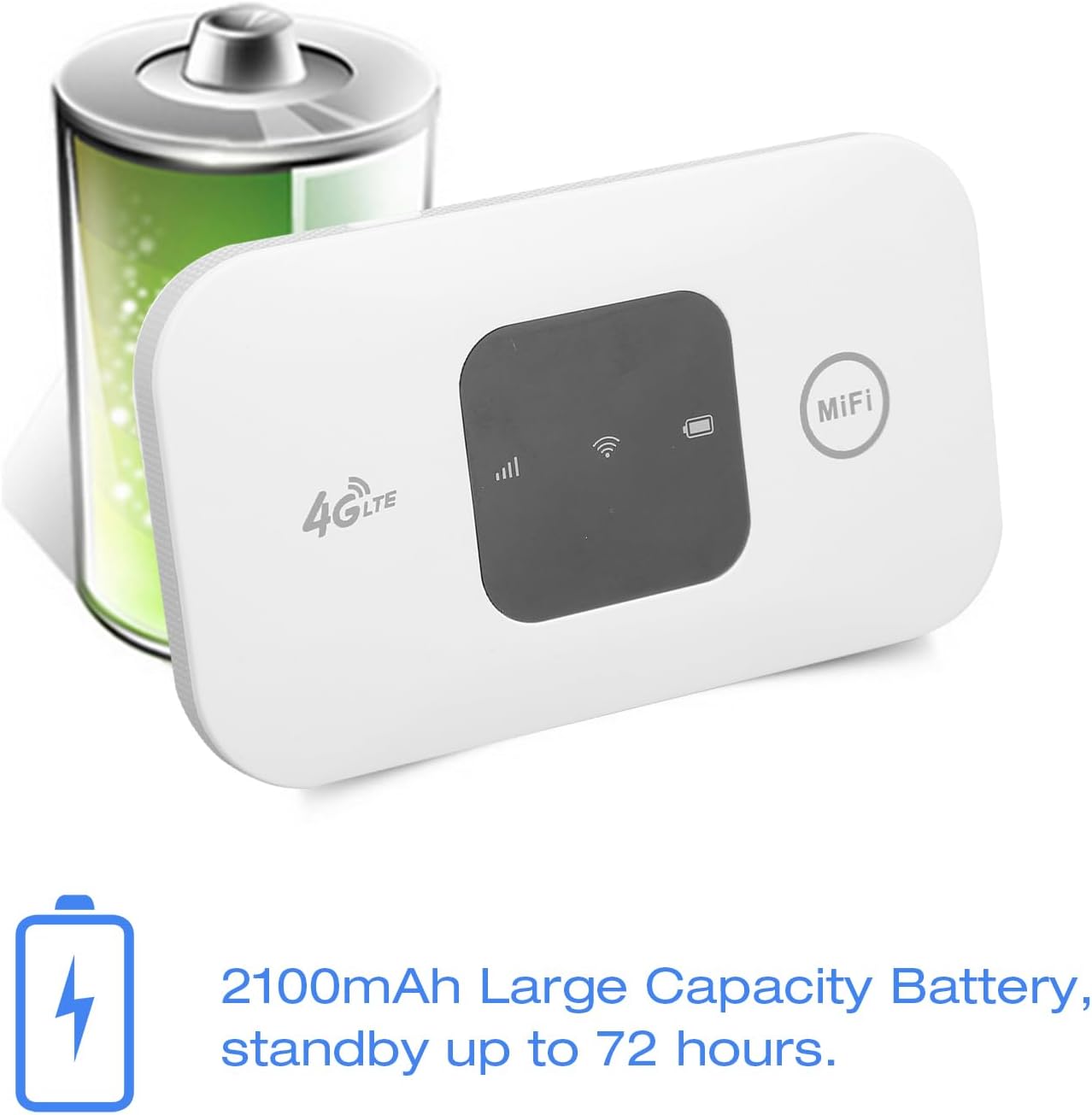
Image: The ASHATA MF800-2 router highlighting its 2100mAh battery capacity.

Image: The router demonstrating its portability by fitting into a pocket.

Image: Multiple devices connected to the ASHATA MF800-2 router, showing its multi-user support.
4. Налаштування
Follow these steps to set up your ASHATA MF800-2 router:
- Відкрийте задню обкладинку: Gently slide or lift the back cover of the device to open it.
- Вставте SIM-карту: Locate the standard SIM card slot. Insert your active standard SIM card into the slot, ensuring it is correctly oriented.
- Вставте батарею: Place the provided 2100mAh lithium battery into its compartment. Ensure any protective stickers on the battery contacts are removed before insertion.
- Закрити обкладинку: Встановіть задню кришку назад, переконавшись, що вона надійно зафіксувалася.
- Увімкнення: Press and hold the power button (usually located on the side or front) for a few seconds until the LED indicators light up, indicating the device is powering on.

Image: Close-up of the router's front panel with 4G LTE logo and indicators.
5. Інструкція з експлуатації
5.1 Увімкнення/вимкнення живлення
To power on the device, press and hold the power button for approximately 3-5 seconds until the LED screen or indicators illuminate. To power off, press and hold the power button again until the device shuts down.
5.2 Підключення пристроїв до Wi-Fi
Once the router is powered on and has established a network connection (indicated by the LED display), you can connect your devices:
- On your mobile phone, laptop, tablet, or other Wi-Fi enabled device, go to the Wi-Fi settings.
- шукати available Wi-Fi networks. The network name (SSID) for your ASHATA MF800-2 will typically be printed on a sticker inside the battery compartment or on the device itself.
- Select the correct SSID from the list.
- Enter the Wi-Fi password (also found on the sticker) when prompted.
- Your device should now be connected to the internet via the ASHATA MF800-2 router.

Image: Close-up of the 'MiFi' button on the router.
5.3 світлодіодні індикатори
The intelligent LED display provides visual feedback on the device's status. While specific indicator details may vary, common displays include:
- Потужність сигналу: Bars indicating the strength of the 4G LTE network signal.
- Рівень заряду батареї: An icon showing the remaining battery charge.
- Статус Wi-Fi: An icon indicating if Wi-Fi is active and if devices are connected.
- Тип мережі: May display '4G' or 'LTE' to indicate the current network connection.
6. Технічне обслуговування
To ensure the longevity and optimal performance of your ASHATA MF800-2 router, follow these maintenance guidelines:
- Зберігати сухим: Уникайте контакту пристрою з водою, вологою або високою вологістю.
- Обережно очищайте: Використовуйте м’яку суху тканину для очищення пристрою. Не використовуйте агресивні хімікати або абразивні засоби для чищення.
- Контроль температури: Store and operate the device within recommended temperature ranges. Avoid extreme heat or cold.
- Догляд за акумулятором: Use only the original 2100mAh battery and charging cable. Avoid overcharging or completely draining the battery frequently to prolong its lifespan.
- Уникайте розбирання: Do not attempt to open or repair the device yourself, as this may void the warranty and cause damage.
7. Вирішення проблем
If you encounter issues with your ASHATA MF800-2 router, refer to the following common problems and solutions:
7.1 Відсутнє підключення до Інтернету
- Перевірка SIM-картки: Ensure the standard SIM card is correctly inserted and active with a valid data plan.
- Потужність сигналу: Check the LED display for network signal strength. If the signal is weak or absent, move to an area with better network coverage.
- Перезавантажте пристрій: Power off the router, wait a few seconds, and then power it back on. Restart your connected device as well.
- Налаштування APN: In some cases, you may need to manually configure the Access Point Name (APN) settings. Refer to your SIM card provider's instructions for the correct APN.
7.2 Не вдається підключитися до Wi-Fi
- Стан живлення: Переконайтеся, що роутер увімкнено, а його індикатор Wi-Fi активний.
- Password Check: Double-check that you are entering the correct Wi-Fi password (SSID and password are usually on a sticker inside the battery compartment).
- Близькість: Move your device closer to the router to ensure a strong Wi-Fi signal.
- Обмеження пристроїв: The router supports up to 10 connected devices. If you have too many devices connected, disconnect some and try again.
7.3 Повільна швидкість Інтернету
- Потужність сигналу: A weak 4G LTE signal will result in slower speeds. Try moving to an area with better signal.
- Підключені пристрої: More connected devices sharing the bandwidth can reduce individual speeds.
- Background Usage: Check if any applications on your connected devices are consuming significant bandwidth in the background.
8. Технічні характеристики
| Модель | МФ800-2 |
| Бренд | АШАТА |
| Колір | Білий |
| матеріал | ABS |
| Технологія підключення | 4G LTE, Wi-Fi |
| Бездротовий стандарт | 802.11 b/g/n |
| 4G LTE Frequency Bands | В1, В3, В5, В7, В8, В20, В38, В40 |
| 3G UMTS WCDMA | B1 |
| Максимальна швидкість завантаження | 150 Мбіт/с |
| Максимальна швидкість завантаження | 50 Мбіт/с |
| Тип батареї | Літієва батарея 2100mAh |
| Час очікування | До 72 годин |
| Тип SIM-карти | Стандартна SIM-карта |
| Спільна ємність | До 10 користувачів |
| Сумісні пристрої | Ноутбуки, планшети, мобільні телефони |
| Операційна система (внутрішня) | Linux |
| Особливості | Portable, Long Battery Life, LED Display |
9. Гарантія та підтримка
Specific warranty details and direct support contact information are not provided in the product description. For warranty claims, technical assistance, or further inquiries, please contact your original retailer or the ASHATA customer support channels available through their official webсайт або упаковка продукту.


