1. Вступ
The JLab Epic Cam USB HD Webcam delivers high-definition video quality for all your communication needs. Featuring full 2K video resolution at 30 frames per second and a 5-megapixel camera, it ensures a clear and sharp image. Equipped with auto-focus, dual omni-directional microphones, and adjustable zoom and exposure levels, this webcam is designed for versatile use in various environments.
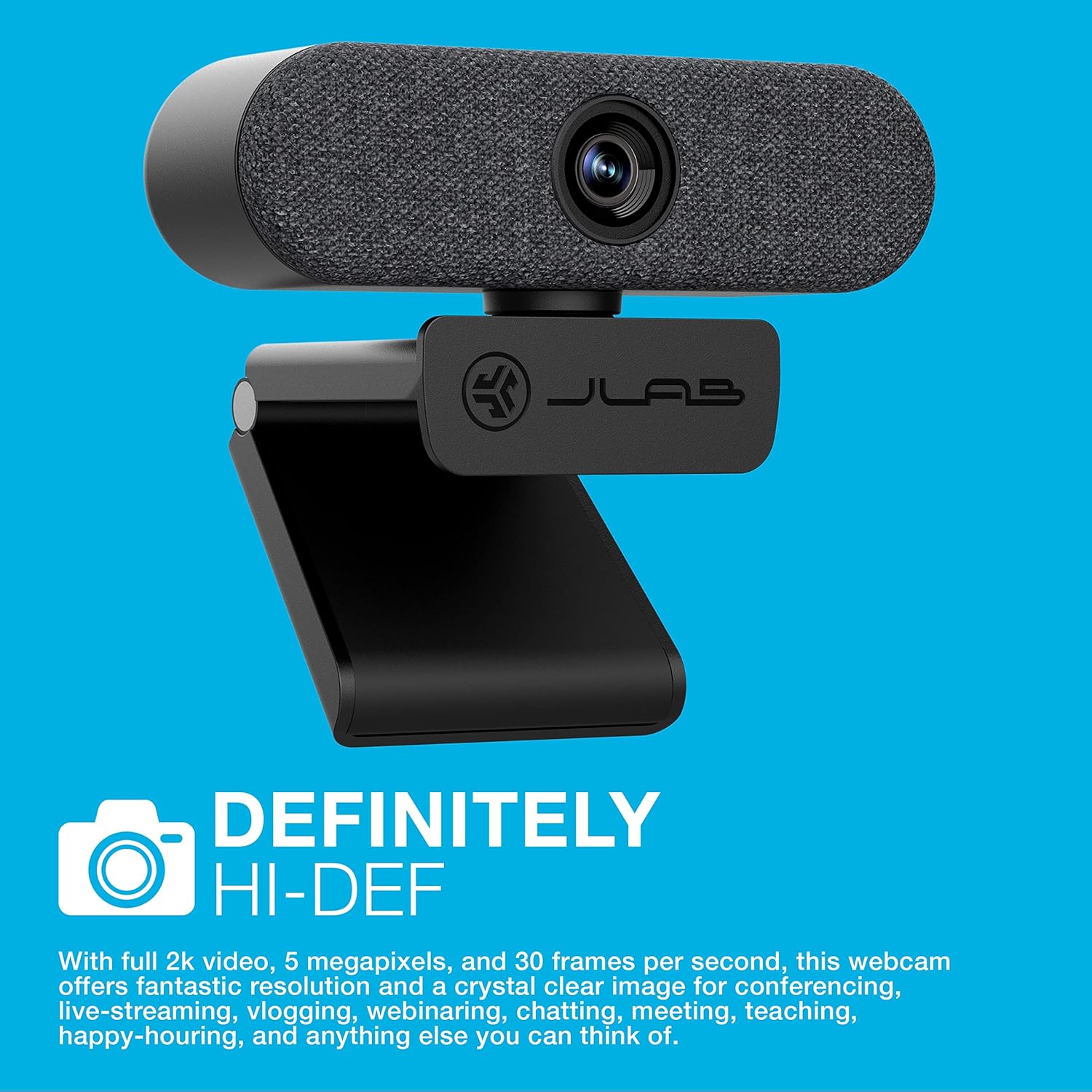
Image: The JLab Epic Cam USB HD Webкамера, шоуasing its sleek black design with a grey fabric faceplate, securely mounted on top of a computer monitor.

Image: A close-up of the JLab Epic Cam USB HD Webcam, highlighting its high-definition capabilities with a text overlay stating 'DEFINITELY HI-DEF'.
Продукт закінченийview відео
Video: An official JLab product overview, demonstrating the key features and benefits of the Epic Cam USB HD Webcam as part of the Work Series.
2. Що в коробці
Your JLab Epic Cam USB HD WebПакет cam включає наступні предмети:
- JLab Epic Cam USB HD Webкулачок
- Removable Face Plates (Black and White)
- Короткий посібник

Image: The JLab Epic Cam USB HD Webcam, its USB cable, two interchangeable fabric faceplates (black and light grey), and the Quick Start Guide, laid out on a wooden surface.
3. Налаштування
The JLab Epic Cam is designed for easy plug-and-play setup, ensuring you can start using it quickly with minimal effort.
3.1 Підключення Webкулачок
- Connect to your Device: Plug the integrated USB-A cable from the Epic Cam into an available USB port on your PC, Mac, or Chromebook. The device is automatically recognized, and no additional drivers are typically required.
- Розташуйте Webкамера: Use the universal adjustable clip to securely mount the webcam on top of your monitor or laptop screen. The clip is designed to provide a stable fit without causing damage.
- Кріплення штатива: For alternative placement, the webcam's base includes a standard tripod thread, allowing it to be mounted on a tripod (not included) for more flexible positioning.

Image: A hand gently adjusting the JLab Epic Cam, demonstrating its flexible mounting and positioning on a monitor.
3.2 Сумісність
The JLab Epic Cam is broadly compatible with various operating systems and devices:
- ПК (Windows)
- Mac (macOS)
- Chromebook (Chrome OS)

Image: The JLab Epic Cam displayed alongside logos for Mac, Windows, Android, and Linux, indicating its broad compatibility across different operating systems.
4. Експлуатація Webкулачок
The Epic Cam offers intuitive controls and features to enhance your video calls and recordings.
4.1 Якість відео та поле View
- роздільна здатність: Enjoy crisp 2K (2560x1440) video at 30 frames per second, or 1080p at 30 FPS, with a 5-megapixel camera for high-quality visuals.
- Поле в View: The 90-degree wide-angle lens provides a broad perspective, ideal for individual use or including multiple participants in a conference room.
- Auto-Focus & Light Correction: The webcam automatically adjusts focus and corrects lighting conditions to ensure you always look your best, even in varying light environments.

Зображення: Крупний план view of the JLab Epic Cam mounted on a monitor, with a hand interacting with the touch-sensitive controls on top of the webкулачок.
4.2 Аудіофункції
- Dual Omni-Directional Microphones: Integrated dual microphones capture clear audio from all directions, ensuring your voice is heard naturally during calls and recordings.

Image: The JLab Epic Cam featuring a white fabric faceplate, accompanied by the text 'SOUND ON POINT', emphasizing its superior audio capabilities.
4.3 Елементи керування на пристрої
The Epic Cam features touch-sensitive buttons on its top surface for quick adjustments:
- Масштаб: Adjust the zoom level to frame yourself perfectly.
- Контакт: Toggle between 15 exposure settings to optimize your appearance in various lighting conditions without needing external software.

Image: A hand pressing one of the touch-sensitive buttons on the top of the JLab Epic Cam, illustrating the ease of adjusting settings directly on the device.
НІКОЛИ не налаштовуючи
- Interchangeable Face Plates: The webcam comes with magnetic, removable fabric face plates in black and white, allowing you to match your desk aesthetic.

Зображення: Вибух view of the JLab Epic Cam, illustrating its main body and the two interchangeable fabric faceplates (black and light grey) that can be swapped to customize its appearance.
5. Технічне обслуговування
To ensure the longevity and optimal performance of your JLab Epic Cam, follow these simple maintenance guidelines:
- Очищення лінз: Gently wipe the camera lens with a soft, lint-free cloth to remove dust or smudges. Avoid using harsh chemicals or abrasive materials.
- Генеральне прибирання: Використовуйте суху або злегка damp cloth to clean the body of the webcam. Ensure no moisture enters the device.
- Зберігання: Якщо він не використовується, зберігайте його webЗберігайте камеру в чистому, сухому місці, подалі від екстремальних температур та прямих сонячних променів.
6. Вирішення проблем
If you encounter any issues with your JLab Epic Cam, refer to the following common troubleshooting steps:
- Без відео/аудіо: Переконайтеся, що USB-кабель надійно підключено до обох webcam and your computer. Try a different USB port. Verify that the webcam is selected as the primary video and audio input device in your application settings (e.g., Zoom, Teams, Windows Camera app).
- Погана якість зображення: Check your lighting conditions. Use the on-device exposure controls to adjust brightness. Ensure the lens is clean and free from obstructions.
- Auto-Focus Issues: Make sure there are no objects too close to the lens that might interfere with the auto-focus mechanism.
- Мікрофон не працює: Підтвердьте, що webcam's microphone is enabled and set as the default input device in your computer's sound settings and the application you are using.
- Проблеми сумісності: Ensure your operating system is up to date. While plug-and-play, some systems may benefit from a restart after initial connection.
7. Технічні характеристики
| Особливість | Деталь |
|---|---|
| Торгова марка | JLab |
| Вага товару | 5.9 унції |
| Розміри продукту | 1.99 x 3.62 x 1.99 дюймів |
| Номер моделі товару | WEPICCAMRBLK124 |
| Назва кольору | чорний |
| Особливості | Низьке освітлення |
| Технологія фотосенсора | CMOS |
| Роздільна здатність захоплення відео | 2K |
| Максимальна фокусна відстань | 3.5 міліметрів |
| Максимальна діафрагма | 30 ф |
| Тип флеш-пам'яті | Micro SD |
| Формат захоплення відео | MP4 |
| Підтримуваний аудіоформат | AAC, MP3 |
| Розмір екрана | 2.8 дюймів |
| Технологія підключення | USB |
8. Гарантія та підтримка
JLab stands by the quality of its products. The Epic Cam USB HD Webcam typically comes with a 2-year manufacturer's warranty.
8.1 Плани розширеного захисту
Additional protection plans are available for purchase to extend coverage beyond the standard warranty:
- 2-річний план захисту: Доступно за ціною $6.99 (одноразовий платіж).
- 3-річний план захисту: Доступно за ціною $8.99 (одноразовий платіж).
- Повний захист: A monthly plan for $16.99 covering all eligible past and future purchases.
8.2 Підтримка клієнтів
For technical assistance, warranty claims, or further information, please visit the official JLab support webсайту або зв’яжіться з їхньою службою обслуговування клієнтів.


