1. Вступ
Thank you for choosing the Skyworth 55-inch 4K QLED Google TV, Model 55SUE9500. This manual provides essential information for the safe and efficient use of your television. Please read it thoroughly before operating the device and retain it for future reference.
This television features a 55-inch QLED 4K UHD display, Google TV operating system, Dolby Vision & HDR 10+ support, Google Assistant with far-field voice control, Dolby Atmos, DTS Virtual X, and built-in Chromecast. It is designed to deliver a high-quality viewing and smart home entertainment experience.
2. Інформація про безпеку
Завжди дотримуйтесь наступних запобіжних заходів, щоб запобігти ураженню електричним струмом, пожежі або пошкодженню телевізора:
- Не піддавайте телевізор дії дощу або вологи.
- Не відкривайте телевізорasing; звертайтеся до кваліфікованого персоналу з усіма видами обслуговування.
- Забезпечте належну вентиляцію навколо телевізора.
- Використовуйте лише шнур живлення, що постачається з телевізором.
- Тримайте телевізор подалі від прямих сонячних променів, джерел тепла та сильних магнітних полів.
- Clean the TV with a soft, dry cloth. Avoid liquid cleaners.
3. Вміст упаковки
Перевірте наявність усіх елементів в упаковці:
- Skyworth 55-inch 4K QLED Google TV (Model 55SUE9500)
- Пульт дистанційного керування
- Кабель живлення
- Тумба під телевізор (2 шт.)
- Гвинти для встановлення підставки
- Посібник користувача (цей документ)
4. Продукт закінчивсяview
Фронт View
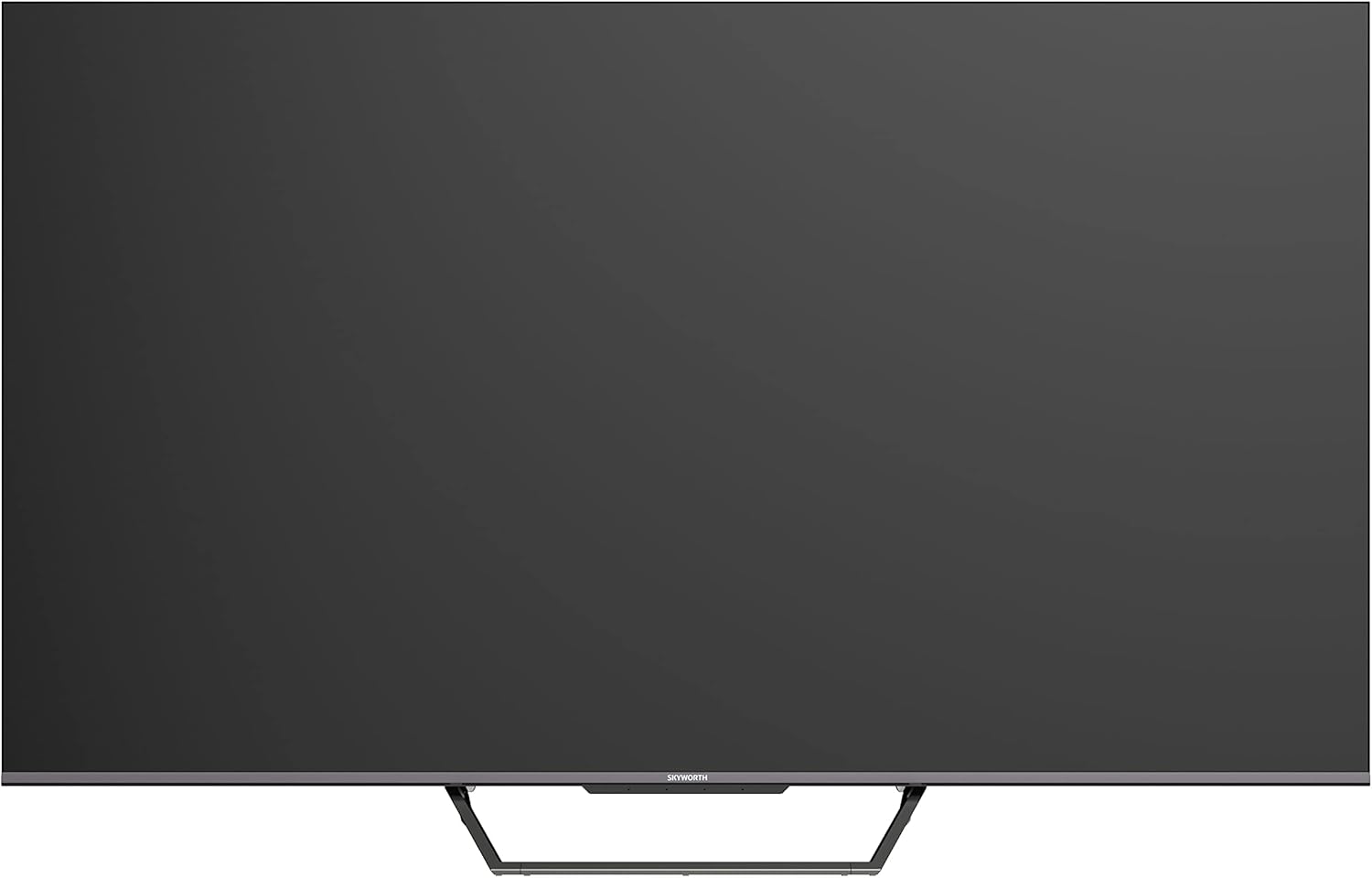
This image displays the front of the Skyworth 55-inch 4K QLED Google TV, showcasing its slim bezels and central stand design.
сторона View

На цьому зображенні показано бічний профіfile of the television, highlighting its thin design and the depth of the screen.
Назад View

Це зображення надає view of the back panel of the TV, including the mounting points and general layout.
Порти введення/виведення

This image details the various input and output ports located on the side/back of the television, including HDMI, USB, and other connectivity options.

The television offers multiple interfaces to meet various connectivity needs, including USB (x2), RF, AV IN, HDMI (x3), LAN, and Digital Out.
5. Налаштування
5.1 Встановлення підставки
Щоб встановити підставку для телевізора:
- Обережно покладіть телевізор екраном донизу на м’яку рівну поверхню, щоб запобігти пошкодженню екрана.
- Вирівняйте деталі підставки з відповідними пазами на нижній панелі телевізора.
- Закріпіть підставку за допомогою наданих гвинтів. Переконайтеся, що вони міцно затягнуті.

The TV features a unique U-shaped central base design, crafted with metal die-casting technology for stability.
5.2 Підключення периферійних пристроїв
Connect your external devices (e.g., cable box, Blu-ray player, gaming console) to the appropriate HDMI or AV IN ports. For internet access, connect an Ethernet cable to the LAN port or use the built-in Wi-Fi.
5.3 Початкове ввімкнення
After connecting all necessary cables, plug the power cable into an electrical outlet. Press the power button on the remote control or the TV to turn it on. Follow the on-screen instructions to complete the initial setup, including network connection, Google account login, and channel scanning.
6. Інструкція з експлуатації
6.1 Пульт дистанційного керування
The remote control allows you to navigate the Google TV interface, adjust volume, change channels, and access smart features. Ensure batteries are correctly inserted.
6.2 Інтерфейс Google TV
Your TV runs on Google TV OS, providing a personalized content experience. The home screen displays recommended content, installed apps, and quick access to settings.

Google TV refines the Android TV experience with personalized content and tailored recommendations based on your viewзвички та інтереси.

Enjoy abundant resources with Google TV, including over 700,000 movies & TV series and millions of songs from platforms like Netflix, YouTube, and Prime Video.
6.3 Розумні функції
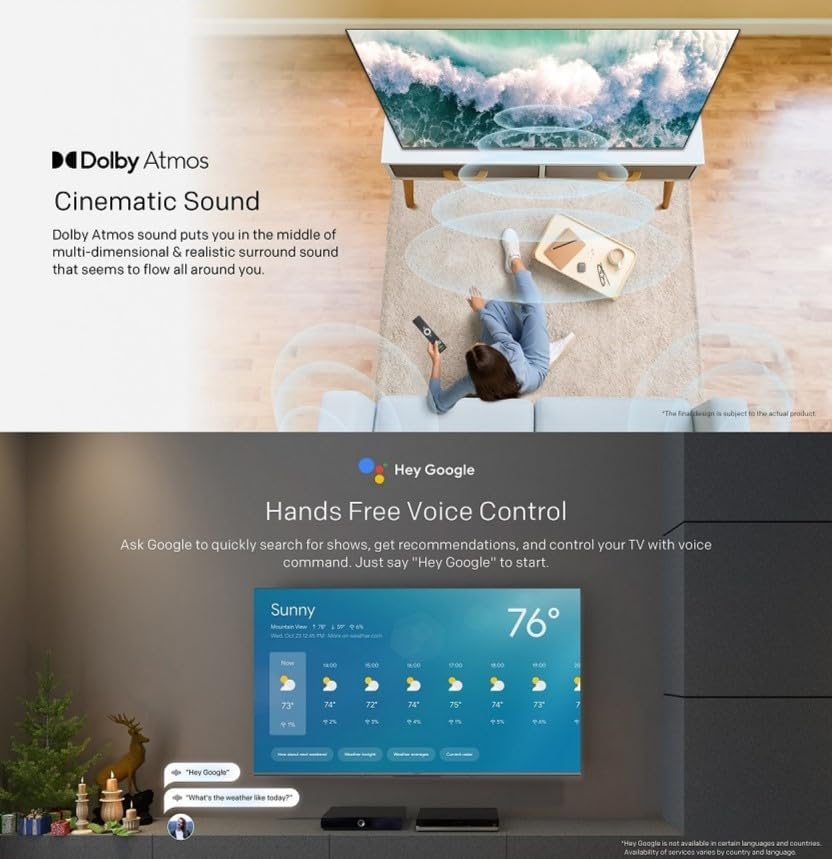
- Голосове керування в режимі Hands-Free: Use "Hey Google" to search for shows, get recommendations, and control your TV with your voice.
- Вбудований Chromecast: Easily cast content from your compatible mobile devices (Android and iOS) to the TV.
- Двонаправлений Bluetooth: Connect Bluetooth headphones or speakers to the TV, or use the TV as a speaker for your mobile devices.
- Kids Care: Налаштуйте профfiles for children with age-appropriate content recommendations and parental controls.
- Google Duos: Make video calls directly from your TV to connect with friends and family.
- Google Фото: Share and view your memories on the big screen.

Ask Google to quickly search for shows, get recommendations, and control your TV using voice commands. Simply say "Hey Google" to activate.
The TV supports bidirectional Bluetooth, allowing connection to mobile phones and Bluetooth audio products for versatile sound options.

This image highlights key features such as Kids Care for child-friendly content, Google Duo for video calls, Google Photos for sharing memories, and Chromecast built-in for easy content casting.
6.4 Налаштування зображення та звуку
Access the settings menu to customize picture and sound preferences.
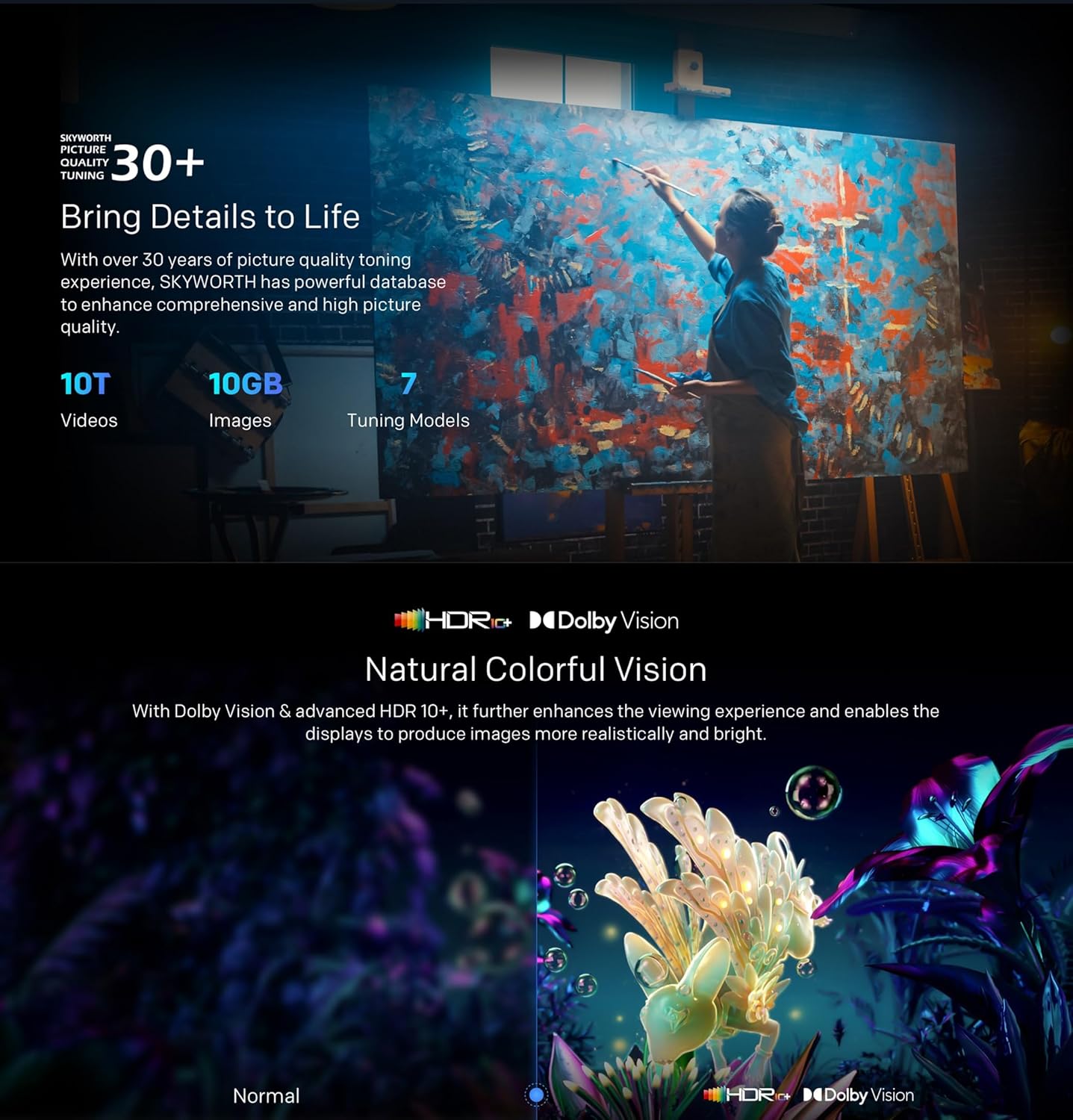
- QLED 4K UHD with Dolby Vision & HDR10+: Experience vibrant colors and enhanced contrast.
- Режим кінорежисера: Disables post-processing to preserve the original aspect ratios, colors, and frame rates as intended by the filmmaker.
- Dolby Atmos & DTS Virtual X: Enjoy immersive, multi-dimensional sound.
- Health Platform: Includes Eye Protection Mode, Night Mode, and Auto Volume Control for comfortable viewінж.
- Без мерехтіння: Зменшує навантаження на очі, зменшуючи мерехтіння екрана.

With Dolby Vision and advanced HDR10+, the TV enhances the viewing experience, producing images with greater realism and brightness.

Filmmaker Mode ensures a cinematic experience by disabling post-processing, preserving the director's original vision.
Dolby Atmos sound technology provides a multi-dimensional and realistic surround sound experience that flows around you.

The Health Platform allows you to choose comfort modes such as Eye Protection Mode, Night Mode, or Auto Volume Control for an optimized viewнабутий досвід.

Flicker Free technology effectively reduces harm from rapid flickers by adapting direct current backlight, protecting your eye health.
7. Технічне обслуговування
7.1 Очищення
To clean the TV screen and casing:
- Unplug the TV from the power outlet before cleaning.
- Використовуйте м’яку тканину без ворсу, щоб обережно протерти екран. Для стійких плям злегка протрітьampen the cloth with water or a specialized screen cleaner (ensure it's TV-safe).
- Протріть casinм’якою сухою тканиною. Уникайте абразивних засобів для чищення або розчинників.
7.2 Оновлення програмного забезпечення
Your Google TV may receive automatic software updates. Ensure your TV is connected to the internet to receive these updates, which can improve performance and add new features. You can also manually check for updates in the settings menu.
8. Вирішення проблем
Якщо у вас виникли проблеми з телевізором, зверніться до наступних поширених рішень:
| проблема | Можливе рішення |
|---|---|
| Немає живлення | Перевірте, чи кабель живлення надійно підключено до телевізора та розетки. Спробуйте іншу розетку. |
| Немає зображення, але звук є | Переконайтеся, що вибрано правильне джерело вхідного сигналу. Перевірте кабельні з’єднання із зовнішніми пристроями. |
| Звуку немає, але зображення є | Check volume levels and mute settings. Verify audio cable connections. |
| Пульт не працює | Замініть батарейки. Переконайтеся, що між пультом дистанційного керування та ІЧ-датчиком телевізора немає перешкод. |
| Проблеми з підключенням Wi-Fi | Restart your router and the TV. Check network settings on the TV. Ensure the TV is within range of your Wi-Fi signal. |
Якщо проблема не зникає, зверніться до служби підтримки клієнтів.
9. Технічні характеристики
The following table outlines the key specifications for the Skyworth 55SUE9500 TV:
| Особливість | опис |
|---|---|
| Номер моделі | 55SUE9500 |
| Розмір екрана | 55 дюймів |
| Технологія дисплея | QLED |
| роздільна здатність | 4K UHD (3840 x 2160) |
| Частота оновлення | 60 Гц |
| Операційна система | Google TV |
| Підтримка HDR | Dolby Vision, HDR10+ |
| Аудіотехнології | Dolby Atmos, DTS Virtual X |
| Процесор | Хамелеон Екстрім 2.0 |
| ОЗУ | 2 ГБ |
| Зберігання | 16 ГБ |
| Підключення | Wi-Fi, Bluetooth 5.1, Ethernet (локальна мережа) |
| Порти | HDMI x3, USB x2, RF, AV IN, Digital Out |
| Особливості | Google Assistant, Chromecast Built-in, Game Mode, Flicker Free, Health Platform, Filmmaker Mode |
| Розміри виробу (з підставкою) | 122.5 x 77 x 26 см (приблизно) |
| Вага (з підставкою) | 12.2 кг (прибл.) |

This diagram provides detailed measurements of the television, including its width, height, and depth, both with and without the stand, along with the corresponding weights.
10. Гарантія та підтримка
10.1 Інформація про гарантію
Your Skyworth 55-inch 4K QLED Google TV Model 55SUE9500 comes with a 2-year warranty. This warranty covers manufacturing defects and malfunctions under normal use. Please retain your proof of purchase for warranty claims. The warranty does not cover damage caused by misuse, accidents, unauthorized repairs, or acts of nature.
10.2 Підтримка клієнтів
For technical assistance, troubleshooting beyond this manual, or warranty service, please contact Skyworth customer support. Refer to the contact information provided in your product packaging or on the official Skyworth webсайт для вашого регіону.


