1. Вступ
Thank you for choosing the SHARP KCP70UW Smart Air Purifier with Humidifier Combo. This device is designed to improve your indoor air quality by combining advanced air purification with effective humidification. It features a triple filtration system, Plasmacluster Ion Technology, and smart home compatibility for convenient control.
Please read this manual thoroughly before operating the unit to ensure safe and optimal performance. Keep this manual for future reference.

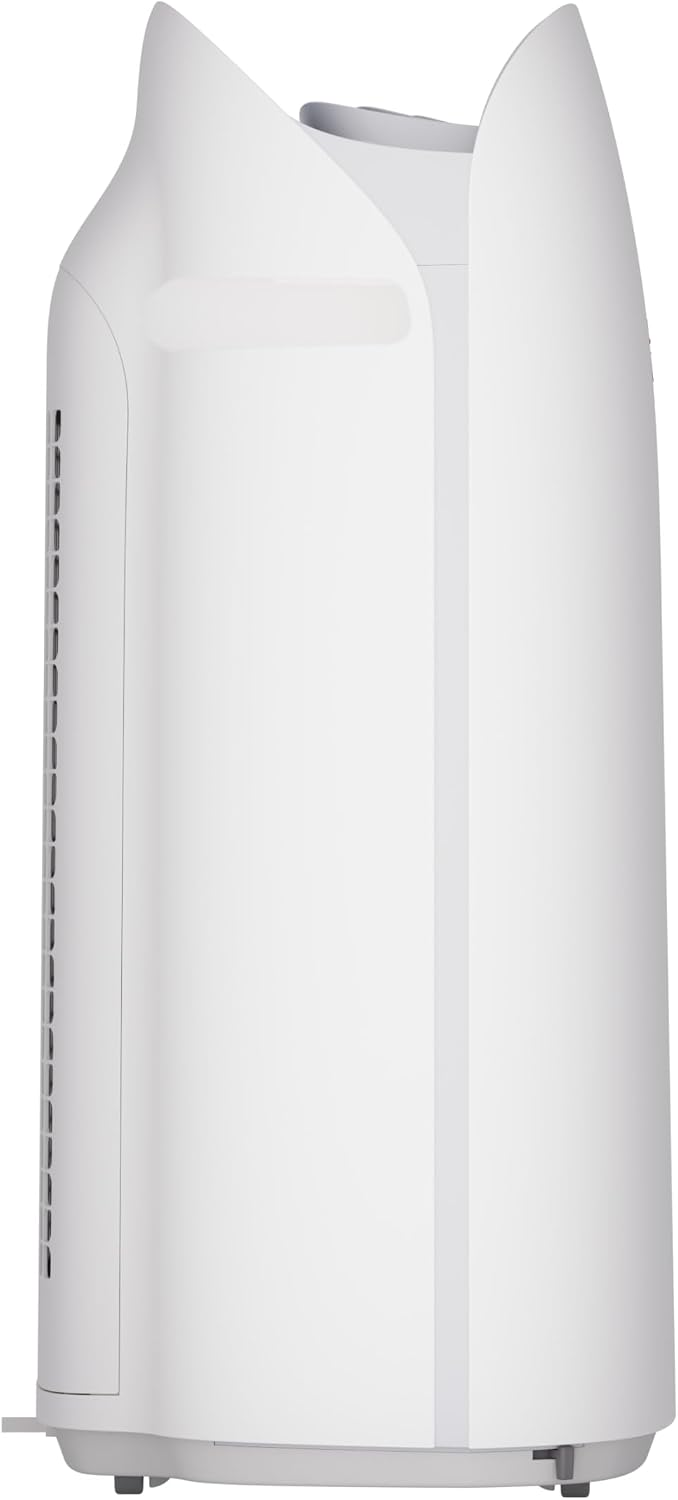
Малюнок 1: Спереду view of the SHARP KCP70UW unit, illustrating its key features.
2. Інформація про безпеку
Завжди дотримуйтесь основних запобіжних заходів під час використання електроприладів, щоб зменшити ризик пожежі, ураження електричним струмом та травмування людей.
- Не блокуйте отвори для входу або випуску повітря.
- Не використовуйте поблизу води або у вологих середовищах.
- Від’єднайте пристрій від мережі перед чищенням або обслуговуванням.
- Зберігати в недоступному для дітей та домашніх тварин місці.
- Використовуйте лише з зазначеним об'ємомtage.
3. Налаштування
3.1 Розпакування та підготовка фільтра
Before first use, it is crucial to remove all protective plastic bags from the air filters. Operating the unit with filters still in plastic bags will prevent proper air purification and may cause unusual noises.
- Carefully open the back panel of the air purifier.
- Remove the air filters from their compartments.
- Cut and remove all plastic packaging from both the True HEPA filter and the Activated Carbon deodorizing filter.
- Знову вставте фільтри в пристрій, переконавшись, що вони правильно орієнтовані.
- Close the back panel securely.
Video 1: Instructions on how to properly set up the air purifier by removing plastic bags from filters.

Figure 2: The air purifier with its back panel open, showing the filters being removed for plastic bag removal.
3.2 Розміщення
Place the air purifier on a flat, stable surface in the room where air purification is desired. Ensure there is adequate space around the unit for proper airflow. The KCP70UW is effective for rooms up to 1,913 sq. ft. at one air change per hour, or 396 sq. ft. with 4.8 air changes per hour (AHAM Suggested Room Size).

Figure 3: The air purifier positioned in a spacious living area, highlighting its capacity for large rooms.
3.3 Підключення живлення
Підключіть шнур живлення до стандартної електричної розетки. Тепер пристрій готовий до роботи.
4. Інструкція з експлуатації
4.1 Панель керування надview
The control panel is located on the top of the unit and features various buttons and indicators for easy operation.
Малюнок 4: Детально view of the control panel with its intuitive buttons and digital display.
4.2 Основна операція
- Увімкнення/вимкнення живлення: Натисніть УВІМК./ВИМК кнопку, щоб увімкнути або вимкнути пристрій.
- Швидкість вентилятора: Cycle through fan speeds (Low, Medium, Max) using the вентилятор кнопку.
- Автоматичний режим: Натисніть АВТО button. In Auto mode, the unit automatically adjusts fan speed and humidification based on detected air quality and humidity levels.
4.3 Smart Features (SHARP AIR App, Alexa, Google Assistant)
The SHARP KCP70UW is compatible with the SHARP AIR App (available for Apple and Android devices), Amazon Alexa, and Google Assistant for enhanced control and monitoring.
- Віддалене керування: Use the SHARP AIR App to adjust settings, monitor air quality, and set schedules from your smartphone.
- Голосове керування: Connect your unit to Amazon Alexa or Google Assistant-enabled devices (sold separately) to use voice commands for operation.
- Додаткові режими: Access modes like Sleep, Pollen, and Express Clean exclusively through the SHARP AIR App.

Figure 5: The SHARP AIR App provides comprehensive control and monitoring features for your air purifier.
Відео 2: Кінецьview of the SHARP KCP70UW Smart Air Purifier with Humidifier, highlighting its smart features and filtration system.
5. Технічне обслуговування
5.1 Filter Care and Replacement
The KCP70UW features long-life filters designed to last up to 2 years, depending on the environment and usage. Regular cleaning and timely replacement are essential for maintaining optimal performance.
- Попередній фільтр: The washable microscreen pre-filter traps large particles. Clean it regularly by vacuuming or rinsing with water.
- Дезодоруючий фільтр з активованим вугіллям: Helps reduce common household odors. Replace every 2 years or as indicated by the filter replacement indicator.
- Справжній фільтр HEPA: Captures 99.97% of particles 0.3 microns and larger. Replace every 2 years or as indicated by the filter replacement indicator.
- Зволожувальний фільтр: This filter is also designed for long life and can be cleaned. Refer to the app for replacement status.

Малюнок 6: Розібраний view of the triple filtration system, showing each filter component.

Figure 7: The True HEPA filter, designed for extended use up to 2 years.
5.2 Технічне обслуговування зволожувача повітря
The humidifier function requires regular attention to ensure clean and effective humidification.
- Бак для води: Refill the water tank with clean tap water as needed. Avoid using distilled water as the unit is designed for tap water.
- Humidifying Filter Cleaning: Periodically clean the humidifying filter to prevent mineral buildup. Refer to the full instruction manual for detailed cleaning steps.

Figure 8: The humidifying filter and its tray, easily accessible for maintenance.
6. Вирішення проблем
If you encounter issues with your SHARP KCP70UW, refer to the following common problems and solutions:
| проблема | Можлива причина | Рішення |
|---|---|---|
| Loud flapping sound / Poor air purification | Air filters still in plastic bags. | Remove all plastic packaging from filters before use (refer to Section 3.1). |
| Humidifier not increasing humidity | Water tank empty; Humidifying filter dirty or calcified. | Refill water tank; Clean or replace humidifying filter. |
| Unit not responding to app/voice commands | Wi-Fi connection issue; App not properly configured; Device not linked to Alexa/Google Assistant. | Check Wi-Fi connection; Reconfigure app settings; Ensure proper linking with smart assistant. |
| Auto mode not adjusting fan speed | Dust/odor sensors are obstructed or dirty. | Clean the dust and odor sensors. |
7. Технічні характеристики
Key technical specifications for the SHARP KCP70UW:
| Особливість | Деталь |
|---|---|
| Номер моделі | KCP70UW |
| Колір | Білий |
| Розміри продукту (Д x Ш x В) | 12.4 см x 15.8 см x 28.6 см |
| Вага товару | 22.3 фунта |
| Покриття площі підлоги | 1913 Square Feet (1x/hr air change) / 396 Square Feet (4.8x/hr AHAM) |
| Рівень шуму | 21 Decibels (Low Fan Speed) |
| Клас фільтра | HEPA та активоване вугілля |
| Розмір утримання частинок | 0.3 мікрометра (справжній HEPA-фільтр) |
| Тип контролера | Amazon Alexa, Android, Google Асистент |
| Особливість | Програмований |
| Сертифікати | Сертифіковано AHAM, CARB та Energy Star |
| UPC | 074000701663 |

Figure 9: The unit's quiet operation makes it suitable for bedrooms.

Figure 10: AHAM Verifide CADR ratings for effective pollutant removal.

Рисунок 11: Розміри виробу для планування розміщення.
8. Гарантія та підтримка
Щоб отримати інформацію про гарантію та підтримку клієнтів, зверніться до гарантійного талона, що додається до вашого продукту, або відвідайте офіційний веб-сайт Sharp. website. You can also contact Sharp customer service for assistance with product registration, troubleshooting, or replacement parts.
Інтернет-ресурси: For additional information, FAQs, and support, visit the Sharp website or the SHARP AIR App support section.


