1. Вступ
This manual provides instructions for the installation, operation, and maintenance of your WiZ Smart LED Imageo Spotlight Plate. This smart lighting system offers versatile illumination with adjustable white and colored light, motion detection via SpaceSense technology, and voice control capabilities.

малюнок 1: WiZ Smart LED Imageo Spotlight Plate with three GU10 bulbs and its product packaging.
2. Вміст упаковки
- 1x WiZ Smart LED Imageo Spotlight Plate (White)
- 3x GU10 5W Smart LED Bulbs
- Installation Hardware (screws, wall plugs)
- Посібник користувача (цей документ)
3. Інформація про безпеку
- Перед встановленням або обслуговуванням переконайтеся, що живлення відключено.
- Якщо ви не впевнені, встановлення має виконувати кваліфікований електрик.
- Do not expose the product to water or excessive moisture.
- Use only GU10 bulbs as specified.
4. Монтаж
- Вимкнення живлення: Turn off the main power supply at the circuit breaker before beginning installation.
- Монтаж пластини: Secure the circular ceiling plate to your desired location using the provided screws and wall plugs. Ensure the mounting surface is suitable to support the fixture's weight.
- Електропроводка: Connect the electrical wires from your ceiling to the terminal block on the spotlight plate. Follow local electrical codes and ensure proper grounding.
- Вставити лампочки: Gently insert the three GU10 smart LED bulbs into the spotlight sockets.
- Adjust Spotlights: Adjust the direction of each spotlight as needed.
- Увімкнення: Restore power at the circuit breaker. The lights should turn on.

малюнок 2: Visual guide for installing WiZ smart lights and downloading the app.
5. Початкове налаштування та підключення до програми
- Завантажте застосунок WiZ: Завантажте застосунок WiZ з Apple App Store або Google Play Store.
- Створити обліковий запис: Open the app and follow the on-screen instructions to create a new WiZ account or log in to an existing one.
- Сполучення: In the app, select "Add Device" and follow the pairing process. Ensure your Wi-Fi network is active and your phone is connected to the 2.4GHz band during setup.
- Розподіл кімнат: Assign your new spotlight plate to a room within the app for organized control.
6. Operating Your WiZ Smart LED Spotlight
6.1. Basic Control (WiZ App)
- Увімкнення/вимкнення: Toggle the lights on or off directly from the app.
- Затемнення: Adjust the brightness level using the dimmer slider in the app.
- Регулювання білого світла: Change the white light from warm (yellowish) to cool (bluish) tones to suit your preference or time of day.
- Вибір кольору: Choose from millions of colors to create various ambiances.
- Попередньо встановлені сцени: Utilize pre-programmed lighting scenes for different activities or moods.

малюнок 3: The WiZ spotlight plate can produce light from warm white to cool white.

малюнок 4: The WiZ spotlight plate offers millions of color options for personalized lighting.
6.2. SpaceSense Motion Detection
The WiZ SpaceSense technology uses Wi-Fi signals to detect movement in a room without requiring additional sensors. This allows your lights to turn on automatically when you enter and off when you leave.
- активація: Enable SpaceSense in the WiZ app for the desired room.
- Регулювання чутливості: Adjust the sensitivity settings in the app to fine-tune motion detection. You can set it to detect all movement or only human movement, ignoring pets.
- No Extra Sensors: This feature works using the existing WiZ lights and your Wi-Fi network, eliminating the need for separate motion sensors or batteries.
Відео 1: Demonstration of WiZ SpaceSense technology, showing lights automatically turning on and off based on movement detection.
6.3. Голосове керування
The WiZ Smart LED Spotlight Plate is compatible with popular voice assistants, allowing for hands-free control.
- Підтримувані платформи: Works with Amazon Alexa, Apple HomeKit, and Google Home.
- налаштування: Link your WiZ account to your preferred voice assistant app (e.g., Alexa app, Google Home app).
- Команди: Use voice commands such as "Alexa, turn on the living room lights," "Hey Google, dim the kitchen spotlights to 50%," or "Siri, set the bedroom lights to blue."
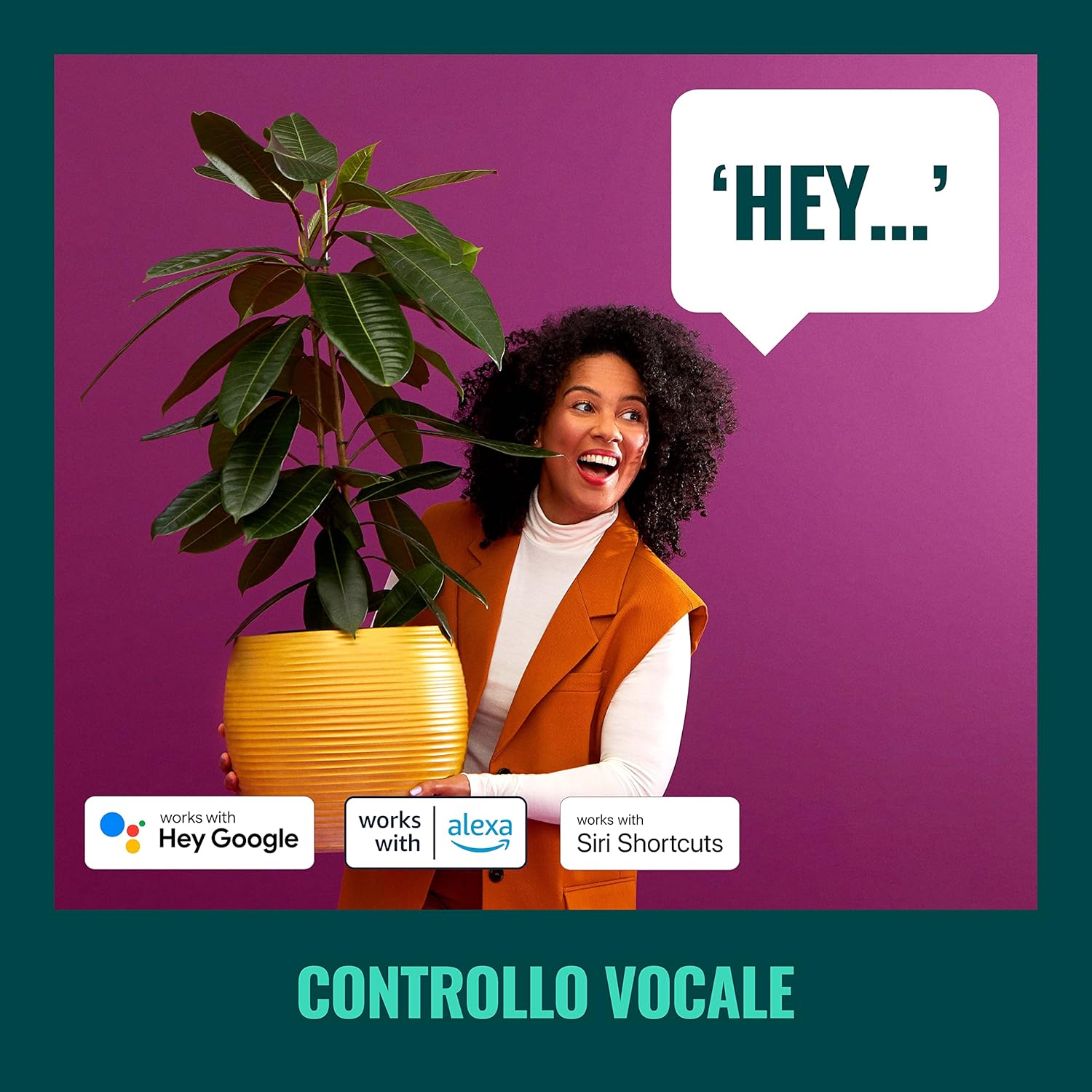
малюнок 5: The WiZ system supports voice control via popular smart home platforms.
6.4. Schedules and Routines
Automate your lighting to fit your daily routine.
- Планування: Set specific times for lights to turn on/off, change brightness, or alter color.
- Циркадний ритм: Enable Circadian Rhythm to automatically adjust light color and brightness throughout the day to mimic natural light patterns, promoting well-being.

малюнок 6: закінченоview of advanced control features including scene personalization, remote control, scheduling, and circadian rhythm.
7. Технічне обслуговування
- Прибирання: Від’єднайте живлення перед чищенням. Протріть прилад м’якою сухою тканиною. Не використовуйте абразивні засоби для чищення або розчинники.
- Заміна лампи: Ensure power is off. Allow bulbs to cool before handling. Twist and pull to remove old GU10 bulbs, then insert new ones by aligning and twisting.
- Оновлення програмного забезпечення: Regularly check the WiZ app for firmware updates to ensure optimal performance and access to new features.
8. Вирішення проблем
- Фари не реагують:
- Перевірте, чи увімкнено головний вимикач живлення.
- Переконайтеся, що ваша мережа Wi-Fi активна та стабільна.
- Verify that the WiZ app is connected to the correct Wi-Fi network.
- Try power cycling the spotlight plate (turn off for 10 seconds, then on).
- Складність сполучення:
- Переконайтеся, що ваш телефон підключено до мережі Wi-Fi 2.4 ГГц під час сполучення.
- Підійдіть ближче до свого Wi-Fi роутера.
- Reset the bulbs by turning them on/off three times (on for 1-2 seconds, off for 1-2 seconds) until they flash.
- SpaceSense Not Detecting Movement:
- Increase the sensitivity setting in the WiZ app.
- Ensure there are at least two WiZ lights in the room for optimal detection.
- Check for obstructions that might block Wi-Fi signals.
- Проблеми з голосовим керуванням:
- Confirm that your WiZ account is correctly linked to your voice assistant.
- Перевірте підключення до Інтернету.
- Ensure the device name in the WiZ app matches the name used in voice commands.
9. Технічні характеристики
| Особливість | Специфікація |
|---|---|
| Бренд | WiZ |
| Номер моделі | 929003210801 |
| Розміри продукту | 12 х 11 х 26 см |
| вага | 1 кг |
| Колір | Білий |
| матеріал | Metal (fixture), Plastic (shade) |
| Стиль | Сучасний |
| Кількість вогнів | 3 |
| Тип лампочки | LED |
| Основа лампи | GU10 |
| Wattagе (на лампочку) | 5 Вт |
| Світловий потік | 1350 люменів (загалом) |
| томtage | 230 вольт (змінного струму) |
| Рейтинг IP | IP20 |
| Середня тривалість життя | 15,000 години |
| Особливості | Dimmable, Energy Saving, SpaceSense Technology, Voice Control |
10. Гарантія та підтримка
For warranty information and technical support, please refer to the official WiZ webсайт або зверніться до служби підтримки клієнтів. Зберігайте чек про покупку як підтвердження покупки.
Інтернет-ресурси: Відвідайте WiZ Brand Store для отримання додаткової інформації про продукт та підтримки.


