1. Вступ
This manual provides detailed instructions for the installation, operation, and maintenance of your Vivotek IB9380-H 5MP IR Outdoor Network Bullet Camera. Please read this manual thoroughly before using the product to ensure proper setup and optimal performance. This camera is designed for outdoor security surveillance, offering high-resolution imaging and infrared capabilities for reliable monitoring.
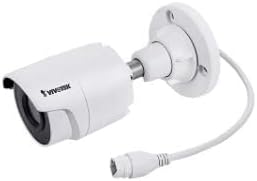
Image 1.1: Vivotek IB9380-H 5MP IR Outdoor Network Bullet Camera overview.
2. Інформація про безпеку
- Джерело живлення: Use only the specified AC/DC power adapter. Ensure the power supply is stable and meets the camera's requirements (3.5 watts).
- Середовище встановлення: This camera is rated for outdoor use (IP9380). Avoid installing in locations with extreme temperatures, high humidity, or corrosive substances beyond its operating specifications.
- Обробка: Do not drop or subject the camera to severe shock. Avoid touching the lens directly.
- Розбирання: Do not attempt to disassemble or modify the camera. This may void the warranty and cause damage.
- Кабелі: Ensure all cables are properly secured and protected from environmental damage or tampering.
3. Вміст упаковки
Перевірте наявність усіх елементів в упаковці:
- Vivotek IB9380-H 5MP IR Outdoor Network Bullet Camera
- Монтажний комплект (шурупи, анкери до стіни)
- Посібник із швидкого встановлення
- Водонепроникний роз'єм для кабелю Ethernet
4. Налаштування
4.1. Фізична установка та монтаж
The Vivotek IB9380-H camera is designed for wall mount installation. Choose a suitable location that provides the desired field of view і знаходиться в межах досяжності електроживлення та мережевих підключень.
- Підготуйте монтажну поверхню: Mark the drilling points on the wall using the mounting template (if provided) or by holding the camera's base against the surface.
- Свердлити отвори: Просвердліть початкові отвори у позначених місцях. Вставте анкери до стіни, якщо монтуєте на гіпсокартон або цегляну кладку.
- Захистіть камеру: Attach the camera's mounting base to the wall using the provided screws. Ensure it is firmly secured.
- Відрегулювати кут: Loosen the adjustment screws on the camera body to set the desired viewing angle. Tighten the screws once the angle is satisfactory.

Image 4.1: Camera dimensions and mounting diagram for installation planning.
4.2. Кабельне підключення
Connect the necessary cables to the camera:
- Кабель Ethernet: Connect a standard Ethernet cable (RJ45) to the camera's network port. Use the waterproof connector to protect the connection if exposed to weather.
- Кабель живлення: Connect the power adapter to the camera's power input. Ensure the connection is secure.

Image 4.2: Close-up of an Ethernet cable connector, similar to what is used for the camera's network connection.
4.3. Початкове увімкнення
Once all cables are connected, plug the power adapter into an electrical outlet. The camera will power on and initiate its startup sequence. Observe any indicator lights for status.
5. Інструкція з експлуатації
5.1. Network Configuration and Access
The Vivotek IB9380-H supports Wi-Fi connectivity. For initial setup, it is recommended to connect via Ethernet to configure network settings.
- Відкрийте для себе камеру: Use the Vivotek IP Search utility or your network router's client list to find the camera's assigned IP address.
- Доступ Web Інтерфейс: Відкрийте a web browser and enter the camera's IP address. Log in using the default credentials (refer to the Quick Installation Guide for details).
- Налаштування Wi-Fi: Navigate to the network settings within the web interface. Select your Wi-Fi network, enter the password, and save the settings. Once configured, you may disconnect the Ethernet cable if desired.
5.2. Жити View і Запис
After network setup, you can access the camera's live feed and configure recording options.
- Жити View: Від web interface or a compatible mobile application, select the camera to view його пряма трансляція.
- Налаштування запису: Configure recording schedules, continuous recording, or event-triggered recording (e.g., motion detection). Recordings can be stored on a network video recorder (NVR) or a local storage device if supported.
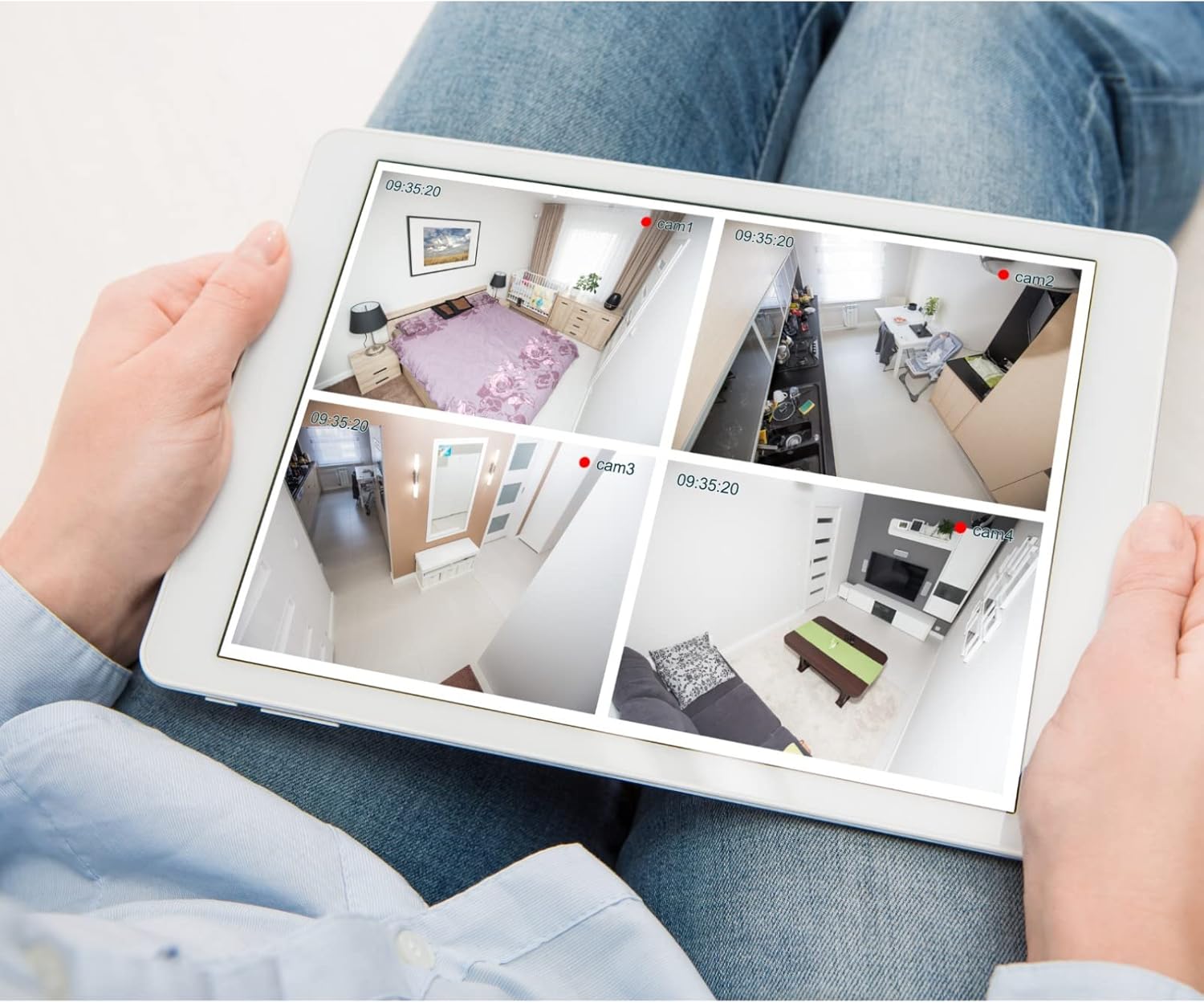
Зображення 5.1: Наприкладample of a tablet displaying multiple camera feeds, illustrating remote monitoring capabilities.
5.3. Motion Detection Setup
The camera supports motion-only alerts.
- Access Alert Settings: In the camera's web interface, navigate to the event or alert settings section.
- Налаштування виявлення руху: Enable motion detection and define the detection zones and sensitivity levels.
- Set Actions: Specify actions to be taken upon motion detection, such as recording, sending email notifications, or triggering alarms.
5.4. Нічне бачення
The camera features IR (Infrared) and Night Color low light technology for clear imaging in various lighting conditions. These features typically activate automatically based on ambient light levels.
6. Технічне обслуговування
- Очищення лінзи: Gently wipe the camera lens with a soft, clean cloth. For stubborn dirt, use a lens cleaning solution designed for optical surfaces. Do not use abrasive cleaners.
- Оновлення прошивки: Periodically check the Vivotek webсайт для оновлень прошивки. Оновлення прошивки забезпечує оптимальну продуктивність, безпеку та доступ до нових функцій.
- Екологічна перевірка: Regularly inspect the camera and its mounting for any signs of wear, damage, or loose connections, especially after severe weather conditions.
- Цикл живлення: If the camera experiences minor issues, try power cycling it by disconnecting and reconnecting the power supply.
7. Вирішення проблем
| проблема | Можлива причина | Рішення |
|---|---|---|
| Немає живлення | Power adapter unplugged or faulty; power outlet issue. | Check power connections. Test the outlet with another device. Try a different power adapter if available. |
| Немає відео | Network connection issue; incorrect IP address; camera not configured. | Verify network cable connection or Wi-Fi settings. Confirm camera's IP address. Ensure camera is properly configured in your viewпрограмне забезпечення. |
| Погана якість зображення | Брудний об'єктив; погане освітлення; неправильні налаштування роздільної здатності. | Clean the camera lens. Ensure sufficient lighting or verify night vision is active. Check video resolution settings in the camera's interface. |
| Виявлення руху не працює | Motion detection disabled; incorrect sensitivity; detection zones not set. | Enable motion detection in settings. Adjust sensitivity and define detection zones. |
8. Технічні характеристики
| Особливість | Деталь |
|---|---|
| Модель | IB9380-H |
| Ефективне вирішення проблеми | 5 Мп |
| Роздільна здатність захоплення відео | 1080p |
| Частота кадрів | 20 кадрів/с |
| Технологія низького освітлення | Нічний колір |
| Форм-фактор | Куля |
| Використання в приміщенні/зовні | Відкритий |
| Тип монтажу | Настінне кріплення |
| Бездротовий зв'язок | Wi-Fi |
| Протокол підключення | Wi-Fi |
| Джерело живлення | AC/DC |
| Wattage | 3.5 Вт |
| Тип сповіщення | Лише рух |
| Спосіб контролю | Дистанційний |
| Розміри (Д x Ш x В) | 3.59 x 3.59 x 6.96 дюймів |
| Міжнародний захист рейтингу | IP9380 |
| UPC | 655255870887, 681541834035 |
9. Інформація про гарантію
This Vivotek product is covered by a manufacturer's limited warranty. Please refer to the warranty card included in your package or visit the official Vivotek webДетальні умови гарантійного покриття, терміну дії та процедури подання претензій див. на сайті. Зберігайте чек про покупку для гарантійного обслуговування.
10. Підтримка клієнтів
For technical assistance, troubleshooting beyond this manual, or warranty inquiries, please contact Vivotek customer support. You can typically find contact information (phone, email, support portal) on the official Vivotek webсайті або в документації, що надається разом із вашим продуктом.
Інтернет-ресурси: www.vivotek.com


