вступ
The One For All Slate R18200 Universal Remote Control is specifically designed for hospitality and medical applications. It provides simple yet effective control of entertainment systems in guest rooms, ensuring reliable performance and integrity. The Slate remote is fully cleanable, allowing it to be disinfected with common cleaning agents or wipes for the hospitality sector before each new guest stay, promoting hygiene and safety.
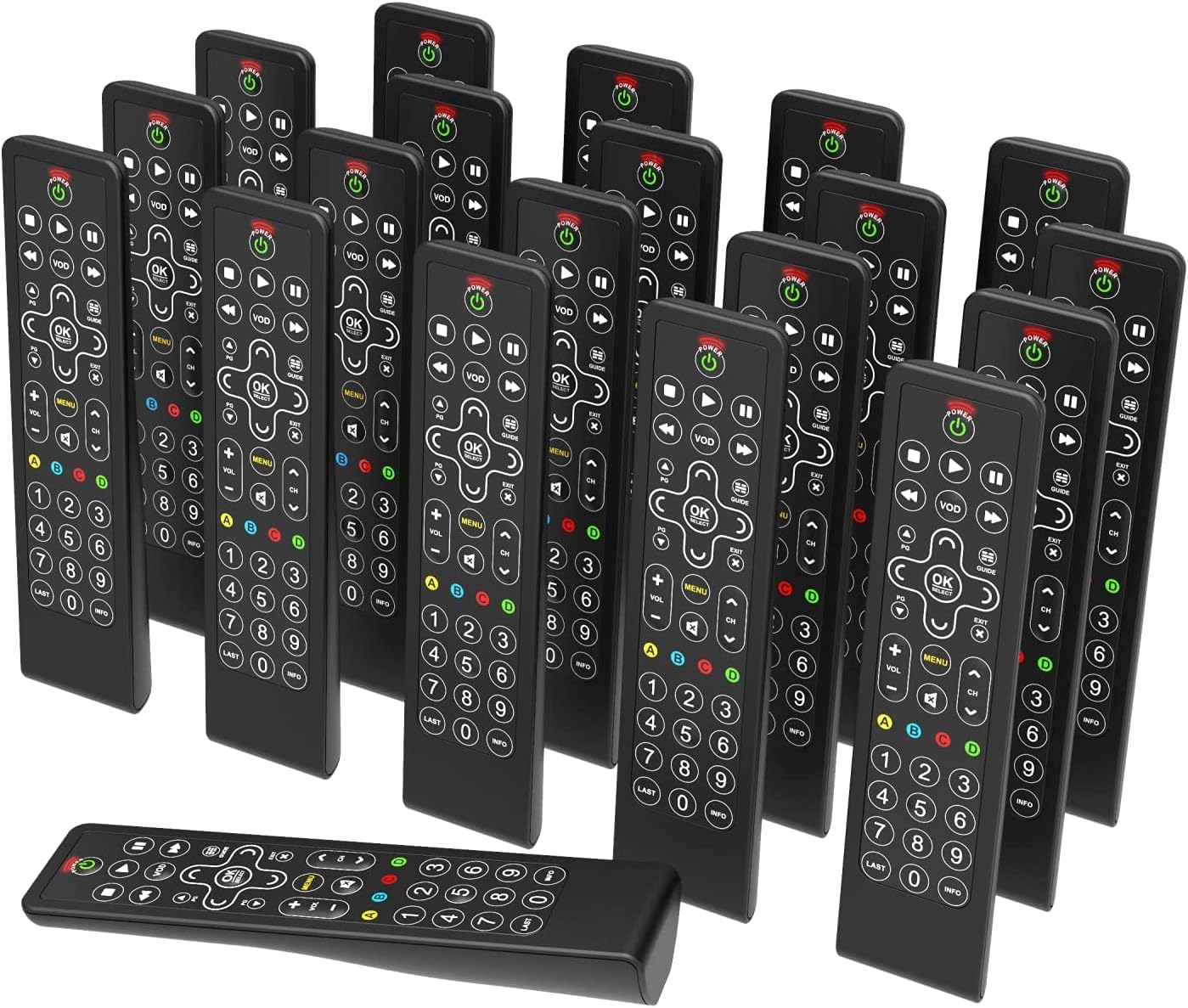
Image: A collection of One For All Slate R18200 universal remote controls, highlighting their availability in bulk for commercial use.
Ключові характеристики
- Fully Cleanable Design: Engineered to be entirely cleanable, suitable for hospitality and medical environments.
- Disinfectant Resistant: Withstands daily cleaning with common disinfectants and wipes.
- Anti-Theft Battery Compartment: Features a secure battery compartment that does not require tools for access, deterring theft.
- Fully Backlit Keys: All keys are backlit for easy visibility and operation in low-light conditions.
- Тільки для комерційного використання: Designed and packaged specifically for commercial applications, available in convenient multi-packs (e.g., 20 remotes).

Зображення: Детальний view of the remote control's buttons, illuminated by backlighting, demonstrating the fully backlit key feature.
Налаштування
1. Встановлення батареї
- Знайдіть батарейний відсік на задній панелі пульта дистанційного керування.
- Open the anti-theft battery cover. This compartment is designed to be secure but accessible without tools.
- Insert two AAA alkaline batteries, ensuring correct polarity (+/-).
- Щільно закривайте кришку батарейного відсіку, доки вона не клацне на місці.

Image: The rear side of the remote control, illustrating the design of the anti-theft battery compartment.
2. Initial Programming (if required)
The Slate R18200 remote is pre-programmed for common hospitality TV systems. If your specific TV or entertainment system requires programming, refer to the detailed programming instructions provided with your bulk purchase or consult the One For All support website for specific codes and setup procedures. Typically, this involves a simple code entry or auto-search function.
Інструкція з експлуатації
The Slate R18200 remote control features a simplified layout for intuitive use in hospitality settings.
- Кнопка живлення (ПОТУЖНІСТЬ): Press to turn the TV or connected device on or off.
- Volume Control (ГУЧНІСТЬ +/-): Збільшує або зменшує гучність звуку.
- Channel Control (СН +/-): Змінює телеканал вгору або вниз.
- Навігаційна панель (СТРІЛКИ & ОК/ВИБРАТИ): Use the arrow keys to navigate menus and the OK/SELECT button to confirm selections.
- Меню (МЕНЮ): Доступ до головного меню телевізора.
- VOD (VOD): Direct access to Video On Demand services (if supported by the TV system).
- Guide (ПОСІБНИК): Відображає електронний програмний гід.
- Елементи керування відтворенням (PLAY, PAUSE, STOP, REW, FF): Керує відтворенням медіа.
- Цифрова клавіатура (0-9): Безпосередньо введіть номери каналів.
- Клавіші з підсвічуванням: The entire keypad illuminates when a button is pressed, making it easy to use in dimly lit rooms.

Зображення: Чіткий фронт view of the remote control, detailing the layout and function of each button.
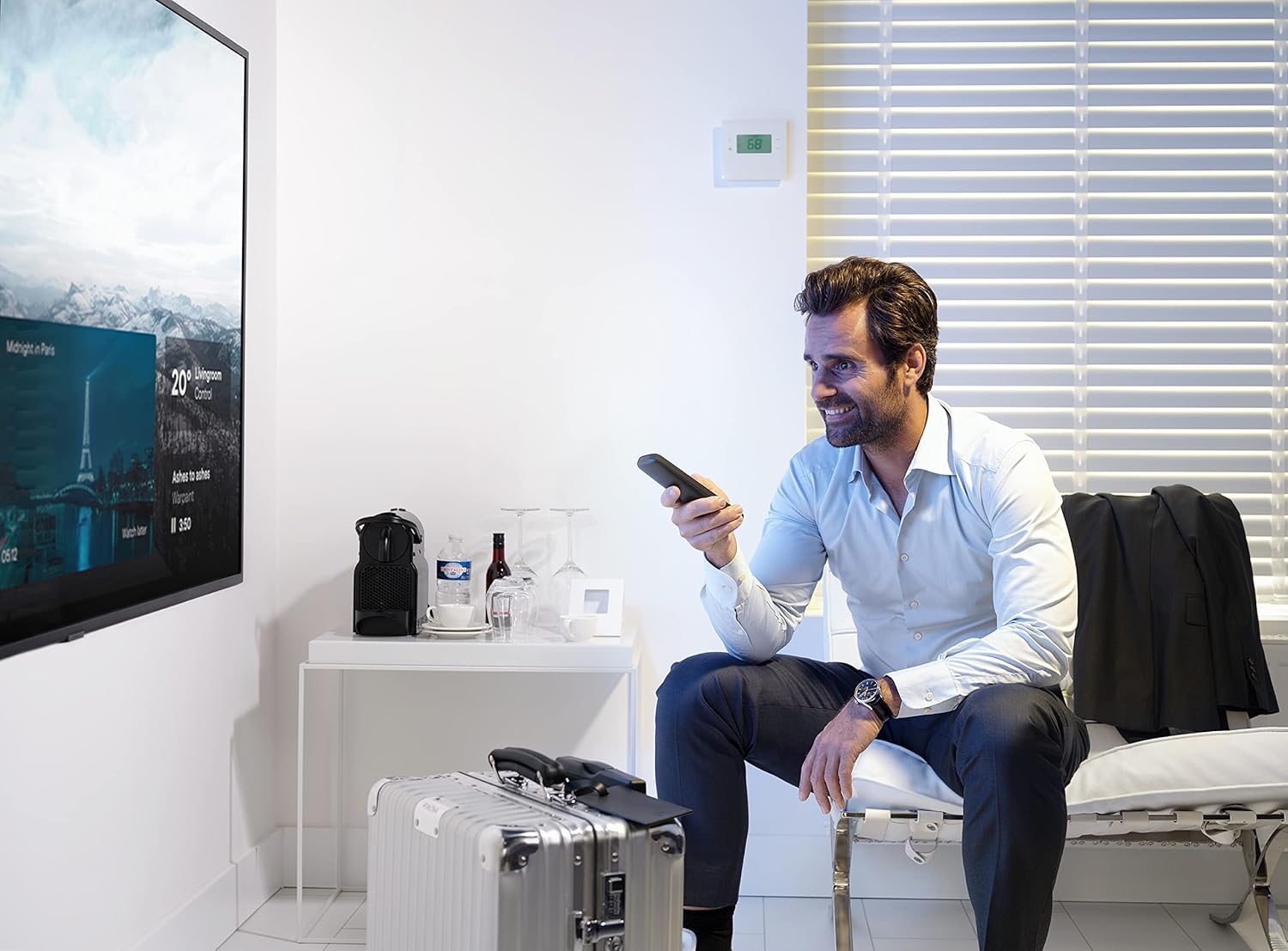
Image: An individual operating the remote control in a hotel room, demonstrating typical usage.
Технічне обслуговування
Очищення пульта дистанційного керування
The Slate R18200 is designed for easy and thorough cleaning, crucial for hospitality environments.
- Ensure the remote control is powered off (if applicable) or remove batteries before cleaning for safety.
- Використовуйте м’яку тканину dampened with common disinfectants or pre-moistened disinfectant wipes.
- Wipe down all surfaces of the remote control, paying attention to the buttons and crevices.
- Allow the remote to air dry completely before reinserting batteries or using.
- Do not submerge the remote control in liquid. Avoid harsh abrasive cleaners.

Image: The remote control positioned in a hotel room setting, emphasizing its cleanable nature and readiness for guest use.
Заміна батареї
Replace batteries when the remote's performance degrades or the backlit keys no longer illuminate brightly. Follow the battery installation steps outlined in the "Setup" section.
Усунення несправностей
| проблема | Можлива причина | Рішення |
|---|---|---|
| Пульт не відповідає. | Розряджені або неправильно вставлені батарейки. | Перевірте полярність батарейок. За потреби замініть батарейки. |
| Remote not controlling the TV. | Remote not programmed correctly for the TV. | Refer to programming instructions or One For All support for correct setup. Ensure line of sight to the TV's IR receiver. |
| Кнопки залипають або не реагують. | Dirt or residue under buttons. | Clean the remote thoroughly as per maintenance instructions. |
| Не працює підсвічування. | Низький заряд батареї. | Замініть батареї. |
Технічні характеристики
- Бренд: Один за всіх
- Номер моделі: 18200 рандів
- колір: чорний
- Технологія підключення: Інфрачервоний (ІЧ)
- Особливості: Backlit Keys, Universal, Cleanable Design
- Сумісні пристрої: Televisions (designed for hospitality TV systems)
- Склад батареї: лужні
- Джерело живлення: Живлення від батарейок (2x AAA, не входять до комплекту)
- Максимальний діапазон: Приблизно 10 метрів (33 фути)
- Вага товару: Approximately 3.43 Kilograms (for a pack of 20 remotes)
- Виробник: Універсальна електроніка
- Країна походження: Китай
Гарантія та підтримка
Warranty information for the One For All Slate R18200 remote controls is typically provided at the point of purchase or with the bulk packaging. For detailed warranty terms, technical support, or programming assistance, please visit the official One For All website or contact your commercial distributor.
Please note that information regarding spare parts availability and guaranteed software updates is not publicly available for this product.
Щоб отримати додаткову допомогу, відвідайте: www.oneforall.com