Продукт закінченийview
The ANSMANN AES4 Timer Switch is a digital weekly timer designed to automate the switching of electrical devices. It features a clear LCD display, 10 programmable switching times, a random function for simulating presence, and a summer time adjustment feature. This device helps in managing energy consumption and enhancing home security.

малюнок 1: Фронт view of the ANSMANN AES4 Timer Switch, showing the LCD display and control buttons.
Налаштування та початкова конфігурація
Before first use, ensure the timer switch is fully charged by plugging it into a live socket for at least 30 minutes. This will activate the internal battery for memory retention.
1. Скидання пристрою
To clear all previous settings and ensure a fresh start, locate the small СКИДАННЯ button (usually recessed) and press it with a pointed object (e.g., a pen tip). The display will show all segments, then reset to 00:00.
2. Встановлення поточного часу та дня
- Натисніть ГОДИННИК кнопку один раз. На дисплеї відобразиться поточний час.
- Натисніть ТИЖДЕНЬ кілька разів натисніть кнопку , щоб встановити поточний день (ПН, ВТ, СР, ЧТ, ПТ, СБ, НД).
- Натисніть ГОДИНА button repeatedly to set the current hour (0-23).
- Натисніть ХВИЛИНА button repeatedly to set the current minute (0-59).
- To exit time setting mode, press any other button or wait approximately 30 seconds for the device to return to normal display.

малюнок 2: Close-up of the LCD display, illustrating the day and time setting interface. Note the "SUMMER" indicator for summer time function.
3. 12/24 Hour Display Selection
While in normal clock mode, press the ГОДИННИК кнопку, а потім кнопку ТАЙМЕР button simultaneously to toggle between 12-hour (with AM/PM indicator) and 24-hour display formats.
4. Summer Time Function
To activate or deactivate the summer time (Daylight Saving Time) function, press the ГОДИННИК кнопку, а потім кнопку УВІМК./АВТО/ВИМК button simultaneously. The display will show "SUMMER" when activated, and the time will advance by one hour.
Інструкція з експлуатації
The AES4 Timer Switch allows for up to 10 ON/OFF programs per day or week, along with manual control and a random function.
1. Програмування часу ввімкнення/вимкнення
- Натисніть ТАЙМЕР button. The display will show "1 ON". This is the first ON program.
- використання ТИЖДЕНЬ, ГОДИНА, і ХВИЛИНА buttons to set the desired ON time and day(s) for this program. You can select specific days, weekdays, weekends, or all days.
- Натисніть ТАЙМЕР button again. The display will show "1 OFF". This is the first OFF program.
- використання ТИЖДЕНЬ, ГОДИНА, і ХВИЛИНА buttons to set the desired OFF time and day(s) for this program.
- Repeat steps 1-4 for up to 10 ON/OFF programs. Pressing ТАЙМЕР will cycle through P1 ON, P1 OFF, P2 ON, P2 OFF, ..., P10 ON, P10 OFF.
- Щоб вийти з режиму програмування, натисніть ГОДИННИК або зачекайте 30 секунд.

малюнок 3: Example of the timer switch being used to automate Christmas lighting, turning lights on from 17:00 to 08:00.
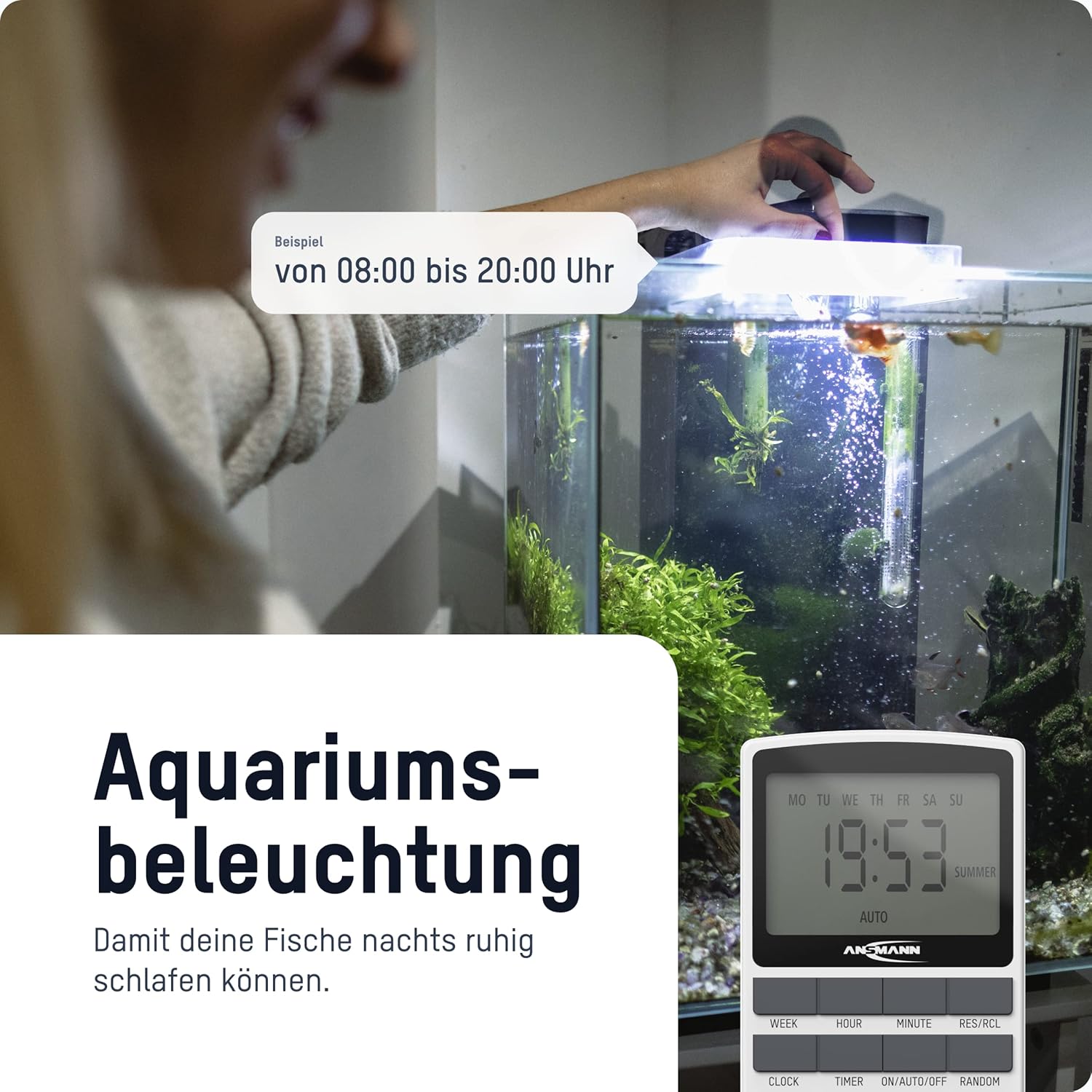
малюнок 4: The timer switch automating aquarium lighting, ensuring fish have a regular light cycle, for exampле, з 08:00 до 20:00.
2. Manual ON/AUTO/OFF Mode
Натисніть УВІМК./АВТО/ВИМК кнопка для циклічного перемикання режимів роботи:
- ON: The connected device is continuously ON, overriding all programs.
- АВТО: The connected device operates according to the programmed ON/OFF times. This is the standard operating mode for automated control.
- ВИМКНЕНО: The connected device is continuously OFF, overriding all programs.
3. Випадкова функція
The random function is designed to simulate presence in your home by randomly switching the connected device ON and OFF within a specific time window (e.g., 18:00 to 06:00). This can deter potential intruders.
Щоб активувати функцію випадкового відтворення, натисніть кнопку ВИПАДКОВО button. "RANDOM" will appear on the display. Press it again to deactivate.
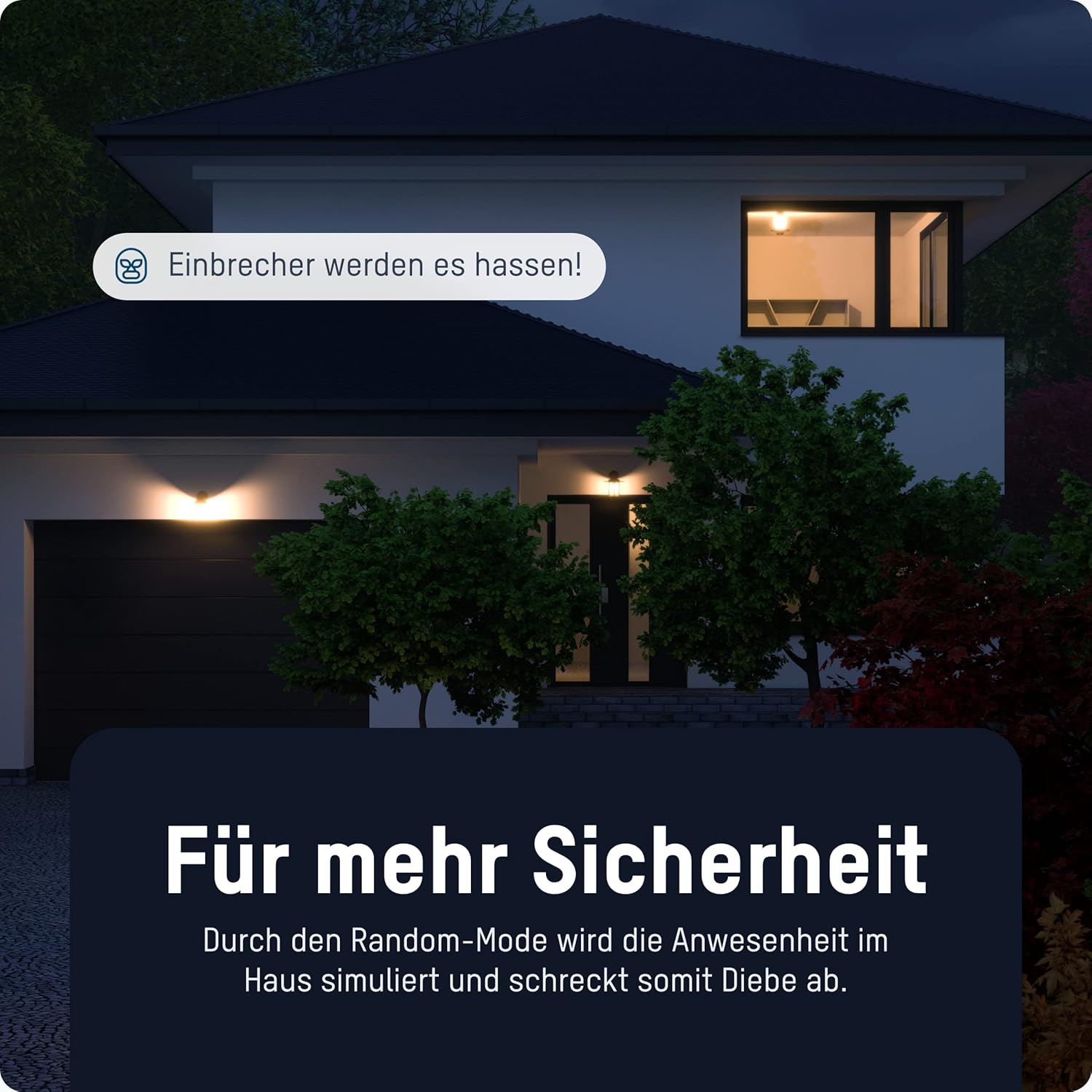
малюнок 5: The timer switch utilizing its random mode to simulate occupancy, enhancing home security by randomly turning lights on and off.
Технічне обслуговування
The ANSMANN AES4 Timer Switch requires minimal maintenance.
- Прибирання: Протріть пристрій м’якою сухою тканиною. Не використовуйте абразивні засоби для чищення або розчинники. Перед чищенням переконайтеся, що пристрій відключено від мережі.
- Зберігання: If storing the device for an extended period, ensure it is unplugged and kept in a dry, cool place.
- Батарея: The internal battery is designed for memory retention during power outages. It is not user-replaceable.
Усунення несправностей
If you encounter issues with your ANSMANN AES4 Timer Switch, try the following steps:
- Дисплей порожній або не реагує: Ensure the timer is plugged into a live power outlet. If it has been unplugged for a long time, the internal battery might be depleted. Plug it in for at least 30 minutes to charge.
- Програми не працюють:
- Check if the timer is in "AUTO" mode. If it's in "ON" or "OFF" mode, programs will be overridden.
- Перевірте, чи поточний час і день тижня встановлено правильно.
- Review your programmed ON/OFF times to ensure they are set as intended and do not conflict.
- Device connected to timer is not turning ON/OFF:
- Ensure the connected device is properly plugged into the timer switch.
- Check if the connected device itself is working by plugging it directly into a wall socket.
- Ensure the timer switch is receiving power.
- Функція випадкового вибору не працює: Ensure the "RANDOM" indicator is visible on the display.
- Загальна несправність: Perform a full reset of the device by pressing the recessed СКИДАННЯ button. Note that this will erase all programmed settings.
Технічні характеристики
| Особливість | Деталь |
|---|---|
| Номер моделі | 1260-0006 |
| Розміри продукту | 2.36 x 2.35 x 5.31 дюймів |
| Вага товару | 5.4 унції (153 грама) |
| Розмір екрана | 2.1 дюймів |
| Макс. Номінальна потужність | 3680 W (as per product title/description) |
| Час перемикання | Up to 10 ON/OFF programs per day/week |
| Функції | Digital Timer, Random Function, Summer Time, 12/24-hour display |
Гарантія та підтримка
For detailed warranty information and technical support, please refer to the official Ansmann webсайт або зверніться безпосередньо до служби підтримки клієнтів. Зберігайте чек про покупку як підтвердження покупки.
Official Ansmann Webсайт: www.ansmann.de


