вступ
Thank you for choosing the Rapoo V16 Optical Gaming Mouse. This manual provides detailed instructions on how to set up, operate, and maintain your new gaming mouse. The V16 is designed for optimal gaming performance, featuring an ergonomic design, programmable buttons, and customizable DPI settings.
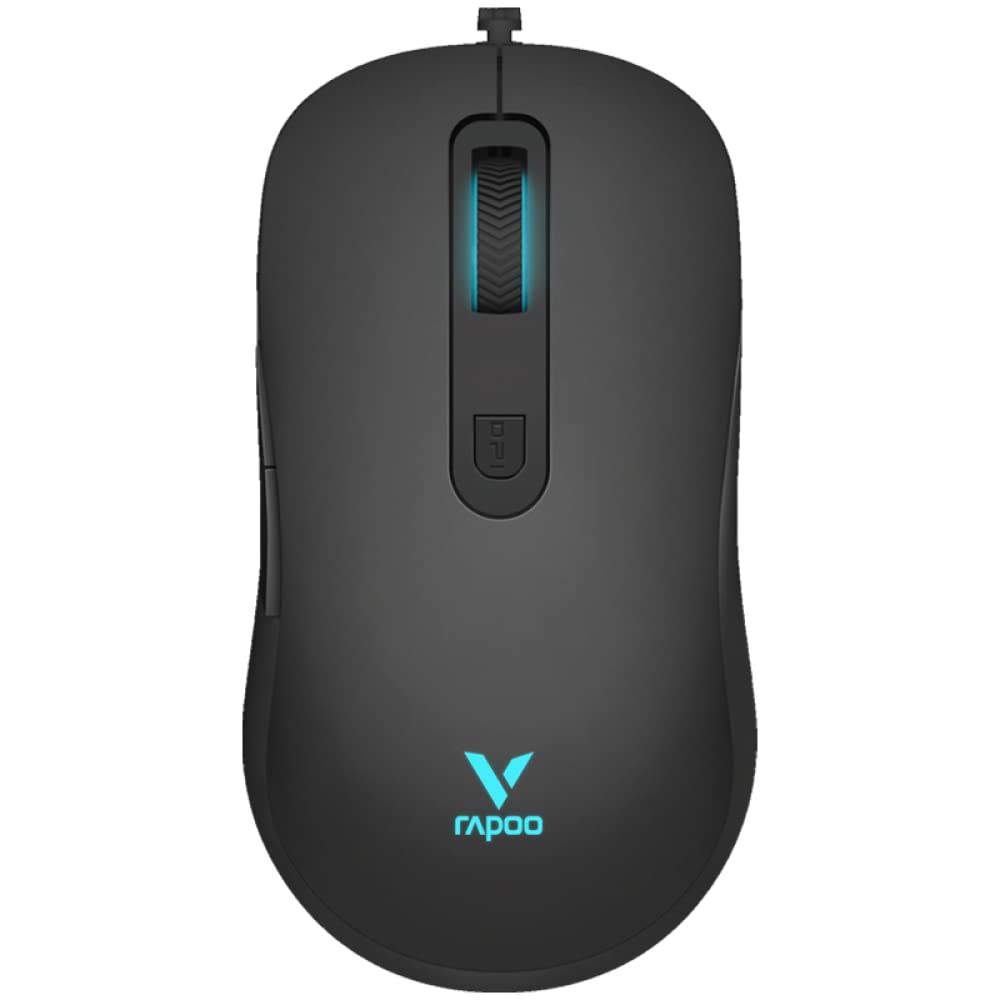
Малюнок 1: Верх view of the Rapoo V16 Optical Gaming Mouse, highlighting its sleek black design and illuminated elements.
Ключові характеристики
- Ергономічний дизайн: Perfectly designed for gaming, ensuring comfort during extended use.
- Легкий дизайн: Allows users to move and control the mouse with better ergonomics, enabling faster shooting and flicking.
- 6 програмованих кнопок: Assign macros and functions through software to each button.
- Плетений кабель: Protects the wire from tangling and ensures a hassle-free experience.
- Single RGB Lighting: Features breathing modes with cyclical changes to enlighten and brighten your gaming setup.
- Adjustable Real-time DPI: Up to 2000 DPI with 3 sensitivity modes for precise tracking.
- Вбудована пам'ять: Store your custom settings directly on the mouse.
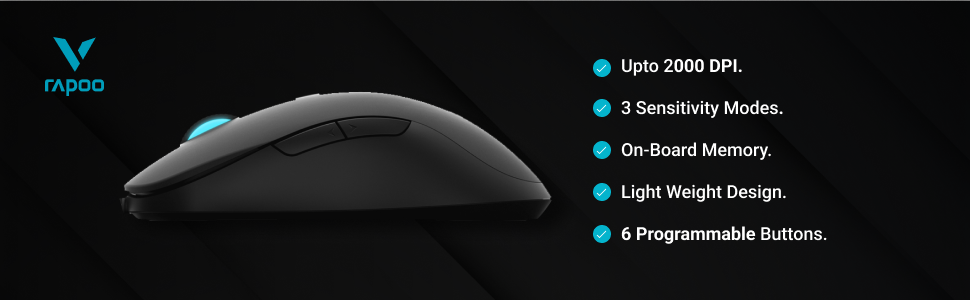
Малюнок 2: Закінченоview of the Rapoo V16's main features, including its DPI range and programmable buttons.

Figure 3: The ergonomic design of the Rapoo V16, crafted for comfortable and extended gaming sessions.
Посібник із налаштування
Системні вимоги
- Operating System: Windows 8, Windows XP
- Апаратна платформа: ПК
- Доступний USB -порт
Підключення миші
- Знайдіть вільний порт USB на комп’ютері.
- Insert the USB connector of the Rapoo V16 mouse into the USB port.
- The mouse is plug-and-play. Your operating system will automatically detect and install the necessary drivers.
- Після встановлення RGB-підсвічування миші засвітиться, що свідчить про її готовність до використання.
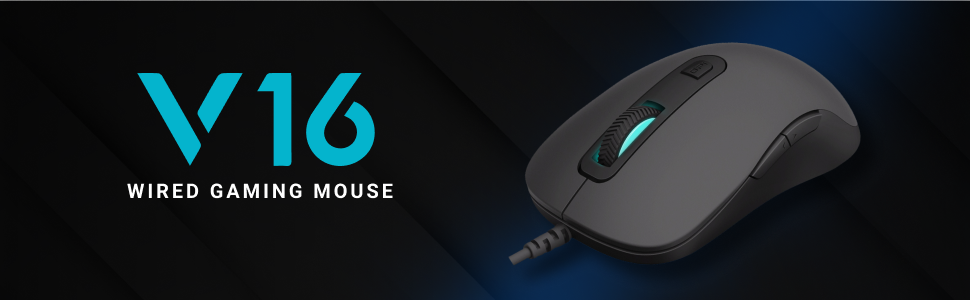
Figure 4: The Rapoo V16 is a wired gaming mouse, ensuring stable and reliable connectivity.
Інструкція з експлуатації
Основна операція
The Rapoo V16 functions as a standard optical mouse for everyday use. Move the mouse to control the cursor on your screen. The left and right click buttons perform primary and secondary actions, respectively. The scroll wheel allows for vertical scrolling through documents and web сторінки.
Програмовані кнопки
The V16 features 6 programmable buttons, allowing you to assign custom functions, macros, or key combinations for gaming or productivity. To utilize this feature, you will need to install the customisable drivers from the official Rapoo website. Once installed, open the driver software to configure each button.

Figure 5: The 6 programmable buttons on the Rapoo V16 mouse. These include the left click (1), right click (2), scroll wheel click (3), DPI button (4), and two side buttons (5, 6).
- Кнопка 1: Клацніть лівою кнопкою миші
- Кнопка 2: Клацніть правою кнопкою миші
- Кнопка 3: Клацніть коліщатко прокрутки
- Кнопка 4: Кнопка циклу DPI
- Кнопка 5: Side Button (Forward/Backward by default)
- Кнопка 6: Side Button (Forward/Backward by default)
Налаштування параметрів DPI
The Rapoo V16 allows for real-time DPI adjustment with 3 sensitivity modes, up to 2000 DPI. The DPI button (Button 4) located behind the scroll wheel allows you to cycle through these sensitivity settings on the fly, enabling quick adjustments for different gaming scenarios or tasks.

Figure 6: The dedicated DPI button on the Rapoo V16 for quick sensitivity adjustments.
Технічне обслуговування
Proper maintenance ensures the longevity and optimal performance of your Rapoo V16 gaming mouse.
- Прибирання: Використовуйте м’яку суху тканину для протирання поверхні миші. Для стійкого бруду злегкаampПротріть тканину водою або м’яким миючим розчином. Уникайте використання агресивних хімікатів або абразивних матеріалів.
- Оптичний датчик: Тримайте оптичний датчик на нижній стороні миші чистим та без пилу чи сміття, щоб забезпечити точне відстеження.
- Догляд за кабелем: The braided cable is designed for durability, but avoid sharp bends or excessive pulling to prevent internal damage.
- Зберігання: Коли миша не використовується, зберігайте її в чистому, сухому місці, подалі від екстремальних температур.
Усунення несправностей
| проблема | Можлива причина | Рішення |
|---|---|---|
| Миша не відповідає | USB-кабель неправильно підключений; несправний USB-порт; проблема з драйвером. | Ensure the USB cable is securely plugged in. Try a different USB port. Restart your computer. Reinstall mouse drivers from the Rapoo webсайт. |
| Неточне відстеження або нестабільний рух курсора | Dirty optical sensor; Uneven or reflective surface; Software interference. | Clean the optical sensor. Use a mouse pad or a non-reflective, even surface. Close other applications that might interfere. |
| Програмовані кнопки не працюють | Drivers not installed or corrupted; Software not configured correctly. | Install or reinstall the latest drivers from the Rapoo website. Open the driver software and ensure buttons are assigned correctly. |
| Не працює RGB освітлення | Driver issue; Hardware malfunction. | Ensure drivers are up to date. If the issue persists, contact Rapoo customer support. |
Технічні характеристики
| Особливість | Деталь |
|---|---|
| Бренд | Rapoo |
| Модель | V16 |
| Технологія підключення | Дротова (USB) |
| Технологія виявлення руху | Оптичний |
| Чутливість DPI | Up to 2000 DPI (3 sensitivity modes) |
| Програмовані кнопки | 6 |
| Орієнтація руки | Амбідекстр |
| Особливості | Lightweight, Ergonomic Design, Onboard Memory, Braided Cable, Single RGB Lighting |
| Сумісність операційної системи | Windows 8, Windows XP |
| Джерело живлення | Харчування від порту USB |
| Розміри (прибл.) | 125.3 мм (Д) x 68.2 мм (Ш) x 38.6 мм (В) |

Figure 7: Approximate dimensions of the Rapoo V16 mouse.
Гарантія та підтримка
The Rapoo V16 Optical Gaming Mouse comes with a 2 роки гарантії. For warranty claims, technical support, or further assistance, please contact Rapoo customer service or visit their official webсайт.
Імпортер: Supertron Electronics Ltd
For more information, visit the official Rapoo store: Rapoo Store on Amazon.in


