1. Вступ
This manual provides comprehensive instructions for the safe and effective use of your Omegon Nachtkijker NV Bino Wifi Edition. Please read this manual thoroughly before operating the device to ensure optimal performance and longevity. This night vision binocular is designed for observation in low-light conditions and complete darkness, featuring digital night vision technology and Wi-Fi connectivity for enhanced functionality.
2. Інформація про безпеку
ВАЖЛИВІ ПОПЕРЕДЖЕННЯ ПРО БЕЗПЕКУ:
- Keep this product away from water and fire to prevent damage and ensure safe operation.
- Install batteries correctly according to polarity markings. Incorrect installation can damage the device.
- It is recommended to use brand new ALKALINE BATTERIES. Do not use rechargeable batteries nor non-AA batteries, as this will cause device failure.
- Make sure the orientation of the Micro SD card is correct. Never insert the card forcibly. Forcibly inserting the card can damage the card slot or affect the compatibility of the Micro SD Card.
- Always ensure the device is turned off before opening battery compartments or inserting/removing the Micro SD card.
3. Продукт закінчивсяview
The Omegon Nachtkijker NV Bino Wifi Edition is a robust digital night vision binocular. It features an ergonomic design with easily accessible controls and adjustable focus for clear viewв різних умовах.

малюнок 1: З верху до низу view of the Omegon Nachtkijker NV Bino Wifi Edition. This image highlights the main control panel with buttons for IR adjustment, zoom, menu, mode, power, Wi-Fi, and OK. The textured grip on the sides is also visible.

малюнок 2: Під кутом view of the night vision binoculars, illustrating the adjustable focus rings located on the eyepieces. These rings are clearly marked with "FAR" and "NEAR" indicators to assist with focusing.
Ключові компоненти:
- Окуляри: Adjustable for individual eye relief and focus.
- Об'єктиви: Collect ambient light for night vision.
- Панель керування: Contains buttons for various functions (Power, Mode, Menu, IR, Zoom, Wi-Fi, OK).
- ІЧ-освітлювач: Provides infrared light for viewing in complete darkness.
- Батарейні відсіки: Located on the underside, housing AA batteries.
- Слот для карти Micro SD: For storing captured images and videos.
- Порт USB: For data transfer and external power (if supported).
4. Налаштування
4.1. Встановлення батареї
The device requires AA batteries for operation. Ensure the device is powered off before proceeding.
- Locate the battery compartments on the underside of the binoculars.
- Slide open the battery compartment covers.
- Insert the required number of AA alkaline batteries, paying close attention to the polarity markings (+/-) inside the compartments.
- Надійно закрийте кришки батарейного відсіку.

малюнок 3: Нижня сторона view of the night vision binoculars with both battery compartments open. This image clearly shows the slots for AA batteries and the important safety warning label regarding battery and SD card usage.
4.2. Встановлення карти Micro SD
A Micro SD card (not included) is required to store photos and videos. Ensure the device is powered off.
- Locate the Micro SD card slot, typically near the battery compartments or on the side of the device.
- Gently insert the Micro SD card into the slot with the gold contacts facing down (or as indicated by a diagram near the slot) until it clicks into place. Do not force the card.
- Щоб вийняти, обережно натисніть на карту до клацання, потім відпустіть, і вона вискочить.
4.3. Увімкнення/вимкнення живлення
- Щоб увімкнути: Натисніть і утримуйте потужність button (often marked with a circle and vertical line) until the screen illuminates.
- Щоб вимкнути: Натисніть і утримуйте потужність знову натисніть кнопку, доки екран не вимкнеться.
5. Інструкція з експлуатації
5.1. Фокусування
Adjust the focus for a clear image by rotating the focus rings on the eyepieces. Turn towards "FAR" for distant objects and "NEAR" for closer objects until the image appears sharp.
5.2. Night Vision (IR) Activation
In low light or complete darkness, activate the infrared (IR) illuminator.
- Натисніть IR button (often marked with an IR symbol) to cycle through different IR intensity levels. Higher levels provide more illumination but consume more battery power.
- The display will show the current IR level.
5.3. Цифровий зум
Використовуйте Збільшити button (often marked with a magnifying glass symbol) to digitally magnify the image. Repeated presses will cycle through available zoom levels.
5.4. Вибір режиму
The device typically supports different modes, such as photo capture, video recording, and playback.
- Натисніть РЕЖИМ button to switch between available modes.
- The current mode will be indicated on the display.
5.5. Навігація по меню
Access the device settings and options through the menu.
- Натисніть МЕНЮ кнопку, щоб увійти в меню налаштувань.
- Use the navigation buttons (often the IR and Zoom buttons double as up/down or left/right) to scroll through menu options.
- Натисніть OK кнопку, щоб вибрати опцію або підтвердити налаштування.
- Прес МЕНЮ знову, щоб вийти з меню.
5.6. Фото- та відеозйомка
- Фотографування: У режимі фотозйомки натисніть кнопку OK кнопку, щоб зробити фотографію.
- Запис відео: У режимі відео натисніть кнопку OK button to start recording. Press it again to stop recording.
5.7. Підключення Wi-Fi
The Omegon Nachtkijker NV Bino Wifi Edition features Wi-Fi connectivity for remote control and data transfer to a compatible smartphone or tablet application.
- Натисніть Wi-Fi button (often marked with a Wi-Fi symbol) to activate the Wi-Fi module.
- Refer to the specific mobile application instructions for pairing and using the Wi-Fi features. This typically involves connecting your smartphone to the device's Wi-Fi network and then launching the app.
6. Технічне обслуговування
6.1. прибирання
- Лінзи: Use a soft, lint-free cloth specifically designed for optical lenses. Breathe lightly on the lens surface before wiping if necessary. Avoid abrasive materials or harsh chemicals.
- Тіло: Протріть корпус бінокля м’якою,amp тканиною. Не використовуйте розчинники або сильні мийні засоби.
- Переконайтеся, що волога не потрапляє всередину пристрою.
6.2. Зберігання
- When not in use for extended periods, remove the batteries to prevent leakage and damage.
- Зберігайте пристрій у прохолодному, сухому місці, подалі від прямих сонячних променів та екстремальних температур.
- Use the provided carrying bag (see Figure 4) for protection during storage and transport.
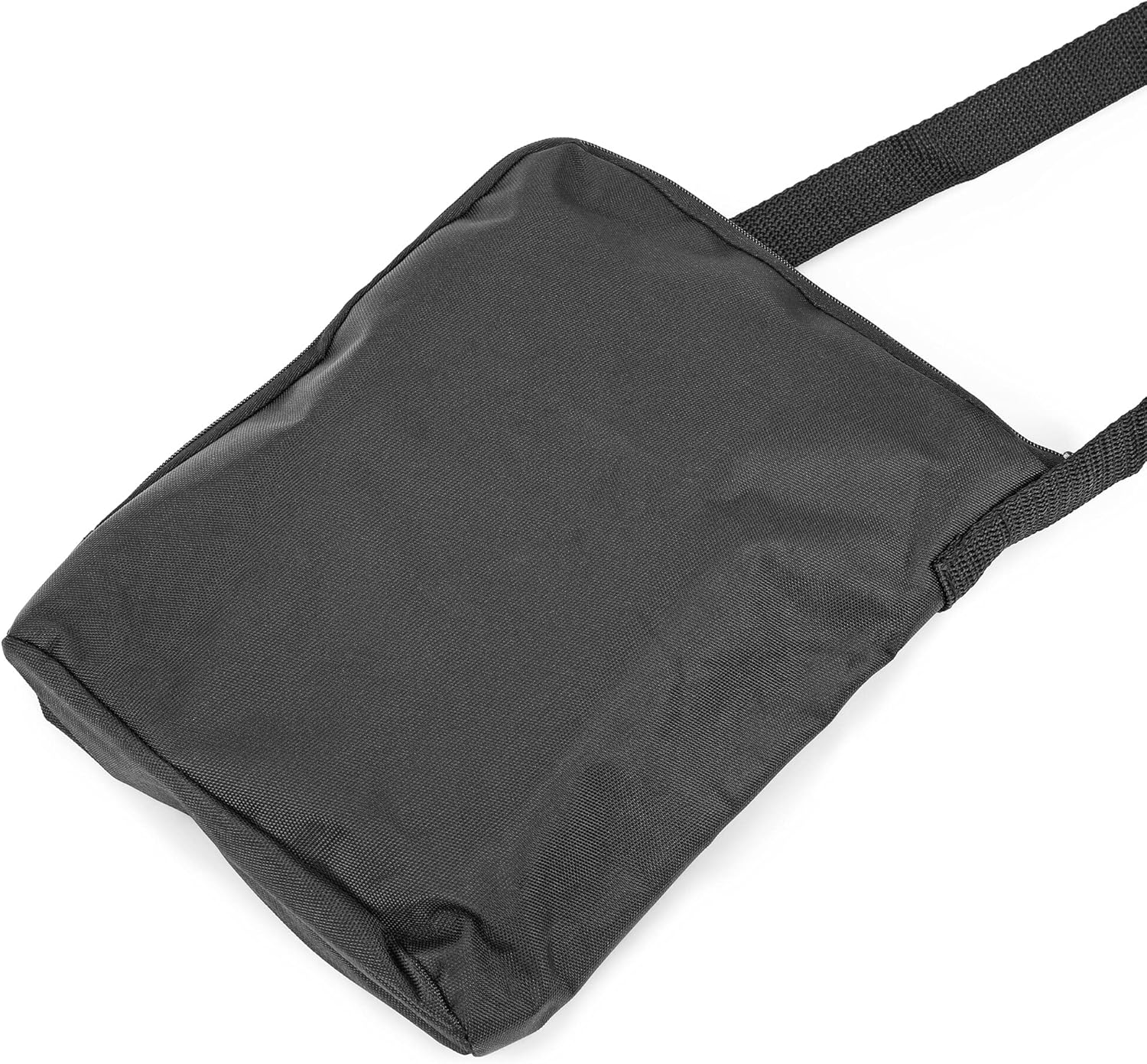
малюнок 4: A black carrying bag, likely included with the Omegon Nachtkijker NV Bino Wifi Edition, designed for protecting the device during transport and storage.
7. Вирішення проблем
| проблема | Можлива причина | Рішення |
|---|---|---|
| Пристрій не включається. |
|
|
| Зображення розмите або не у фокусі. |
|
|
| Погана видимість у темряві. |
|
|
| Не вдається зберегти фотографії/відео. |
|
|
| Проблеми з підключенням до Wi-Fi. |
|
|
8. Технічні характеристики
| Особливість | Деталь |
|---|---|
| Бренд | Омегон |
| Виробник | Омегон |
| Модель / Номер деталі | 4049467707820 |
| Можливість нічного бачення | так |
| Вага товару | 930 г |
| ASIN | B09D7MH5P1 |
| Перша доступна дата | 29 травня 2021 року |
| Країна походження | Китай |
9. Гарантія та підтримка
For warranty information and technical support, please refer to the official Omegon webсайт або зверніться до продавця. Зберігайте чек про покупку як підтвердження покупки для будь-яких гарантійних претензій.
Для отримання додаткової допомоги ви можете відвідати сторінка товару на Amazon.nl or contact the seller directly via Amazon's platform.


