1. Вступ
Дякуємо за покупкуasing the AUKEY PC-LM3 Webкамера. Цей посібник містить детальні інструкції щодо налаштування, експлуатації та обслуговування вашої webcam. Please read this manual thoroughly before use and retain it for future reference.
2. Інформація про безпеку
- Зберігайте webcam away from water, moisture, and extreme temperatures.
- Не намагайтеся розбирати або ремонтувати пристрій самостійно. Звертайтеся до кваліфікованого персоналу для проведення будь-яких робіт з обслуговування.
- Уникайте падіння або піддавання webстійкий до сильних ударів.
- Clean the lens with a soft, dry cloth. Do not use liquid cleaners.
3. Вміст упаковки
Будь ласка, перевірте, чи всі предмети присутні у вашій упаковці:
- AUKEY PC-LM3 Webкулачок
- Посібник користувача
- USB-кабель (інтегрований)
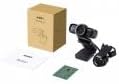
Image 1: Contents of the AUKEY PC-LM3 Webcam package, showing the webcam, manual, and packaging.
4. Продукт закінчивсяview
The AUKEY PC-LM3 is a 1080p USB 2.0 webcam designed for high-quality video communication and recording. It features a CMOS sensor and 5x optical zoom capability, providing clear and detailed visuals.
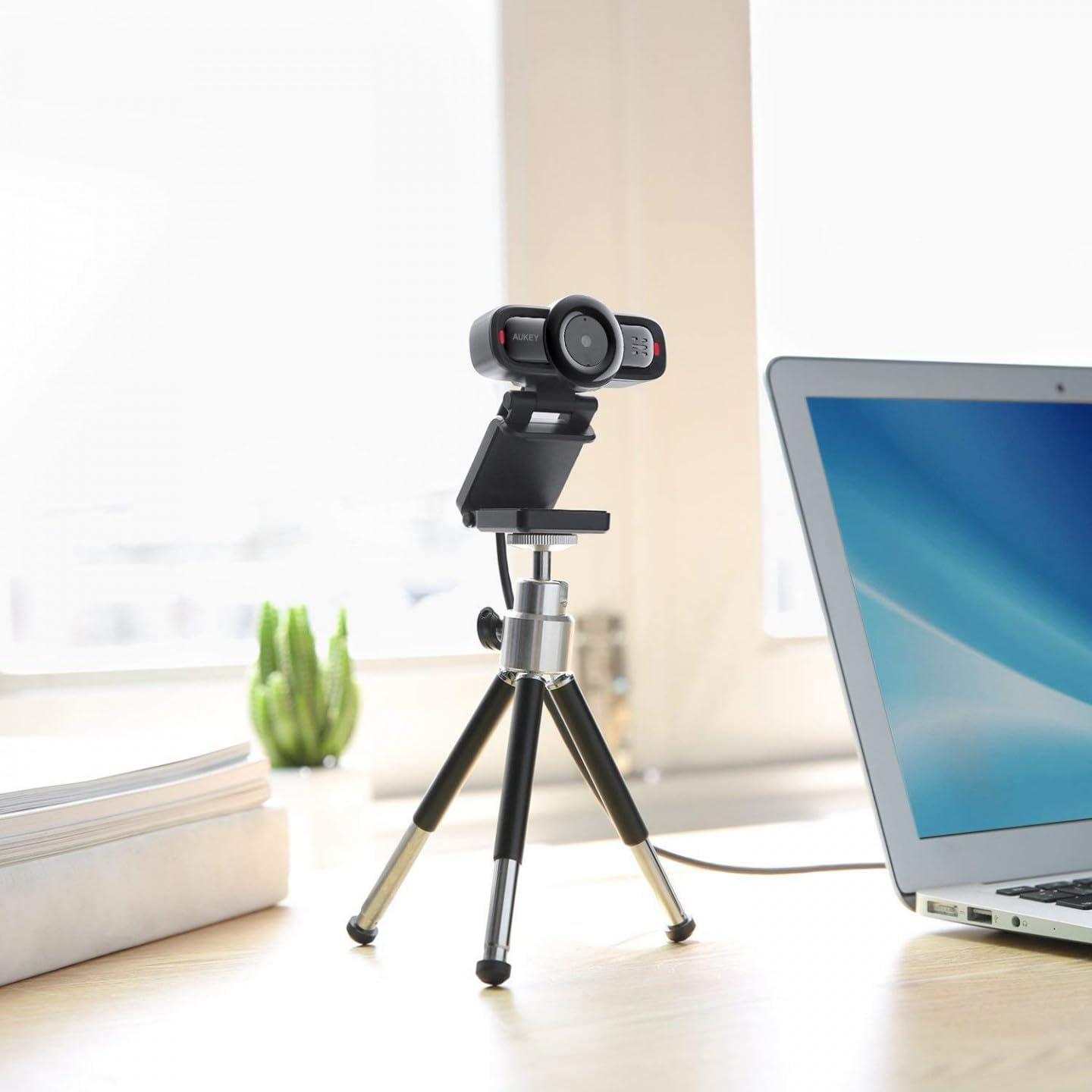
Image 2: AUKEY PC-LM3 Webcam in use, demonstrating its compact design and mounting flexibility on a tripod.
Ключові характеристики:
- Full HD 1080p video recording
- CMOS sensor for clear images
- USB 2.0 connectivity for universal compatibility
- 5x optical zoom for detailed framing
- Integrated microphone for audio capture
- Adjustable clip for versatile mounting options
5. Налаштування
5.1 Placing the Webкулачок
- На моніторі: Unfold the clip and place the webcam on top of your monitor or laptop screen. Adjust the clip to secure it firmly.
- На штативі: The webcam features a standard tripod thread. Mount it onto a compatible tripod for more flexible positioning.
- На плоскій поверхні: Fold the clip to form a stable stand and place the webкамеру на столі або іншій рівній поверхні.
5.2 Підключення до комп’ютера
- Підключіть USB-роз’єм пристрою webcam into an available USB 2.0 or 3.0 port on your computer.
- Ваш комп’ютер має автоматично виявити та встановити необхідні драйвери. Цей процес може тривати кілька хвилин.
- Після встановлення webcam will be ready for use with video conferencing software or recording applications.
Примітка: No additional software or drivers are typically required for Windows, macOS, or Linux operating systems.
6. Експлуатація Webкулачок
6.1 Using with Video Conferencing Software
To use the AUKEY PC-LM3 webcam with applications like Zoom, Skype, Microsoft Teams, or Google Meet:
- Відкрийте потрібну програму для відеоконференцій.
- Navigate to the application's settings or preferences (usually found under "Audio & Video" or "Devices").
- Select "AUKEY PC-LM3" as your video input device.
- Select "AUKEY PC-LM3 Microphone" (or similar) as your audio input device, if applicable.
- Adjust any video settings such as resolution or brightness within the application if available.
6.2 Запис відео
To record video using the webcam, use your computer's built-in camera application (e.g., Camera app on Windows, Photo Booth on macOS) or third-party recording software. Ensure the AUKEY PC-LM3 is selected as the video source.
6.3 Оптичний зум
The webcam features 5x optical zoom. This function is typically controlled via software. Check your video conferencing or recording application for zoom controls. If not available, third-party webcam control software may offer this functionality.
7. Технічне обслуговування
7.1 Очищення Webкулачок
- Забезпечити webcam is disconnected from your computer before cleaning.
- Use a soft, lint-free cloth to gently wipe the lens and body of the webкулачок.
- For stubborn smudges on the lens, slightly dampen the cloth with water or a lens cleaning solution, then wipe gently. Avoid excessive moisture.
- Не використовуйте агресивні хімікати, абразивні засоби для чищення або розчинники.
7.2 Зберігання
Якщо він не використовується, зберігайте його webcam in a cool, dry place, away from direct sunlight and dust. Consider using a privacy cover (if included or purchased separately) to protect the lens and ensure privacy.
8. Вирішення проблем
| проблема | Рішення |
|---|---|
| WebКамера не розпізнається комп'ютером. |
|
| Немає відеовиходу. |
|
| Погана якість відео. |
|
9. Технічні характеристики
| Особливість | Деталь |
|---|---|
| Модель | ПК-LM3 |
| Роздільна здатність відео | 1920 x 1080 пікселів (1080p) |
| Сенсорні технології | CMOS |
| Підключення | USB 2.0 |
| Оптичний зум | 5x |
| Формат захоплення відео | MP4, AVI |
| Підтримуваний аудіоформат | AAC, MP3 |
| Розміри (Д x Ш x В) | 7.7 х 7.2 х 4.6 см |
| вага | 130 грами |
| Колір | чорний |
10. Гарантія та підтримка клієнтів
AUKEY products are covered by a limited warranty from the date of purchase. For specific warranty terms and conditions, please refer to the warranty card included with your product or visit the official AUKEY webсайт.
If you encounter any issues or have questions regarding your AUKEY PC-LM3 Webcam, please contact AUKEY customer support for assistance. Contact information can typically be found on the official AUKEY webсайті або в гарантійному талоні.


