1. Вступ
Thank you for choosing the Pixio PX259 Prime Gaming Monitor. This manual provides essential information for setting up, operating, and maintaining your monitor to ensure optimal performance and longevity. Please read this manual thoroughly before using the product and retain it for future reference.
The Pixio PX259 Prime is a high-performance 24.5-inch gaming monitor featuring a 280Hz refresh rate, 1ms GTG response time, and a Fast Nano IPS panel, designed to deliver a smooth and immersive gaming experience.
2. Вміст упаковки
Перевірте наявність усіх предметів у вашій упаковці:
- Pixio PX259 Prime Monitor
- Підставка для монітора (основа та шия)
- Кабель DisplayPort
- Адаптер змінного струму
- Кабель живлення
- Посібник користувача (цей документ)

Image: The Pixio PX259 Prime monitor showcasing its 24.5-inch screen, 280Hz refresh rate, 1080p FHD resolution, and Fast IPS panel technology.
3. Збірка
Щоб зібрати монітор, виконайте такі дії:
- Обережно вийміть компоненти монітора та підставки з упаковки.
- Прикріпіть шийку підставки до панелі монітора. Переконайтеся, що вона надійно зафіксована на місці або закріплена гвинтами, якщо вони є в комплекті.
- Attach the stand base to the stand neck. Tighten the thumb screw or screws from the bottom of the base to secure it.
- Помістіть зібраний монітор на стійку, рівну поверхню.
4. Підключення
The Pixio PX259 Prime offers versatile connectivity options. Refer to the image below for port locations.

Зображення: Задня частина view of the monitor displaying the DC power input, two DisplayPort 1.2 inputs (280Hz), two HDMI 2.0 inputs (240Hz), and an earphone jack.
Підключення до пристрою:
- Потужність: Connect the power cable to the AC adapter, then plug the adapter into the monitor's DC IN port and a power outlet.
- DisplayPort: For optimal performance (280Hz refresh rate), connect your PC's graphics card to one of the monitor's DisplayPort 1.2 inputs using the provided DisplayPort cable.
- HDMI: Connect your device (e.g., gaming console, PC) to one of the monitor's HDMI 2.0 inputs. Note that HDMI 2.0 supports up to 240Hz.
- Аудіовихід: Connect headphones or external speakers to the earphone jack for audio.
5. Інструкція з експлуатації
Увімкнення/вимкнення живлення:
Натисніть кнопку живлення, розташовану на моніторі, щоб увімкнути або вимкнути його.
On-Screen Display (OSD) Navigation:
The monitor features a joystick-style button for navigating the OSD menu. Push the joystick in to access the main menu, then move it up, down, left, or right to select and adjust settings.
Ключові налаштування:
- Частота оновлення: Ensure your graphics card settings are configured to output at 280Hz (via DisplayPort) or 240Hz (via HDMI) for the smoothest experience.
- Час відгуку: The 1ms GTG response time is automatically enabled by the Fast IPS panel.
- AMD FreeSync Premium: Enable FreeSync in your monitor's OSD and your graphics card control panel for tear-free gaming.
- Параметри кольору: Adjust brightness, contrast, and color temperature to your preference. The monitor supports 101.34% sRGB for vibrant colors.
- Особливості гри: Access built-in crosshairs and other game-specific enhancements through the OSD.
- Режим Eye Saver: Activate this mode to reduce blue light emission for comfortable extended viewінж.
6. Особливості понадview
The Pixio PX259 Prime is engineered with features to enhance your gaming and viewдосвід роботи:
- Частота оновлення 280 Гц: Provides ultra-smooth motion and reduced input lag, crucial for competitive gaming.
- Час відгуку GTG 1 мс: Minimizes motion blur and ghosting, ensuring crisp visuals during fast-paced action.
- Fast Nano IPS Panel: Combines the wide viewing angles and color accuracy of IPS technology with the rapid response times typically found in TN panels.
- AMD FreeSync Premium: Synchronizes the monitor's refresh rate with your GPU's frame rate, eliminating screen tearing and stuttering.
- Яскраві кольори: With 101.34% sRGB coverage, experience rich, accurate, and lifelike colors.
- Подвійні динаміки: Equipped with integrated speakers for audio output.
- Режим Eye Saver: Reduces blue light to minimize eye strain during prolonged use.
- Готовий до ігор: Features like customizable crosshairs are available to assist in gameplay.

Image: Monitor displaying a dynamic game scene, highlighting 280Hz Refresh Rate, 1ms (GTG) Response Time, Fast IPS Panel, and AMD FreeSync Premium.

Image: Visual comparison demonstrating the smoothness of 280Hz refresh rate versus a conventional 60Hz display in a gaming context.

Image: Visual comparison illustrating the difference between 4ms and 1ms GTG response time, showing reduced motion blur with 1ms.
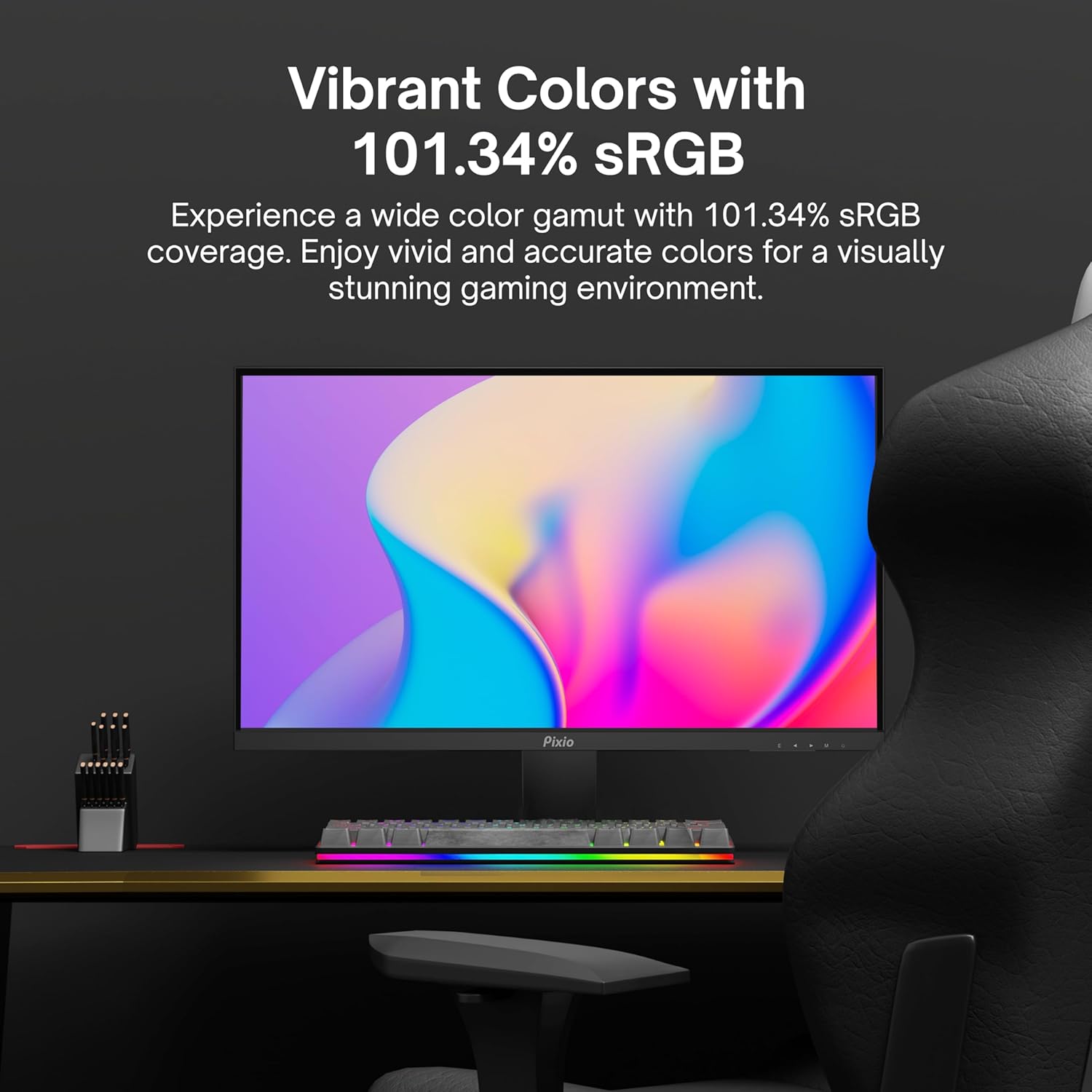
Image: Monitor displaying a colorful game environment, emphasizing the vibrant color reproduction with 101.34% sRGB.
Відео про продуктview:
Video: An official product video from Pixio showcasing the PX259 Prime 25-inch 1080p 280Hz Fast IPS 1ms Gaming Monitor, highlighting its features and performance.
7. Технічне обслуговування
- Очищення екрану: Обережно протріть екран м’якою тканиною без ворсу. Для стійких плям, dampen the cloth with a small amount of screen cleaner (non-ammonia based) and wipe carefully.
- Очищення Casing: Використовуйте м’яку суху тканину, щоб протерти поверхню монітораasing. Уникайте використання абразивних засобів для чищення або розчинників.
- Вентиляція: Переконайтеся, що вентиляційні отвори монітора не заблоковані, щоб запобігти перегріву.
- Зберігання: If storing the monitor for an extended period, disconnect it from power and store it in a cool, dry place, preferably in its original packaging.
8. Вирішення проблем
- Немає живлення:
- Переконайтеся, що кабель живлення надійно підключено до монітора та справної розетки.
- Перевірте, чи правильно працює адаптер живлення.
- Немає сигналу:
- Verify that the video cable (DisplayPort or HDMI) is securely connected to both the monitor and your device.
- Переконайтеся, що в екранному меню монітора вибрано правильне джерело вхідного сигналу.
- Перевірте з іншим відеокабелем або портом, якщо він є.
- Розриви/заїкання екрана:
- Enable AMD FreeSync Premium in both the monitor's OSD and your graphics card settings.
- Переконайтеся, що драйвери вашої графіки оновлені.
- Incorrect Refresh Rate:
- Check your operating system's display settings and your graphics card control panel to set the refresh rate to 280Hz (DisplayPort) or 240Hz (HDMI).
- Ensure you are using a DisplayPort cable for 280Hz.
- Poor Picture Quality/Colors:
- Налаштуйте параметри яскравості, контрастності та кольору в екранному меню.
- Переконайтеся, що відеокабель не пошкоджено.
9. Технічні характеристики
Detailed technical specifications for the Pixio PX259 Prime monitor:
| Особливість | Специфікація |
|---|---|
| Номер моделі | PX259 Prime |
| Розмір екрана | 24.5 Inches (25 Inches equivalent) |
| Тип панелі | Fast Nano IPS |
| роздільна здатність | FHD 1080p (1920 x 1080 пікселів) |
| Частота оновлення | 280Hz (144Hz Supported) |
| Час відгуку | 1 мс GTG |
| Співвідношення сторін | 16:9 |
| Яскравість зображення | 350 Кандела |
| Адаптивна синхронізація | AMD FreeSync Premium |
| Підключення | 2x DisplayPort 1.2, 2x HDMI 2.0, Earphone Jack, DC In |
| Розміри продукту | 7.09 x 21.98 x 16.52 дюймів |
| Вага товару | 12.42 фунта |
| Сумісність VESA | 75x75mm (VESA Ready) |

Image: Diagram showing the dimensions of the Pixio PX259 Prime monitor, including width (21.98 inches), height (16.52 inches), and depth (7.09 inches).
10. Гарантія та підтримка
Pixio products are designed for reliability and performance. For specific warranty details, please refer to the warranty card included with your product or visit the official Pixio website. For technical support, troubleshooting assistance, or service inquiries, please contact Pixio customer support through their official channels.
Інтернет-ресурси: For additional information, FAQs, and driver downloads, please visit the Pixio Store on Amazon.


