вступ
This manual provides essential information for setting up, operating, and maintaining your LG NanoCell 80 Series 50" 4K Smart TV (Model 50NANO80UPA). Please read this manual thoroughly before using the product to ensure safe and optimal performance.

Фронт view of the LG NanoCell 80 Series 50" 4K Smart TV.
Налаштування
1. Розпакування та вміст упаковки
Carefully remove the TV and all components from the packaging. Ensure all items listed below are present.

Image showing the TV dimensions and included accessories: 50" TV with Stand, User Manual, Power Cable, and LG Magic Remote.
- LG NanoCell 80 Series 50" 4K Smart TV
- Чарівний пульт
- Батарейка пульта дистанційного керування (AA)
- Кабель живлення
- Короткий посібник
- Електронний посібник (цифровий)
2. Фізичне встановлення
Install the TV on a stable surface using the provided stand or mount it on a wall using a compatible VESA wall mount (sold separately). Refer to the Quick Start Guide for detailed stand assembly instructions.
Розміри (Ш x В x Г):
- Without stand: 44.1 x 25.7 x 1.9 inches
- With stand: 44.1 x 28.3 x 10.1 inches
- Stand footprint: 37.2 x 2.6 x 8.2 inches
3. Підключення
Connect your external devices to the TV using the available ports. The TV supports various connectivity options including HDMI, USB, Ethernet, and Wi-Fi.

Задня view of the TV highlighting the various input ports for external devices.
- Вхід HDMI (HDCP 2.2): 4 (збоку)
- Зворотний аудіоканал HDMI (ARC): eARC (HDMI 2)
- Порти USB (версія 2.0): 1 (ззаду) / 1 (збоку)
- Вхід радіочастотного підключення (антена/кабель): 1 (Rear, RF)
- Вхід Ethernet: 1 (ззаду)
- Цифровий аудіовихід (оптичний): 1 (ззаду)
- Стандарт Wi-Fi: Сертифікований Wi-Fi 802.11ac
- Підтримка Bluetooth: Версія 5.0
4. Початкове увімкнення
Connect the power cable to the TV and a wall outlet. Press the power button on the remote control or the TV to turn it on. Follow the on-screen instructions for initial setup, including language selection, network connection, and channel scanning.
Керування телевізором
1. Використання пульта дистанційного керування Magic Remote
The LG Magic Remote provides intuitive control over your TV. It features a motion-sensing pointer, scroll wheel, and dedicated buttons for popular streaming services. Point the remote at the screen to move the cursor, or use the directional pad for navigation.
The LG Magic Remote, designed for easy navigation and control.
2. Режими зображення
Оптимізуйте свій viewing experience by selecting the appropriate picture mode. Access picture settings via the Magic Remote to choose from various presets:
- Яскравий: Покращує яскравість та різкість для динамічного зображення.
- APS (Auto Power Save): Adjusts settings to reduce power consumption.
- Кіно: Optimizes picture for movie viewing, providing a more cinematic feel.
- Гра: Зменшує затримку введення для плавнішого ігрового процесу.
- Режим кінорежисера: Preserves the original aspect ratios, colors, and frame rates of content, allowing you to experience movies as the director intended.
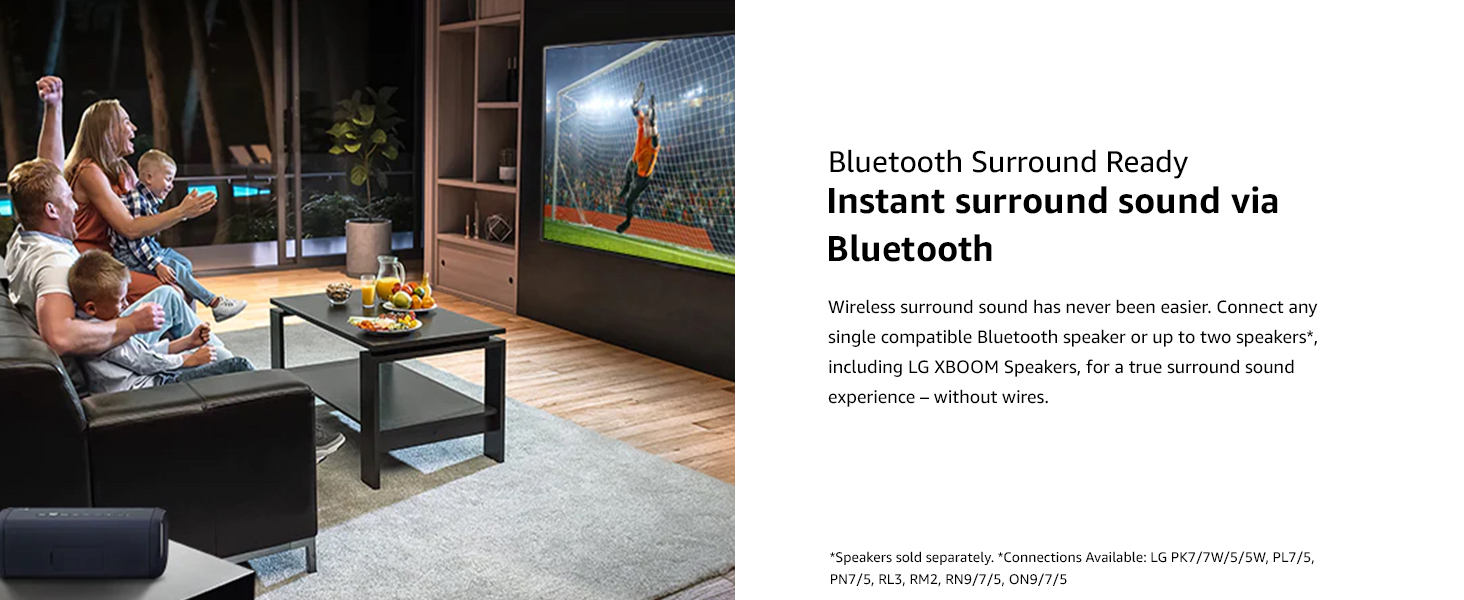
Filmmaker Mode ensures content is displayed as intended by the creators.
3. Smart TV Features (ThinQ AI)
Your LG NanoCell TV is equipped with ThinQ AI, allowing you to control your TV and other smart home devices using voice commands. It also integrates with Google Assistant and Alexa.
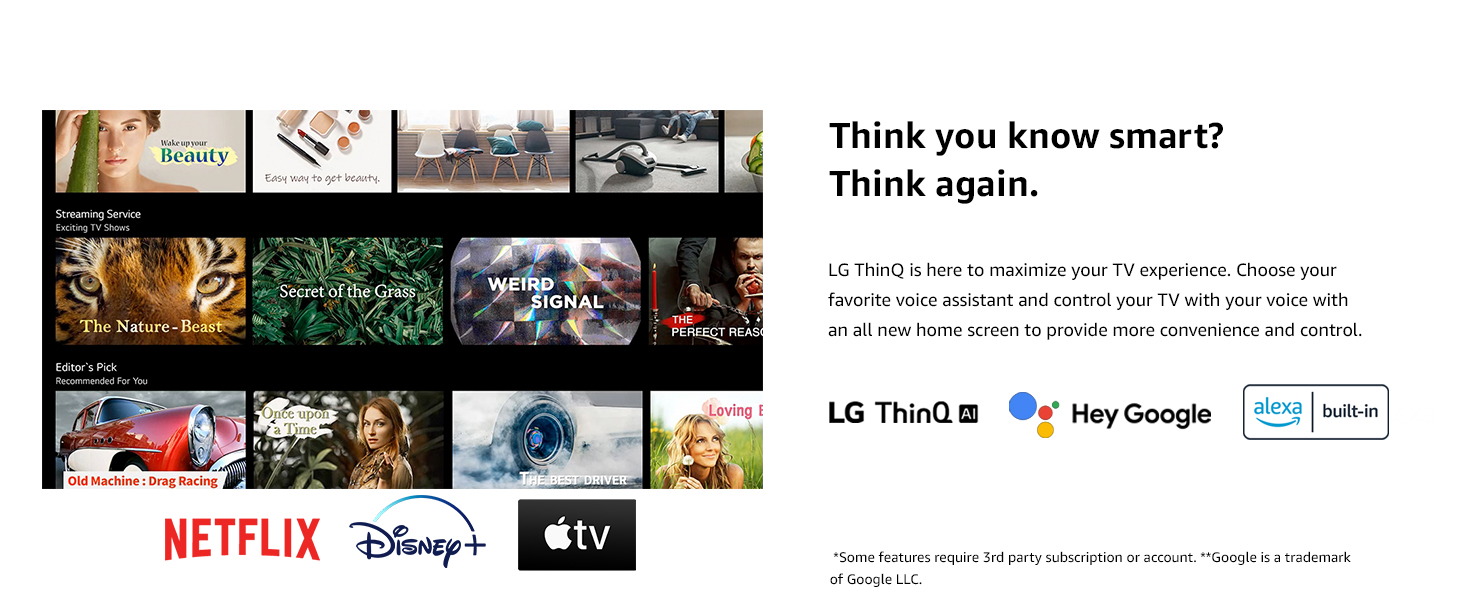
LG ThinQ AI provides smart control and integration with voice assistants.
Access popular streaming services like Netflix, Prime Video, Apple TV+, Disney+, Hulu, Vudu, and YouTube directly from your TV's home dashboard.
4. Enhanced Picture Quality with Quad Core Processor 4K
The Quad Core Processor 4K enhances contrast, color, and black levels, providing a smooth and crisp viewing experience. It also features noise reduction, dynamic color, and 4K upscaling for non-4K content.
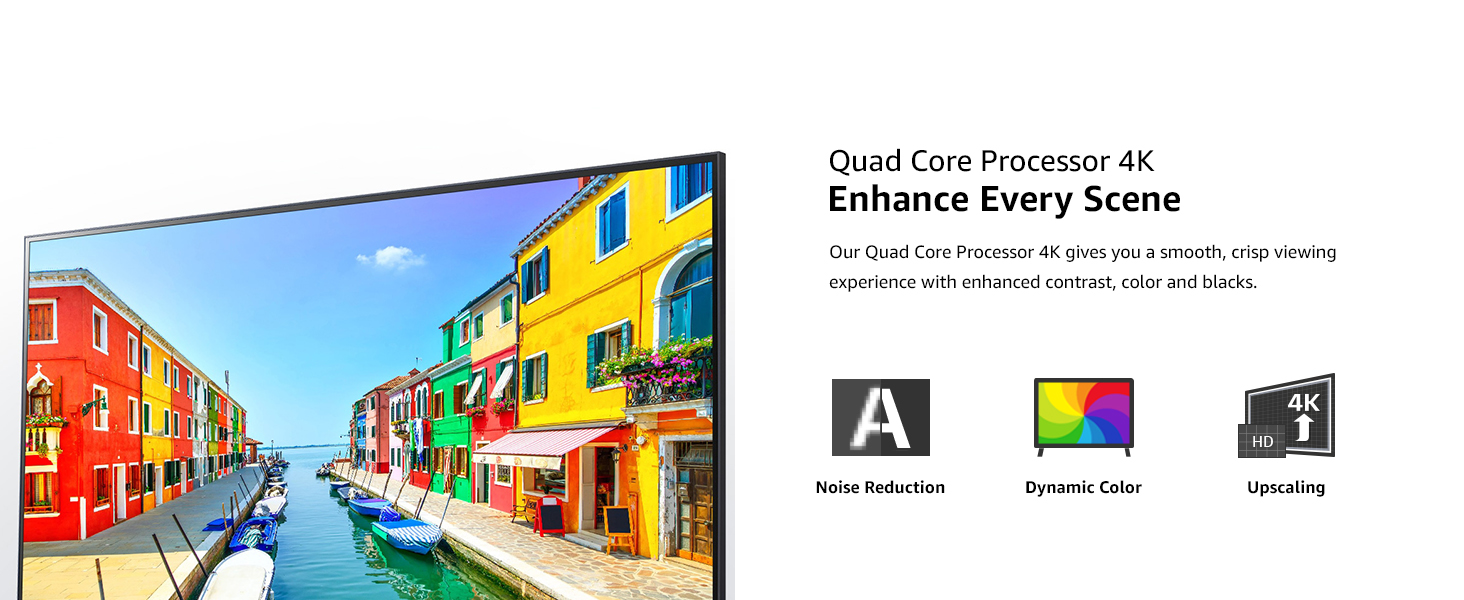
The Quad Core Processor 4K improves image quality with noise reduction, dynamic color, and upscaling.
5. Ігрові функції
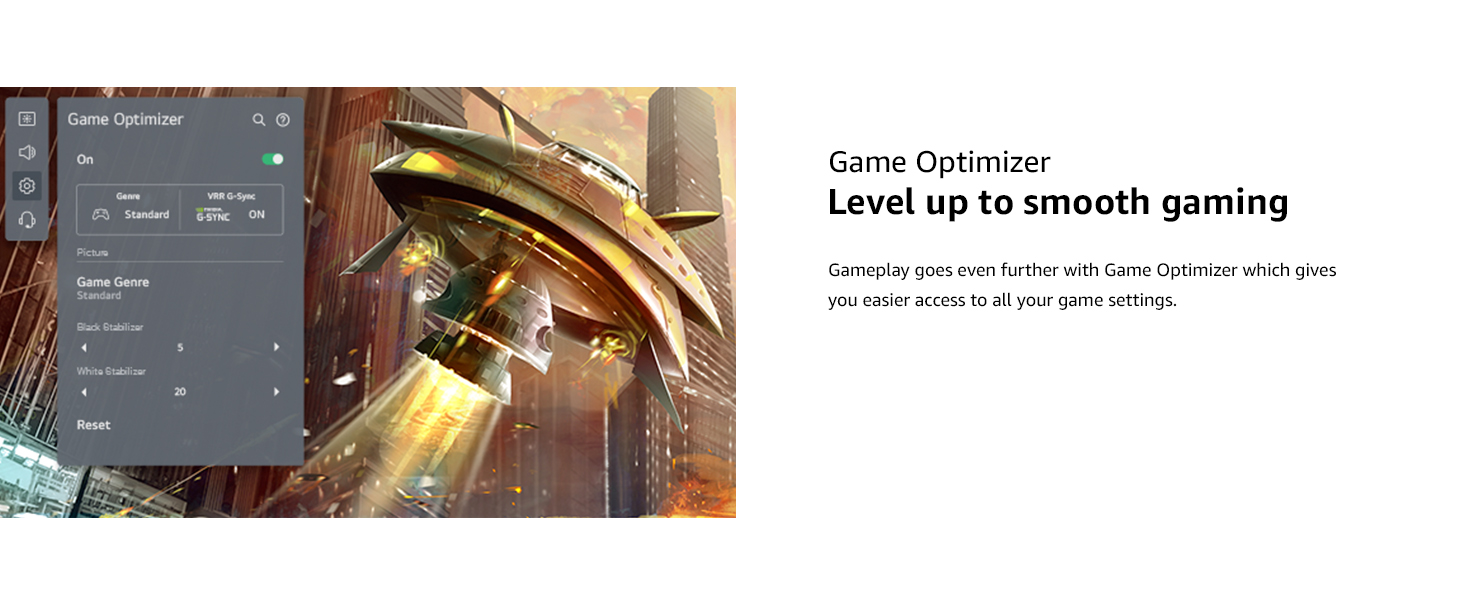
For gamers, the TV includes Game Optimizer, which provides easy access to game settings, Auto Low-Latency Mode (ALLM), and dynamic gaming with HGiG for an optimized gaming experience.
Game Optimizer provides quick access to settings for an improved gaming experience.
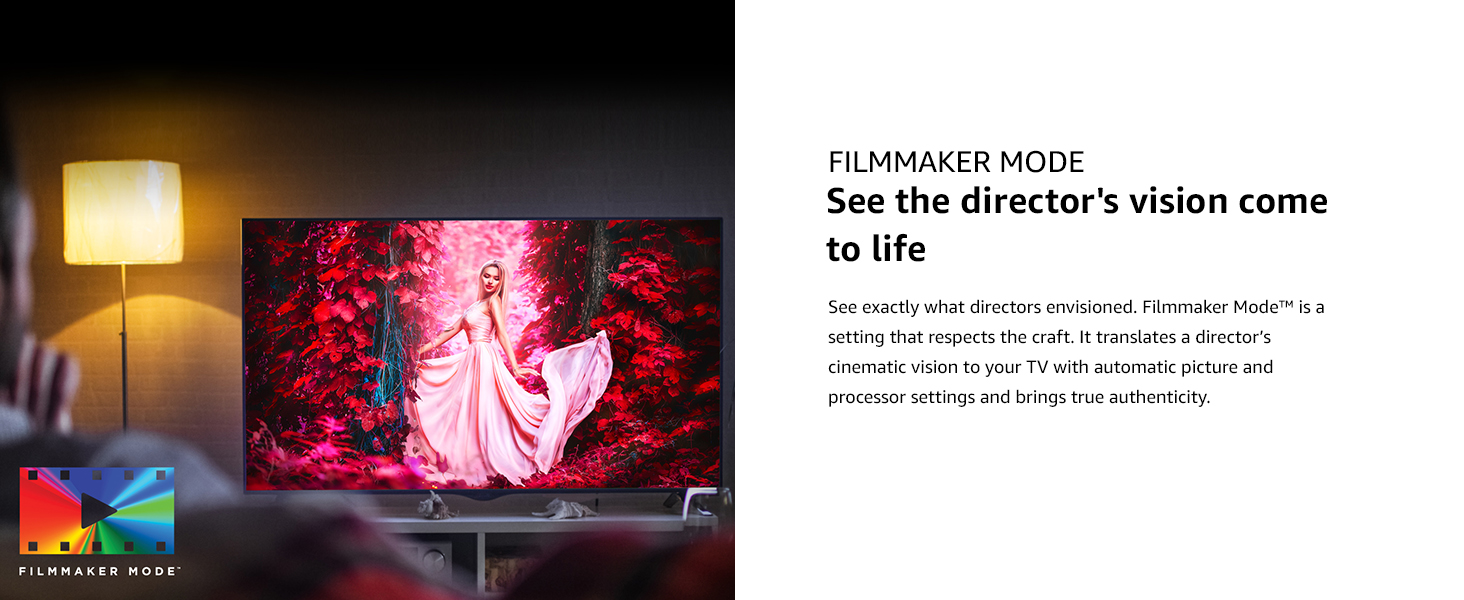
6. Audio Settings and Bluetooth Surround
The TV features built-in speakers. You can also connect compatible Bluetooth speakers for a wireless surround sound experience. Refer to the TV's sound settings menu to configure audio output.
Connect compatible Bluetooth speakers for an immersive surround sound experience.
Технічне обслуговування
1. Очищення телевізора
- Завжди відключайте телевізор від мережі перед чищенням.
- Використовуйте м’яку, суху тканину для протирання екрана та зовнішніх поверхонь.
- Для стійких плям злегка протрітьampen the cloth with water or a specialized screen cleaner (ensure it's safe for TV screens). Do not spray liquid directly onto the screen.
- Уникайте використання абразивних засобів для чищення, воску або розчинників.
2. Оновлення програмного забезпечення
Періодично перевіряйте наявність оновлень програмного забезпечення, щоб переконатися, що ваш телевізор має найновіші функції та покращення продуктивності. Зазвичай цю опцію можна знайти в меню налаштувань телевізора в розділі «Підтримка» або «Про цей телевізор».
Усунення несправностей
Якщо у вас виникли проблеми з телевізором, перш ніж звертатися до служби підтримки, ознайомтеся з наведеними нижче поширеними рішеннями.
| проблема | Можливе рішення |
|---|---|
| Немає живлення | Переконайтеся, що кабель живлення надійно підключено до телевізора та справної електричної розетки. Перевірте, чи є в розетці живлення. |
| Немає зображення, але звук є | Check the input source. Ensure external devices are properly connected and powered on. Try a different HDMI cable. |
| Звуку немає, але зображення є | Check the volume level and mute status. Verify audio output settings in the TV menu. Ensure external audio devices are connected correctly. |
| Пульт не працює | Replace the batteries. Ensure there are no obstructions between the remote and the TV. Re-pair the Magic Remote if necessary (refer to the Quick Start Guide). |
| Проблеми з підключенням Wi-Fi | Restart your router and modem. Reconnect to the Wi-Fi network from the TV's settings. Ensure the TV is within range of your Wi-Fi signal. |
Технічні характеристики
| Особливість | Деталь |
|---|---|
| Бренд | LG |
| Номер моделі | 50NANO80UPA |
| Розмір екрана | 50 дюймів |
| Технологія дисплея | Світлодіод (NanoCell) |
| роздільна здатність | 4K (3840 x 2160) |
| Частота оновлення | 60 Гц |
| Процесор | Чотирьохядерний процесор 4K |
| Особливості | Active HDR, HDR10, HLG, Filmmaker Mode, Game Optimizer, HGiG, Auto Low Latency Mode, LG App Store, Gallery Mode, Home Dashboard, Sports Alert, ThinQ AI, Google Assistant Built-in, Alexa Built-in |
| Тип динаміка | Вбудований |
| Технологія підключення | Wi-Fi (802.11ac), Bluetooth (v5.0), HDMI (4 ports, eARC on HDMI 2), USB (2 ports), Ethernet, Optical Digital Audio Out |
| Підтримувані Інтернет-послуги | Hulu, Netflix, Prime Video, Vudu, YouTube, Apple TV+, Disney+ |
| Розміри виробу (з підставкою) | 44.1 x 10.1 x 28.3 дюймів |
| Вага товару | 31.7 фунта |
| томtage | 240 вольт (перемінний струм) |
Гарантія та підтримка
Щоб отримати інформацію про гарантію та технічну підтримку, зверніться до гарантійного талона, що додається до вашого продукту, або відвідайте офіційний веб-сайт LG. webсайт. Ви також можете звернутися до служби підтримки клієнтів LG для отримання допомоги з реєстрацією продукту, усуненням несправностей та зверненням за послугами.
Інтернет-ресурси:
- Офіційний представник LG Webсайт: www.lg.com
- Customer Support: Refer to the contact information provided in your Quick Start Guide or on the LG webсайт.