1. Вступ
The REXING Woodlens H6 is an advanced dual-camera trail camera designed for capturing high-quality video and still images of wildlife, property, or other outdoor subjects. Featuring both a 4K Ultra HD lens for daytime recording and an FHD Infrared lens for night vision, the H6 ensures clear visuals in various lighting conditions. Its robust, weather-resistant design and long standby time make it an ideal solution for extended outdoor surveillance.
2. Продукт закінчивсяview і ключові характеристики
- Система подвійної камери: Captures 4K Ultra HD video during the day and FHD Infrared video at night with simultaneous audio recording. Designed to avoid IR CUT switching sounds that might disturb wildlife.
- Зображення високої роздільної здатності: Supports up to 20MP still images and cinematic video quality.
- Integrated LCD & Speaker: Features a built-in 2.4-inch LCD screen and speaker for direct viewing and editing of recordings without external devices.
- Розширене нічне бачення: Equipped with 35M IR Flash and double 850nm high-powered Infrared lights, illuminating subjects up to 65 feet away for clear night images.
- Швидка швидкість запуску: Responds to motion within 0.2 seconds via 110° PIR sensors (Front + Side Sensor).
- Гнучкі параметри запису: Allows manual scheduling for recording start/stop times and supports time-lapse videos and photos.
- Durable and Secure Design: IP66 rated sturdy open/close case protects against rain and dust. The camera can be password-protected and secured with a lock.
- Розширений режим очікування: Supports up to 512GB SD card and offers up to 12 months of standby time.
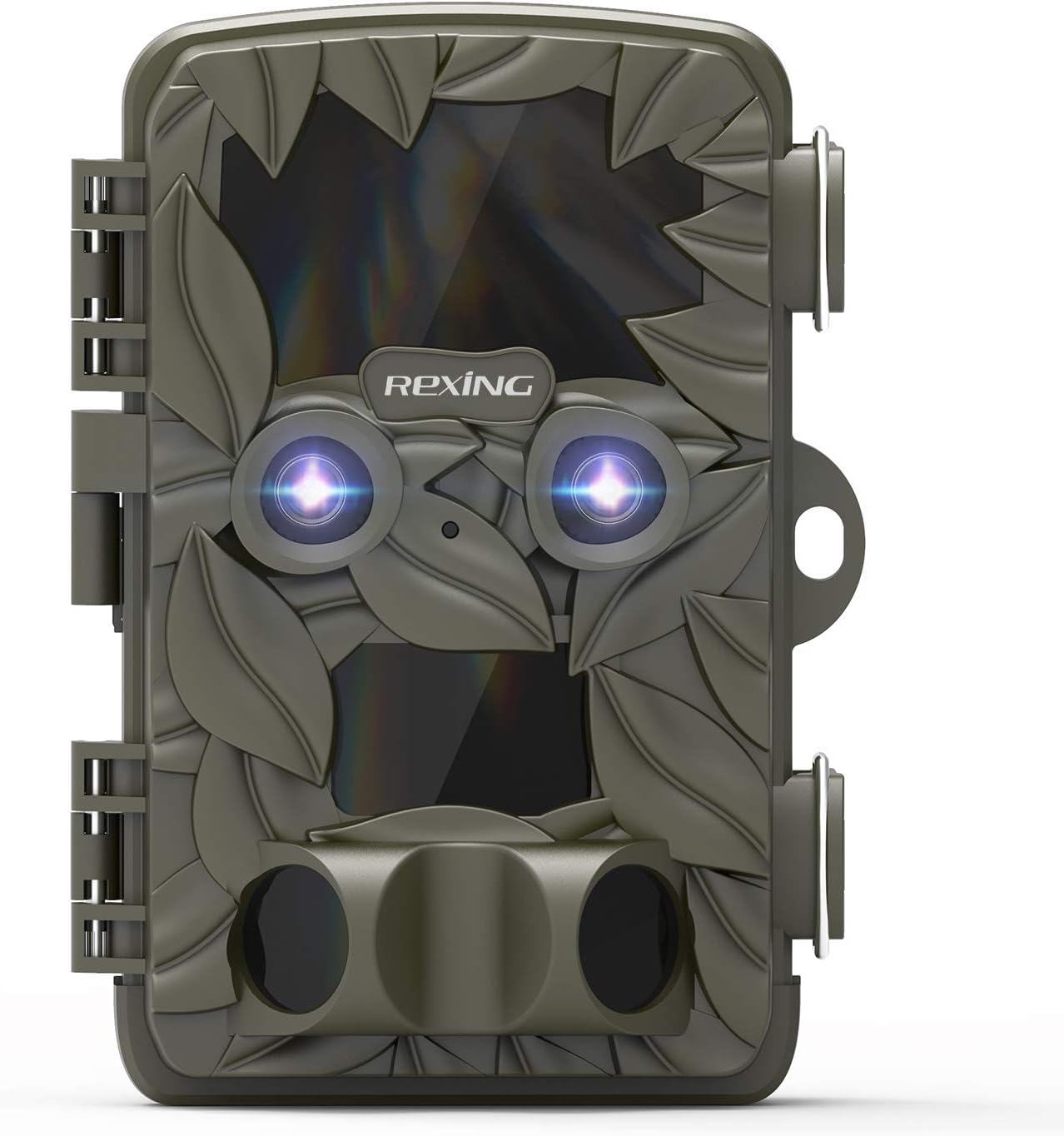
Малюнок 2.1: Спереду view of the REXING Woodlens H6 Trail Camera, showcasing its camouflage design and dual lenses.
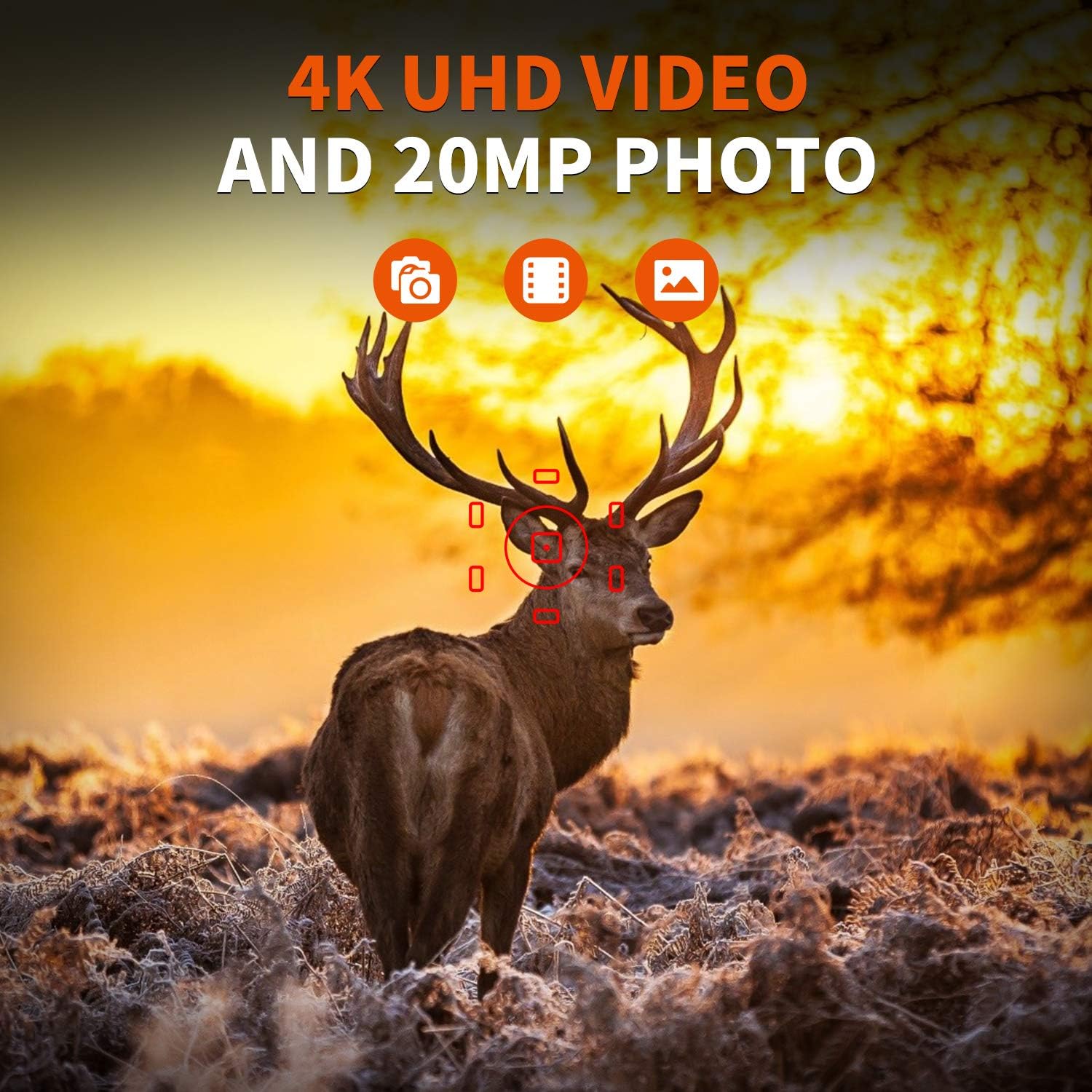
Figure 2.2: The REXING Woodlens H6 captures stunning 4K UHD video and 20MP photos, as demonstrated by this image of a deer in its natural habitat.
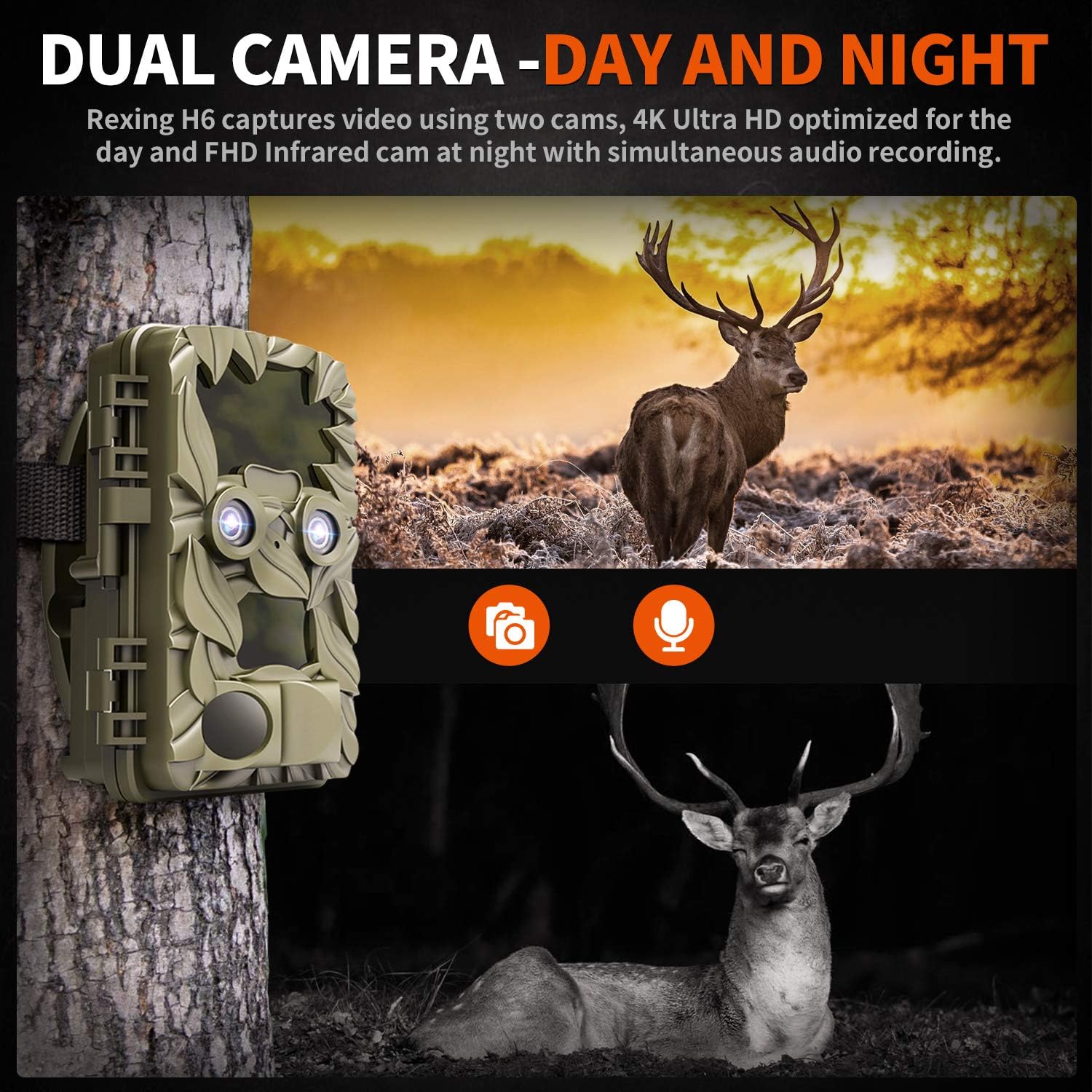
Figure 2.3: The H6 features a dual camera system, optimized for both day (4K) and night (FHD Infrared) recording, ensuring comprehensive surveillance around the clock.

Figure 2.4: Enhanced night vision capabilities of the H6, capturing clear images of wildlife up to 35 meters away in low light conditions, without disturbing sounds.

Figure 2.5: The H6 boasts a 120-degree detection angle and an ultra-fast 0.2-second trigger speed, ensuring no motion is missed.

Figure 2.6: Built to withstand the elements, the H6 is IP56 rated, making it resistant to heavy rain, ice, snow, dust, and mud.

Figure 2.7: The H6 is designed for low power consumption, compatible with 8x AA batteries, providing up to 12 months of standby time.

Figure 2.8: The REXING Woodlens H6 is versatile, suitable for multiple applications including wildlife monitoring, farm surveillance, and security.
3. Вміст упаковки
Будь ласка, перевірте вміст упаковки, щоб переконатися, що всі елементи присутні:
- REXING Woodlens H6 Trail Camera
- Монтажний ремінь
- USB кабель
- AV-кабель
- Посібник користувача
- (Optional: 8x AA Batteries - check product packaging)
4. Налаштування
4.1 Встановлення батареї
- Open the camera's outer casing, розблокувавши бічні затискачі.
- Знайдіть батарейний відсік.
- Вставте 8 батарейок типу АА, дотримуючись правильної полярності (+/-), як зазначено всередині відсіку.
- Надійно закрийте кришку батарейного відсіку.
4.2 Встановлення SD-карти
- With the camera open, locate the SD card slot.
- Insert a compatible SD card (up to 512GB) into the slot until it clicks into place. Ensure the card is inserted in the correct orientation.
- It is recommended to format the SD card via the camera's menu before first use.
4.3 Встановлення камери
- Select a suitable location for the camera, such as a tree or pole, ensuring a clear view бажаної площі.
- Протягніть наданий монтажний ремінь через пази на задній панелі камери.
- Securely fasten the strap around the tree or pole, adjusting the camera's angle as needed.
- Alternatively, the camera can be wall-mounted using appropriate hardware (not included) via the mounting point.
4.4 Початкове ввімкнення
- After installing batteries and SD card, switch the camera to the "ON" position.
- The LCD screen will power on, and you can begin configuring settings.
5. Інструкція з експлуатації
5.1 Навігація по меню
Use the control buttons (MENU, UP, DOWN, LEFT, RIGHT, OK, SHOT) located next to the LCD screen to navigate through the camera's settings and modes.
- МЕНЮ: Доступ до головного меню налаштувань.
- ВВЕРХ ВНИЗ: Навігація між опціями меню.
- ЛІВО ПРАВО: Adjusts values or selects sub-options.
- ОК: Підтверджує вибір.
- ЗНІМ: Manually takes a photo or starts/stops video recording in preview режим.
5.2 Режими запису
The H6 supports various recording modes:
- Режим фото: Captures still images (up to 20MP).
- Режим відео: Records video (4K UHD day, FHD night).
- Режим фото + відео: Captures a still image followed by a video clip upon detection.
- Режим сповільненої зйомки: Captures photos or videos at set intervals to create time-lapse sequences.
5.3 Setting Up Scheduled Recording
To set specific times for the camera to operate:
- Увійдіть у МЕНЮ.
- Navigate to the "Timer" or "Schedule" setting.
- Set the desired start and end times for recording. The camera will only be active during these periods.
5.4 Viewing and Managing Recordings
Записи можуть бути viewed directly on the camera or on an external device:
- Відтворення на камері: Use the built-in 2.4-inch LCD screen and navigation buttons to review зроблені фотографії та відео.
- Підключення до телевізора: Connect the camera to a TV using the provided AV cable to view recordings on a larger screen.
- Підключення до комп'ютера: Connect the camera to a computer via the USB cable, or remove the SD card and insert it into a card reader, to transfer and view files.
5.5 Захист паролем
To prevent unauthorized access to your camera settings and recordings:
- Увійдіть у МЕНЮ.
- Navigate to the "Password" or "Security" setting.
- Set a 4-digit PIN. Remember this PIN as it will be required to access the camera.
Video 5.1: Official product video demonstrating the features and operation of the REXING Woodlens H6 Trail Camera, including its dual lens capabilities, night vision, and user interface.
6. Технічне обслуговування
- Прибирання: Use a soft, dry cloth to clean the camera body and lenses. Avoid abrasive cleaners or solvents.
- Заміна батареї: Replace all batteries simultaneously when the low battery indicator appears to ensure optimal performance and prevent leakage.
- Управління SD-карткою: Regularly back up important recordings and format the SD card periodically to maintain optimal recording performance and prevent data corruption.
- Зберігання: Якщо камера не використовується протягом тривалого часу, вийміть батарейки та зберігайте її в прохолодному, сухому місці, захищеному від прямих сонячних променів.
7. Вирішення проблем
| проблема | Можлива причина | Рішення |
|---|---|---|
| Камера не вмикається. | Низький заряд або розряджені батареї; неправильне встановлення батарей. | Replace all batteries with new ones, ensuring correct polarity. |
| Camera stops functioning after installation / No data recorded. | SD card full or corrupted; incorrect SD card insertion; camera settings preventing recording. | Format the SD card (backup data first); ensure SD card is properly inserted; check recording mode and schedule settings. Ensure sufficient battery power. |
| Погана якість зображення/відео вночі. | IR lights obstructed; subject too far; low battery affecting IR performance. | Ensure clear line of sight for IR lights; position camera closer to subjects (within 65ft); replace batteries. |
| Camera not triggering motion. | PIR sensor obstructed; sensitivity setting too low; subject outside detection range. | Clear obstructions from PIR sensors; increase PIR sensitivity in settings; ensure subjects pass within the 110° detection angle. |
| Camera screen counts down and switches off. | This is normal behavior for the camera to enter monitoring mode after a brief display. | No action required. The camera is functioning as designed. |
| Немає підключення до Wi-Fi. | The REXING Woodlens H6 model does not feature Wi-Fi connectivity. | This model requires direct connection via AV/USB cable or SD card removal for data transfer. |
8. Технічні характеристики
| Особливість | Деталь |
|---|---|
| Бренд | РЕКСІНГ |
| Модель | H6 |
| Роздільна здатність захоплення відео | 2160p (4K UHD) |
| Ефективне вирішення проблеми | 20 Мп |
| Технологія фотосенсора | CMOS |
| Нічне бачення | 35M IR Flash, Double 850nm High Powered Infrared Light |
| Кут виявлення PIR | 110° (Front + Side Sensor) |
| Швидкість спрацьовування | 0.2 секунди |
| Дисплей | Built-in 2.4-inch LCD |
| Зберігання | SD-карта (до 512 ГБ) |
| Джерело живлення | 8x AA Batteries (12 Month Standby) |
| Підключення | AV Output, USB |
| Міжнародний захист рейтингу | IP66 |
| Розміри упаковки товару | 7.68 x 4.92 x 3.9 дюймів |
| Вага упаковки | 0.61 кілограма |
| UPC | 810046601815 |
9. Гарантія та підтримка
For warranty information and technical support, please refer to the official REXING webсайт або зверніться безпосередньо до служби підтримки клієнтів. Зберігайте чек про покупку як підтвердження покупки для будь-яких гарантійних претензій.
Контактна інформація:
- Webсайт: www.rexingusa.com (Please verify the official website for the most current information)
- Електронна пошта: Зверніться до webсайт для електронної пошти підтримки.
- телефон: Зверніться до webсайт для номера телефону підтримки.