1. Вступ
Thank you for choosing the AUNA CDC 200 Portable DAB+/FM CD Player. This device combines the versatility of a portable CD player with the advanced capabilities of DAB+ and FM radio. Designed for on-the-go listening, it features a rechargeable battery, an anti-skip function, and supports various audio formats. Please read this manual carefully to ensure proper use and maintenance of your device.

Image 1.1: AUNA CDC 200 Portable DAB+/FM CD Player. This image shows the compact design of the device.
2. Особливості продукту
- DAB+ and FM Radio Tuner: Отримайте доступ до широкого спектру цифрових та аналогових радіостанцій.
- Відтворення компакт-дисків: Supports CD, CD-R, CD-RW, and MP3-CD formats.
- Портативний дизайн: Компактний і легкий для зручного транспортування.
- Акумуляторна батарея: Integrated 1000 mAh battery for extended mobile use.
- ЖК дисплей: Clear Liquid Crystal display for track information and radio station details.
- Функція захисту від пропусків: Ensures stable audio playback during movement.
- Підсилення басів: Enhances low-frequency audio for a richer sound experience.
- Порт Micro USB: Для зарядки пристрою.
- Гніздо для навушників 3.5 мм: Для приватного прослуховування.
3. Вміст упаковки
Будь ласка, перевірте упаковку на наявність наступних предметів:
- AUNA CDC 200 Portable DAB+/FM CD Player
- Навушники-вкладиші
- Кабель для зарядки Micro USB
- Посібник користувача (цей документ)
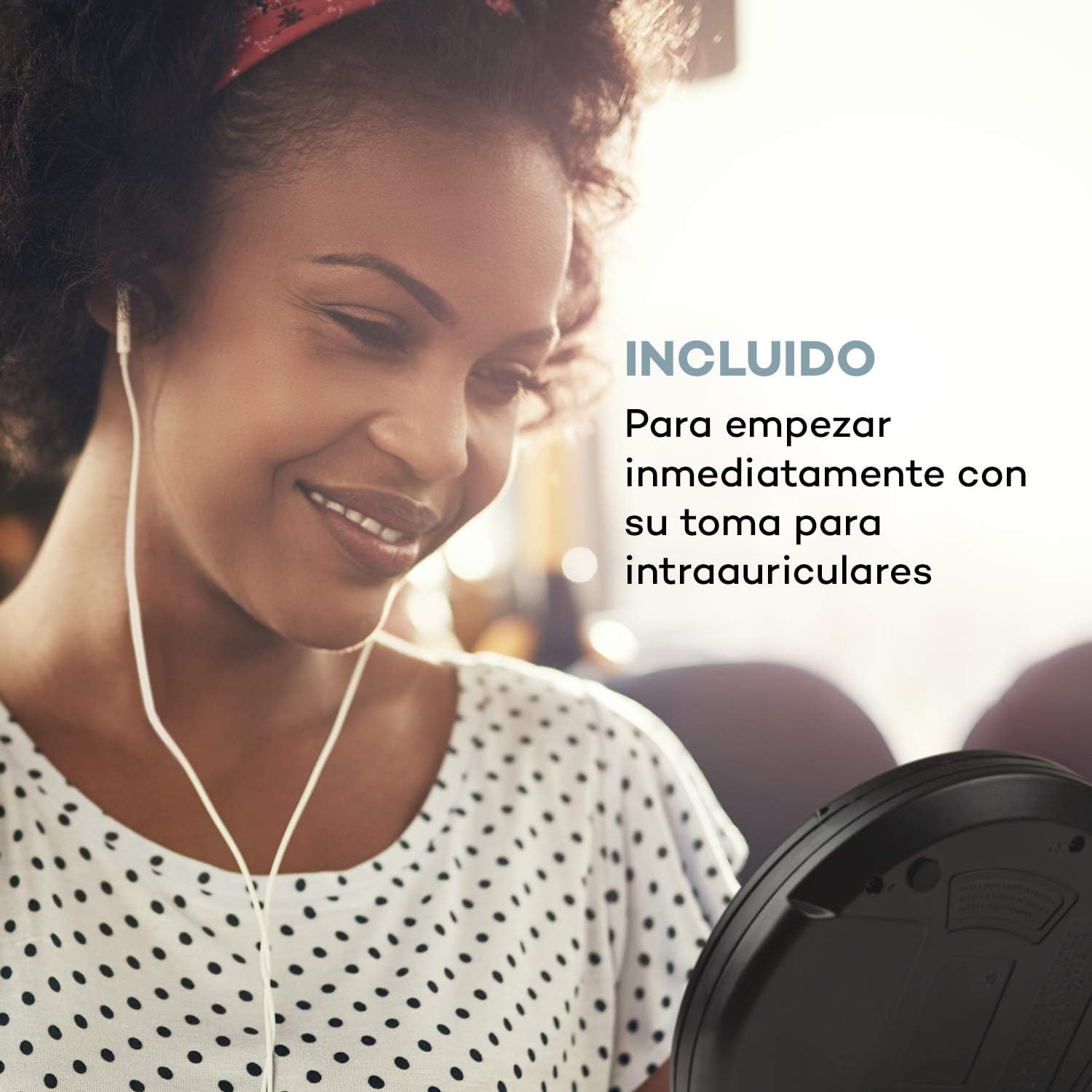
Image 3.1: The AUNA CDC 200 includes a pair of in-ear headphones for immediate use.
4. Елементи управління та підключення
Familiarize yourself with the buttons and ports on your AUNA CDC 200:
- Перемикач ВИМК/УВІМК: Вмикає або вимикає пристрій.
- Кнопка відтворення/паузи (►/−): Починає або призупиняє відтворення компакт-диска.
- Кнопка «Стоп» (■): Зупиняє відтворення компакт-диска.
- Skip/Search Buttons (◀◀ / ►►): Skips tracks or fast forwards/rewinds during CD playback. In radio mode, tunes to the next/previous station.
- Кнопка МЕНЮ: Доступ до опцій меню.
- P-MODE Button: Selects playback modes (e.g., repeat, random).
- Кнопка SOURCE: Switches between CD and Radio modes.
- Кнопка СКАНУВАТИ: Initiates station scanning in radio mode.
- Кнопка INFO: Displays additional information (e.g., radio station details).
- Кнопка ENTER: Підтверджує вибір у меню.
- TU+/TU- Buttons: Adjusts tuning in radio mode or navigates menu options.
- Порт Micro USB: Для підключення зарядного кабелю.
- Гніздо для навушників 3.5 мм: Для підключення навушників.

Зображення 4.1: закінченоview of the AUNA CDC 200's top panel with control buttons and LC display.
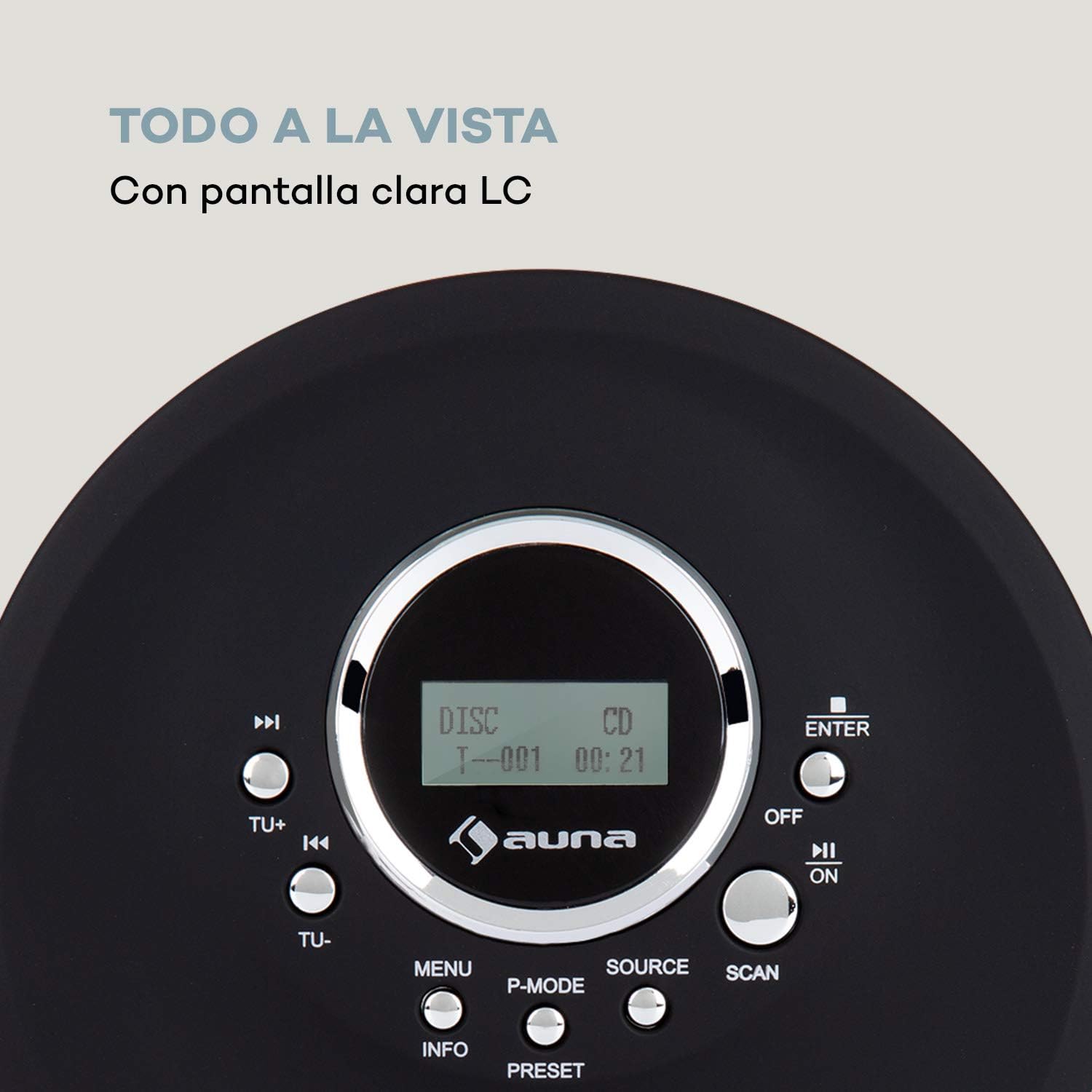
Image 4.2: The clear LC display shows track information and operating status.
5. Налаштування
5.1 Заряджання батареї
Before first use, fully charge the integrated 1000 mAh battery. Connect the supplied Micro USB cable to the device's Micro USB port and the other end to a USB power source (e.g., a computer USB port, a USB wall adapter, or a power bank). The charging indicator will illuminate during charging and turn off when fully charged.
Image 5.1: The AUNA CDC 200 can be charged via Micro USB from various power sources.
5.2 Підключення навушників
Insert the 3.5mm jack of your headphones into the headphone port on the side of the device. Ensure the connection is secure for optimal audio output.
5.3 Вставлення компакт-диска
- Slide the OPEN switch to open the CD compartment lid.
- Carefully place a CD (audio CD, CD-R, CD-RW, or MP3-CD) onto the spindle with the label side facing up.
- Обережно натисніть на компакт-диск, доки він не зафіксується почутим клацанням.
- Щільно закрийте кришку відсіку для компакт-дисків, доки вона не зафіксується.

Image 5.2: The CD compartment supports various disc formats including CD, CD-R, CD-RW, and MP3-CD.
6. Інструкція з експлуатації
6.1 Увімкнення/вимкнення
Посуньте ВИМК/УВІМК switch to the 'ON' position to power on the device. Slide it to 'OFF' to power off.
6.2 Відтворення CD
- Ensure a CD is inserted and the device is powered on.
- Натисніть ДЖЕРЕЛО button to select CD mode. The display will show 'CD'.
- Натисніть Відтворення/Пауза (►/−) button to start playback. The track number and elapsed time will be displayed.
- Прес Відтворення/Пауза (►/−) ще раз, щоб призупинити відтворення. Натисніть ще раз, щоб відновити.
- Прес Skip/Search (►►) to skip to the next track. Press Пропустити/Пошук (◀◀) щоб перейти на початок поточної або попередньої доріжки.
- Натисніть і утримуйте Skip/Search (►►) or (◀◀) to fast forward or rewind through the current track.
- Натисніть Зупинка (■) , щоб зупинити відтворення.
Anti-Skip Function
The AUNA CDC 200 features an integrated anti-skip function to prevent interruptions during playback, especially when the device is in motion. This function is automatically active during CD playback.
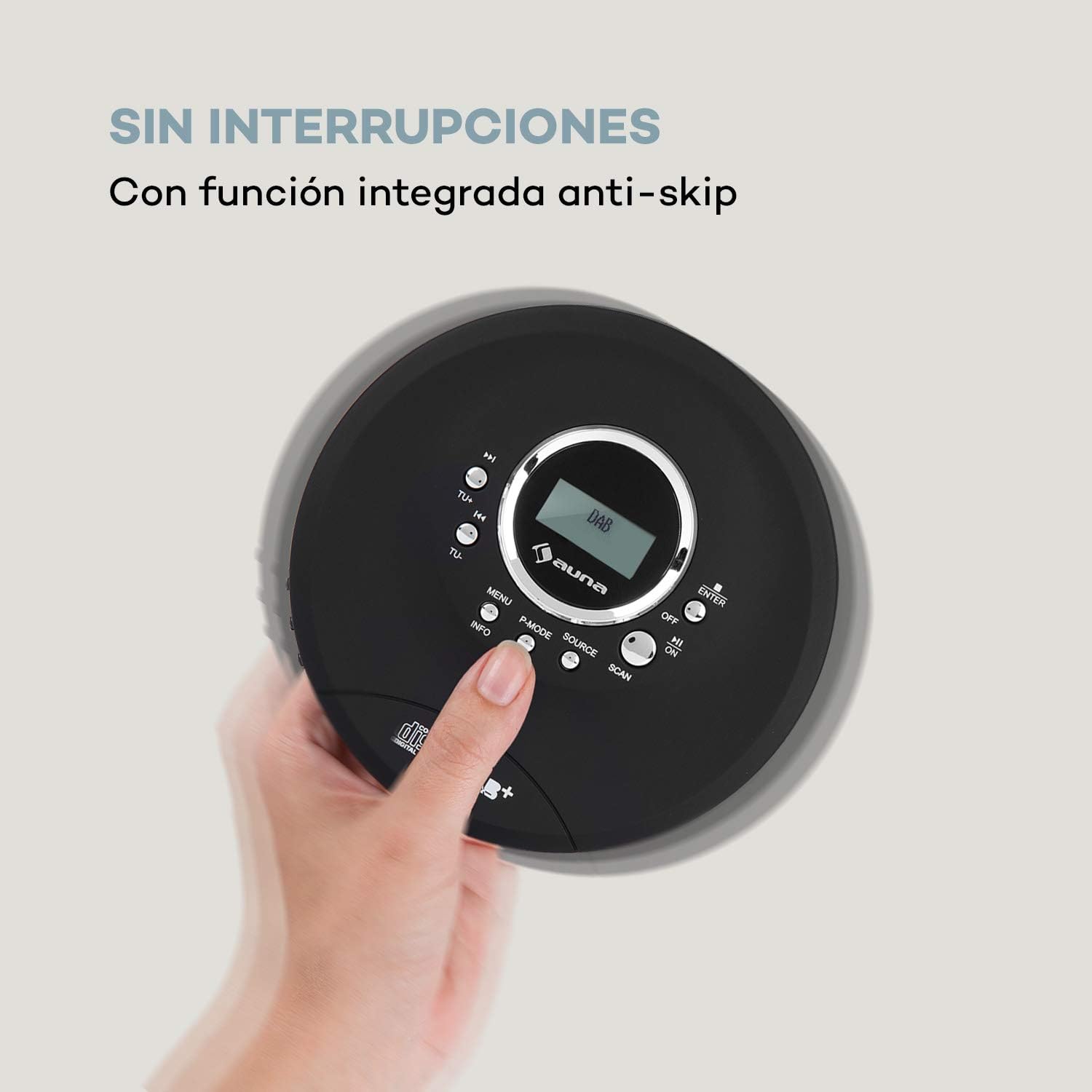
Image 6.1: The anti-skip function ensures uninterrupted audio playback.
Playback Modes (P-MODE)
Натисніть P-РЕЖИМ button repeatedly to cycle through different playback modes such as Repeat One, Repeat All, Random, or Program Play (if available).
6.3 Робота радіо (DAB+/FM)
- Натисніть ДЖЕРЕЛО button to select Radio mode. The display will show 'DAB' or 'FM'.
- Автоматичне сканування: Натисніть СКАНУВАТИ button to automatically search for available DAB+ or FM stations. The device will store found stations.
- Ручна настройка: Використовуйте ТУ+ or ТУ- кнопки для ручного налаштування на певну частоту.
- Вибір станцій: After scanning, use the Skip/Search (◀◀ / ►►) buttons to navigate through the stored stations.
- Інформаційний дисплей: Натисніть ІНФО кнопку до view additional information about the current radio station (e.g., program type, signal strength).

Image 6.2: The AUNA CDC 200 features a DAB+ and FM radio tuner for diverse listening options.
Функція підсилення басів 6.4
The AUNA CDC 200 includes a bass boost feature. To activate or deactivate it, refer to the device's menu options by pressing the МЕНЮ button and navigating with TU+/TU- і ENTER.
7. Технічне обслуговування
7.1 Очищення
- Протріть зовнішню частину пристрою м’якою сухою тканиною.
- Не використовуйте абразивні засоби для чищення, віск або розчинники.
- To clean the CD lens, use a specialized CD lens cleaning kit. Do not touch the lens directly.
7.2 Догляд за акумулятором
- Уникайте частого повного розряджання акумулятора.
- Якщо пристрій не використовуватиметься протягом тривалого часу, періодично заряджайте його, щоб підтримувати справність акумулятора.
- Не піддавайте пристрій дії екстремальних температур.
8. Вирішення проблем
If you encounter issues with your AUNA CDC 200, refer to the following table:
| проблема | Можлива причина | Рішення |
|---|---|---|
| Пристрій не включається. | Battery is discharged. Power switch is OFF. | Charge the battery. Slide the power switch to ON. |
| Немає звуку з навушників. | Headphones not connected properly. Volume too low. Faulty headphones. | Ensure headphones are fully plugged in. Increase volume. Try different headphones. |
| Компакт-диск пропускає або не відтворюється. | CD is dirty or scratched. CD inserted incorrectly. Device is subject to strong vibrations. | Clean or replace the CD. Reinsert the CD correctly. Ensure the anti-skip function is active and minimize movement. |
| Поганий прийом радіо. | Слабкий сигнал. Перешкоди. | Relocate the device to an area with better reception. Avoid sources of electronic interference. |
9. Технічні характеристики
- Бренд:
- АУНА
- Номер моделі:
- CDC 200 (Manufacturer Reference: MG3-90400-jfhg)
- Compatible Audio Formats:
- CD, CD-R, CD-RW, MP3-CD
- Радіо тюнер:
- DAB+, FM
- Джерело живлення:
- 1000 mAh Rechargeable Battery, Micro USB (Electric Cable)
- Підключення:
- USB (for charging), 3.5mm Headphone Jack
- Дисплей:
- ЖК-дисплей
- Сумісні пристрої:
- Навушники
- Стиль:
- Портативний
- Параметри кольору:
- Чорний, Червоний
10. Інформація про безпеку
- Не піддавайте пристрій впливу дощу, вологи або екстремальних температур.
- Уникайте падіння та сильних ударів пристрою.
- Не намагайтеся розбирати або ремонтувати пристрій самостійно. Зверніться до кваліфікованого сервісного персоналу.
- Тримайте пристрій подалі від сильних магнітних полів.
- Утилізуйте акумулятор та пристрій відповідно до місцевих правил.
11. Гарантія та підтримка
Щоб отримати інформацію про гарантію та технічну підтримку, зверніться до документації, що додається до вашої покупки, або відвідайте офіційний веб-сайт AUNA. webсайт. Зберігайте чек про покупку для будь-яких гарантійних претензій.


