1. Вступ
This manual provides essential information for the safe and efficient operation of your iFFALCON 32F2A 32-inch HD Ready Android Smart LED TV. Please read these instructions thoroughly before using the television and retain them for future reference.
The iFFALCON 32F2A is an 80 cm (32 inches) HD Ready Android Smart LED TV designed to offer a comprehensive entertainment experience. It features a 720p resolution display, integrated Android operating system, and smart functionalities like Google Assistant and Chromecast built-in.
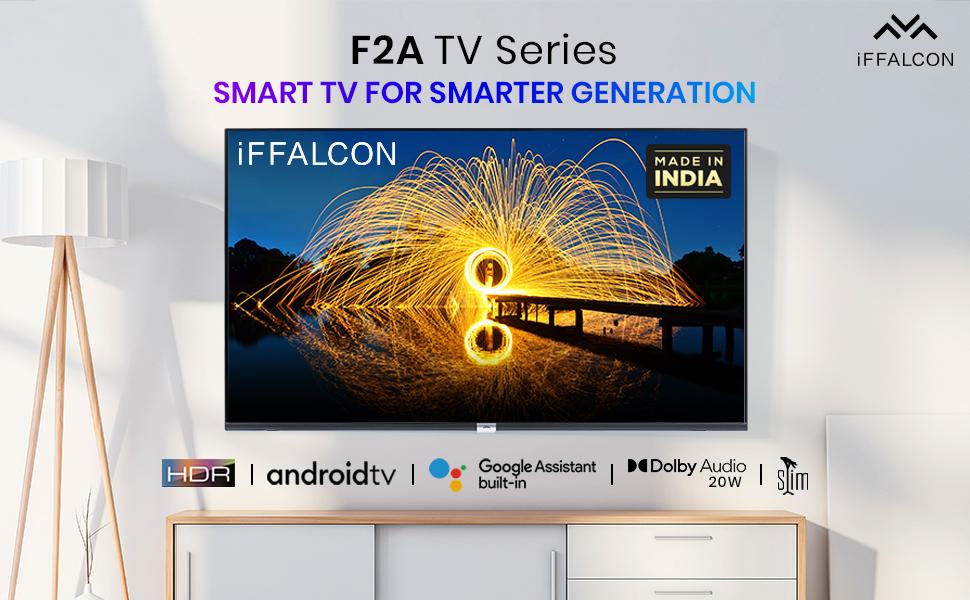
Зображення 1.1: спереду view of the iFFALCON 32F2A Smart LED TV displaying the Android TV interface, alongside icons representing key features such as HDR, Android TV, Google Assistant, Micro Dimming, IPQ Engine, Chromecast built-in, AI, and Dolby Audio with 20W speakers.
2. Що в коробці
Verify that all components are present and undamaged upon unpacking your new television.
- 1 x Світлодіодний телевізор iFFALCON 32F2A
- 1 х Настільна підставка
- 1 х посібник користувача
- 1 х гарантійний талон
- 1 x Пульт дистанційного керування
- 2 батарейки типу AAA (для пульта дистанційного керування)
3. Налаштування
3.1 Розпакування та розміщення
Carefully remove the TV from its packaging. It is recommended to have two people for this process. Place the TV on a stable, flat surface or mount it securely on a wall.
3.2 Attaching the Table Top Stand
- Покладіть телевізор екраном вниз на м’яку, чисту поверхню, щоб запобігти подряпинам.
- Вирівняйте основи підставки з відповідними пазами на нижній панелі телевізора.
- Secure the stand bases using the provided screws. Ensure they are tightened firmly.
3.3 Настінне кріплення (додатково)
If you choose to wall mount your TV, please note that the wall mount bracket is not included and must be purchased separately. Follow the instructions provided with your wall mount kit and ensure professional installation for safety.
3.4 Підключення зовнішніх пристроїв
Your iFFALCON 32F2A TV offers various connectivity options:
- Порти HDMI: Connect Blu-ray players, gaming consoles, or set-top boxes.
- Порт USB: Підключіть USB-накопичувачі для відтворення медіафайлів.
- Порт Ethernet: Для дротового підключення до Інтернету.
- Роз'єм для навушників: Для приватного прослуховування.
3.5 Підключення живлення
Connect the power cord to the TV's power input and then to a suitable AC power outlet (240 Volts, 50 Watts). Ensure the power cable is securely connected.
3.6 Початкове увімкнення та майстер налаштування
After connecting power, press the power button on the TV or remote control. The TV will guide you through the initial setup wizard, including language selection, network connection (Wi-Fi or Ethernet), Google account sign-in, and channel scanning.

Image 3.1: A diagram illustrating the physical dimensions of the iFFALCON 32F2A TV, including screen size (32 inches / 79.97 cm diagonal), width (73.20 cm / 29 inch), height (48.20 cm / 19 inch), and depth (17.30 cm / 6.9 inch).
4. Інструкція з експлуатації
4.1 Пульт дистанційного керування
The provided remote control allows you to navigate the TV's interface and access various functions. Insert the two AAA batteries (included) into the remote control, ensuring correct polarity.
- Кнопка живлення: Вмикає або вимикає телевізор.
- Кнопки навігації: Для переміщення по меню використовуйте напрямну панель та кнопку OK.
- Гучність +/-: Регулює рівень гучності.
- Канал +/-: Змінює телеканали.
- Кнопка "Додому: Повернення на головний екран Android TV.
- Кнопка Назад: Повернення до попереднього екрана.
- Кнопка Google Асистента: Активує голосове керування.
- Кнопка Netflix: Direct access to Netflix.
- Amazon Prime Video Button: Direct access to Amazon Prime Video.
- Zee5 Button: Direct access to Zee5.
- TCL Channel Button: Direct access to TCL channel.

Image 4.1: The smart remote control for the iFFALCON TV, highlighting the Google Assistant button and a dedicated hotkey for Netflix for quick access.
4.2 Інтерфейс Android TV
Your TV runs on Android 9, providing access to a wide range of apps and services. The home screen displays recommended content, installed applications, and input sources.
- програми: Access pre-installed applications like Netflix, YouTube, Prime Video, Disney+Hotstar, Sun NXT, and Zee5. Download more from the Google Play Store.
- входи: Switch between HDMI inputs, USB, and other connected devices.
- Налаштування: Customize TV settings such as picture, sound, network, and system preferences.

Image 4.2: The iFFALCON Smart LED TV showcasing its Android TV home screen, featuring prominent app icons for Netflix, YouTube, Prime Video, and other streaming services.

Image 4.3: The iFFALCON Smart LED TV interface, illustrating the availability of popular streaming platforms such as YouTube, Prime Video, Disney+ Hotstar, SonyLIV, Zee5, ALTBalaji, Voot Select, and Eros Now.
4.3 Помічник Google
The built-in Google Assistant allows you to control your TV and smart home devices using voice commands. Press the Google Assistant button on your remote and speak into the microphone.
- Search Content: Say "Play a cartoon movie" or "шукати action films."
- Control TV: Say "Turn up the volume" or "Switch to HDMI 1."
- Get Information: Ask "What's the weather today?" or "How long is Moonlight?"
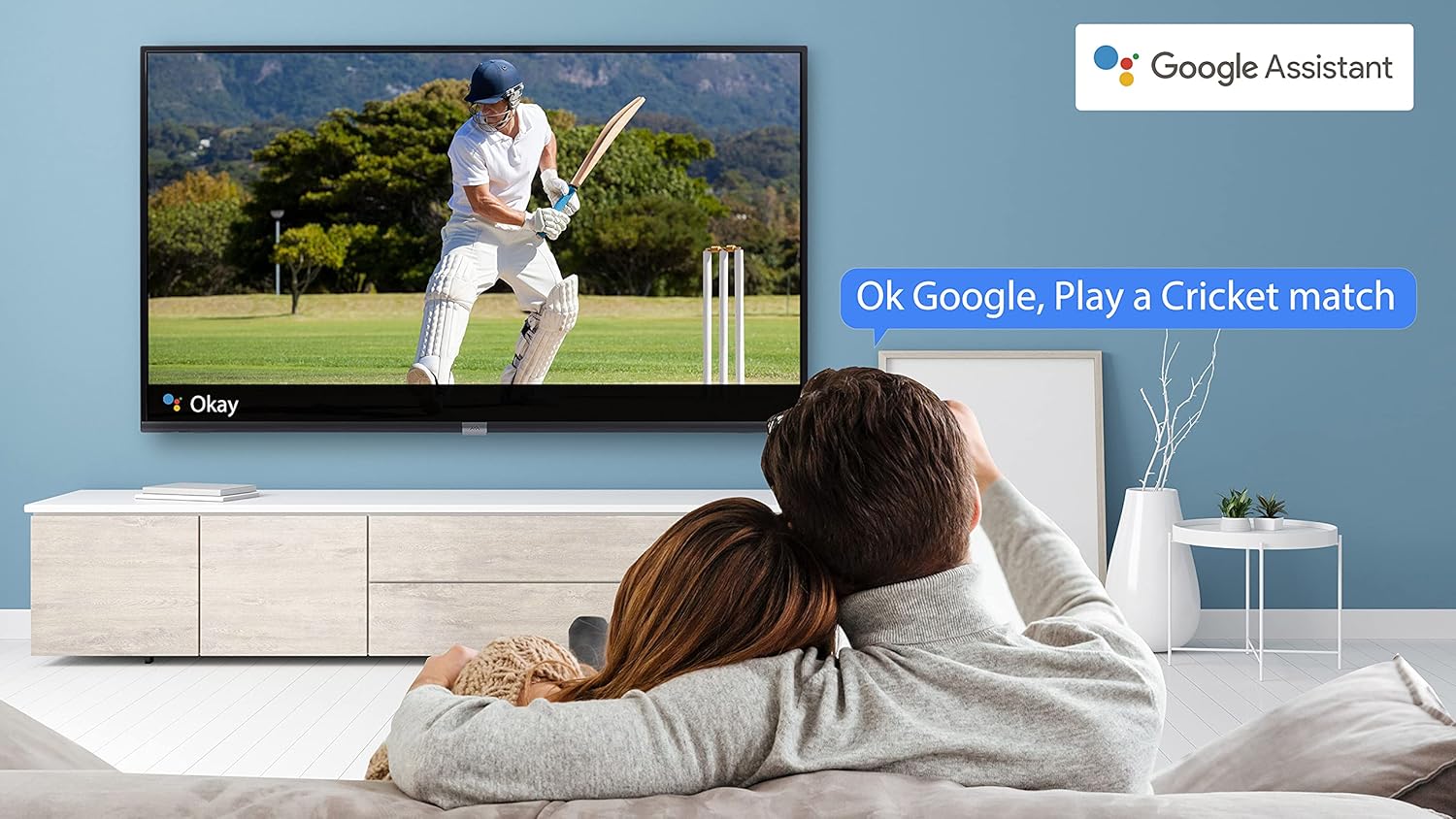
Image 4.4: A couple watching a cricket match on the iFFALCON TV, with a Google Assistant prompt bubble showing "Ok Google, Play a Cricket match," demonstrating voice control functionality.
Image 4.5: The Google Assistant logo, indicating the TV's integrated voice control capabilities.
4.4 Вбудований Chromecast
Use Chromecast built-in to cast content from your compatible smartphone, tablet, or computer directly to your TV screen. Ensure your device and TV are connected to the same Wi-Fi network.

Image 4.6: A smartphone displaying a car image, with a casting icon indicating that the content is being mirrored to a larger TV screen, demonstrating the Chromecast built-in feature.
5. Ключові характеристики
5.1 HDR (розширений динамічний діапазон)
HDR technology enhances contrast, color accuracy, and brightness, delivering a more lifelike and immersive viewing experience with greater detail in both dark and bright scenes.

Image 5.1: A split-screen comparison showing the visual difference between an image without HDR 10 (left, darker, less vibrant) and with HDR 10 (right, brighter, more detailed, and richer colors).
5.2 Мікродімінг
Micro Dimming analyzes the TV content in hundreds of separate zones to adjust brightness and darkness independently. This results in improved contrast and picture quality, especially in scenes with mixed light levels.

Image 5.2: A split-screen comparison demonstrating the effect of Micro Dimming, with the 'Without Micro Dimming' side appearing less vibrant and the 'With Micro Dimming' side showing enhanced contrast and color saturation in a city night scene.
5.3 IPQ Engine
The IPQ Engine (Image Quality Processing Engine) optimizes picture quality by intelligently adjusting brightness, color range, and contrast, ensuring a more vivid and accurate display.

Image 5.3: A visual representation of the IPQ Engine, highlighting its 'High Brightness Precision Control Technology' and 'Intelligent Color Range Control Technology' for optimized picture quality.
5.4 Dolby Audio
Experience rich, clear, and powerful sound with Dolby Audio. This technology enhances the audio output, providing an immersive listening experience for movies, music, and games.

Image 5.4: The Dolby Audio logo, signifying enhanced sound quality and an immersive audio experience.
5.5 Smart Volume
Smart Volume automatically adjusts the sound level to prevent sudden changes in volume, such as during commercials or when switching channels, ensuring a consistent listening experience.

Image 5.5: An illustration of the Smart Volume feature, showing how it maintains consistent audio levels across different content types, represented by varying sound wave patterns.
5.6 Спортивний режим
Sports Mode optimizes picture and sound settings for sports content, enhancing motion clarity and audio to provide a more engaging viewing experience for live sports.

Image 5.6: A split-screen comparison of a cricket player, showing the 'Without Sports Mode' side with standard clarity and the 'With Sports Mode' side with enhanced motion and detail, indicated by a playback bar.
5.7 Тонкий дизайн
The iFFALCON 32F2A features a slim design, allowing it to blend seamlessly into various living spaces and offering a modern aesthetic.

Image 5.7: An illustration emphasizing the slim profile of the iFFALCON TV, with a hand demonstrating its thinness.
6. Технічне обслуговування
6.1 Очищення екрана
Обережно протріть екран м’якою тканиною без ворсу. Для стійких плям злегка протрітьampПротріть тканину водою або спеціальним засобом для чищення екранів. Уникайте використання агресивних хімікатів або абразивних матеріалів.
6.2 Очищення шафи
Протріть корпус телевізора м’якою сухою тканиною. Не використовуйте рідкі засоби для чищення безпосередньо на корпусі.
6.3 Догляд за шнуром живлення
Регулярно перевіряйте шнур живлення на наявність пошкоджень. Не ставте на шнур важкі предмети та не піддавайте його дії надмірного тепла.
7. Вирішення проблем
Якщо у вас виникли проблеми з телевізором, зверніться до наступних поширених проблем та способів їх вирішення:
| проблема | Можлива причина | Рішення |
|---|---|---|
| Немає живлення | Шнур живлення відключено, проблема з розеткою | Ensure power cord is securely plugged in. Check if the power outlet is working. |
| Немає зображення, але звук є | Неправильне джерело вхідного сигналу, несправний кабель | Перевірте, чи вибрано правильне джерело вхідного сигналу. Перевірте підключення кабелю HDMI/AV. |
| Звуку немає, але зображення є | Volume muted or too low, audio settings issue | Increase volume. Check audio output settings in the TV menu. |
| Пульт не працює | Dead batteries, obstruction, remote out of range | Replace batteries. Remove obstructions between remote and TV. Ensure remote is within operating range. |
| Неможливо підключитися до Wi-Fi | Incorrect password, router issue, TV too far from router | Re-enter Wi-Fi password. Restart router. Move TV closer to router or use Ethernet. |
Якщо проблема не зникає після спроби цих рішень, зверніться до служби підтримки клієнтів.
8. Технічні характеристики
Детальні технічні характеристики телевізора iFFALCON 32F2A Smart LED:
| Особливість | Специфікація |
|---|---|
| Бренд | iFFALCON |
| Назва моделі | 32F2A |
| Розмір екрана | 32 дюймів (80 см) |
| Технологія дисплея | Світлодіодна панель класу A+ |
| роздільна здатність | HD Ready (1366 x 768 пікселів) |
| Частота оновлення | 60 Гц |
| Viewкут нахилу | 178 градусів |
| Співвідношення сторін зображення | 16:9 |
| Співвідношення контрастності зображення | 3000:1 |
| Операційна система | Android |
| Розмір встановленої оперативної пам'яті | 1 ГБ |
| Ємність цифрового зберігання | 8 ГБ |
| Графічний співпроцесор | Малі470x2 |
| Аудіо Ватtage | 16 Вт |
| Об'ємний звук динаміка | Dolby Audio |
| Технологія підключення | Wi-Fi, Ethernet, HDMI, USB |
| Загальна кількість портів USB | 1 |
| Джерело живлення | AC |
| томtage | 240 вольт |
| Wattage | 50 Вт |
| Розміри продукту | 48.2 х 73.2 х 18.3 см |
| Вага товару | 3.9 кг |
9. Гарантія та підтримка
Your iFFALCON 32F2A TV comes with a warranty. Please refer to the included Warranty Card for detailed terms and conditions, including the warranty period and coverage.
For technical assistance, service requests, or further inquiries, please visit the official iFFALCON support website or contact their customer service helpline. Contact information can typically be found on the Warranty Card or the manufacturer's official webсайт.


