вступ
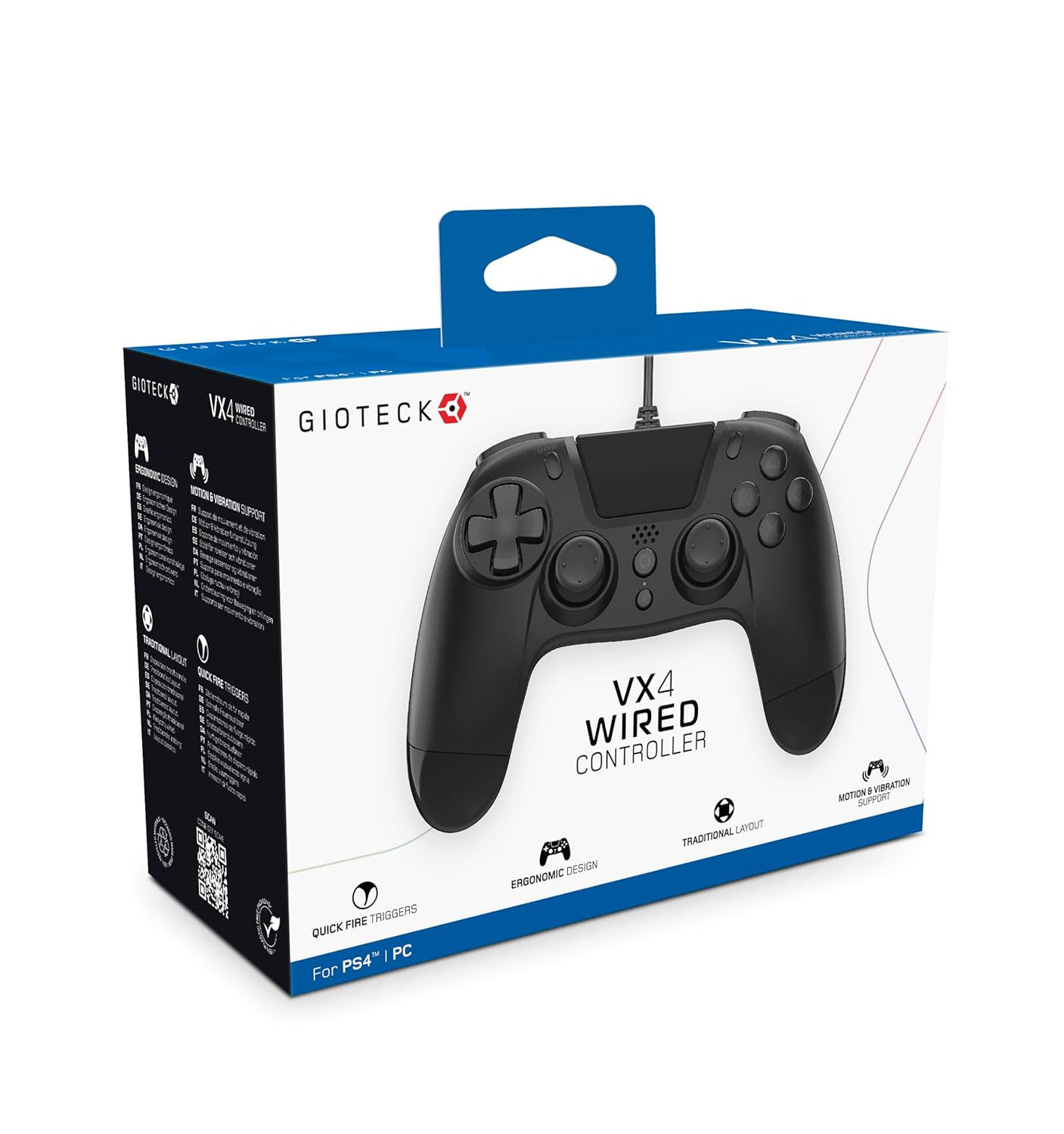
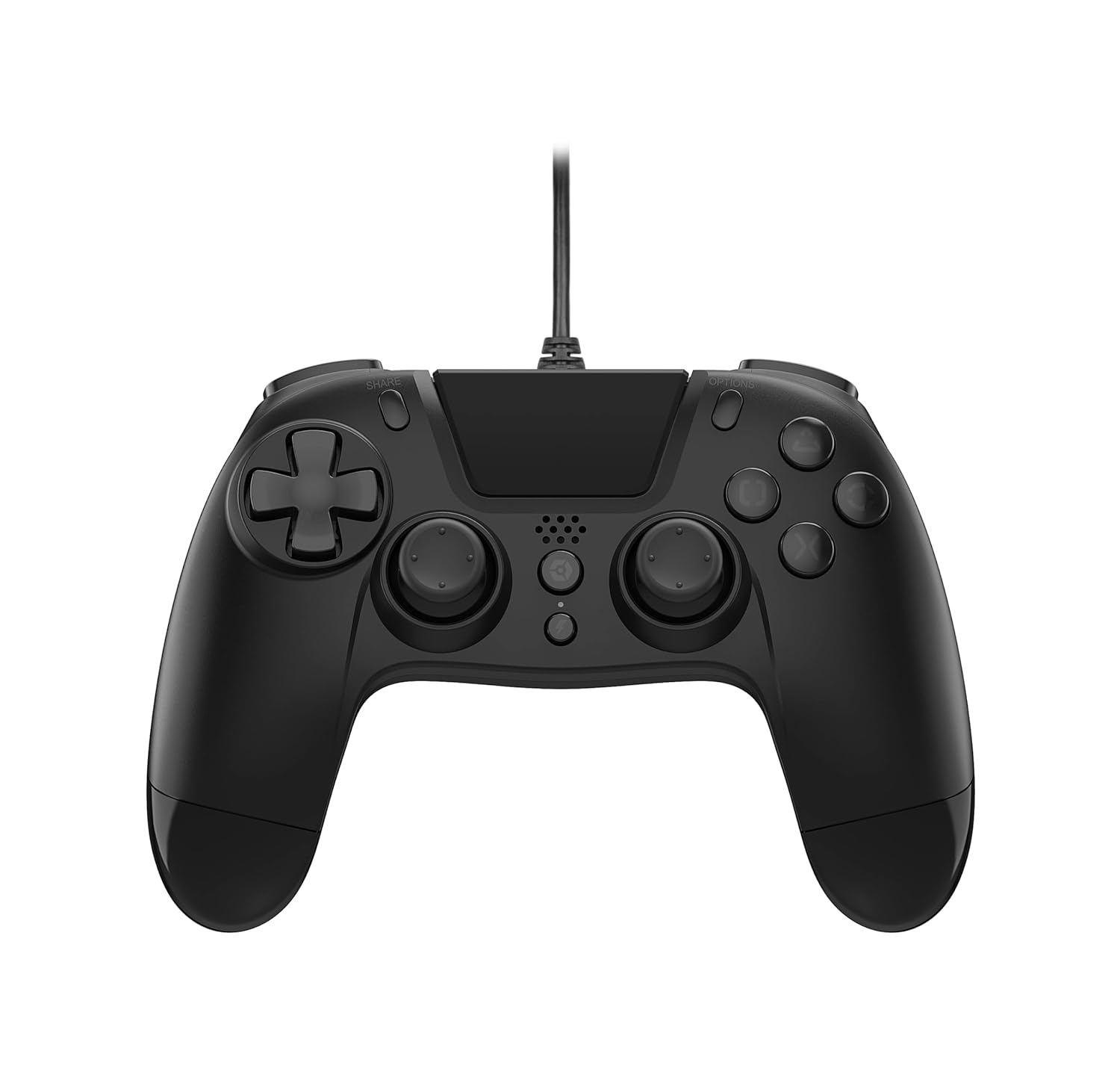
The Gioteck VX-4 Wired Controller is designed for PlayStation 4 and PC, offering a comfortable and responsive gaming experience. It features quick-fire triggers, a precision D-pad, and anti-slip rubber thumb sticks for enhanced performance, providing a next-level immersive gaming experience.
Ключові характеристики:
- Quick Fire triggers
- Ергономічний дизайн
- Traditional PlayStation layout
Вміст упаковки:
- Gioteck VX-4 Wired Controller
- Посібник користувача (цей документ)
Продукт закінченийview:
Налаштування
Connecting to PlayStation 4:
- Переконайтеся, що ваша консоль PlayStation 4 увімкнена.
- Insert the USB connector of the VX-4 Wired Controller into an available USB port on your PlayStation 4 console.
- Контролер має бути автоматично розпізнаний та готовий до використання.
Підключення до ПК:
- Переконайтеся, що ваш ПК увімкнено.
- Insert the USB connector of the VX-4 Wired Controller into an available USB port on your PC.
- The PC operating system should automatically install the necessary drivers. If prompted, allow the driver installation to complete.
- The controller will be ready for use with compatible PC games.

Інструкція з експлуатації
Розташування кнопок:
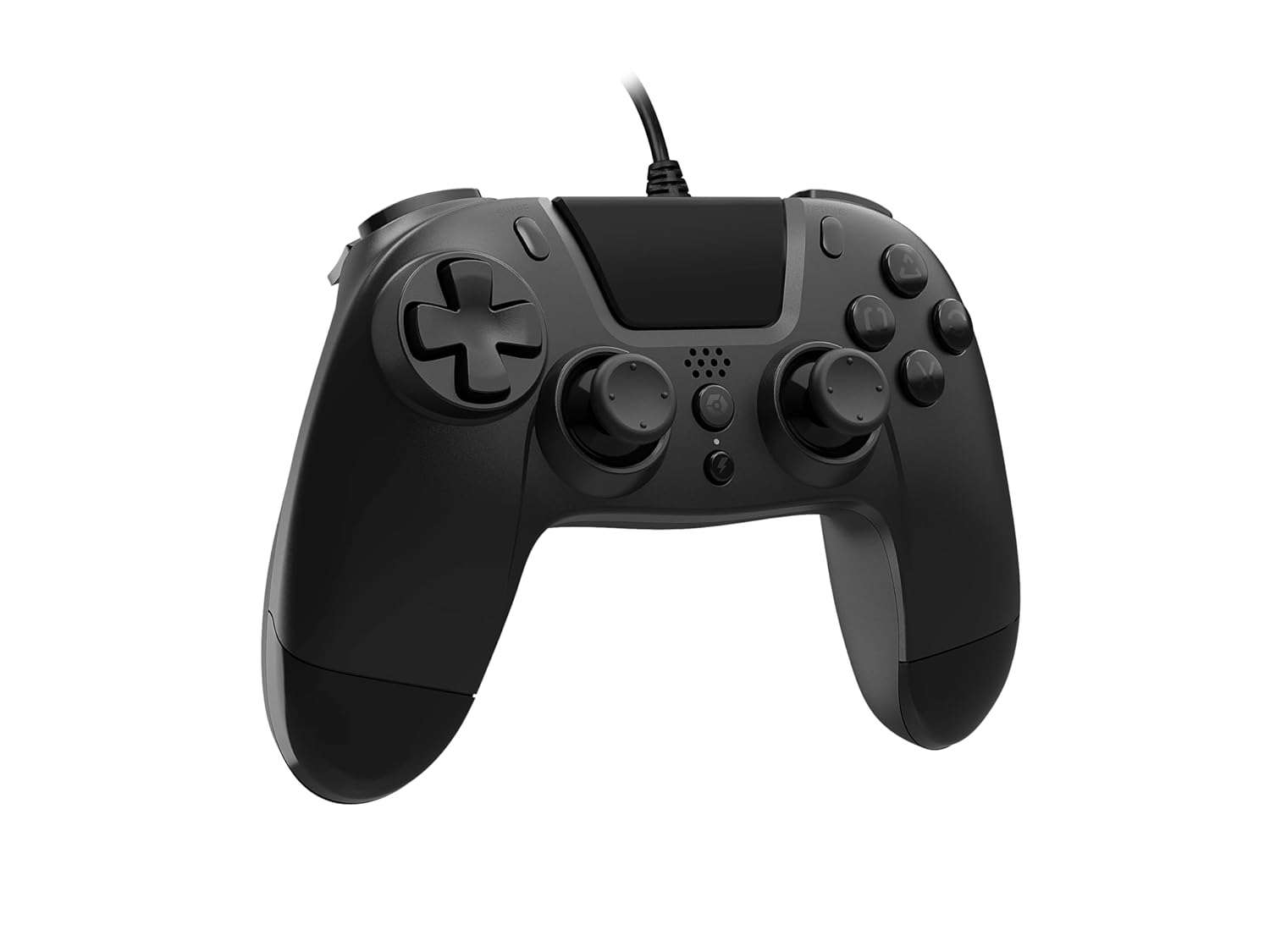
The VX-4 Wired Controller features a traditional PlayStation layout:
- Спрямований джойстик (D-Pad): Для точного введення напрямку.
- Лівий аналоговий стік: Первинний контроль руху.
- Правий аналоговий стік: Camera or aiming control.
- Кнопки дій (Трикутник, Коло, Хрест, Квадрат): Context-sensitive actions in games.
- Кнопка ПОДІЛИТИСЯ: Share gameplay moments (PS4 only).
- Кнопка ПАРАМЕТРІВ: Access in-game menus or pause (PS4 only).
- Кнопка PS: Access the PlayStation Home screen or power on/off the console (PS4 only).
- Кнопки L1/R1: Shoulder buttons, typically for quick actions.
- Тригери L2/R2: Аналогові тригери для точного введення даних, такого як прискорення або стрільба.
Використання контролера:
Once connected, the controller functions similarly to a standard PlayStation 4 controller for compatible games. For PC, ensure the game supports XInput or DirectInput controllers for optimal performance.
Технічне обслуговування
Прибирання:
Для очищення контролера використовуйте м’яку суху тканину. Для стійкого бруду використовуйте злегкаamp cloth can be used, but ensure no moisture enters the controller's internal components. Do not use harsh chemicals or abrasive cleaners, as these may damage the finish or internal electronics.
Зберігання:
Store the controller in a cool, dry place away from direct sunlight and extreme temperatures. Avoid placing heavy objects on the controller to prevent damage to the cable or buttons.
Догляд за кабелем:
Do not sharply bend, twist, or pull on the controller cable. Always grasp the plug, not the cable, when connecting or disconnecting it from your console or PC to prevent internal wire damage.
Усунення несправностей
Контролер не відповідає:
- Переконайтеся, що USB-кабель надійно підключено як до контролера, так і до консолі/ПК.
- Try plugging the controller into a different USB port on your console/PC.
- Перезавантажте консоль або ПК.
- If on PC, check Device Manager to ensure the controller is recognized and drivers are installed correctly.
Кнопки або джойстики працюють неправильно:
- Check for any physical obstructions or debris around the buttons or analog sticks.
- Ensure the controller is clean (refer to Maintenance section).
- Перевірте контролер з іншою грою або програмою, щоб визначити, чи проблема стосується лише однієї програми.
Вібрація не працює:
- Verify that the game or application you are playing supports vibration feedback.
- Перевірте налаштування гри, щоб переконатися, що вібрація ввімкнена.
Технічні характеристики
| Особливість | Деталь |
|---|---|
| Номер моделі | SWIAGJC |
| Підключення | Провідний USB |
| Сумісність | PlayStation 4, ПК |
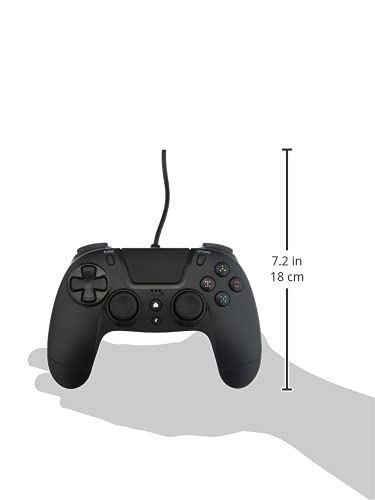
| Product Dimensions (Controller) | Approximately 7.2 inches (18 cm) in height |
| Вага товару | 7.41 унцій (210 грам) |
| Виробник | Gioteck |
Гарантія та підтримка
For warranty information and technical support regarding your Gioteck VX-4 Wired Controller, please refer to the official Gioteck webсайт або зверніться безпосередньо до служби підтримки клієнтів. Рекомендується зберегти чек про покупку для будь-яких гарантійних претензій.
Manufacturer: Gioteck
Дата першої доступності: 10 вересня 2020 року


