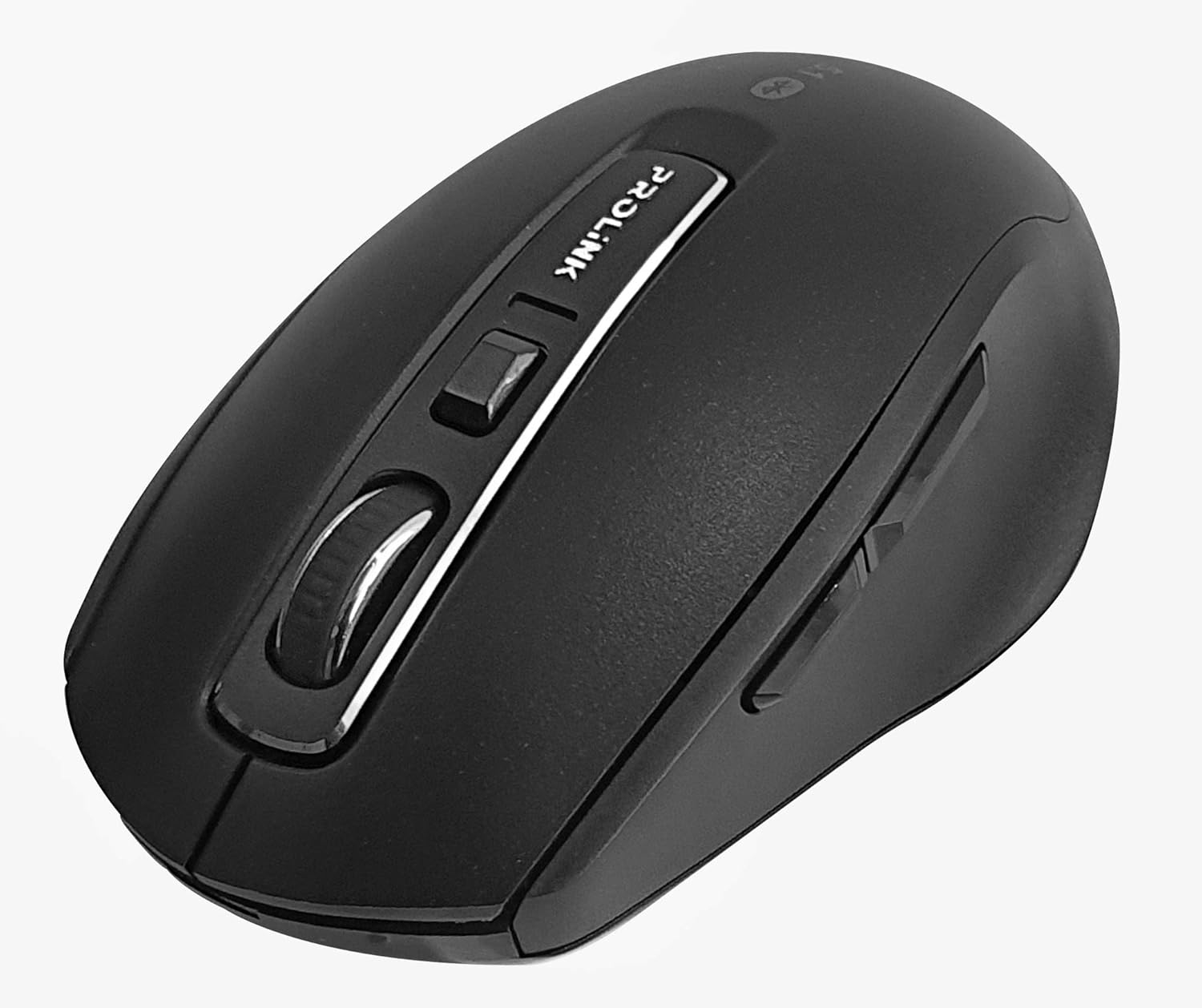
Зображення: Зверху вниз view of the Prolink PMB8502 Bluetooth Wireless Optical Mouse.
1. Вступ і даліview
The Prolink PMB8502 Bluetooth Mouse is designed for seamless wireless control of your desktop, laptop, or tablet. It features Bluetooth 5.2 connectivity, an ergonomic design, and adjustable DPI settings for personalized comfort and precision. This manual provides detailed instructions for setup, operation, maintenance, and troubleshooting.
Ключові характеристики:
- Bluetooth 5.2 connectivity (backward compatible with 5.1/5.0/4.2/4.1/4.0)
- Up to 27 months battery life (based on supplied batteries)
- Регульований DPI: 800/1200/1600
- 6-button design including back and forward buttons
- Ергономічний дизайн для комфортного використання
- Operating range of up to 10 meters

Image: Prolink PMB8502 mouse highlighting its Bluetooth 5.2, battery life, DPI, and range features.
2. Вміст упаковки
- Prolink PMB8502 Bluetooth Wireless Optical Mouse
- 1 батарейка типу АА (попередньо встановлена або входить до комплекту)
- Посібник користувача (цей документ)
3. Інструкції з налаштування
3.1. Встановлення батареї
- Знайдіть кришку відсіку для батарейок на нижній стороні миші.
- Обережно посуньте або підніміть кришку, щоб відкрити відсік.
- Вставте одну батарейку типу АА, переконавшись, що позитивна (+) та негативна (-) клеми правильно збігаються з позначками всередині відсіку.
- Закрийте кришку батарейного відсіку, доки вона надійно не зафіксується почувши клацання.
3.2. Підключення Bluetooth
Before pairing, ensure your device (computer, laptop, tablet) has Bluetooth enabled.
- Увімкніть мишу за допомогою перемикача ввімк./вимк., розташованого на нижній стороні.
- Press and hold the Bluetooth 'Connect' button (usually located near the On/Off switch or within the battery compartment) for 3-5 seconds until the LED indicator on the mouse begins to flash, indicating it is in pairing mode.
- На своєму пристрої перейдіть до налаштувань Bluetooth.
- шукати new devices. The mouse should appear as "Prolink PMB8502" or similar.
- Select the mouse from the list to complete the pairing process. The LED indicator on the mouse will stop flashing and remain solid for a few seconds, then turn off, indicating a successful connection.

Зображення: спереду view of the Prolink PMB8502 mouse, showing its ergonomic shape.
4. Інструкція з експлуатації
4.1. Функції кнопок
- Ліва кнопка миші: Стандартний вибір та активація.
- Клацніть правою кнопкою миші: Доступ до контекстних меню.
- Колесо прокрутки: Прокручує документи та web сторінки вертикально. Також можна натиснути для функції клацання середньою кнопкою миші.
- Кнопка регулювання DPI: Located below the scroll wheel. Press to cycle through DPI settings (800/1200/1600).
- Кнопка вперед: Переміщується вперед web браузери або file дослідники.
- Кнопка Назад: Переміщується назад web браузери або file дослідники.
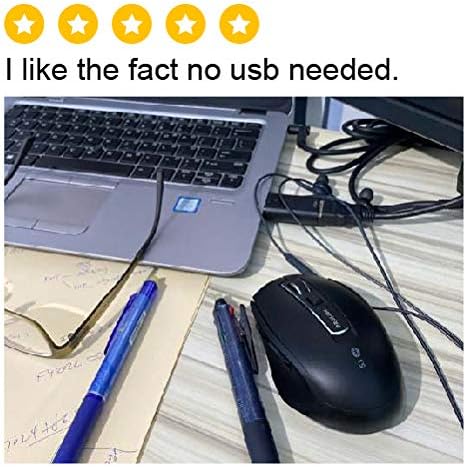
Зображення: Збоку view of the Prolink PMB8502 mouse, illustrating the placement of the back and forward navigation buttons.
4.2. Налаштування роздільної здатності
The mouse offers three DPI (Dots Per Inch) settings: 800, 1200, and 1600. Press the DPI button located below the scroll wheel to switch between these sensitivities. A higher DPI setting results in faster cursor movement across the screen.
4.3. Управління живленням
- Вмикання/вимкнення: To conserve battery life, turn off the mouse using the switch on its underside when not in use for extended periods.
- Автоматичний режим сну: The mouse automatically enters a sleep mode after more than 10 minutes of inactivity. To wake it up, simply move the mouse or click any button.
5. Технічне обслуговування
5.1. прибирання
Для очищення миші використовуйте м’яку, суху тканину без ворсу. Для стійкого бруду злегкаampen the cloth with water or a mild cleaning solution. Avoid using harsh chemicals, abrasive cleaners, or spraying liquids directly onto the mouse.
5.2. Заміна батареї
When the mouse performance degrades or the LED indicator suggests low battery, replace the AA battery following the steps in Section 3.1. Dispose of used batteries responsibly according to local regulations.
6. Вирішення проблем
- Mouse not connecting or erratic movement:
- Переконайтеся, що миша ввімкнена.
- Перевірте рівень заряду батареї та замініть її, якщо необхідно.
- Переконайтеся, що на вашому пристрої ввімкнено Bluetooth.
- Try re-pairing the mouse with your device (refer to Section 3.2).
- Перемістіть мишу ближче до пристрою, щоб уникнути проблем із діапазоном.
- Ensure there are no other strong wireless signals interfering with the Bluetooth connection.
- Cursor not moving smoothly:
- Очистіть оптичний датчик на нижній стороні миші.
- Використовуйте мишу на чистій поверхні, що не відбиває світло.
- Налаштуйте роздільну здатність (DPI) на рівень, який вам підходить.
- Кнопки не відповідають:
- Перевірте рівень заряду акумулятора.
- Ensure the mouse is properly connected via Bluetooth.
- Перезавантажте комп’ютер або пристрій.
7. Технічні характеристики
| Особливість | Деталь |
|---|---|
| кнопки | 6 |
| датчик | Оптичний |
| Роздільна здатність DPI | 800 / 1200 / 1600 DPI |
| Інтерфейс | Bluetooth 5.2 (backward compatible with Bluetooth 5.1/5.0/4.2/4.1/4.0) |
| Частота звітів USB | 125 Гц |
| FPS | 2400 рази/сек |
| Робоча вологість | 30%RH - 95%RH |
| Робоча температура | -20°C - +60°C |
| Операційна система | Windows 7 / 10 / 11, Mac OS 10.2 above |
| Розміри (Д x Ш x В) | 108 мм x 66.7 мм x 40.2 мм |
| вага | 69.2 г (лише продукт) |
| Тип батареї | 1 батарея типу АА |

Image: Graphic displaying the technical specifications of the Prolink PMB8502 mouse.
8. Гарантія та підтримка
The Prolink PMB8502 Bluetooth Wireless Optical Mouse typically comes with a Гарантія 3 рік from the date of purchase. Please refer to your purchase receipt or the official Prolink website for specific warranty terms and conditions applicable in your region.
For technical support, troubleshooting assistance, or warranty claims, please visit the official Prolink website or contact their customer service department. Contact information can usually be found on the product packaging or the Prolink official webсайт.
Інтернет-ресурси:

Image: Prolink PMB8502 mouse with a "3 Year Warranty" label, indicating product assurance.


