вступ
Thank you for choosing the GTRACING GT890MF Gaming Chair. This manual provides detailed instructions for the assembly, operation, maintenance, and troubleshooting of your new gaming chair. Please read this manual carefully before use to ensure proper function and longevity of the product. Keep this manual for future reference.
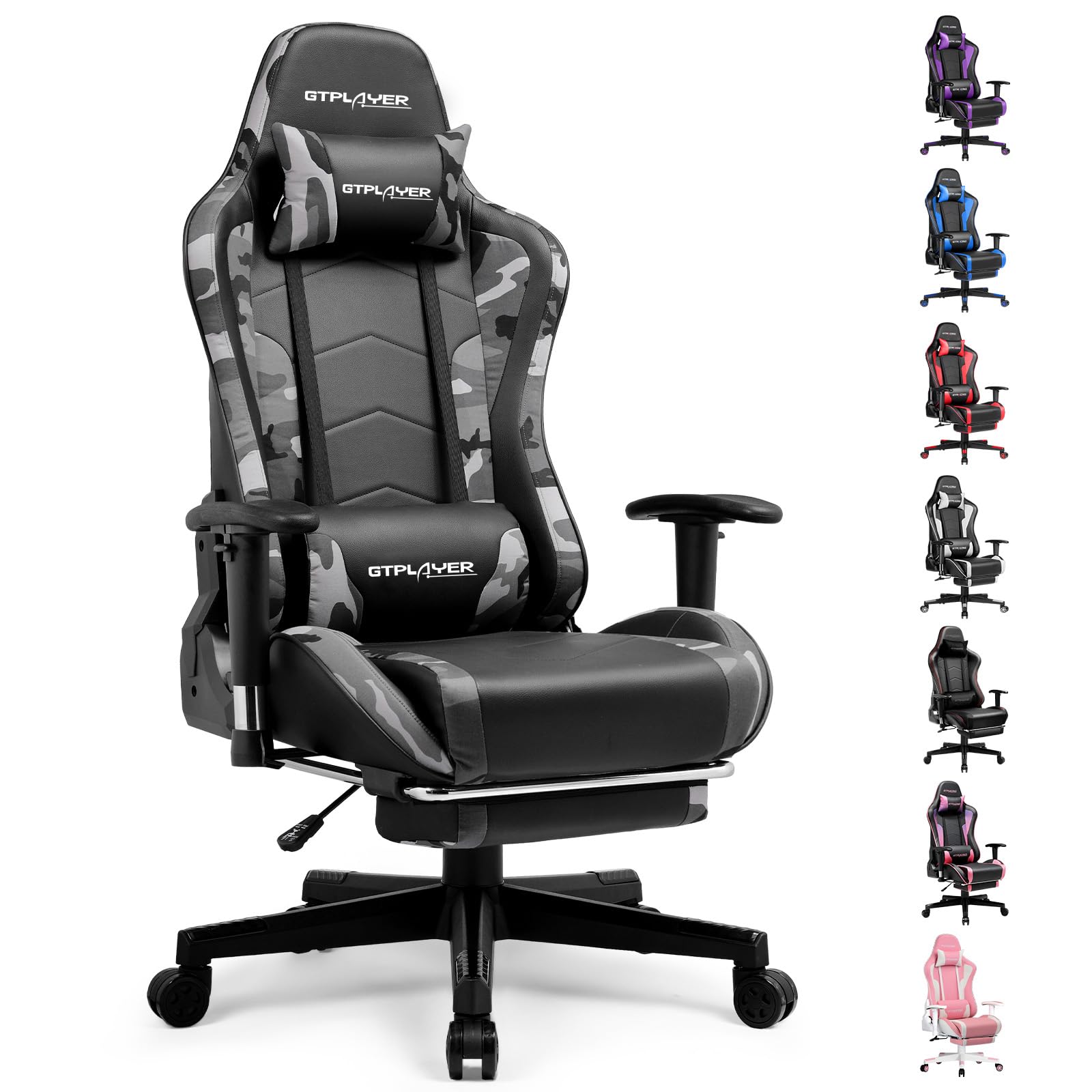
Image: The GTRACING GT890MF Gaming Chair, featuring a camouflage pattern, footrest, and integrated Bluetooth speakers, set up in a gaming environment.
Інформація про безпеку
- Тільки для внутрішнього використання.
- Максимальна вантажопідйомність: 300 фунтів. Не перевищуйте цю межу.
- Use caution when adjusting chair height and recline to prevent injury.
- Перед використанням переконайтеся, що всі гвинти та болти надійно затягнуті, і періодично перевіряйте їх на ослаблення.
- Тримайте руки та пальці подалі від рухомих частин під час регулювання.
- Не стійте на стілець.
Налаштування та збірка
Assembly is required for this chair. Please follow the steps below carefully. It is recommended to have two people for assembly.
Вміст упаковки

Image: An exploded diagram showing all components of the GTRACING GT890MF Gaming Chair, including the backrest, seat, armrests, base, wheels, gas lift, and footrest.
Етапи складання
- Прикріпіть підлокітники: Securely fasten the armrests to the seat base using the provided screws. Ensure they are oriented correctly.
- З'єднання спинки з сидінням: Align the backrest with the seat mechanism and attach it using the designated bolts.
- Встановити підставку для ніг: Slide the footrest into its designated slots under the seat.
- Зберіть основу: Insert the casters (wheels) into the star base. Place the gas lift cylinder into the center hole of the star base.
- Прикріпіть сидіння до основи: Carefully place the assembled seat and backrest onto the gas lift cylinder, ensuring it is seated firmly.
- Attach Headrest and Lumbar Pillows: Position the headrest and lumbar support pillows as desired.
Інструкція з експлуатації
Регулювання стільця
- Регулювання висоти сидіння: Pull the lever located under the right side of the seat upwards to raise or lower the seat. Release the lever at the desired height.
- Нахил спинки: Pull the lever on the right side of the chair upwards to recline the backrest. Lean back to the desired angle (90 to 160 degrees) and release the lever to lock it in place.
- Регулювання підлокітника: The armrests are multi-directional. Use the buttons or levers on the armrests to adjust their height, pivot, and slide forward/backward.
- Розширення підставки для ніг: Витягніть підставку для ніг з-під сидіння, коли потрібно. Засуньте її назад, коли вона не використовується.
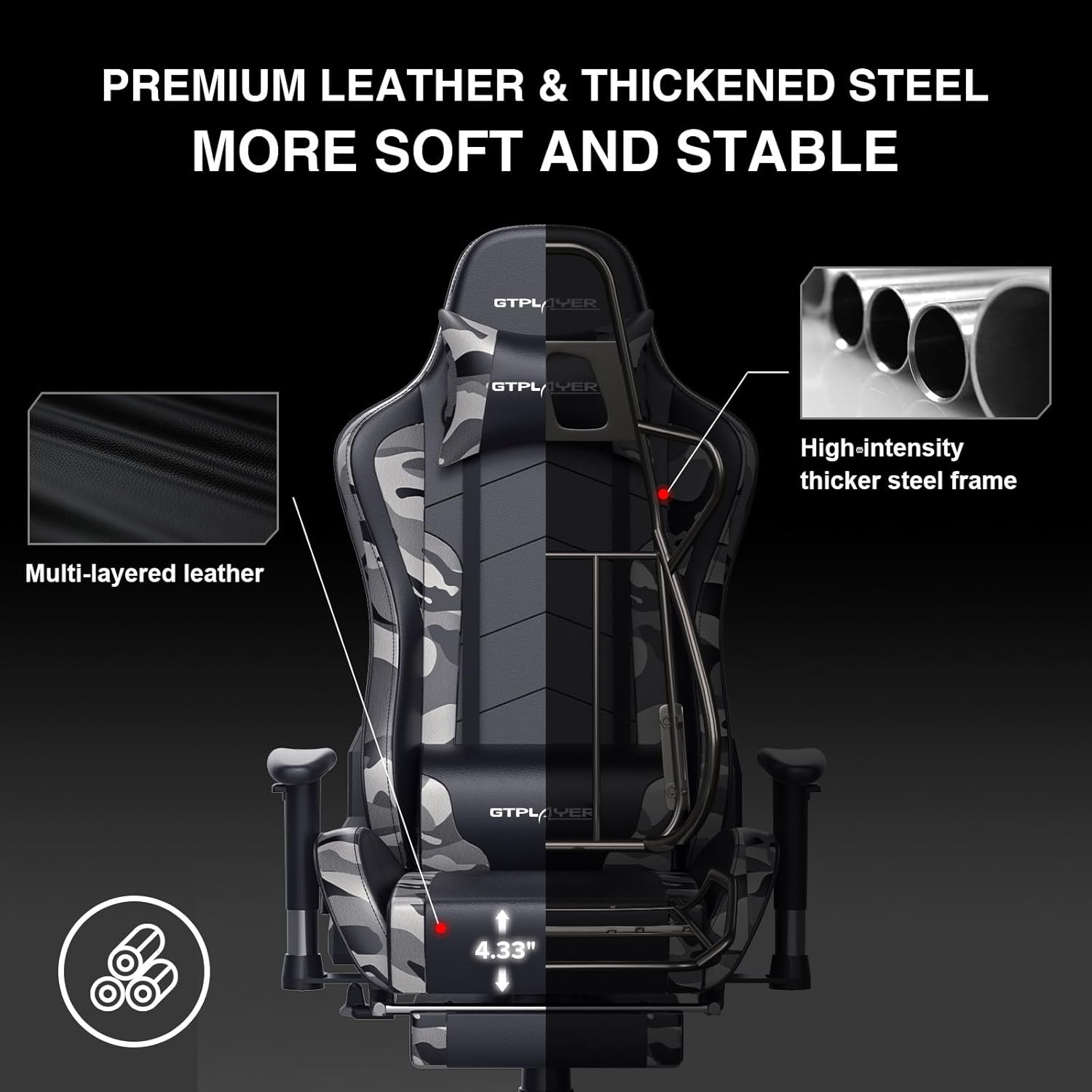
Image: The GTRACING GT890MF Gaming Chair demonstrating its backrest recline function, adjustable from 90 degrees for work to 155 degrees for resting.

Зображення: Крупний план view of the GTRACING GT890MF Gaming Chair's adjustable multi-directional armrests, highlighting their ability to move up, down, and pivot for optimal positioning.
Робота динаміка Bluetooth
Your GTRACING GT890MF chair is equipped with dual Bluetooth 5.1 speakers for an immersive audio experience.
- Увімкнення: Locate the power button for the Bluetooth speakers, typically on the side or back of the chair. Press and hold to power on. A sound or indicator light will confirm activation.
- Режим сполучення: The speakers will automatically enter pairing mode when powered on for the first time, or if no device is connected. An indicator light will usually flash.
- Підключити пристрій: On your smartphone, tablet, or other Bluetooth-enabled device, go to Bluetooth settings and search for available devices. Select "GTPLAYER" or a similar name to connect.
- Відтворення аудіо: Once connected, audio from your device will play through the chair's speakers. Adjust volume from your connected device.
- Вимкнення живлення: Press and hold the power button again to turn off the speakers.

Image: The GTRACING GT890MF Gaming Chair with a visual representation of sound waves emanating from the integrated Bluetooth speakers in the headrest area.

Image: A detailed diagram illustrating the dual Bluetooth 5.1 speakers within the GTRACING GT890MF Gaming Chair, highlighting features like clear treble, stereo sound, HiFi audio, and dust prevention.

Image: A user seated in the GTRACING GT890MF Gaming Chair, with an illustration showing how the chair's Bluetooth speakers can connect to various devices like PC/TV, PS4/PS5/XBOX, and other Bluetooth 5.1 enabled devices. A separate USB Bluetooth transmitter is shown as an option for non-Bluetooth devices.
Технічне обслуговування
- Прибирання: Очистити рекламоюamp тканиною. Уникайте агресивних хімічних речовин або абразивних засобів для чищення, які можуть пошкодити оббивку зі штучної шкіри.
- Огляд: Періодично перевіряйте всі болти та гвинти, щоб переконатися, що вони затягнуті. За потреби підтягніть.
- Догляд за роликами: Тримайте ролики чистими від волосся та сміття, щоб забезпечити плавне кочення.
- Зберігання: Store the chair in a dry, cool place away from direct sunlight to prevent material degradation.
Усунення несправностей
| проблема | Можлива причина | Рішення |
|---|---|---|
| Крісло не регулюється по висоті | Gas lift lever not engaged or gas lift faulty. | Переконайтеся, що важіль повністю витягнутий. Якщо проблема не зникає, зверніться до служби підтримки для заміни газового підйомника. |
| Спинка не відкидається/не фіксується | Recline lever not engaged or mechanism obstructed. | Ensure the recline lever is fully pulled/released. Check for obstructions in the recline mechanism. |
| Bluetooth speakers not pairing | Speakers not powered on, out of range, or already paired to another device. | Ensure speakers are charged and powered on. Move device closer to chair. Disconnect from other devices. Try restarting both chair speakers and your device. |
| Стілець хитається | Ослаблені болти або нерівне складання. | Перевірте та затягніть усі монтажні болти. Переконайтеся, що крісло стоїть на рівній, рівній поверхні. |
Технічні характеристики
- Назва моделі: GT890MF
- Бренд: GTRACING
- колір: Камуфляж
- матеріал: Штучна шкіра, наповнювач з пінопласту, сталева рама
- Розміри виробу (Г x Ш x В): 20.87 см x 21.65 см x 53.15 см
- Висота сидіння: Регульований, до 22.04 дюймів
- Глибина сидіння: 20.87 дюймів
- Вага товару: 47 фунта
- Рекомендація щодо максимальної ваги: 300 фунта
- Назад Стиль: Solid Back, Reclining (90 to 160 degrees)
- Особливості: Adjustable Height, Adjustable Lumbar, Ergonomic Design, Foot Rest, Rolling Casters, Dual Bluetooth 5.1 Speakers
- Збірка: Обов'язковий

Image: A diagram illustrating the key dimensions of the GTRACING GT890MF Gaming Chair, including overall height, width, and depth.

Image: A detailed diagram showing various dimensions of the GTRACING GT890MF Gaming Chair, including seat height, armrest height, and backrest height, along with maximum load capacity (330 lbs) and recommended user height (6.2 ft).
Гарантія та підтримка
GTRACING offers a worry-free purchase experience for your gaming chair.
- 30-денна політика: Free replacement or refund within 30 days of purchase.
- 1-річна гарантія: Free replacement or repair within 1 year of purchase for manufacturing defects.
For any questions, suggestions, or support needs, please feel free to contact our customer service team. We are dedicated to ensuring customer satisfaction.

Image: A group of customer service representatives wearing headsets, symbolizing available support.


