1. Вступ
Thank you for choosing the DEERC D20 Mini Drone. This compact and versatile drone is designed for users aged 14 and up, offering an engaging flight experience with its 720P HD FPV camera, intuitive controls, and various intelligent flight modes. Please read this manual thoroughly before operating the drone to ensure safe and optimal performance.
2. Що в коробці
- Customer version quadcopter (1)
- Пульт дистанційного керування (1)
- Fuselage battery (2)
- USB кабель для зарядки (1)
- Spare propeller (1 set)
- Protective cover (1 set)
- Викрутка (1)
- Інструкція з експлуатації (1)
3. Продукт закінчивсяview
The DEERC D20 Mini Drone is engineered for ease of use and durability, making it suitable for beginners while offering advanced features for experienced pilots. Its foldable design ensures portability, and the included 720P HD camera allows for capturing aerial photos and videos.

Figure 1: DEERC D20 Mini Drone, remote controller, and two batteries.
3.1. Ключові характеристики
- HD Pictures and Live Videos: Equipped with a 720P HD Wi-Fi camera for aerial photos and videos, with FPV transmission via smartphone app.
- Легке керування: One Key Start/Landing button, Altitude Hold for stable hovering, Headless Mode for simplified orientation.
- Powerful and Safe: Features low power alarm, Emergency stop, and 4 propeller guards for safe flight. Includes 2 rechargeable batteries for up to 20 minutes of flight time.
- 3D Flips and Waypoints Fly: Perform impressive 3D flips and draw custom flight paths on your smartphone for automated flight.
- Voice Control and Gesture Selfie: Control the drone with voice commands (e.g., "Take off," "Landing") and capture photos/videos with hand gestures.

Figure 2: D20's 720P HD FPV Camera for real-time viewінж.
The drone's camera provides a first-person view (FPV) directly to your smartphone, enhancing the immersive flight experience.

Figure 3: Voice Control and Waypoints Fly features for advanced operation.
Utilize voice commands for basic operations and draw flight paths on your phone for automated flight routes.
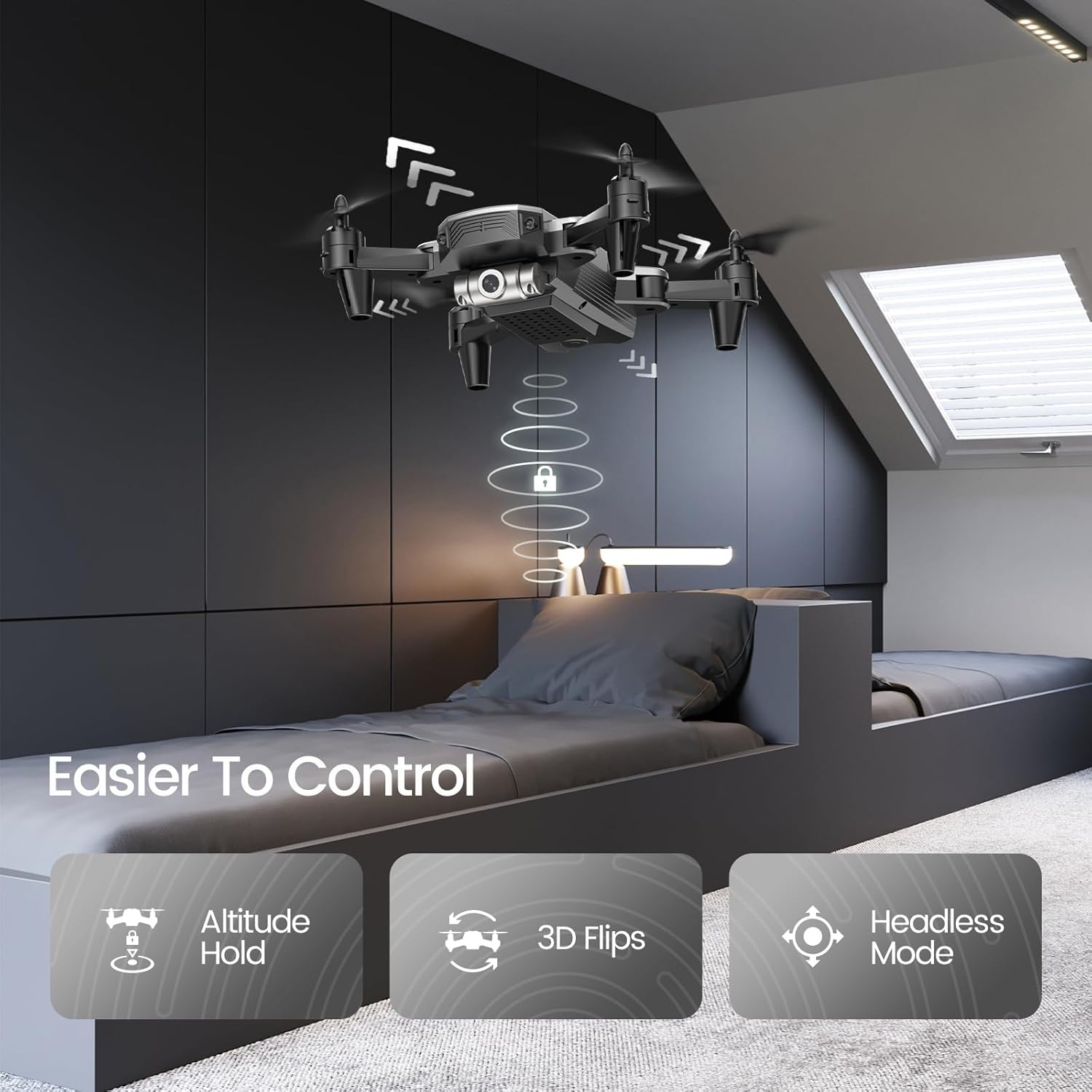
Figure 4: Features like Altitude Hold, 3D Flips, and Headless Mode make the drone easier to control.
Altitude Hold maintains the drone's height, simplifying control, while 3D Flips add excitement to your flights.
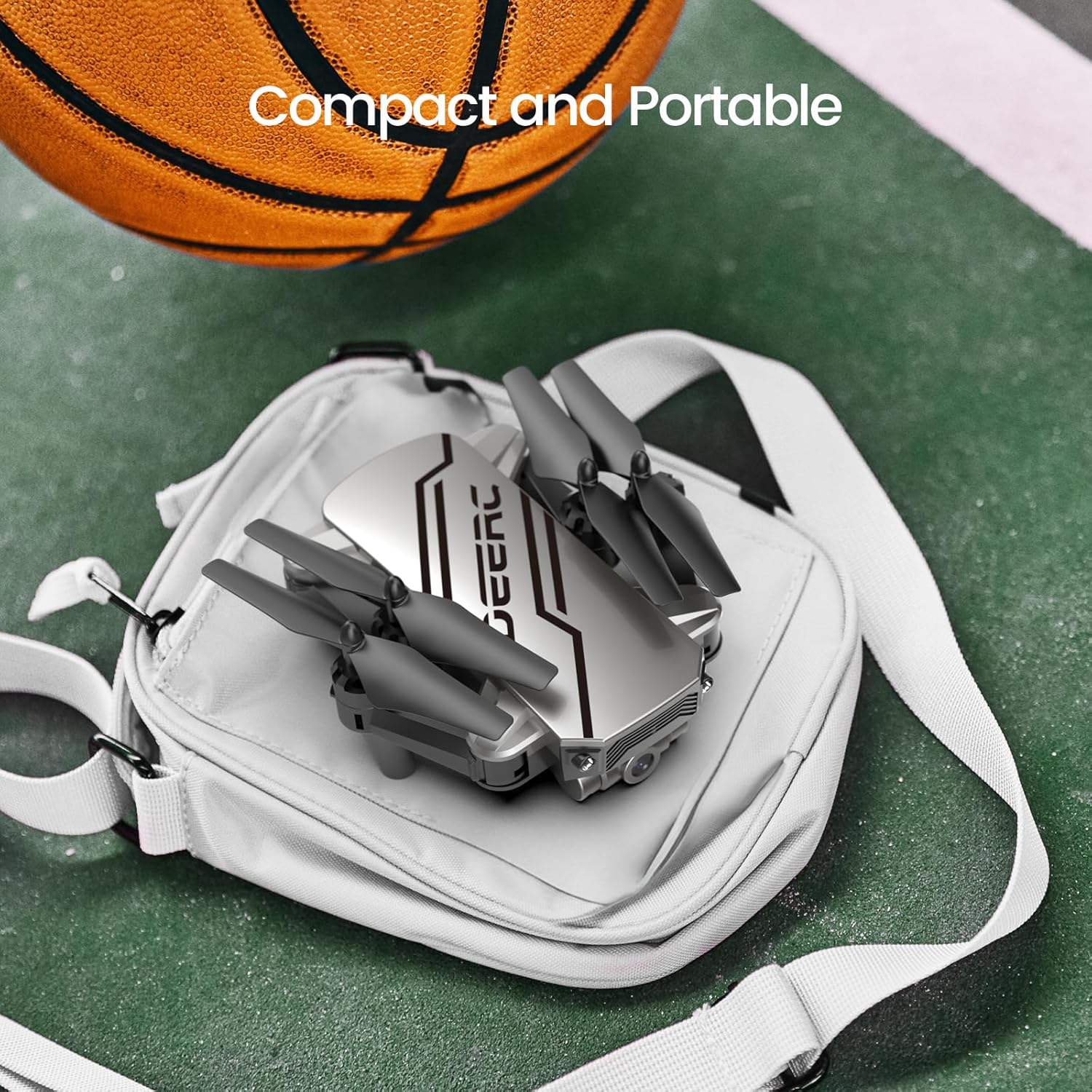
Figure 5: The drone's compact and portable design allows for easy transport.
Its lightweight and foldable design ensures you can take it anywhere.
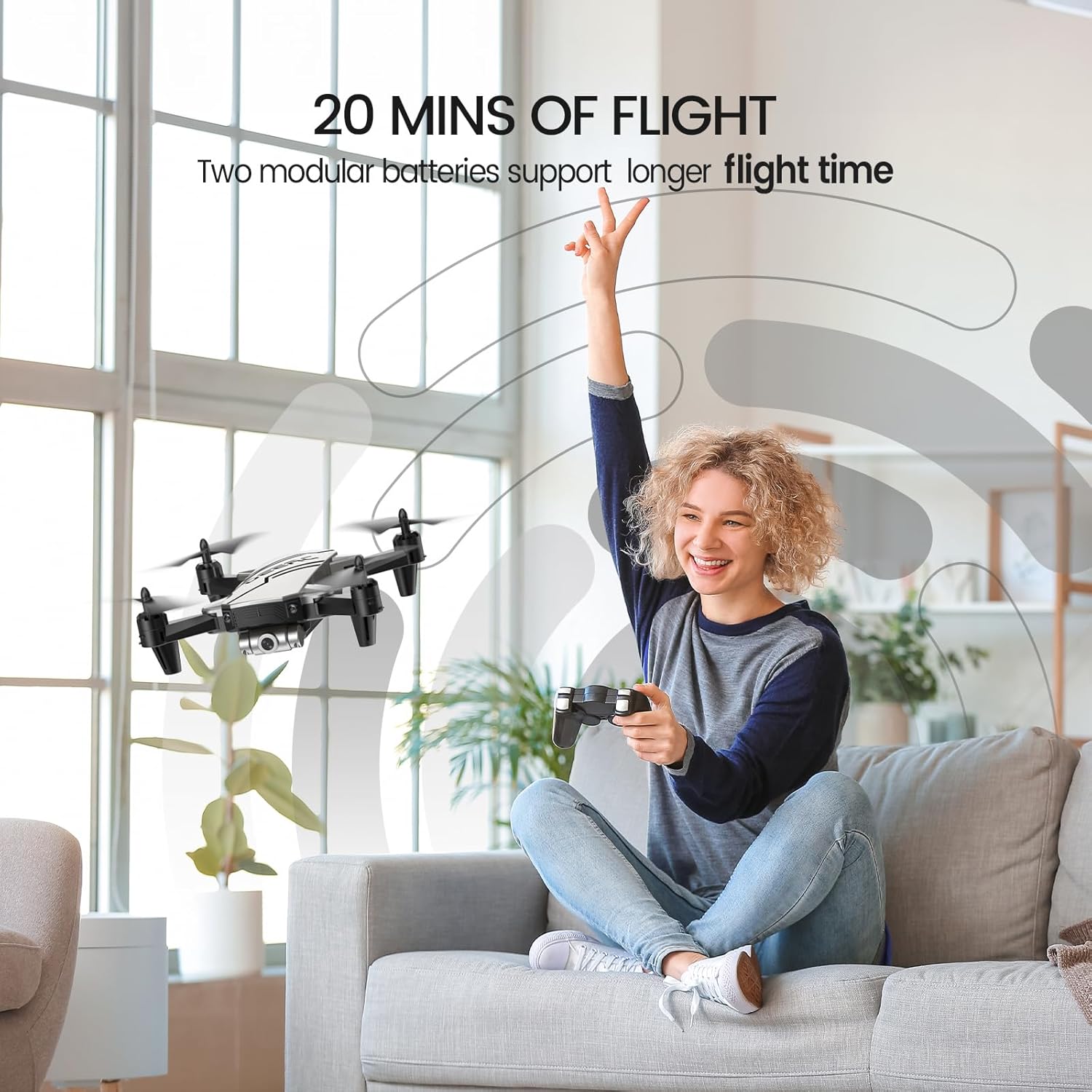
Figure 6: Enjoy extended flight sessions with two included batteries, providing up to 20 minutes of flight time.
The modular batteries are easy to swap, extending your flying fun.
4. Налаштування
4.1. Заряджання акумуляторів
Before first use, fully charge both drone batteries. Connect the USB charging cable to a USB power adapter (not included) and then to the drone battery. The charging indicator will show the charging status. A full charge takes approximately 60-80 minutes per battery.
4.2. Installing Batteries and Propeller Guards
- Insert a charged battery into the drone's battery compartment until it clicks into place.
- Attach the propeller guards to each arm of the drone for added protection, especially for beginners.
- Insert 3 AAA batteries (not included) into the remote controller.
4.3. Сполучення дрона та контролера
- Покладіть дрон на рівну рівну поверхню.
- Увімкніть дрон. Індикатори блиматимуть.
- Увімкніть пульт дистанційного керування.
- Push the left joystick up and then pull it down. The drone lights will become solid, indicating successful pairing.
5. Інструкція з експлуатації
5.1. Основні елементи керування польотом
- Один ключ Старт/Посадка: Press the dedicated button on the controller to automatically take off or land.
- Утримання висоти: The drone will automatically maintain its current altitude when the throttle stick is released.
- Регулювання швидкості: Use the speed button on the controller to cycle through low, medium, and high-speed modes.
- Безголовий режим: Press the Headless Mode button. The drone will orient itself relative to the pilot, regardless of its actual front direction.
- 3D-перевороти: While flying, press the 3D Flip button and then move the right joystick in any direction to perform a flip.
5.2. Advanced Features (via Smartphone App)
Download the official DEERC FPV app from your device's app store. Connect your smartphone to the drone's Wi-Fi network (usually named "DEERC-D20-XXXX").
- FPV View: See real-time video feed from the drone's camera on your smartphone.
- Голосове керування: Use simple voice commands like "Take off" or "Landing" to control the drone.
- Селфі за допомогою жестів: Make a "V" sign or show your palm to the camera to trigger photo or video recording automatically.
- Waypoints Fly: Намалюйте бажану траєкторію польоту на екрані смартфона, і дрон автоматично рухатиметься по ній.
6. Технічне обслуговування
- Regularly inspect propellers for damage. Replace any bent or broken propellers using the included spare parts and screwdriver.
- Keep the drone and controller clean. Wipe with a soft, dry cloth.
- Store the drone and batteries in a cool, dry place away from direct sunlight when not in use.
- Не перезаряджайте акумулятори. Від’єднайте їх після повної зарядки.
7. Вирішення проблем
| проблема | Можлива причина | Рішення |
|---|---|---|
| Дрон не реагує на команди контролера. | Не сполучено; низький заряд батареї. | Re-pair drone and controller; charge batteries. |
| Дрон дрейфує під час польоту. | Needs calibration; windy conditions. | Calibrate the drone on a flat surface; fly in calm conditions. |
| Poor camera feed/lag. | Слабкий сигнал Wi-Fi; перешкоди. | Ensure close proximity to drone; avoid areas with strong Wi-Fi interference. |
| Короткий час польоту. | Акумулятор не повністю заряджений; старий акумулятор. | Повністю зарядіть акумулятори; подумайте про заміну старих акумуляторів. |
8. Технічні характеристики
- Бренд: DEERC
- Назва моделі: D20
- колір: Срібло
- Вага товару: 69 грамів (2.43 унції)
- Розміри продукту: 7.72 см (Д) x 6.38 см (Ш) x 1.69 см (В)
- Роздільна здатність захоплення відео: 720p
- Ефективна роздільна здатність фото: 0.92 Мп
- Технологія підключення: Wi-Fi
- Ємність батареї: 0.51 Watt Hours (2 Lithium Polymer batteries included)
- Рівень навичок: Початківець
- Рекомендований вік: 14 років і старше
9. Гарантія та підтримка
For warranty information and customer support, please refer to the official DEERC website or contact their customer service directly. You can also find additional resources and a downloadable PDF user manual тут.
Пов'язані документи - D20
 |
Дрон DEERC D70: інструкція з використання та правила безпеки Вичерпний посібник з експлуатації дрона DEERC D70, що охоплює налаштування, керування польотом, запобіжні заходи та технічне обслуговування. Дізнайтеся, як літати, знімати фотографії та відео, а також використовувати розширені функції, такі як режим Headless Mode та повороти на 360°. |
 |
Дрон DEERC D20: інструкція з використання та посібник з безпеки Вичерпні інструкції, правила безпеки та технічні характеристики дрона DEERC D20. Дізнайтеся, як керувати, встановлювати та обслуговувати свій дрон. |
 |
Дрон DEERC D10: інструкція з використання та посібник з експлуатації Вичерпний посібник з дрона DEERC D10, що охоплює налаштування, експлуатацію, правила безпеки, функції, технічні характеристики та контактну інформацію. Дізнайтеся, як безпечно та ефективно керувати своїм дроном DEERC D10, за допомогою цього зручного посібника. |
 |
Дрон DEERC D10: інструкція з використання та посібник з експлуатації Comprehensive guide for the DEERC D10 drone, covering safety guidelines, installation, operation, charging, and functions. Learn how to fly and maintain your drone safely and effectively. |
 |
Дрон DEERC D50: інструкція з використання, правила безпеки та технічні характеристики Comprehensive guide for the DEERC D50 drone, covering setup, operation, safety precautions, maintenance, and technical specifications. Includes information on battery care, flight modes, and troubleshooting. |
 |
Дрон DEERC D70: Інструкція з експлуатації та посібник з польоту Вичерпний посібник з експлуатації дрона DEERC D70, що охоплює налаштування, елементи керування польотом, функції, правила безпеки та технічні характеристики. |