вступ
The Homcloud Mini 8S Wi-Fi Camera is designed to enhance your home security with smart, intuitive features. This camera allows you to monitor, program, and automate your home devices directly from your smartphone, providing control from anywhere. It integrates seamlessly into your smart home ecosystem, offering convenience and peace of mind.
Ключові особливості:
- Full HD 1080p Video Recording
- Night Vision up to 10 meters
- Motion Detection with Live Notifications
- Two-Way Audio and Noise Reduction
- Варіанти SD-карти та хмарного сховища
- Підключення Wi-Fi
- Compatibility with Homcloud App, Amazon Alexa, and Google Home

Image: The Homcloud Mini 8S Wi-Fi Camera on a desk, highlighting its key features such as HD Video, Night Vision, SD Card & Cloud storage, Motion Detection, and Live Notifications.
Компоненти продукту
The Homcloud Mini 8S Wi-Fi Camera package typically includes the following items:
- Homcloud Mini 8S Wi-Fi Camera
- USB кабель живлення
- Адаптер живлення (може відрізнятися залежно від регіону)
- Mounting Accessories (for wall mounting)
- Посібник користувача (цей документ)

Image: The Homcloud Mini 8S Wi-Fi Camera positioned on a desk, demonstrating its compact design and typical indoor placement.
Посібник із налаштування
Follow these steps to set up your Homcloud Mini 8S Wi-Fi Camera:
- Download the Homcloud App: шукати "Homcloud" in the Apple App Store or Google Play Store, or scan the QR code below to download the official application.
- Створити обліковий запис: Open the Homcloud app and register for a new account or log in if you already have one.
- Увімкніть камеру: Connect the camera to a power source using the provided USB cable and power adapter. Wait for the indicator light to flash, indicating it's ready for pairing.
- Додати пристрій: In the Homcloud app, tap the "+" icon (usually in the top right corner) to add a new device. Select "Security Camera" or "Smart Camera" from the device list.
- Підключіться до Wi-Fi: Follow the in-app instructions to connect the camera to your 2.4GHz Wi-Fi network. You may need to scan a QR code displayed on your phone screen with the camera lens.
- Розміщення: Position the camera in your desired location. It supports standalone placement or wall mounting. Ensure it has a clear view області, яку ви бажаєте контролювати.

Image: Multiple smartphones displaying the Homcloud application interface, along with the Homcloud logo and a QR code for easy app download. The QR code links to https://smartapp.tuya.com/homcloudsmart.
Інструкція з експлуатації
Once your Homcloud Mini 8S Wi-Fi Camera is set up, you can control and monitor it using the Homcloud app:
- Жити View: Відкрийте програму та виберіть камеру, щоб view live video feed in Full HD 1080p resolution.
- Двостороннє аудіо: Use the microphone and speaker icons in the app to communicate with people near the camera.
- Нічне бачення: The camera automatically switches to night vision mode in low-light conditions, providing clear black and white video up to 10 meters.
- Виявлення руху: Enable motion detection in the app settings to receive instant notifications on your smartphone when movement is detected. You can adjust sensitivity levels.
- Запис і зберігання:
- SD-карта: Insert a microSD card (not included) into the camera's slot for local video storage. The camera supports continuous recording or event-triggered recording.
- Хмарне сховище: Subscribe to Homcloud's cloud storage service (if available) for secure off-site video backup.
- Інтеграція розумного будинку: Connect your Homcloud account with Amazon Alexa or Google Home to control the camera using voice commands (e.g., "Alexa, show me the living room camera").
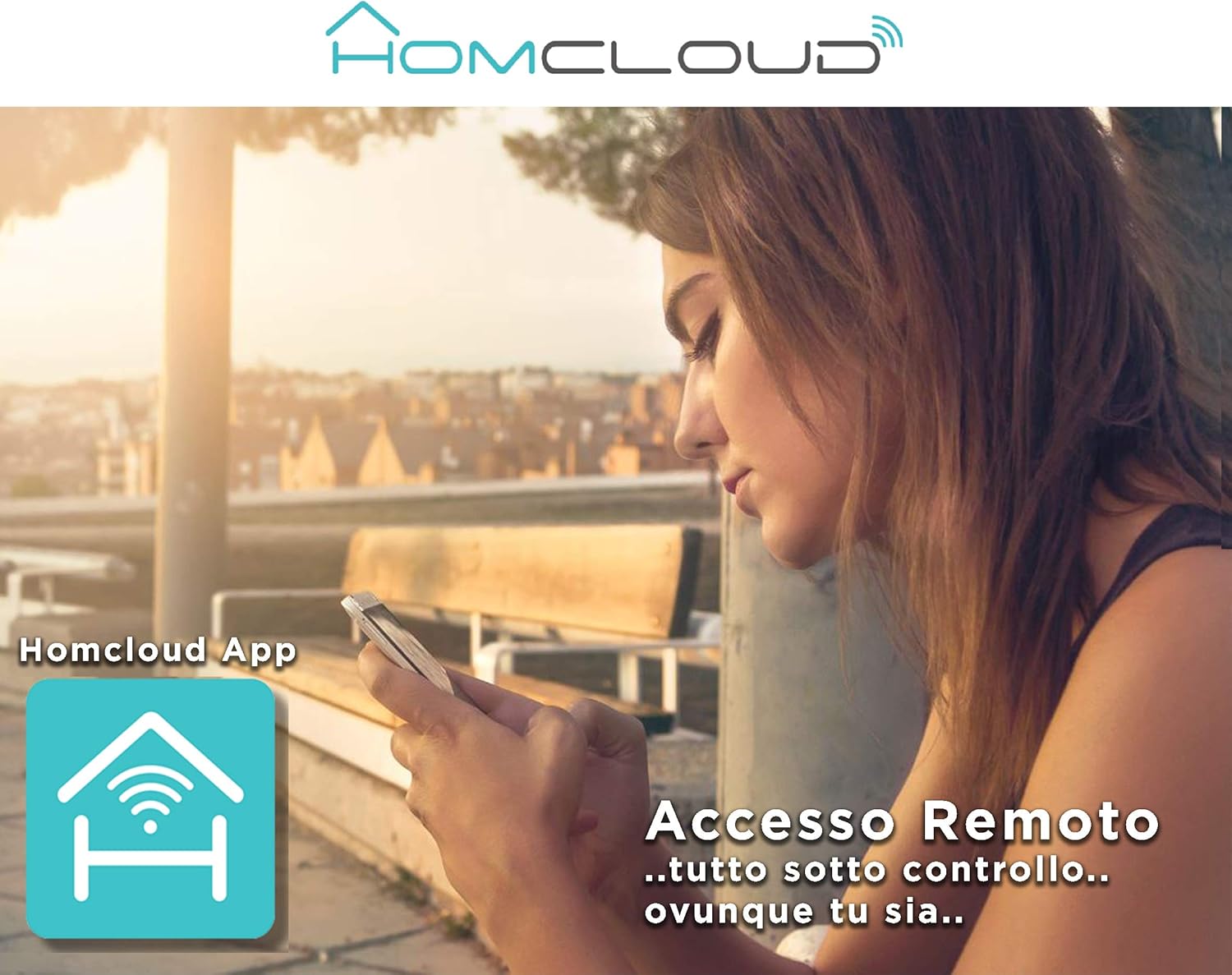
Image: A woman using her smartphone, illustrating the remote access capabilities of the Homcloud App to control and monitor the camera from any location.

Image: A family enjoying their smart home, demonstrating the integration of Homcloud solutions with Amazon Alexa and Google Assistant for convenient control.
Технічне обслуговування
Правильне обслуговування забезпечує довговічність та оптимальну роботу вашої камери:
- Прибирання: Обережно протріть об'єктив та корпус камери м'якою сухою тканиною. Уникайте використання агресивних хімічних речовин або абразивних матеріалів, які можуть подряпати об'єктив або пошкодити камеру.asing.
- Оновлення прошивки: Regularly check the Homcloud app for available firmware updates. Keeping your camera's firmware up-to-date ensures you have the latest features, security patches, and performance improvements.
- Джерело живлення: Use only the original power adapter and cable provided with the camera. Ensure the power connection is secure and free from damage.
- Середовище: The camera is designed for indoor use. Avoid exposing it to extreme temperatures, direct sunlight, high humidity, or water. While it is listed as "waterproof" in some specifications, this typically refers to splash resistance and not full submersion or outdoor exposure.
Усунення несправностей
If you encounter issues with your Homcloud Mini 8S Wi-Fi Camera, refer to the following common solutions:
- Камера офлайн:
- Check if the camera is powered on and the power cable is securely connected.
- Ensure your Wi-Fi router is working and the internet connection is stable.
- Перезавантажте камеру, від’єднавши та знову підключивши її.
- Verify that the camera is within range of your Wi-Fi router.
- If the issue persists, try re-pairing the camera with the Homcloud app.
- Погана якість відео:
- Очистіть об’єктив камери м’якою тканиною.
- Ensure adequate lighting in the monitored area, especially for color video.
- Перевірте силу сигналу Wi-Fi; слабкий сигнал може вплинути на якість потокового передавання.
- Виявлення руху не працює:
- Verify that motion detection is enabled in the Homcloud app settings for your camera.
- Налаштуйте чутливість виявлення руху.
- Переконайтеся, що немає перешкод, що блокують камеру view.
- Не вдається підключитися до програми:
- Make sure your smartphone is connected to a 2.4GHz Wi-Fi network during the pairing process.
- Confirm that you are entering the correct Wi-Fi password.
- Reset the camera (refer to the app or product for specific reset instructions, usually a small button) and try the pairing process again.
Технічні характеристики
| Особливість | Деталь |
|---|---|
| Бренд | Homcloud |
| Номер моделі | TY-WCM8S |
| Роздільна здатність запису відео | 1080p Full HD |
| Ефективна роздільна здатність відео | 1080 |
| Частота кадрів | 25 кадрів/с |
| Технологія бездротового зв'язку | Wi-Fi |
| Протокол підключення | Wi-Fi |
| Viewкут нахилу | 100 градусів |
| Діапазон нічного бачення | 10 метрів |
| Особливості | Two-Way Audio, Noise Reduction, HD Resolution, Night Vision |
| Рекомендоване використання | Безпека в приміщенні |
| Використання в приміщенні/на вулиці | закритий |
| Сумісні пристрої | Homcloud App, Amazon Alexa, Android, Google Home, Smart Life, iOS |
| Джерело живлення | Електричний кабель |
| томtage | 5 вольт |
| Споживана потужність | 2.5 Вт |
| матеріал | пластик |
| Розміри (Д x Ш x В) | 8 х 5 х 9 см |
| вага | 350 грамів |
| Тип монтажу | Настінне кріплення |
| Рівень водонепроникності | Waterproof (Note: Typically splash resistant for indoor use) |
Гарантія та підтримка
For warranty information, please refer to the documentation provided at the time of purchase or visit the official Homcloud website. If you require technical assistance or have questions not covered in this manual, please contact Homcloud customer support through their official channels.
You can find more information and support resources on the Homcloud website or through the Homcloud application.


