1. Продукт закінчивсяview
The Diswoe Switch Pro Controller is a versatile wireless gaming controller designed for an enhanced gaming experience across multiple platforms. It offers universal compatibility with Nintendo Switch, Switch 2, Switch Lite, Switch OLED, Windows PC, and Android phones. Featuring Hall Effect joysticks, dual vibration motors, a 6-axis gyro sensor, and turbo functionality, this controller provides precise control and immersive feedback for a wide range of games. Its ergonomic design ensures comfort during extended play sessions, and a high-performance rechargeable battery offers long hours of uninterrupted gaming.

Малюнок 1: Спереду view of the Diswoe Switch Pro Controller.
2. Налаштування та підключення
2.1 Заряджання контролера
Before first use, fully charge the controller. The controller features a built-in 550mAh rechargeable battery. Connect the controller to a standard USB Type-A wall charger using the provided USB-C cable. A full charge typically takes 2-3 hours and provides 6-8 hours of usage time.
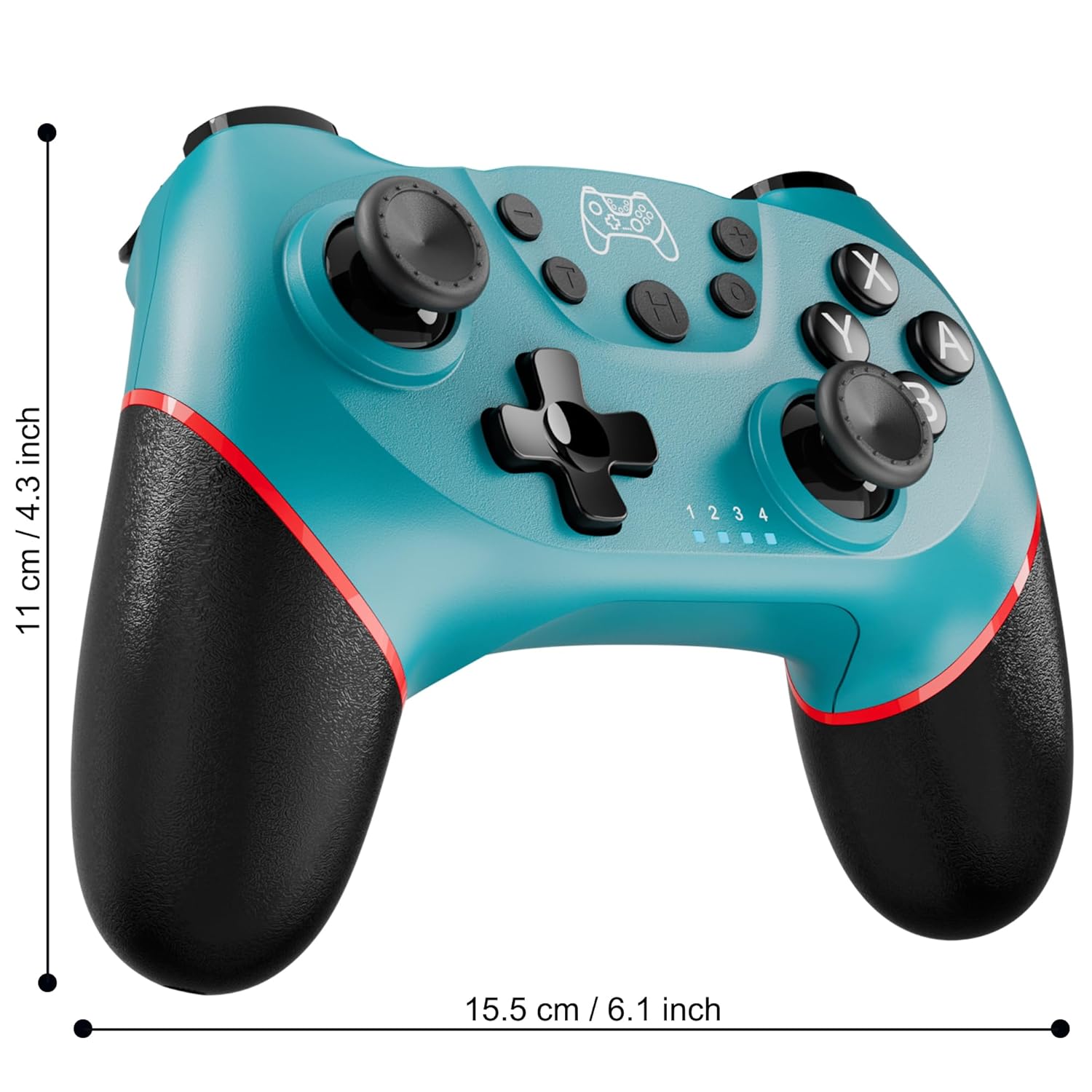
Figure 2: Charging the controller via USB-C port.
2.2 Wireless Bluetooth Connection (Nintendo Switch/Lite/OLED)
- Ensure your Nintendo Switch console is powered on and updated to the latest system version.
- У меню HOME виберіть Контролери > Змінити захоплення/порядок.
- On the Diswoe Pro Controller, press and hold the H (Home) button for 3-5 seconds until the player indicator lights begin to flash rapidly.
- Once the controller is successfully paired, the player indicator light(s) will remain solid.
- The controller provides a stable and reliable signal without delay or drop-off within 8 meters.

Figure 3: Controller pairing and one-button wake-up feature.
2.3 Дротове підключення (ПК)
The controller supports USB cable connection with PC. Simply connect the controller to your PC using the provided USB-C cable. No additional drivers are required for basic functionality.
ПРИМІТКА: The controller does not support wake-up for Switch 2 or audio functions via wired connection.
3. Інструкція з експлуатації
3.1 Основні елементи керування
The controller features standard button layouts for intuitive gameplay:
- Кнопки A/B/X/Y: Стандартні кнопки дій.
- D-Pad: Спрямований вхід.
- Лівий/правий аналогові джойстики: Для руху на 360 градусів та керування камерою.
- Кнопки L/R/ZL/ZR: Shoulder and trigger buttons for various in-game actions.
- Кнопки +/-: Plus and Minus buttons for menu navigation.
- Home Button (H): Returns to the console's HOME Menu.
- Кнопка знімка екрана: Робить скріншоти під час гри.

Малюнок 4: Детально view кнопок контролера.
3.2 Вібраційний зворотний зв'язок
The controller is equipped with dual vibration motors that provide excellent haptic feedback, enhancing game immersion. The intensity of the vibration can be adjusted to suit your preference, offering three levels of vibration.
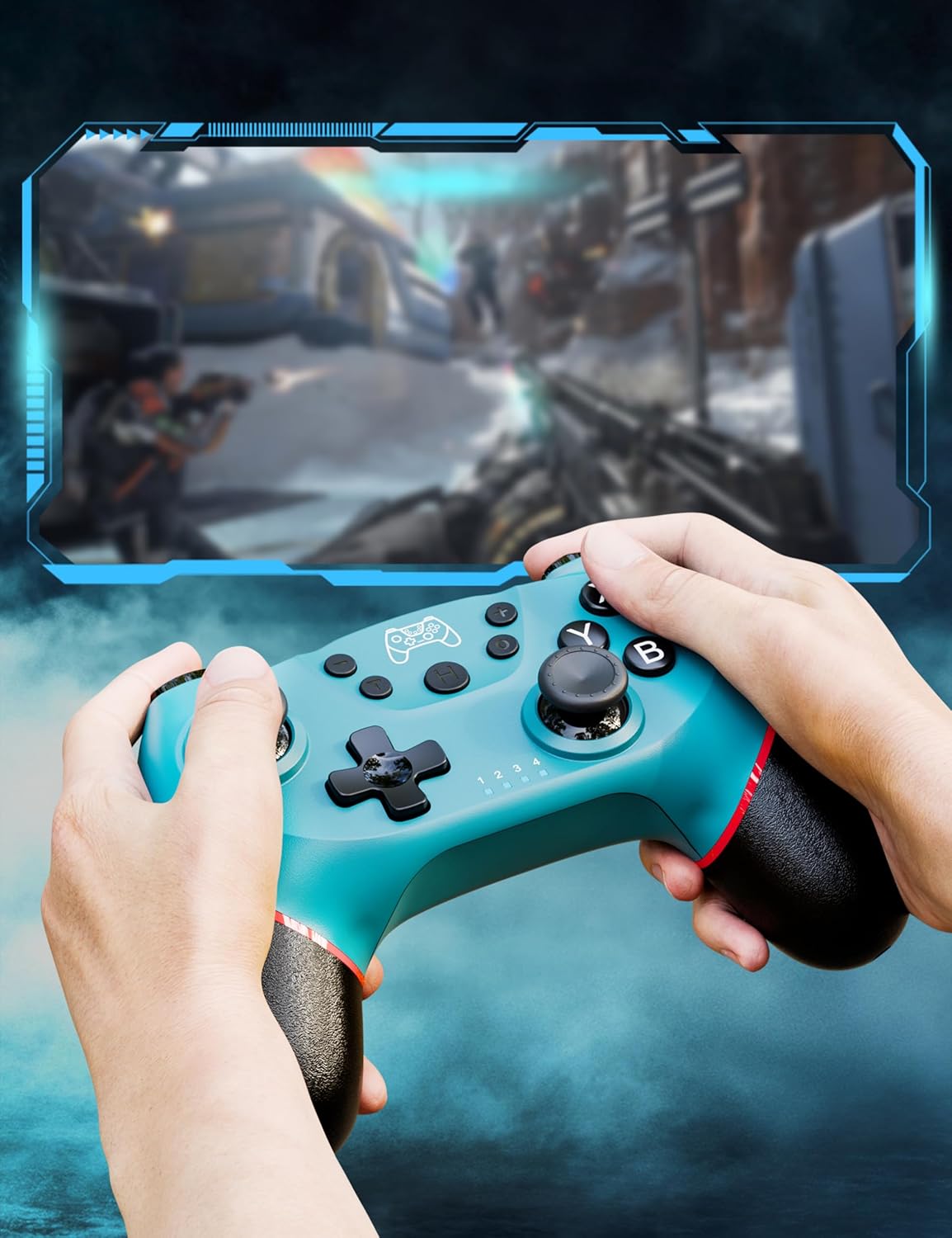
Figure 5: Illustration of adjustable vibration levels.
3.3 6-Axis Gyro Sensor
The integrated 6-axis gyro sensor allows the controller to detect its inclination and motion, providing quick and precise responses for motion-sensing games. This feature adds an extra layer of fun and control to compatible titles.

Figure 6: Controller with 6-axis gyro sensor in action.
3.4 Функція Турбо
Activate the turbo function for rapid, continuous input of a button press. This is particularly useful in games requiring fast, repetitive actions. The controller supports three turbo speeds: 5 shots/s, 12 shots/s, and 20 shots/s.

Figure 7: Turbo speed settings on the controller.
3.5 Функція знімка екрана
Capture your favorite in-game moments instantly by pressing the dedicated screenshot button. This allows for easy sharing of your gameplay experiences.

Figure 8: Location of the screenshot button.
4. Технічне обслуговування
4.1 Очищення
To maintain the controller's condition, wipe it regularly with a soft, dry cloth. Avoid using harsh chemicals or abrasive materials that could damage the surface.
4.2 Догляд за акумулятором
- Уникайте впливу екстремальних температур на контролер.
- Do not attempt to disassemble or replace the built-in battery.
- Charge the controller regularly, even if not in frequent use, to prolong battery life.
5. Вирішення проблем
5.1 Контролер не підключається/не сполучається
- Переконайтеся, що контролер повністю заряджений.
- Verify that the Nintendo Switch console is powered on and in the "Change Grip/Order" screen.
- Press and hold the H (Home) button on the controller for 3-5 seconds until the player indicator lights flash rapidly.
- If issues persist, try restarting both the controller and the console.
5.2 Затримка вхідного сигналу або обриви з'єднання
- Ensure the controller is within the 8-meter operating range of the console.
- Мінімізуйте перешкоди від інших бездротових пристроїв.
- Check for any physical obstructions between the controller and the console.
- Переконайтеся, що заряд батареї контролера не критично низький.
5.3 Joystick Drift
If you experience unintended movement from the analog sticks (joystick drift), try the following:
- Calibrate the joysticks through your Nintendo Switch system settings: Налаштування системи > Контролери та датчики > Калібрувати джойстики.
- Ensure the controller's firmware is up to date (check the manufacturer's webсайт для оновлень).
- Очистіть навколо основи джойстиків стисненим повітрям, щоб видалити будь-яке сміття.
6. Технічні характеристики продукту
| Особливість | Деталь |
|---|---|
| Номер моделі | ET16801 |
| Бренд | Diswoe |
| Сумісність | Nintendo Switch/Switch 2/Switch Lite/Switch OLED, Windows PC, Android Phone |
| Підключення | Wireless Bluetooth, Wired USB-C |
| Ємність акумулятора | Літій-іонний акумулятор 550 мАг (в комплекті) |
| Час зарядки | прибл. 2-3 години |
| Час використання | прибл. 6-8 години |
| Особливості | Dual Vibration Motors, 6-Axis Gyro Sensor, Turbo Function, Screenshot Button |
| Вага товару | 9.9 унції |
| Розміри упаковки | 6.42 x 4.76 x 2.6 дюймів |
| Дата першої доступності | 11 грудня 2019 р |
7. Інформація про гарантію
Specific warranty details for the Diswoe Switch Pro Controller are typically provided with the product packaging or available on the official Diswoe webсайт. Будь ласка, зверніться до цих ресурсів для ознайомлення з повними гарантійними умовами.
8. Підтримка клієнтів
For further assistance, technical support, or inquiries regarding your Diswoe Switch Pro Controller, please visit the official Diswoe webсайт або зверніться до їхнього відділу обслуговування клієнтів. Контактну інформацію зазвичай можна знайти на упаковці продукту або на офіційному сайті бренду.