1. Вступ
This manual provides detailed instructions for the operation and maintenance of your Bside EMT01 Digital Wood Moisture Meter. This instrument is designed to accurately measure the moisture content in various wood materials, providing essential data for drying processes and quality control. Please read this manual thoroughly before using the device to ensure proper and safe operation.
2. Інформація про безпеку
- Keep the device out of reach of children. The measurement probes are sharp and can cause injury.
- Do not attempt to measure live electrical circuits with this device. It is designed for wood moisture measurement only.
- Уникайте перебування глюкометра під екстремальними температурами, високою вологістю або прямими сонячними променями.
- Не занурюйте пристрій у воду чи інші рідини.
- If the device is damaged, do not use it. Contact customer support for assistance.
- Вийміть батарею, якщо пристрій не використовуватиметься протягом тривалого часу, щоб запобігти витіканню.
3. Вміст упаковки
Будь ласка, перевірте вміст упаковки після отримання. Якщо будь-які предмети відсутні або пошкоджені, зверніться до продавця.
- 1 x Bside EMT01 Digital Wood Moisture Meter
- 1 x Посібник користувача (цей документ)
4. Продукт закінчивсяview
The Bside EMT01 features a clear LCD display, two sharp measurement pins, and intuitive buttons for mode selection and data hold. A protective cap covers the pins when not in use.
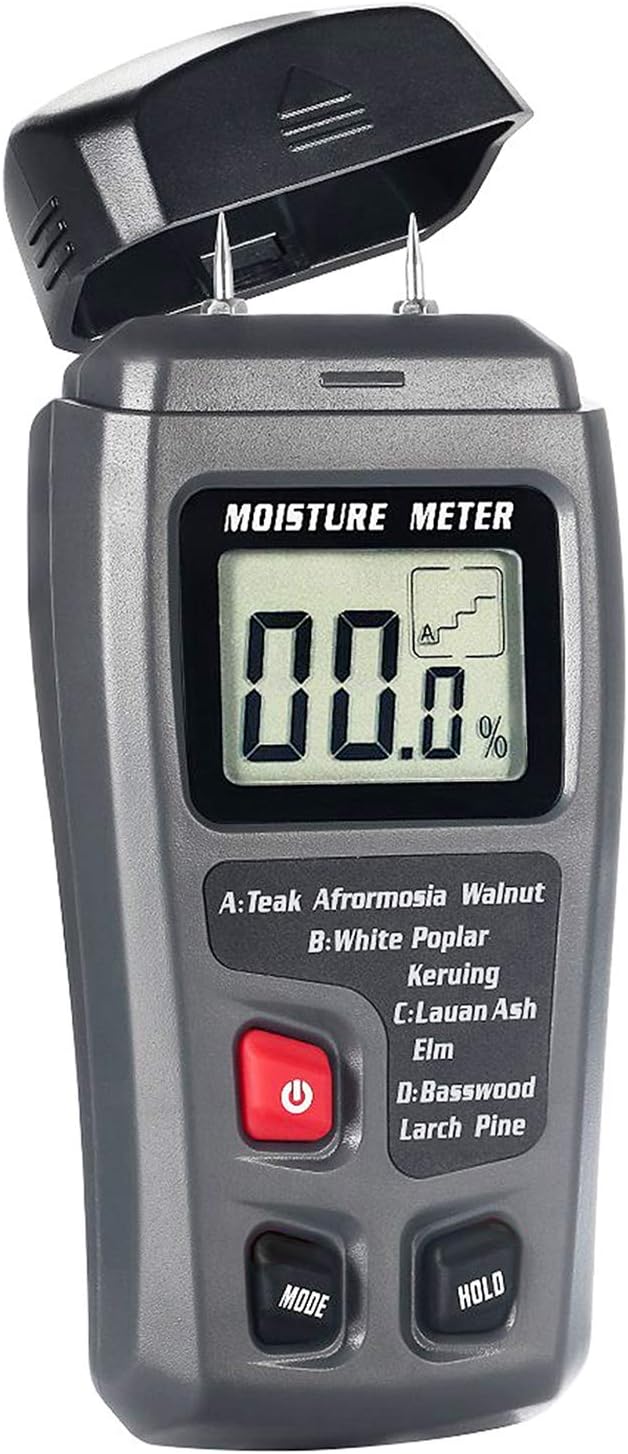
малюнок 1: Фронт view of the Bside EMT01 Digital Wood Moisture Meter with the protective cap removed, showing the LCD display, measurement pins, and control buttons.
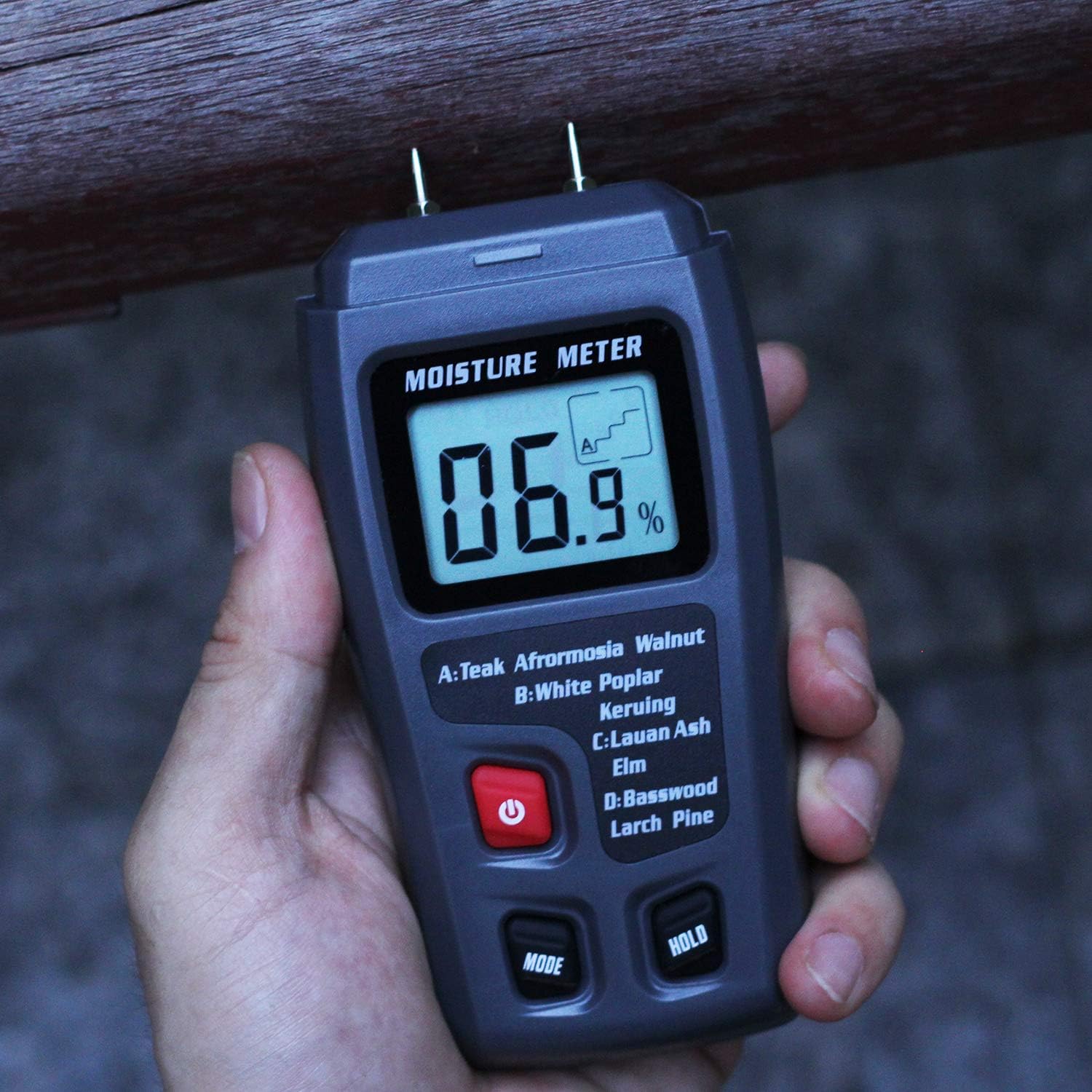
малюнок 2: The Bside EMT01 Digital Wood Moisture Meter held in a hand, illustrating its ergonomic design and portability.
4.1. Компоненти
- Вимірювальні штифти: Two sharp pins for penetrating wood surfaces to measure moisture.
- Захисний ковпачок: Covers the measurement pins when the device is not in use.
- РК-дисплей: Shows moisture content percentage and selected wood group.
- Кнопка живлення (⏻): Вмикає і вимикає пристрій.
- Кнопка MODE: Selects the appropriate wood calibration scale (A, B, C, D).
- Кнопка HOLD: Заморожує поточне вимірювання на дисплеї.
5. Технічні характеристики
| матеріал | ABS |
| Дисплей | РК-дисплей |
| Measurement Range (Wood) | 0-99.9% |
| роздільна здатність | 0.1% |
| Точність | 0.5% |
| Довжина зонда | 10 мм |
| Джерело живлення | 1 батарейка 9 В (не входить до комплекту) |
| Розміри предмета (Д x Ш x В) | 14 x 6.5 x 3 см (5.51 x 2.56 x 1.18 дюйма) |
| Вага товару | 104 г (3.68 унції) |
6. Налаштування
6.1. Встановлення батареї
- Знайдіть кришку відсіку для батареї на задній панелі пристрою.
- Зсуньте або відкріпіть кришку, щоб відкрити відсік.
- Insert one 9V battery, ensuring the polarity (+/-) matches the diagram inside the compartment.
- Надійно закрийте кришку батарейного відсіку.
Примітка: A 9V battery is not included in the package and must be purchased separately.
7. Інструкція з експлуатації
7.1. Увімкнення/вимкнення живлення
- To turn on the device, press the red Power button (⏻). РК-дисплей засвітиться.
- To turn off the device, press and hold the Power button (⏻) протягом кількох секунд.
- The device features an auto-power-off function to conserve battery life if inactive for a period.
7.2. Selecting Wood Group
Before taking a measurement, it is crucial to select the correct wood calibration scale (group) for the material you are testing. This ensures accurate readings. Press the РЕЖИМ button repeatedly to cycle through the four wood groups: A, B, C, and D. The selected group will be indicated on the LCD display.
Таблиця груп деревини:
| Група | Породи деревини |
|---|---|
| A | Teak, Walnut, Afrormosia, Rubber Tree, Imbuia, Kokrodua, Niove Bidinkala, Cork |
| B | Keruing, White Poplar, Beech, Cedar, Tola |
| C | Lauan, Ash, Elm, Fir, Maple, Padauk, Oak, Cherry |
| D | Липа, модрина, сосна, береза |
7.3. Вимірювання
- Зніміть захисний ковпачок з вимірювальних штифтів.
- Увімкніть пристрій, натиснувши кнопку живлення.
- Select the appropriate wood group using the MODE button.
- Carefully insert the two measurement pins into the wood material. Ensure both pins penetrate the surface to obtain an accurate reading.
- Вміст вологи у відсоткахtage відобразиться на РК-дисплеї.
- To hold the current reading on the display, press the ТРИМАТИ button. Press it again to release the hold function.
- After measurement, remove the pins from the wood and replace the protective cap.
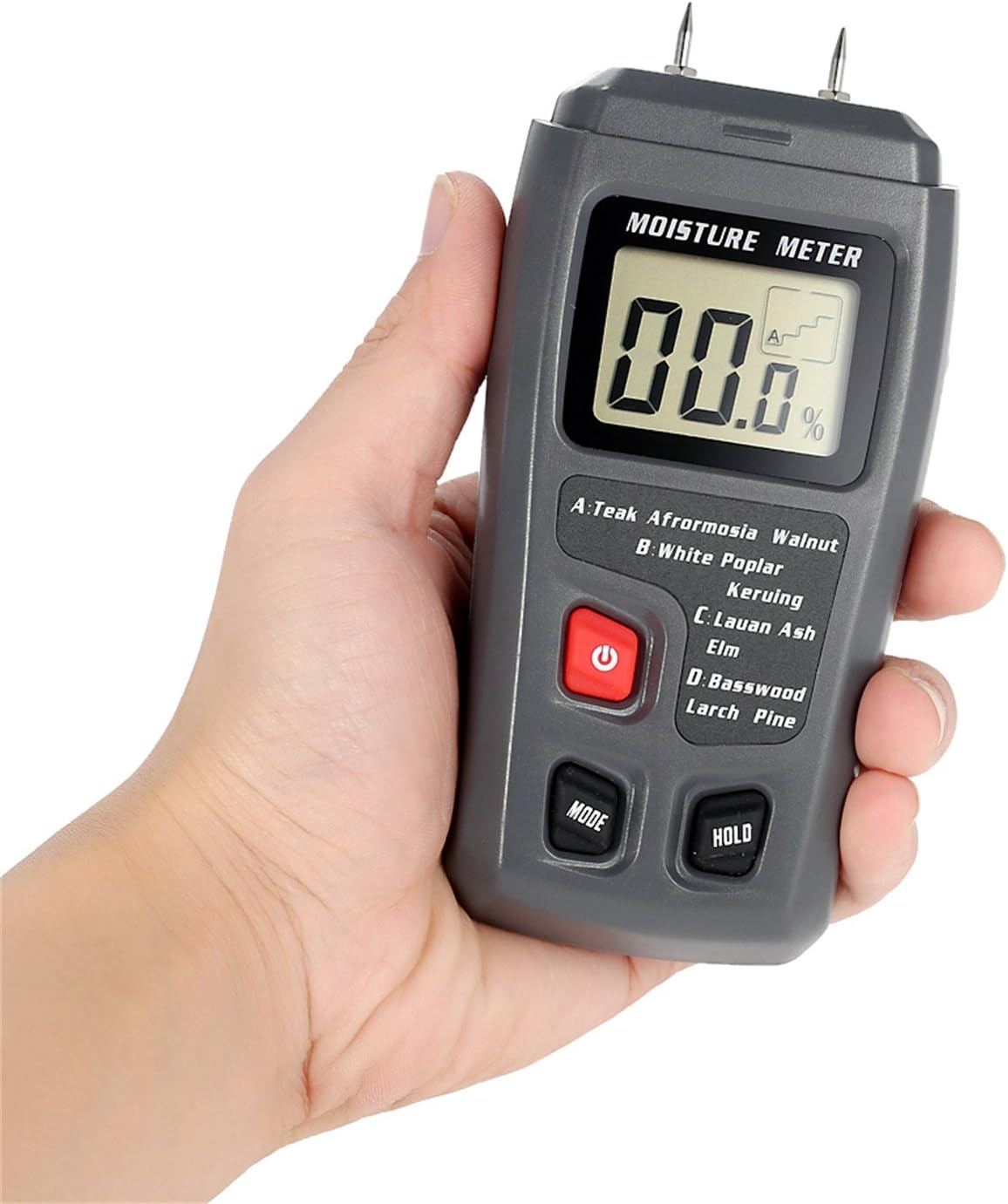
малюнок 3: The moisture meter in use, with its pins inserted into a piece of wood to measure moisture content.
Важливо: The pins will leave small marks on the wood surface. Consider this when choosing the measurement location.
8. Технічне обслуговування
- Прибирання: Протирайте пристрій м’якою сухою тканиною. Не використовуйте абразивні засоби для чищення або розчинники.
- Зберігання: Store the meter in a cool, dry place, away from direct sunlight and extreme temperatures. Always replace the protective cap over the pins when storing.
- Заміна батареї: When the battery indicator appears on the display, replace the 9V battery as described in the "Battery Installation" section.
9. Вирішення проблем
| проблема | Можлива причина | Рішення |
|---|---|---|
| Пристрій не включається. | Батарея розряджена або неправильно встановлена. | Replace the 9V battery or check its polarity. |
| No reading or "0.0%" displayed. | Pins not fully inserted into the wood, or wood is extremely dry. | Ensure pins penetrate the wood surface. If wood is very dry, "0.0%" may be an accurate reading. |
| Неточні показання. | Incorrect wood group selected; pins are dirty or damaged. | Verify the correct wood group is selected. Clean pins with a dry cloth. If pins are damaged, contact support. |
10. Гарантія та підтримка
This product comes with a standard manufacturer's warranty. For specific warranty terms and conditions, please refer to the documentation provided at the time of purchase or contact your retailer. For technical support or service inquiries, please contact the seller or manufacturer directly.


