вступ
This manual provides important information regarding the safe operation, installation, and maintenance of your Arctic-Pro Mini Desk Oscillating Tower Fan. Please read this manual thoroughly before using the product and retain it for future reference.
The Arctic-Pro Mini Desk Oscillating Tower Fan is designed to provide personal cooling with its compact size and quiet operation. It features two speed settings and a 75-degree oscillation function for effective air circulation in small spaces such as offices, bedrooms, and cubicles.
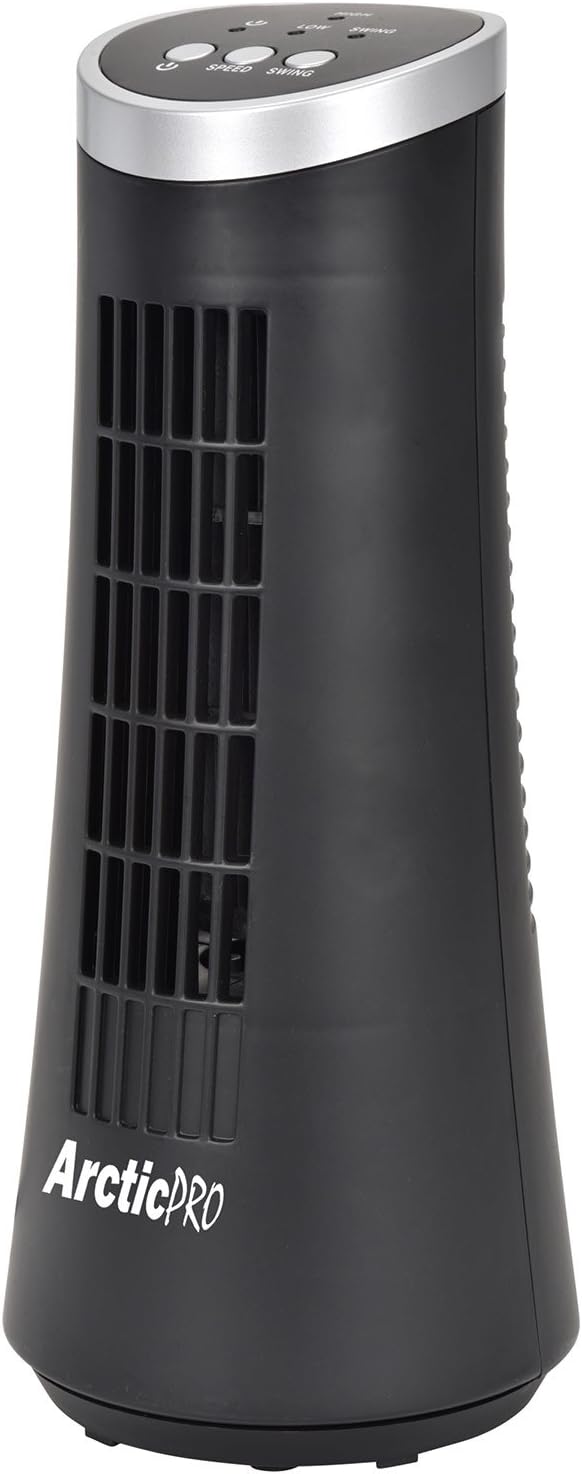
Figure 1: Arctic-Pro Mini Desk Oscillating Tower Fan, a compact black tower fan with a silver top panel.
Характеристики та компоненти продукту
Familiarize yourself with the key features and components of your fan for optimal use.
- Шепіт безшумна робота: Engineered to produce minimal operational noise, ensuring no distractions during work or sleep.
- Портативний і компактний дизайн: Features a convenient carrying handle for easy transport between rooms. Ideal for desks, nightstands, and small spaces. Dimensions: 5 x 12 inches.
- Два налаштування швидкості: Adjustable airflow from Low to High wind via electronic touch controls with LED indicators.
- 75-Degree Oscillation: Provides wide-angle air distribution and circulation to cool your entire area effectively.
- Electronic Touch Controls: Intuitive controls located on the top panel for power, speed, and oscillation.

Малюнок 2: Закінченоview of fan components, highlighting the user controls on top, the front grill, the handle on the back, and the oscillating base.
Налаштування
The Arctic-Pro Mini Desk Oscillating Tower Fan requires no assembly. Simply remove it from its packaging and place it on a stable, flat surface.
- Unpack the fan carefully from its box.
- Place the fan on a firm, level surface, ensuring adequate space around it for air circulation and oscillation.
- Plug the power cord into a standard electrical outlet (AC 120V, 60Hz).
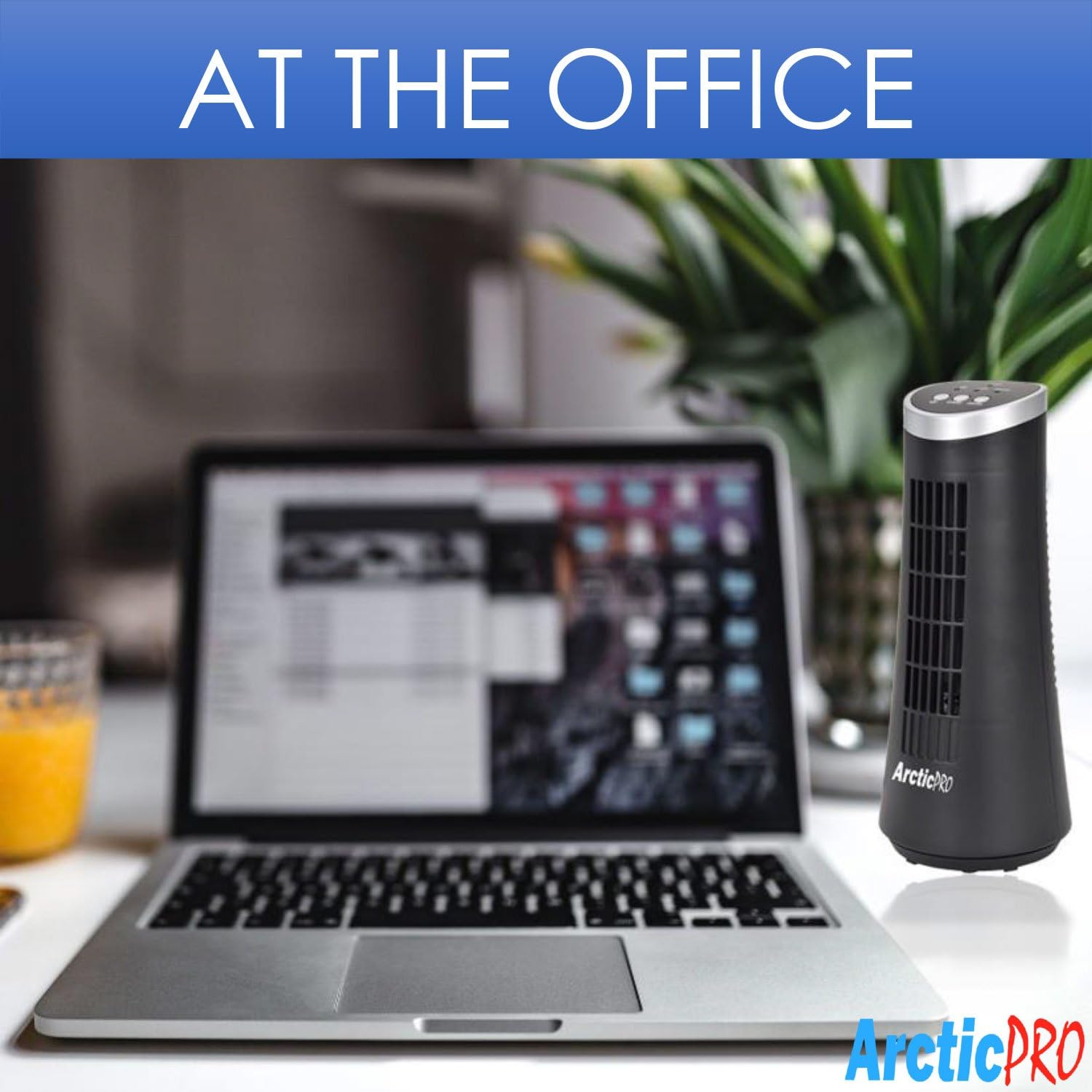
Figure 3: The product packaging, indicating the fan is ready to use out of the box.
Інструкція з експлуатації
The fan is operated using the touch controls located on the top panel.

Малюнок 4: Детально view of the fan's touch control panel, showing buttons for On/Off, Speed (Low/High), and Oscillation (Swing).
- Увімкнення/вимкнення живлення: Натисніть Кнопка живлення to turn the fan on or off. An LED indicator will illuminate when the fan is on.
- Регулювання швидкості: Натисніть Кнопка швидкості to cycle between Low and High speed settings. Corresponding LED indicators will show the selected speed.
- Контроль коливань: Натисніть Кнопка гойдалки to activate or deactivate the 75-degree oscillation function. When active, the fan will rotate from side to side to distribute air across a wider area.
Технічне обслуговування та догляд
Regular cleaning and proper care will ensure the longevity and efficient operation of your fan.
- Прибирання:
- Завжди відключайте вентилятор від розетки перед чищенням.
- Використовуйте м'який, damp тканиною для протирання зовнішніх поверхонь вентилятора. Не використовуйте абразивні засоби для чищення або розчинники.
- To clean the fan grill, use a vacuum cleaner with a brush attachment to remove dust and debris. Do not attempt to disassemble the fan for cleaning.
- Зберігання:
- If storing the fan for an extended period, clean it thoroughly and place it back in its original packaging or a suitable box.
- Зберігайте вентилятор у прохолодному, сухому місці, подалі від прямих сонячних променів та екстремальних температур.
Note: Do not immerse the fan in water or allow water to drip into the motor housing.
Усунення несправностей
Якщо у вас виникли будь-які проблеми з вентилятором, зверніться до наступних поширених проблем та способів їх вирішення:
| проблема | Можлива причина | Рішення |
|---|---|---|
| Вентилятор не вмикається. | Not plugged in; power outlet not working; fan switch off. | Ensure the power cord is securely plugged into a working electrical outlet. Press the Power button. Test the outlet with another device. |
| Слабкий або відсутній потік повітря. | Fan speed set to low; air intake/output blocked; excessive dust buildup. | Increase the fan speed using the Speed button. Ensure nothing is obstructing the front grill or rear air intake. Clean the fan grill to remove dust. |
| Вентилятор не коливається. | Функцію коливань вимкнено. | Press the Swing button to activate the oscillation function. |
| Незвичайний шум під час роботи. | Fan not on a level surface; internal obstruction. | Place the fan on a stable, level surface. Unplug the fan and check for any visible obstructions in the grill. If the noise persists, discontinue use and contact customer support. |
Технічні характеристики
| Атрибут | Деталь |
|---|---|
| Бренд | Arctic-Pro |
| Номер моделі | 21599 |
| Розміри продукту | 5 дюйми Г x 5 дюйми Ш x 12 дюймів В (12.7 см Г x 12.7 см Ш x 30.48 см В) |
| Колір | чорний |
| Джерело живлення | Провідний електричний |
| Спосіб контролю | Дотик |
| Особливості | Oscillating, Portable, Ultra-Quiet Operation |
| Вага товару | 2.45 фунтів (1.11 кг) |
| UPC | 815691021599 |

Figure 5: Dimensions of the fan, indicating a height of 12.5 inches (31.75 cm) and a base width of 5 inches (12.7 cm).
Важлива інформація з безпеки
Будь ласка, прочитайте та дотримуйтесь усіх інструкцій з безпеки, щоб запобігти травмам або пошкодженням.
- Не використовуйте вентилятор із пошкодженим шнуром або вилкою. Викиньте вентилятор або поверніть його в авторизований сервісний центр для перевірки та/або ремонту.
- Не прокладайте шнур під килимовим покриттям. Не накривайте шнур килимками, доріжками або подібними покриттями. Не прокладайте шнур під меблями чи технікою. Розташуйте шнур подалі від зони руху, де за нього не можна буде спіткнутися.
- Щоб відключити вентилятор, вимкнути елементи керування, а потім вийняти вилку з розетки.
- Не вставляйте пальці чи сторонні предмети у вентиляційні чи випускні отвори та не допускайте їх потрапляння у вентиляційні чи випускні отвори, оскільки це може призвести до ураження електричним струмом, пожежі чи пошкодження вентилятора.
- Не блокуйте повітрозабірники або випускні отвори жодним чином. Не використовуйте на м’яких поверхнях, таких як ліжко, де отвори можуть бути заблоковані.
- Цей вентилятор не призначений для використання у вологому стані або в приміщенніamp локації.
- Завжди ставте вентилятор на стійку, рівну поверхню під час роботи, щоб запобігти перекиданню.
- Необхідний ретельний нагляд, коли будь-який прилад використовується дітьми або поблизу них.
Підтримка клієнтів
For any questions, concerns, or assistance with your Arctic-Pro Mini Desk Oscillating Tower Fan, please contact your retailer or the manufacturer's customer service. While specific warranty details are not provided in this manual, the product is backed by a 30-day full money-back guarantee from the point of purchase, as per product information.
Будь ласка, збережіть чек про покупку як підтвердження покупки для будь-яких запитів підтримки.


