1. Вступ
This manual provides instructions for setting up, operating, and maintaining your Plantronics Blackwire 3215 USB-A Headset. Please read this manual thoroughly before using your headset to ensure optimal performance and longevity.
2. Вміст упаковки
- Plantronics Blackwire 3215 USB-A Headset
- Inline Controller (integrated)
- Футляр для перенесення (може відрізнятися залежно від регіону)
3. Налаштування
3.1 Headset Fit and Adjustment
For optimal comfort and audio performance, adjust the headset to fit your head. The headband can be lengthened or shortened by sliding the earcups up or down.
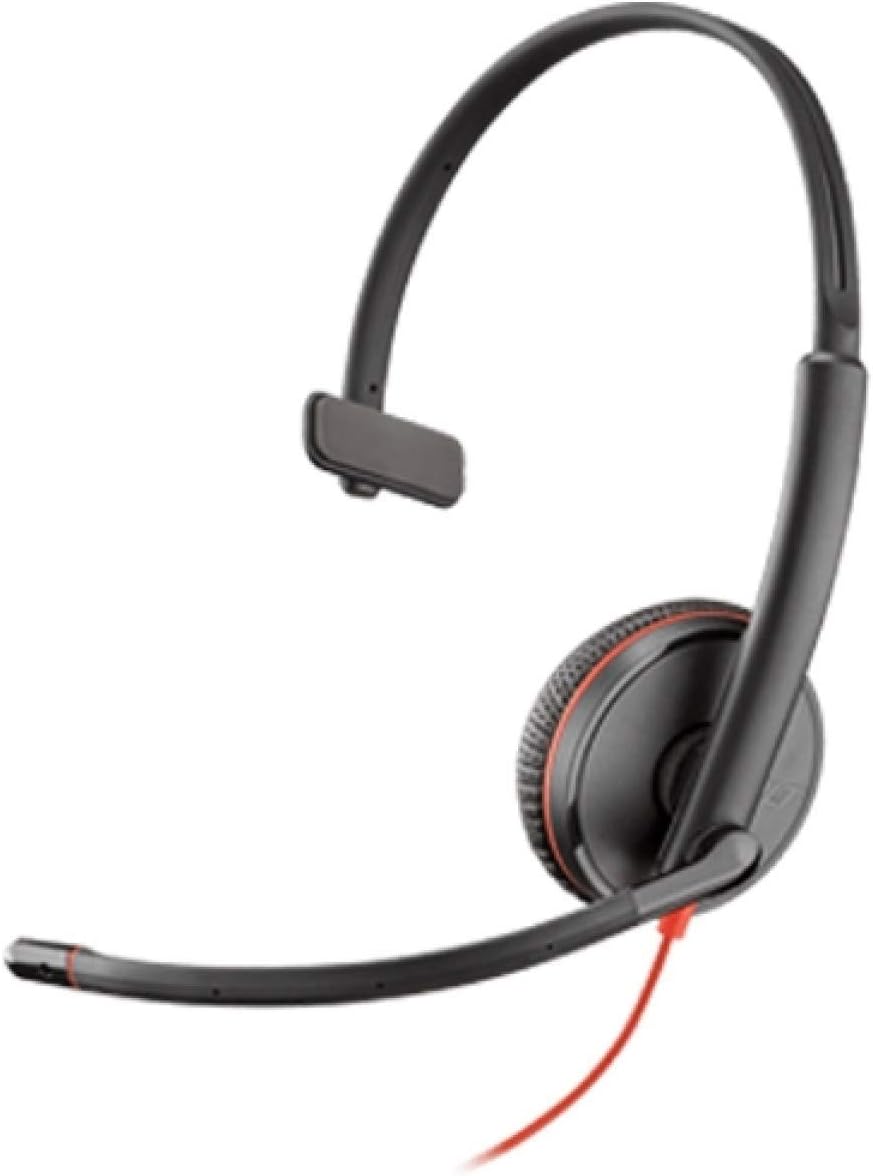
Image: Plantronics Blackwire 3215 headset with adjustable headband and boom microphone.
The flexible boom microphone can be worn on either your left or right side. Rotate and adjust the boom so that the microphone is positioned approximately two fingers' width from the corner of your mouth. This ensures clear voice pickup.
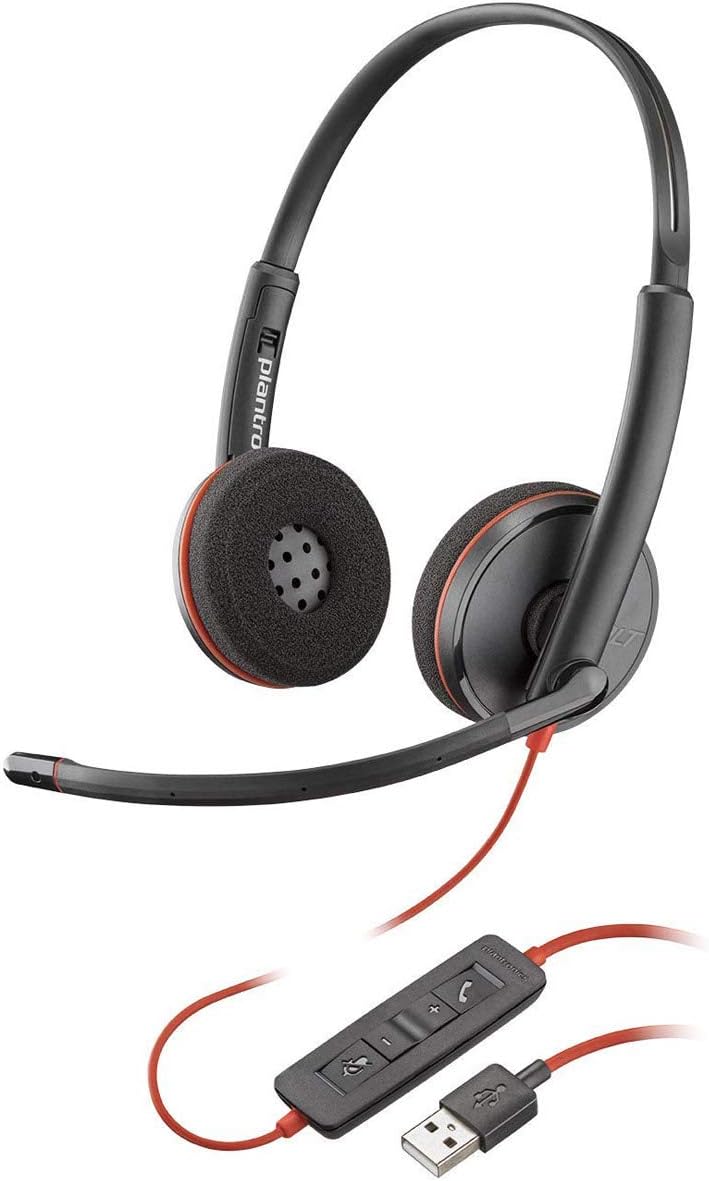
Image: Proper positioning of the boom microphone for the Blackwire 3215 headset.
3.2 Connecting to Your Computer (USB-A)
Plug the USB-A connector of your headset's inline controller directly into an available USB-A port on your computer (PC or Mac). The headset is plug-and-play, and your computer should automatically recognize it.
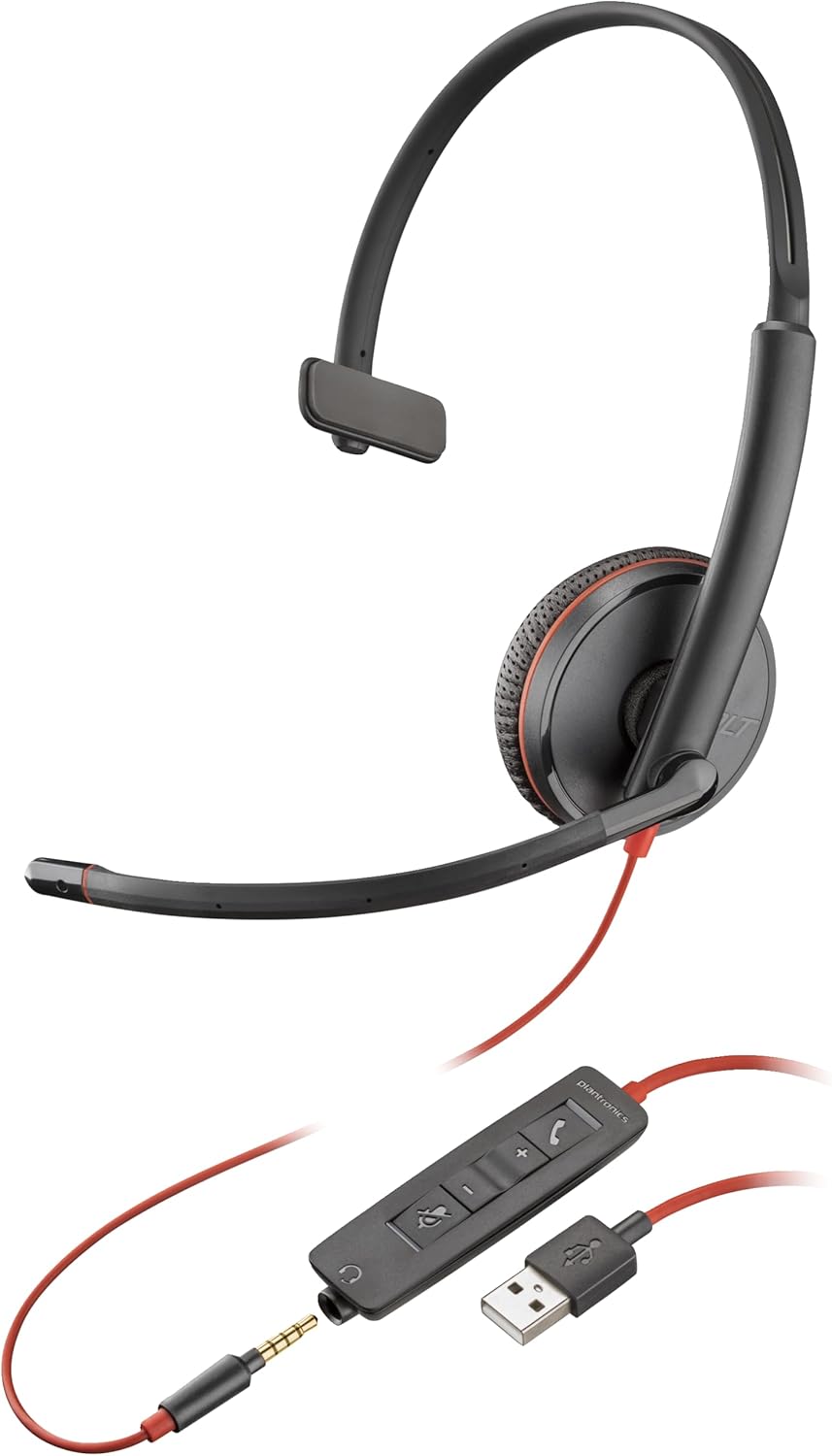
Image: The Blackwire 3215 headset showing the inline controller and USB-A connection.
3.3 Connecting to Mobile/Tablet (3.5mm)
For models Blackwire 3215 and 3225, you can connect directly to a smartphone or tablet using the 3.5mm jack. Unplug the headset from the inline controller and plug the 3.5mm cable directly into your mobile device's audio jack.
3.4 Software Installation (Optional but Recommended)
For advanced features and settings, download the Plantronics Hub desktop software for Windows or Mac from www.plantronics.com/software. This software allows you to configure settings such as call control, firmware updates, and more.
Video: This video demonstrates how to use Plantronics USB Headphones, specifically the Blackwire 3200 Series, covering setup and basic call controls.
4. Керування гарнітурою
4.1 Call Control (via Inline Controller)
- Відповісти/закінчити виклик: Натисніть кнопку виклику (📞) once to answer an incoming call. Press it again to end an active call.
- Утримання виклику: Double-press the Call button (📞) to place an active call on hold. Double-press again to resume the call.
- Повторний набір: If not on an active call, double-pressing the Call button (📞) will redial the last outgoing call.
4.2 Volume and Mute Control
- Збільшення гучності: Натисніть кнопку збільшення гучності (+) on the inline controller to increase listening volume.
- Зменшення гучності: Натисніть кнопку зменшення гучності (-) on the inline controller to decrease listening volume.
- Вимкнути/увімкнути звук: Натисніть кнопку вимкнення звуку (🔇) on the inline controller to mute your microphone during a call. Press it again to unmute.
When connected via 3.5mm jack to a mobile device, call controls will typically be managed directly from your mobile device.
5. Технічне обслуговування
To ensure the longevity and optimal performance of your Plantronics Blackwire 3215 headset, follow these maintenance guidelines:
- Прибирання: Gently wipe the headset with a soft, dry cloth. For stubborn dirt, a slightly damp cloth can be used, but ensure no moisture enters the earcup or microphone openings. Do not use harsh chemicals or abrasive cleaners.
- Зберігання: When not in use, store the headset in its provided carrying case to protect it from dust and physical damage. Avoid extreme temperatures.
- Догляд за кабелем: Уникайте різких вигинів або зламів кабелю. Не тягніть за кабель, щоб від’єднати гарнітуру; завжди тримайтеся за штекер.
6. Вирішення проблем
| проблема | Можлива причина | Рішення |
|---|---|---|
| Немає звуку з гарнітури | Headset not selected as default audio device; Volume too low; Muted. | Check audio settings in your computer/softphone; Increase volume; Unmute headset. |
| Мікрофон не працює | Microphone muted; Incorrect microphone selected; Boom mic not positioned correctly. | Unmute microphone; Check microphone settings in your computer/softphone; Adjust boom mic position. |
| Call control buttons not working | Plantronics Hub software not installed or updated; Softphone compatibility issue. | Install/update Plantronics Hub; Ensure your softphone is supported. |
| Спотворений звук | Volume too high; Poor connection. | Lower volume; Reconnect headset; Try a different USB port. |
7. Технічні характеристики
- Номер моделі: 209746-101
- Підключення: USB-A (also 3.5mm for 3215/3225 models)
- Розташування вуха: На вухо
- Контроль шуму: Active Noise Cancellation (microphone)
- колір: чорний
- Розміри продукту: 4.33 x 4.33 x 1.97 дюймів
- вага: 3.39 унції
8. Гарантія та підтримка
8.1 Інформація про гарантію
The Plantronics Blackwire 3215 headset comes with a 2-year global warranty. Please retain your proof of purchase for warranty claims.
8.2 Подальша підтримка
For additional support, frequently asked questions, or to download the full user guide in PDF format, please visit the official Poly webсайт або зверніться до наступних ресурсів:
- Офіційний посібник користувача (PDF): Завантажити PDF
- Poly Store on Amazon: Visit Poly Store


