Продукт закінченийview
The Intel Core i7-8700 Processor is an 8th Generation Intel Core Desktop Processor designed for high-end PC performance. It features 6 processing Cores and 12 Threads, offering enhanced processing power compared to previous generations. With a 12MB Cache and up to 4.6 GHz max frequency via Intel Turbo Boost Max Technology 3.0, it delivers a smooth and responsive computing experience. The integrated Intel UHD Graphics 630 provides a richer visual experience, making it suitable for various media content. This processor also supports Intel vPro Technology for business needs and is compatible with motherboards based on the Intel 300 series chipset. For accelerated system performance, it can be paired with Intel Optane Memory and a 2.5" HDD. It supports two-channel DDR4 memory technology, allowing up to 64 GB of memory and up to 2666 MT/s memory transfer speeds.
Ключові характеристики:
- 6 Cores / 12 Threads. Intel UHD Graphics 630.
- 3.20 GHz up to 4.60 GHz Max Turbo Frequency / 12 MB Cache.
- Compatible only with Motherboards based on Intel 300 Series Chipsets.
- Intel Optane Memory Supported
- Instruction set is 64-bit and instruction set extensions is intel sse4.1, intel sse4.2 and intel avx2. Features intel hyper threading technology
Що в коробці
- 1 процесор
Налаштування та встановлення
For detailed installation instructions, please refer to the official Installation Manual (PDF) provided by Intel. Proper installation is crucial for optimal performance and to prevent damage to the processor and other components.
Завантажити інструкцію з встановлення (PDF)
General Installation Steps (Refer to manual for specifics):
- Підготуйте своє робоче місце: Ensure a clean, static-free environment. Use an anti-static wrist strap.
- Підготуйте материнську плату: Open the CPU socket lever on your Intel 300 Series chipset motherboard.
- Встановлення процесора: Carefully align the processor with the socket, ensuring the gold triangle on the CPU matches the triangle on the socket. Gently lower the processor into place without forcing it.
- Безпечний процесор: Закрийте важіль роз'єму процесора, щоб закріпити процесор.
- Нанесіть термопасту: Нанесіть невелику кількість високоякісної термопасти на центр інтегрованого теплорозподільника (IHS) процесора.
- Встановлення кулера процесора: Mount the CPU cooler according to its specific instructions, ensuring even pressure and good contact with the CPU.
- Підключіть живлення: Підключіть кабель живлення вентилятора процесора до відповідного роз'єму на материнській платі.
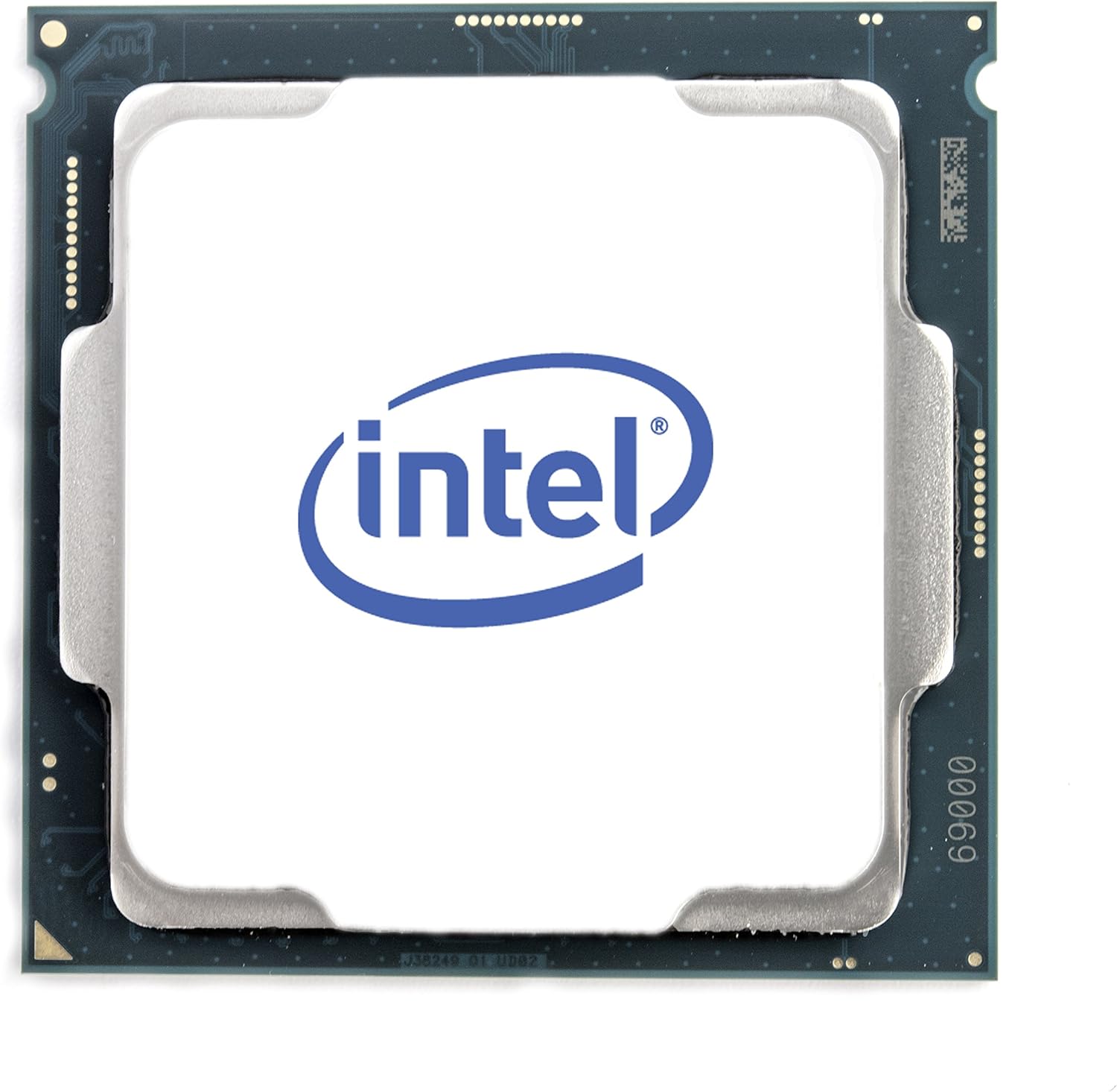
Малюнок 1: Верх view of the Intel Core i7-8700 processor.

Рисунок 2: Передня та задня частини views of the Intel Core i7-8700 processor, highlighting the contact pins.

Малюнок 3: Детально view of the processor's contact pads.
Інструкція з експлуатації
Once installed, the Intel Core i7-8700 processor operates automatically as part of your computer system. Its performance is managed by the operating system and motherboard BIOS/UEFI settings. For optimal performance, ensure your system drivers and BIOS are up to date.
- Конфігурація BIOS/UEFI: Access your motherboard's BIOS/UEFI settings during startup (usually by pressing Del, F2, or F10). Verify that the CPU is recognized correctly and that memory settings (like XMP profiles for DDR4) are configured for optimal performance.
- Встановлення драйвера: Встановіть найновіші драйвери чіпсета від виробника материнської плати. website and graphics drivers for the integrated Intel UHD Graphics 630 from Intel's official webсайт.
- Системний моніторинг: Use system monitoring software to keep an eye on CPU temperature and utilization, especially during demanding tasks like gaming or video editing.
Video: Official Intel video showcasing the performance capabilities of the Intel Core i7-8700 Desktop Processor in various gaming and multitasking scenarios. This video highlights smoother gameplay and improved streaming/recording performance compared to older systems.
Технічне обслуговування
The Intel Core i7-8700 processor itself requires minimal maintenance. However, maintaining the overall health of your computer system is essential for the longevity and performance of the CPU.
- Система охолодження: Regularly clean your CPU cooler and case fans to prevent dust buildup, which can impede airflow and lead to overheating. Ensure thermal paste is not dried out; reapply if necessary (typically every few years or if the cooler is removed).
- Екологічні фактори: Operate your computer in a clean, well-ventilated area. Avoid extreme temperatures and humidity.
- Оновлення програмного забезпечення: Keep your operating system, drivers, and BIOS/UEFI firmware updated to ensure compatibility and optimal performance.
Усунення несправностей
Якщо у вас виникли проблеми з процесором Intel Core i7-8700, виконайте такі дії з усунення несправностей:
- Немає проблем із дисплеєм/завантаженням:
- Verify all power connections to the motherboard and CPU are secure.
- Reseat the CPU in its socket, ensuring proper alignment and lever closure.
- Check RAM modules are correctly seated. Try booting with one RAM stick if multiple are installed.
- Clear CMOS (Complementary Metal-Oxide-Semiconductor) settings on your motherboard.
- Перегрів:
- Переконайтеся, що кулер процесора правильно встановлений і забезпечує хороший контакт з процесором.
- Перевірте, чи обертається вентилятор процесора.
- Verify thermal paste application. Reapply if needed.
- Покращте циркуляцію повітря в корпусі, додавши або перемістивши корпусні вентилятори.
- Нестабільність/збої системи:
- Оновіть BIOS/UEFI материнської плати до останньої версії.
- Переконайтеся, що всі драйвери (чіпсет, відеокарта) оновлені.
- Run system diagnostics (e.g., Windows Memory Diagnostic, CPU stress tests) to identify potential component failures.
If issues persist, consult the motherboard manual or Intel's support resources for further assistance.
Технічні характеристики
| Особливість | Деталь |
|---|---|
| Процесор | 3.2 ГГц core_i7 |
| Швидкість пам'яті | 3200 МГц |
| Графічний співпроцесор | Intel HD Graphics 630 |
| Опис картки | інтегрований |
| Бренд | Intel |
| Серія | BX80684I78700 |
| Номер моделі товару | BX80684I78700 |
| Вага товару | 12 унції |
| Розміри продукту | 4.7 x 4.2 x 4.7 дюймів |
| Кількість процесорів | 6 |
| Тип пам'яті комп'ютера | DDR4 SDRAM |
| томtage | 240 вольт |
| Виробник | Intel |
| Дата першої доступності | 5 жовтня 2017 р |
| Виробник ЦП | Intel |
| Модель процесора | Core i7 |
| Швидкість ЦП | 3.2 ГГц |
| Гніздо ЦП | 1 |
Гарантія та підтримка
Intel processors typically come with a manufacturer's warranty. For specific warranty terms, conditions, and duration, please refer to the documentation included with your processor or visit the official Intel support webсайт.
Intel Support Resources:
- Official Intel Webсайт: https://www.intel.com/content/www/us/en/support/products/processors.html
- Driver & Software Downloads: Ensure you have the latest drivers and software for your processor and integrated graphics.
- Технічна підтримка: Contact Intel's technical support for assistance with installation, troubleshooting, or product-related inquiries.
For protection plans offered by Amazon, please refer to the product listing page where you purchased the item.


