1. Вступ
The Avantree Torpedo Plus is a versatile portable Bluetooth speaker designed to deliver high-quality audio with minimal latency. Featuring aptX Low Latency technology, it ensures audio-visual synchronization when paired with compatible transmitters. This manual provides detailed instructions for setting up, operating, and maintaining your speaker.

Figure 1: Avantree Torpedo Plus Portable Bluetooth Speaker
2. Що в коробці
- Avantree Torpedo Plus Speaker
- Type C USB Charging Cable (100CM / 3FT)
- Audio Cable (120CM / 4FT)
- Короткий посібник користувача
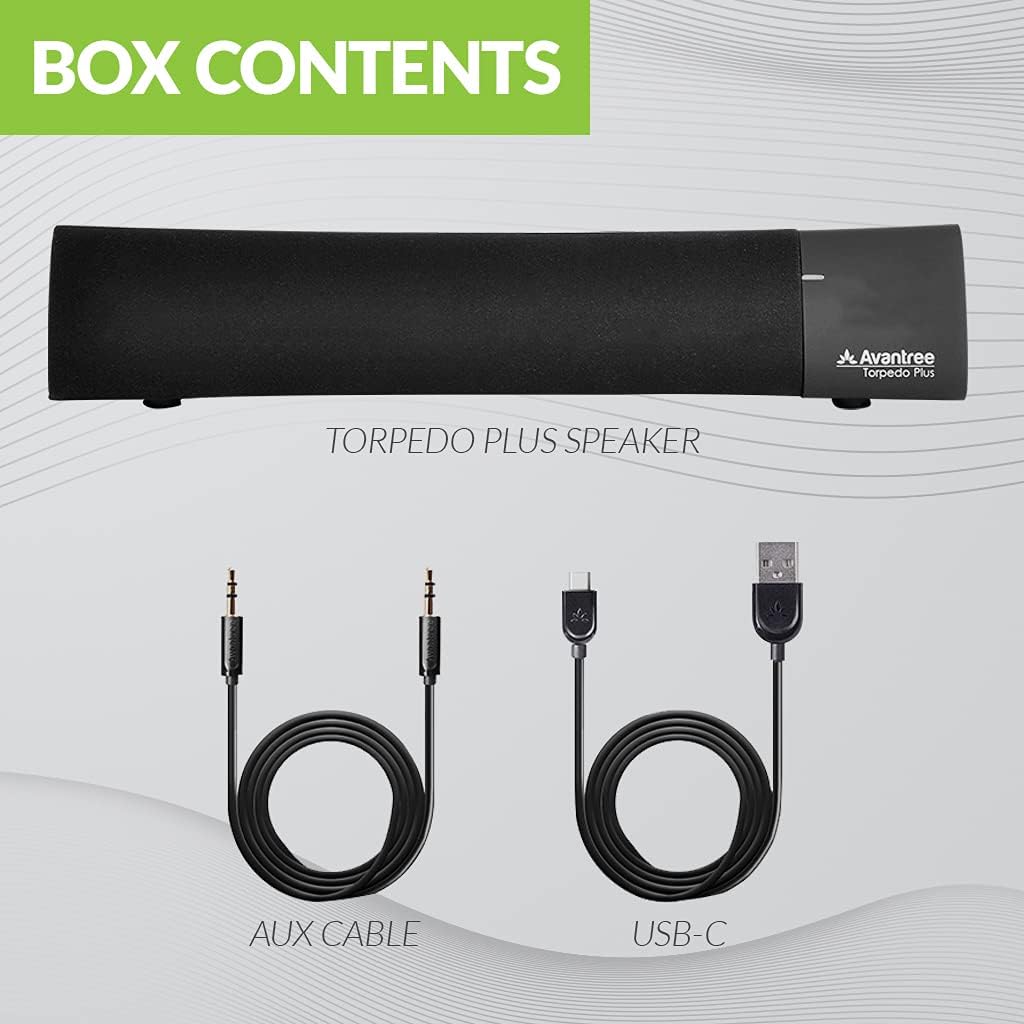
Figure 2: Included accessories with the Torpedo Plus speaker.
3. Продукт закінчивсяview
The Torpedo Plus features a compact design with intuitive controls. It includes dual 5W speakers for clear sound output and supports multiple sound modes for a customized listening experience.

Малюнок 3: Внутрішній view highlighting the dual 5W power drivers.
The speaker is lightweight and portable, making it suitable for various environments, from a desktop setup to on-the-go use.
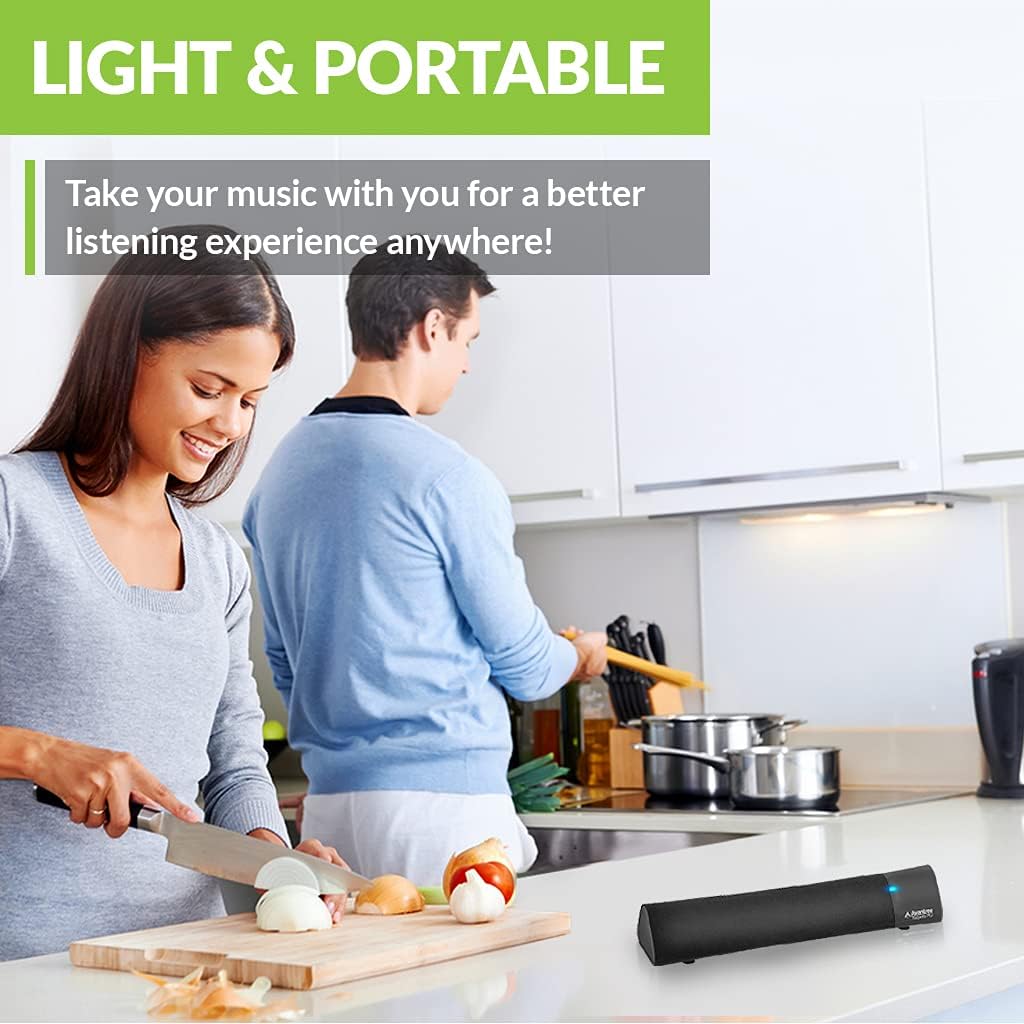
Figure 4: Portability of the Torpedo Plus speaker in a kitchen setting.
4. Налаштування
4.1 Увімкнення
- Connect the provided Type C USB charging cable to the speaker's charging port.
- Plug the other end of the USB cable into a DC 5V/1A power source (e.g., computer USB port, USB wall adapter).
- The speaker will indicate its power status via an LED indicator.
4.2 Початкове сполучення (Bluetooth)
- Переконайтеся, що динамік увімкнено та перебуває в режимі сполучення Bluetooth (зазвичай це позначається миготливим світлодіодом).
- On your device (laptop, phone, tablet), enable Bluetooth and search for "Avantree Torpedo Plus".
- Select the speaker to pair. Once connected, the LED indicator will show a solid light.

Figure 5: Easy setup and Bluetooth pairing with a laptop.
5. Інструкція з експлуатації
5.1 Підключення Bluetooth
After initial pairing, the speaker should automatically reconnect to your last paired device when powered on and within range.
5.2 Дротове підключення (AUX)
- Connect one end of the provided 3.5mm audio cable to the AUX input port on the speaker.
- Connect the other end to the audio output jack of your device (e.g., TV, computer).
- The speaker will automatically switch to AUX mode or you may need to select it using the mode button/control.
5.3 режими звуку
The Torpedo Plus features Digital Signal Processing (DSP) with three distinct sound modes:
- 3D-об'ємний звук: Enhances spatial audio for an immersive experience.
- Режим баса: Boosts low frequencies for richer bass.
- Balanced Audio Mode: Забезпечує нейтральний звук професійноfile suitable for various content.
Refer to the quick user guide for specific instructions on how to switch between these modes.

Figure 6: Available sound modes for personalized audio.
5.4 Аудіо з низькою затримкою
When used with an aptX Low Latency enabled Bluetooth transmitter, the Torpedo Plus delivers audio in perfect synchronization with video, eliminating noticeable delays.

Figure 7: Enjoying low latency audio with the speaker while watching TV.
5.5 Офіційне відео продукту
Watch this official video from AvantreeDirect USA for a visual overview of the Avantree aptX Low Latency Portable Bluetooth 5.0 Speaker.
Video 1: Avantree aptX Low Latency Portable Bluetooth 5.0 Speaker overview.
6. Технічне обслуговування
- Тримайте динамік подалі від води та надмірної вологи.
- Протріть поверхню м’якою сухою тканиною. Не використовуйте абразивні засоби для чищення.
- Уникайте впливу на динамік екстремальних температур.
- Зберігайте в прохолодному, сухому місці, якщо не використовуєте протягом тривалого часу.
7. Вирішення проблем
7.1 Немає живлення
- Ensure the USB charging cable is securely connected to both the speaker and a working power source.
- Перевірте, чи джерело живлення активне.
7.2 Немає звуку
- Bluetooth: Check if the speaker is successfully paired and connected to your device. Ensure the volume on both the speaker and your device is turned up.
- AUX: Confirm the 3.5mm audio cable is fully inserted into both the speaker and your device. Ensure your device's audio output is set to the correct port.
- Check if the speaker is in the correct input mode (Bluetooth or AUX).
7.3 Audio Delay (Latency)
- For optimal low latency performance, ensure your Bluetooth audio source (e.g., TV, PC) is connected via an aptX Low Latency compatible Bluetooth transmitter.
- Ensure the speaker is operating in aptX Low Latency mode if applicable (refer to quick user guide for LED indicators).
8. Технічні характеристики
| Особливість | Деталь |
|---|---|
| Версія Bluetooth | V5.0 |
| Аудіокодек | aptX LL, aptX, SBC |
| Підтримка Profiles | A2DP V1.3, AVRCP V1.5 |
| Порт зарядки | Тип С |
| Час зарядки | 3 години |
| Обвинувачення Voltage | Постійний струм 5 В/1 А |
| Вбудований акумулятор | 2200 мА / 3.7 В. |
| Час відтворення | 7 години |
| Вихідна потужність | 5 Вт × 2 |
| АЧХ | 50 Гц ~ 20 кГц |
| Розмір | 275 mm x 60mm x 50 mm (10.83" x 2.36" x 1.97") |
| Вага продукту | 480 г (0.026 унції) |
| Технологія бездротового зв'язку | Bluetooth |
| Технологія підключення | Допоміжний, Bluetooth |
| Діапазон Bluetooth | 30 метрів (100 фут) |
| Затримка звуку | 40 мілісекунд |
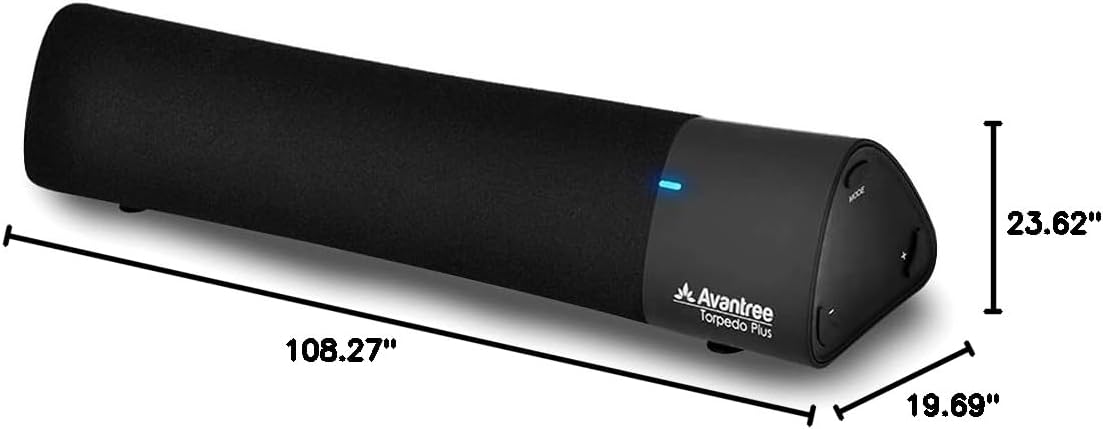
Рисунок 8: Розміри виробу.
9. Гарантія та підтримка
The Avantree Torpedo Plus comes with a full 24-month warranty. For support, please visit the official Avantree webсайту або зв’яжіться з їхньою службою обслуговування клієнтів.
Відвідайте Avantree Store для отримання додаткової інформації та продуктів.


