вступ
Thank you for choosing the Billboard Bluetooth Wireless Hook Over Earbuds. This manual provides essential information for setting up, operating, and maintaining your new earbuds. Please read these instructions carefully before use to ensure optimal performance and longevity of your device. Keep this manual for future reference.
Вміст упаковки
Переконайтеся, що всі предмети присутні в упаковці:
- Бездротові навушники Billboard Bluetooth із кріпленням на гачок
- Зарядний кабель Micro USB
- Посібник користувача (цей документ)
Продукт закінченийview
The Billboard Bluetooth Wireless Hook Over Earbuds are designed for comfortable and secure fit, featuring a tangle-free flat cord and integrated controls for music and calls.
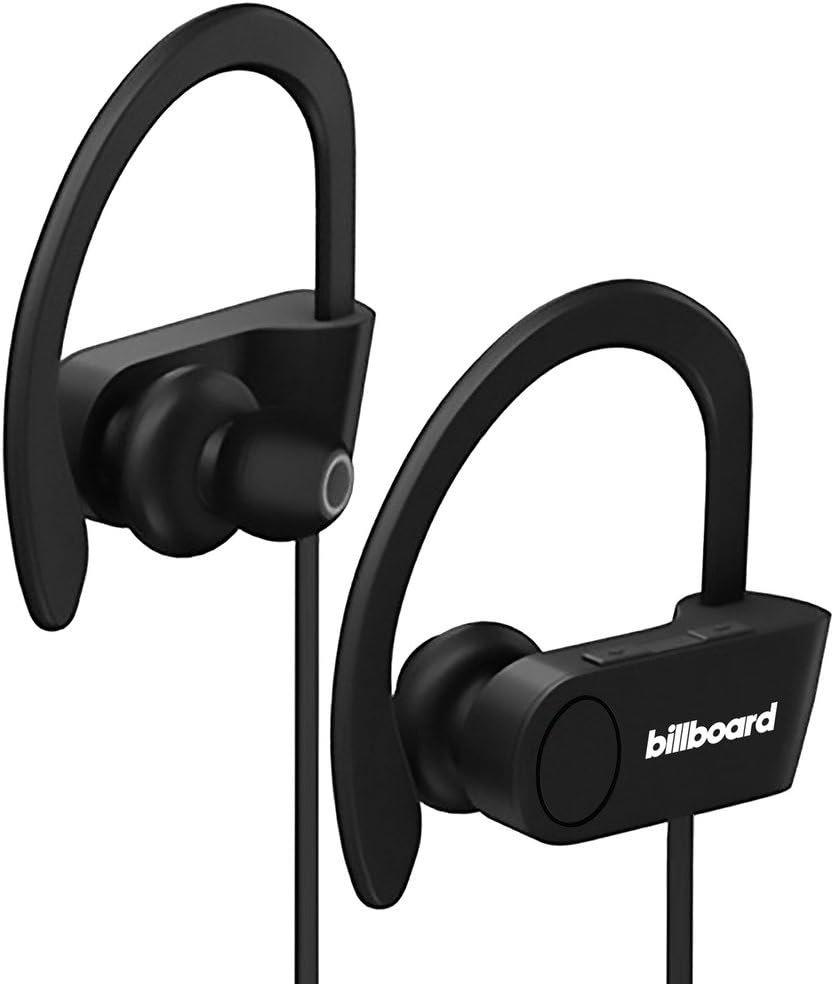
Image: Billboard Bluetooth Wireless Hook Over Earbuds, front view. These black earbuds feature an over-ear hook design for secure placement and a flat cord connecting the two earpieces.

Image: Billboard Bluetooth Wireless Hook Over Earbuds, showing the flat tangle-free cord. The design emphasizes a comfortable fit with the ear hooks and the practical flat cable.
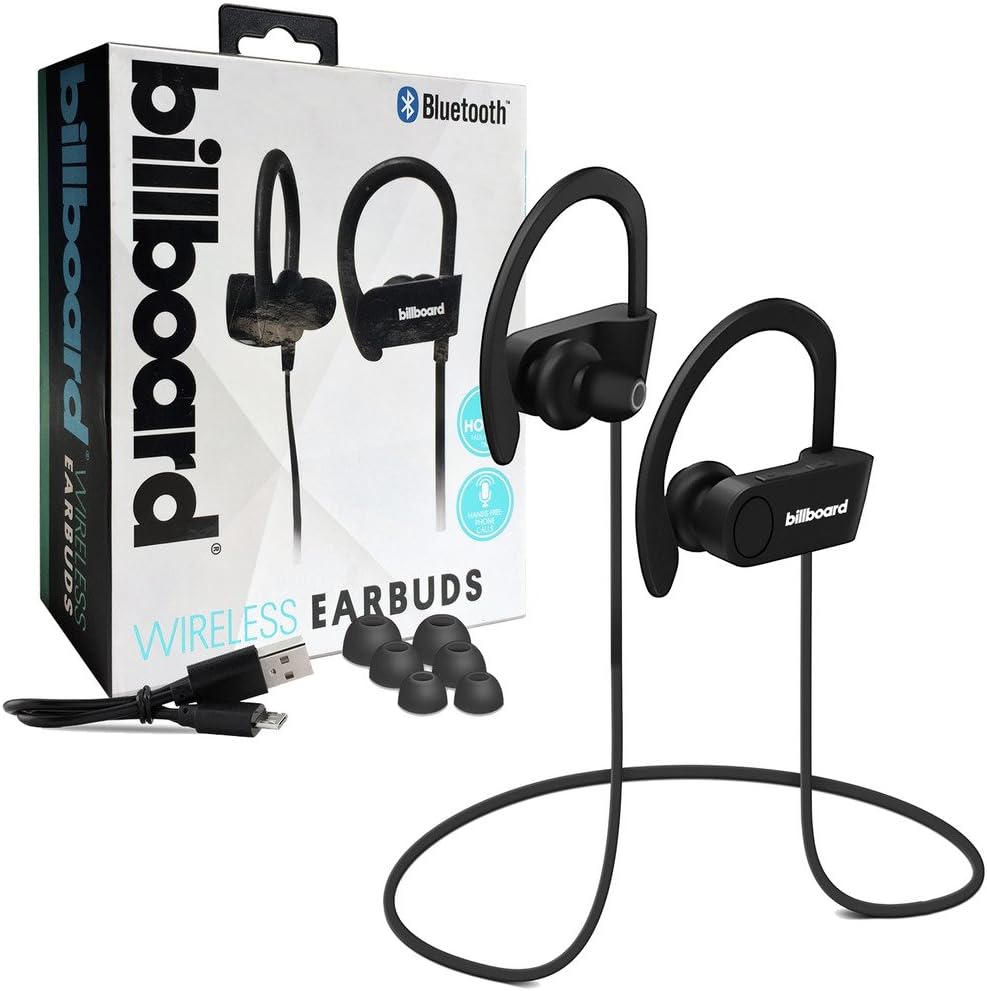
Image: Billboard Bluetooth Wireless Hook Over Earbuds packaging with included accessories. The box displays the earbuds, a charging cable, and additional ear tips, highlighting the product's features.
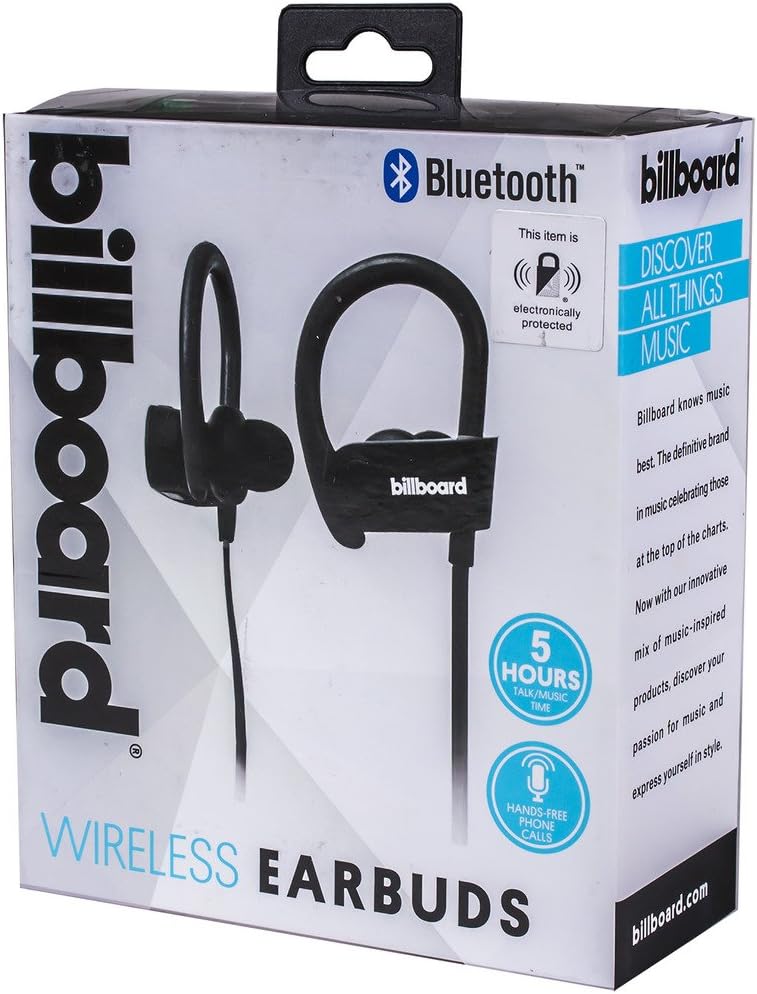
Image: Close-up of Billboard Bluetooth Wireless Hook Over Earbuds packaging, detailing features. The packaging highlights key features such as Bluetooth connectivity, 5 hours of talk/music time, and hands-free phone calls.
Налаштування
1. Зарядка навушників
- Locate the Micro USB charging port on one of the earbuds (typically on the control module).
- Connect the provided Micro USB charging cable to the earbud's charging port.
- Підключіть інший кінець USB-кабелю до джерела живлення USB (наприклад, USB-порту комп'ютера, адаптера живлення).
- The LED indicator light will illuminate, typically red, to show that the earbuds are charging.
- Once fully charged, the LED indicator light will change color (e.g., turn blue or off). A full charge usually takes approximately 1-2 hours.
Примітка: Перед першим використанням переконайтеся, що навушники повністю заряджені для оптимального терміну служби батареї.
2. Підключення Bluetooth
- Увімкнення: Press and hold the Multi-function button (usually the center button on the control module) for a few seconds until the LED indicator light flashes blue and red alternately, indicating pairing mode.
- Активувати Bluetooth: On your smartphone or other Bluetooth-enabled device, go to the Bluetooth settings and ensure Bluetooth is turned on.
- шукати Пристрої: Your device will automatically search for nearby Bluetooth devices.
- Виберіть навушники: From the list of available devices, select "Billboard Earbuds" or a similar name.
- Підтвердити сполучення: Once successfully paired, the LED indicator light on the earbuds will typically flash blue slowly or turn off, and you will hear an audible confirmation.
- Якщо буде запропоновано ввести пароль, введіть «0000» (чотири нулі).
Примітка: The earbuds will automatically attempt to reconnect to the last paired device when powered on, if that device's Bluetooth is active and within range.
Інструкція з експлуатації
Контроль надview
The control module on the earbud cord typically includes a Multi-function button (MFB) and Volume Up/Down buttons.
- Багатофункціональна кнопка (МФК): Power On/Off, Play/Pause, Answer/End Call, Reject Call.
- Збільшення гучності (+): Increase volume, Next track.
- Зменшення гучності (-): Decrease volume, Previous track.
Увімкнення/вимкнення живлення
- Увімкнення: Press and hold the MFB for approximately 3 seconds until the LED flashes blue and you hear a power-on prompt.
- Вимкнення живлення: Press and hold the MFB for approximately 3-5 seconds until the LED flashes red and you hear a power-off prompt.
Відтворення музики
- Відтворення/пауза: Натисніть MFB один раз.
- Наступний трек: Натисніть і утримуйте кнопку збільшення гучності (+).
- Попередній трек: Натисніть і утримуйте кнопку зменшення гучності (-).
Управління дзвінками
- Відповісти/закінчити виклик: Press the MFB once during an incoming call or during an active call.
- Відхилити виклик: Press and hold the MFB for approximately 2 seconds during an incoming call.
- Повторний набір останнього номера: Double-press the MFB when no call is active.
Регулювання гучності
- Збільшити гучність: Press the Volume Up (+) button repeatedly.
- Зменшити гучність: Press the Volume Down (-) button repeatedly.
Технічне обслуговування
- Прибирання: Use a soft, dry cloth to clean the earbuds. Do not use abrasive cleaners or solvents.
- Зберігання: Зберігайте навушники в прохолодному, сухому місці, подалі від прямих сонячних променів та екстремальних температур.
- Догляд за акумулятором: To preserve battery life, charge the earbuds regularly, even if not in frequent use. Avoid fully discharging the battery for extended periods.
- Вплив води: These earbuds are not waterproof. Avoid exposure to water or excessive moisture.
Усунення несправностей
| проблема | Рішення |
|---|---|
| Earbuds will not power on. | Ensure the earbuds are fully charged. Connect to a power source and check the charging indicator light. |
| Не вдається з’єднати пристрій. | Make sure the earbuds are in pairing mode (flashing blue and red). Ensure Bluetooth is enabled on your device and it is within range (typically 10 meters). Try turning both devices off and on again. |
| Немає звуку або гучність низька. | Check the volume levels on both the earbuds and your connected device. Ensure the earbuds are properly paired and connected. Try playing different audio sources. |
| Періодичне з'єднання. | Move closer to your connected device. Avoid obstacles between the earbuds and the device. Ensure there is no interference from other wireless devices. |
Технічні характеристики
- Бренд: Рекламний щит
- модель: B073CCBSLL
- колір: чорний
- Розташування вуха: In Ear (with Over-Ear Hook)
- Форм-фактор: Двоухий
- Підключення: Бездротовий Bluetooth
- Порт зарядки: Micro USB
- Battery Life (Talk/Music Time): Приблизно 5 годин
- Сумісні пристрої: Universal/Smartphones
- особливості: Tangle-Free Flat Cord, Built-in Microphone, Integrated Controls
Гарантія та підтримка
For warranty information and customer support, please refer to the documentation included with your purchase or visit the official Billboard product support webсайт. Зберігайте чек про покупку для будь-яких гарантійних претензій.
If you encounter issues not covered in this manual, please contact customer service for assistance.


