вступ
Welcome to the user manual for your DIGOO BB-M1 Wireless IP Camera. This guide provides detailed instructions for setting up, operating, and maintaining your device. Please read this manual thoroughly before use to ensure proper functionality and safety. The DIGOO BB-M1 is designed for home security and baby monitoring, offering 720P HD video, two-way audio, and remote control capabilities.
Вміст упаковки
Будь ласка, уважно перевірте вміст упаковки. Якщо будь-які елементи відсутні або пошкоджені, зверніться до продавця.
- 1 x DIGOO BB-M1 IP Camera Monitor
- 1 x Посібник користувача англійською мовою
- 1 х база
- 1 x USB кабель
- 1 x Install Accessories Set
Продукт закінченийview
Компоненти камери
На цьому зображенні зображено задню частину view of the DIGOO BB-M1 camera, highlighting its various ports and components. Visible are the LAN port, Micro SD card slot, 5V power supply input, and the reset button. The camera lens, light sensor, microphone, and speaker are also indicated.
Функції панорамування та нахилу
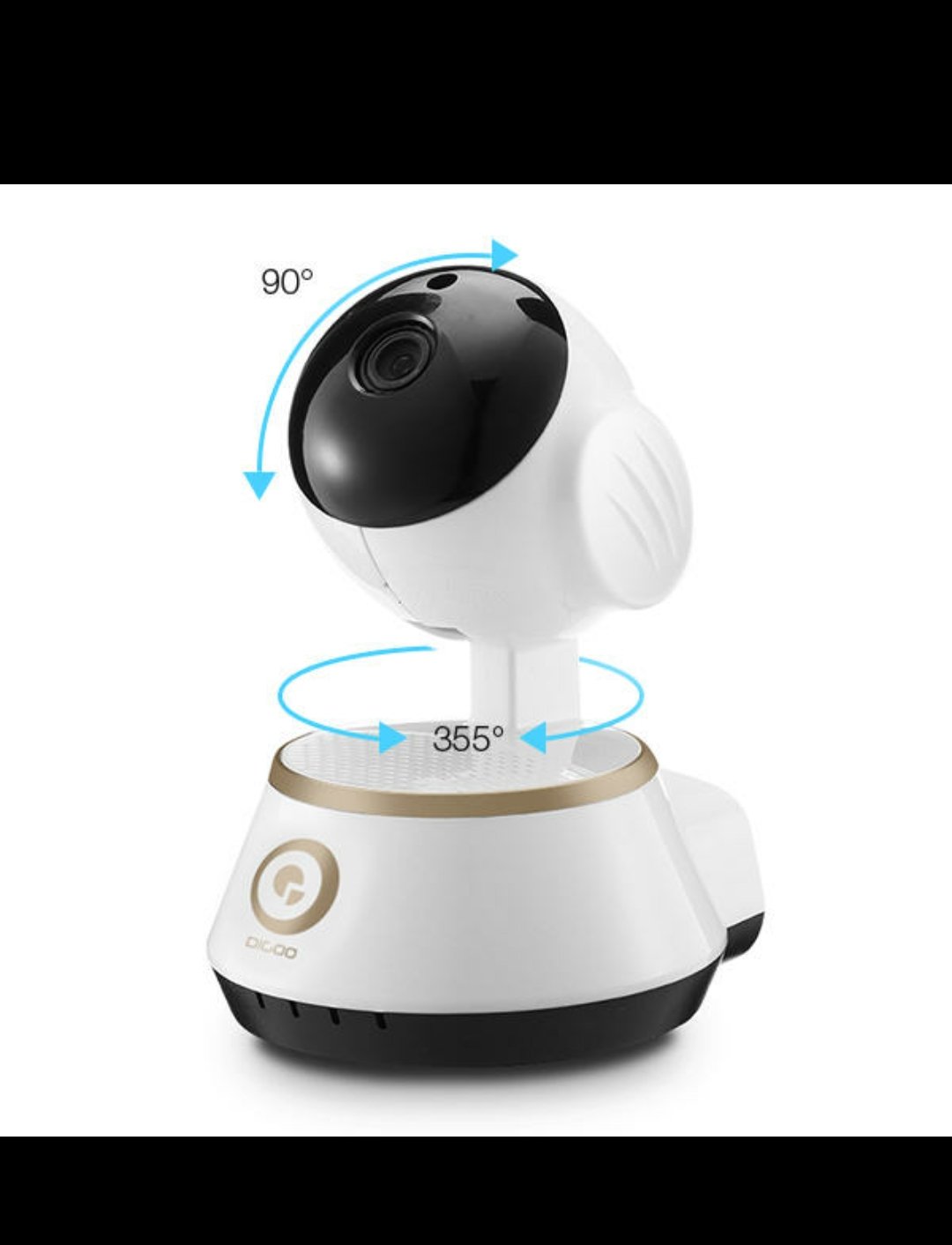
This image illustrates the pan and tilt capabilities of the DIGOO BB-M1 camera. It shows a horizontal rotation of 355 degrees and a vertical tilt of 90 degrees, allowing for extensive coverage.
Optical Lens and Night Vision

This image details the optical lens specifications, including a 3.6mm lens, F2.0 iris, and a 1/4 inch CMOS sensor. It also highlights the infrared HD night vision feature, powered by 3mm red infrared LEDs for clear viewробота в умовах слабкого освітлення.
Посібник із налаштування
1. Увімкнення камери
Connect the provided USB cable to the camera's 5V power input and plug it into a compatible USB power adapter or port. The camera will initiate its startup sequence, indicated by a flashing LED light.
2. Підключення до мережі
The DIGOO BB-M1 supports both Wi-Fi and wired LAN connections.
Налаштування Wi-Fi
- Download the official DIGOO application from your smartphone's app store.
- Створіть обліковий запис або увійдіть.
- Follow the in-app instructions to add a new device. This typically involves scanning a QR code on the camera or entering your Wi-Fi credentials. Ensure your Wi-Fi network is 2.4GHz, as 5GHz networks may not be supported.
- Wait for the camera to connect to your Wi-Fi network. The LED indicator will change to a solid color once connected.
Підключення до локальної мережі
For a stable wired connection, insert an Ethernet cable into the camera's LAN port and connect the other end to your router. The camera should automatically connect to the network.
3. Монтаж камери
The camera can be placed on a flat surface or mounted to a ceiling or wall using the included base and installation accessories. Ensure the mounting location provides a clear view and is within Wi-Fi range if using a wireless connection.

This image shows the DIGOO BB-M1 camera mounted upside down, typically for ceiling installation. This demonstrates the camera's versatile mounting options.
Інструкція з експлуатації
Віддалений моніторинг
Access the live video feed from your smartphone using the DIGOO application. You can view the camera's perspective from anywhere with an internet connection.
Керування поворотом і нахилом
Within the mobile application, use the on-screen controls to remotely adjust the camera's horizontal (pan) and vertical (tilt) angles to cover different areas. Swipe gestures on the live view typically control movement.

This image demonstrates how to remotely control the camera's pan and tilt functions using a mobile application. A smartphone screen shows directional arrows, indicating the ability to move the camera view up, down, left, and right.
Двостороннє аудіо
The camera features built-in two-way audio, allowing you to listen to the environment around the camera and speak through its speaker using your smartphone. Activate the microphone icon in the app to speak.

This image highlights the two-way audio communication feature of the camera, enabling users to interact remotely.
Night Vision Activation
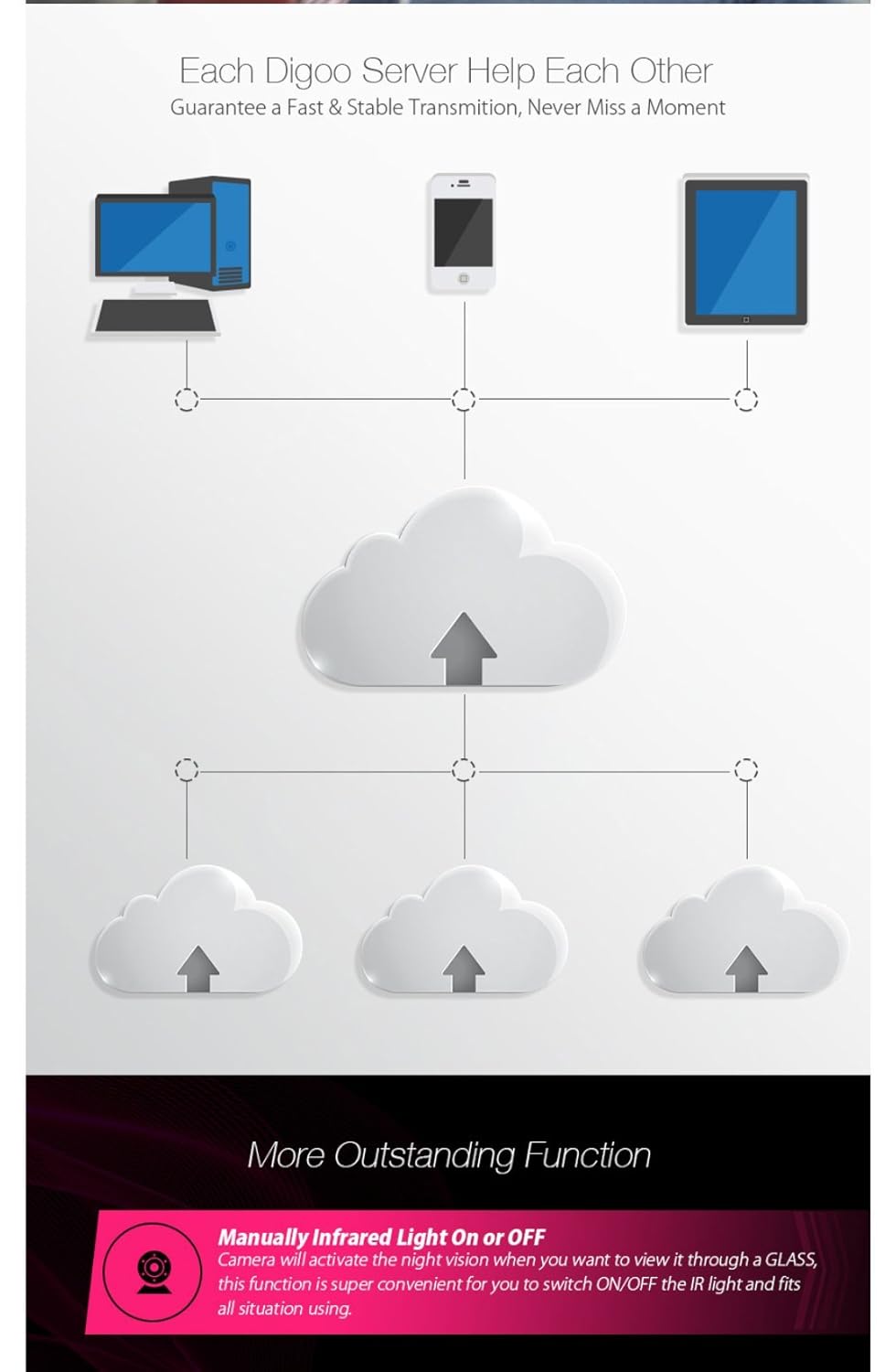
The camera automatically switches to infrared night vision in low-light conditions. You can also manually control the infrared light through the application if needed, especially when viewing through glass to avoid reflections.
Розширені функції
Local Storage (TF Card Recording)
Insert a Micro SD card (up to 64GB, SDHC/SDXC) into the designated slot for local video recording. The camera supports continuous recording or motion-triggered recording. Configure recording settings within the mobile application.
This image illustrates the TF card recording capability, showing a Micro SD card being inserted into the camera. It also depicts the estimated recording durations for different card sizes (16GB, 32GB, 64GB) and hints at cloud storage options.
Хмарне сховище
The DIGOO BB-M1 supports cloud storage services for secure off-site video backup. Refer to the DIGOO application for subscription details and setup procedures.
Виявлення руху та сповіщення
Configure motion detection settings in the application to receive alerts on your smartphone when movement is detected within the camera's field of view. Adjust sensitivity levels to minimize false alarms.
Підтримка ONVIF
The camera supports the ONVIF protocol, allowing integration with compatible Network Video Recorders (NVRs) and other surveillance systems for broader compatibility and management.
Технічне обслуговування
прибирання
Gently wipe the camera lens and body with a soft, dry cloth. Avoid using harsh chemicals, abrasive materials, or excessive moisture, as these can damage the device.
Оновлення мікропрограми
Periodically check the DIGOO application for available firmware updates. Keeping your camera's firmware up-to-date ensures optimal performance, security, and access to new features.
Скидання налаштувань камери
If the camera experiences persistent issues or you need to reconfigure it, you can perform a factory reset. Locate the reset button (typically a small pinhole near the ports) and press and hold it for several seconds (usually 5-10 seconds) until the indicator light changes or you hear a prompt. This will restore the camera to its default settings.
Усунення несправностей
Камера не підключається до Wi-Fi
- Перевірте діапазон Wi-Fi: Ensure your Wi-Fi network is 2.4GHz. The camera may not support 5GHz networks.
- Підтвердіть пароль: Double-check that the Wi-Fi password entered is correct.
- Потужність сигналу: Перемістіть камеру ближче до вашого Wi-Fi роутера, щоб покращити силу сигналу.
- Скинути налаштування камери: Perform a factory reset and try the setup process again.
Немає відео
- Перевірка живлення: Переконайтеся, що камера увімкнена, а індикатор активний.
- Підключення до Інтернету: Verify your internet connection is stable on both your camera and viewпристрій.
- Перезавантажте пристрої: Перезавантажте камеру та маршрутизатор.
Двосторонній аудіозв'язок не працює
- Налаштування програми: Check microphone and speaker settings within the mobile application.
- Гучність пристрою: Ensure your smartphone's volume is turned up.
- Перешкоди: Переконайтеся, що немає перешкод, які блокують мікрофон або динамік камери.
Технічні характеристики
| Роздільна здатність захоплення відео | 720p |
| колір | БІЛА |
| Технологія бездротового зв'язку | Wi-Fi |
| Частота кадрів | 30 кадрів в секунду |
| Тип флеш-пам'яті | SDHC, SDXC (up to 64GB) |
| Тип сповіщення | Лише рух |
| Тип джерела світла | Інфрачервоний |
| Формат захоплення відео | AVI |
| Технологія фотосенсора | CMOS |
| Міжнародний захист рейтингу | IP65, IP67 (Note: Product description states 'Not Water Resistant' for general use, but IP ratings suggest dust/water resistance for specific components. Refer to product packaging for exact environmental use.) |
| Спосіб контролю | Voice (via app), Mobile App |
| Особливість | Night Vision, Two-Way Audio, Pan/Tilt |
| Використання в приміщенні/зовні | Indoor, Outdoor (Refer to IP rating for specific outdoor conditions) |
| Сумісні пристрої | Смартфон (Android, iOS) |
| Джерело живлення | USB (5 В) |
| Протокол підключення | ONVIF, Wi-Fi |
| Тип контролера | Android (через додаток) |
| Тип монтажу | Surface Mount, Ceiling Mount |
| Розміри упаковки | 14.28 х 8.71 х 8.71 см |
| Вага товару | 300 г |
Гарантія та підтримка
For detailed warranty information, technical support, and customer service, please refer to the documentation provided at the time of purchase or visit the official DIGOO website. Keep your purchase receipt or proof of purchase for any warranty claims.


