вступ
The Manhattan USB-C to HDMI Graphic Adapter (Model 151788) provides a direct connection between a USB Type-C enabled source device and an HDMI display. This adapter allows you to transmit high-definition video and audio from your computer, tablet, or other compatible device to an HDMI monitor, projector, or television. It supports Ultra-High-Definition (UHD) resolutions, ensuring a clear and vibrant visual experience.
Вміст упаковки
- Manhattan USB-C to HDMI Graphic Adapter (Model 151788)
Please inspect the package contents to ensure all items are present and undamaged. If any items are missing or damaged, please contact your retailer or Manhattan customer support.
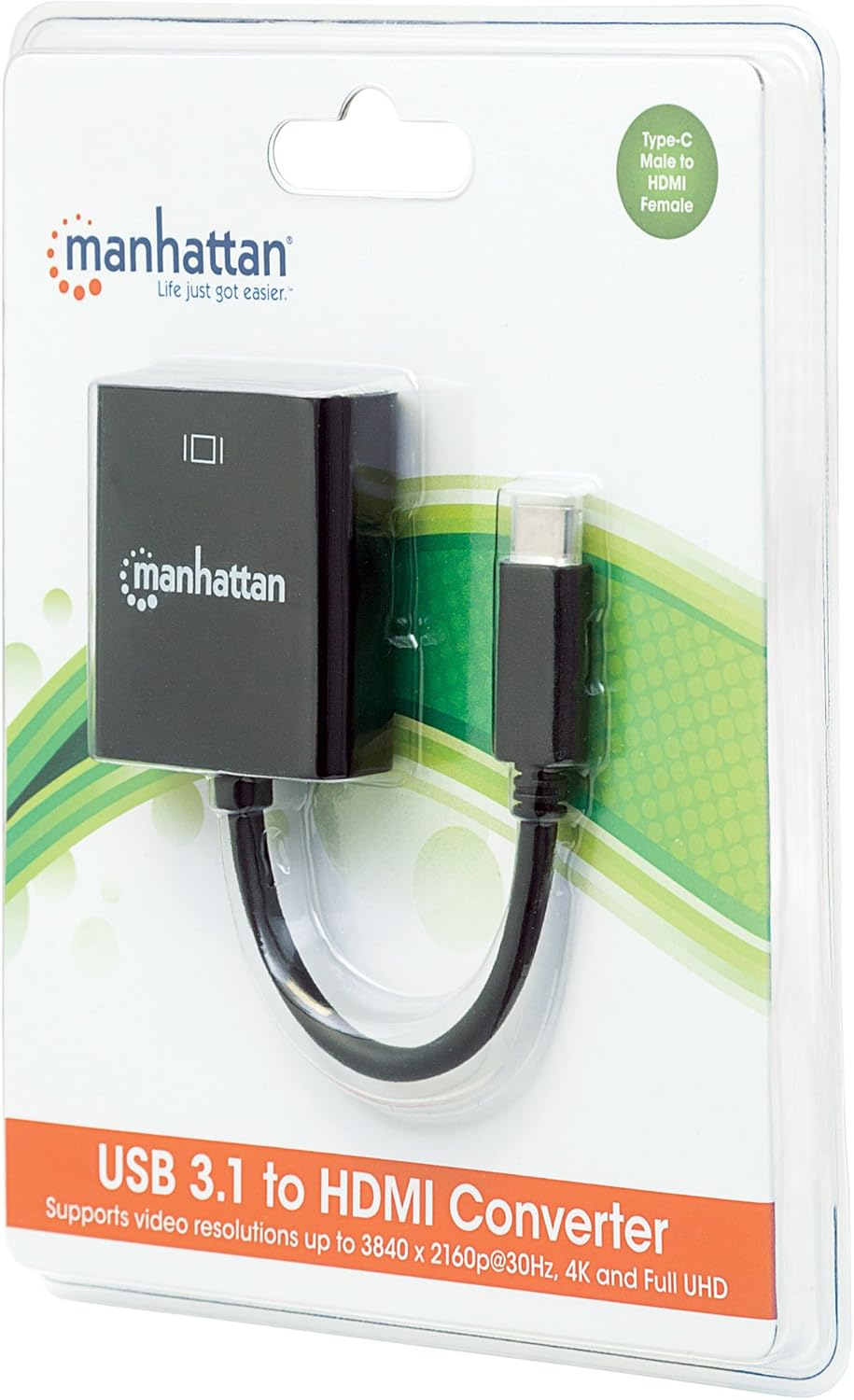
Image: The Manhattan USB-C to HDMI Graphic Adapter shown in its retail packaging, highlighting the product and its Type-C to HDMI female connection.
Інструкції з налаштування
This adapter is designed for plug-and-play functionality, requiring no external power supply or driver installation for most operating systems.
- Підключення до вихідного пристрою: Insert the USB Type-C male connector of the adapter into an available USB Type-C port on your source device (e.g., laptop, tablet). Ensure the USB-C port on your device supports DisplayPort Alternate Mode (DP Alt Mode) for video output.
- Підключення до дисплея: Connect one end of an HDMI cable (not included) to the HDMI female port on the Manhattan adapter. Connect the other end of the HDMI cable to the HDMI input port on your display device (e.g., monitor, projector, TV).
- Виберіть вхід: On your display device, select the correct HDMI input source using the display's menu or remote control.
- Перевірити дисплей: Your source device should automatically detect the connected display and extend or duplicate your desktop. If not, you may need to adjust display settings within your operating system.
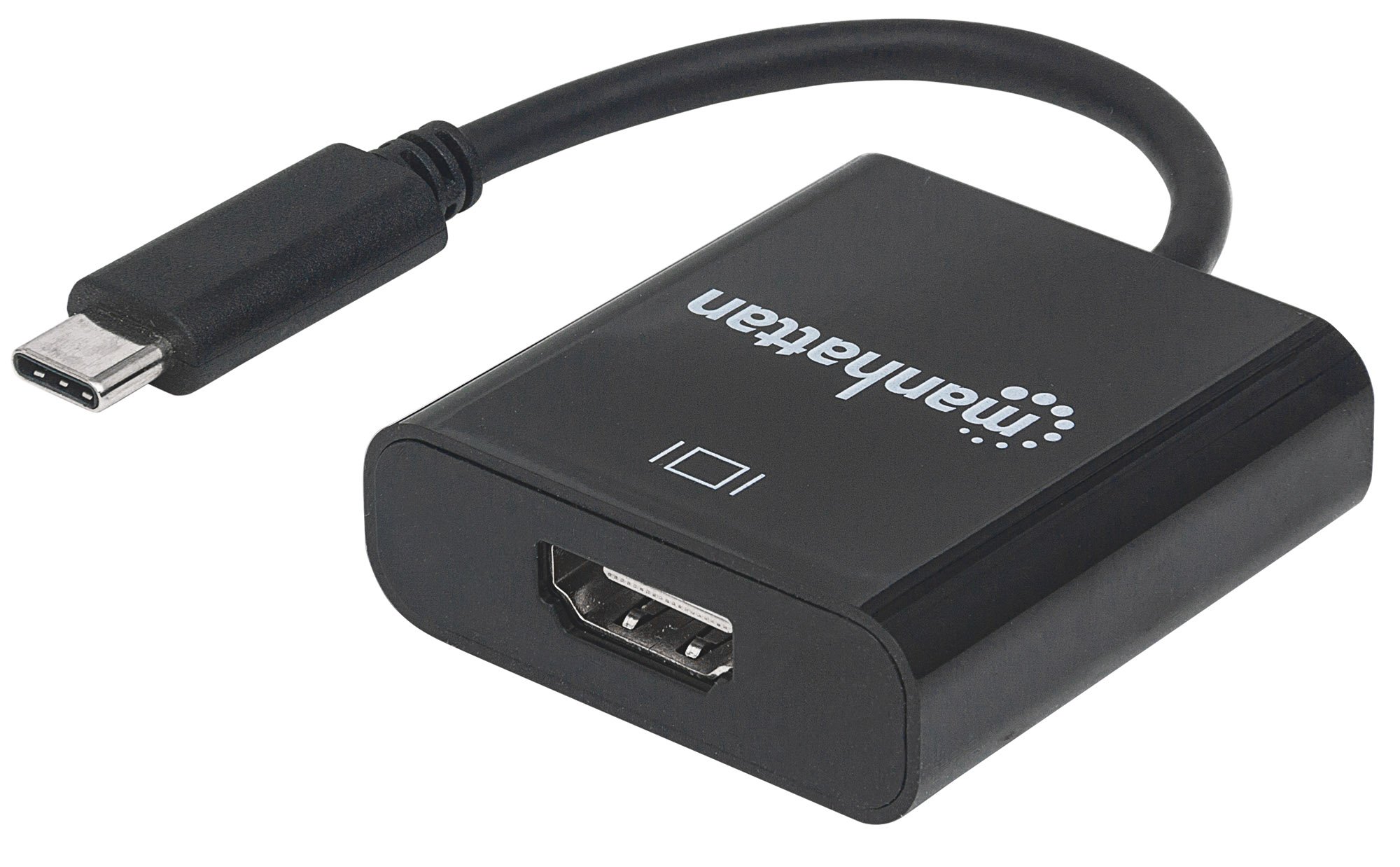
Зображення: Крупний план view of the Manhattan USB-C to HDMI Graphic Adapter, showing the USB-C male connector and the HDMI female port on the adapter body.
Інструкція з експлуатації
Once connected, the adapter functions as a direct video and audio pass-through. No specific operational steps are required beyond the initial connection and display configuration.
- Відеовихід: The adapter delivers Ultra-High-Definition (UHD) images, supporting resolutions up to 3840x2160p at 30Hz. Ensure your source device and HDMI cable are capable of supporting the desired resolution.
- Аудіовихід: Audio is transmitted digitally through the HDMI connection to your display device. Adjust audio settings on your source device or display as needed.
- Режими відображення: Your operating system will allow you to configure the display mode (e.g., Extend, Duplicate, Second Screen Only) for the connected HDMI display.
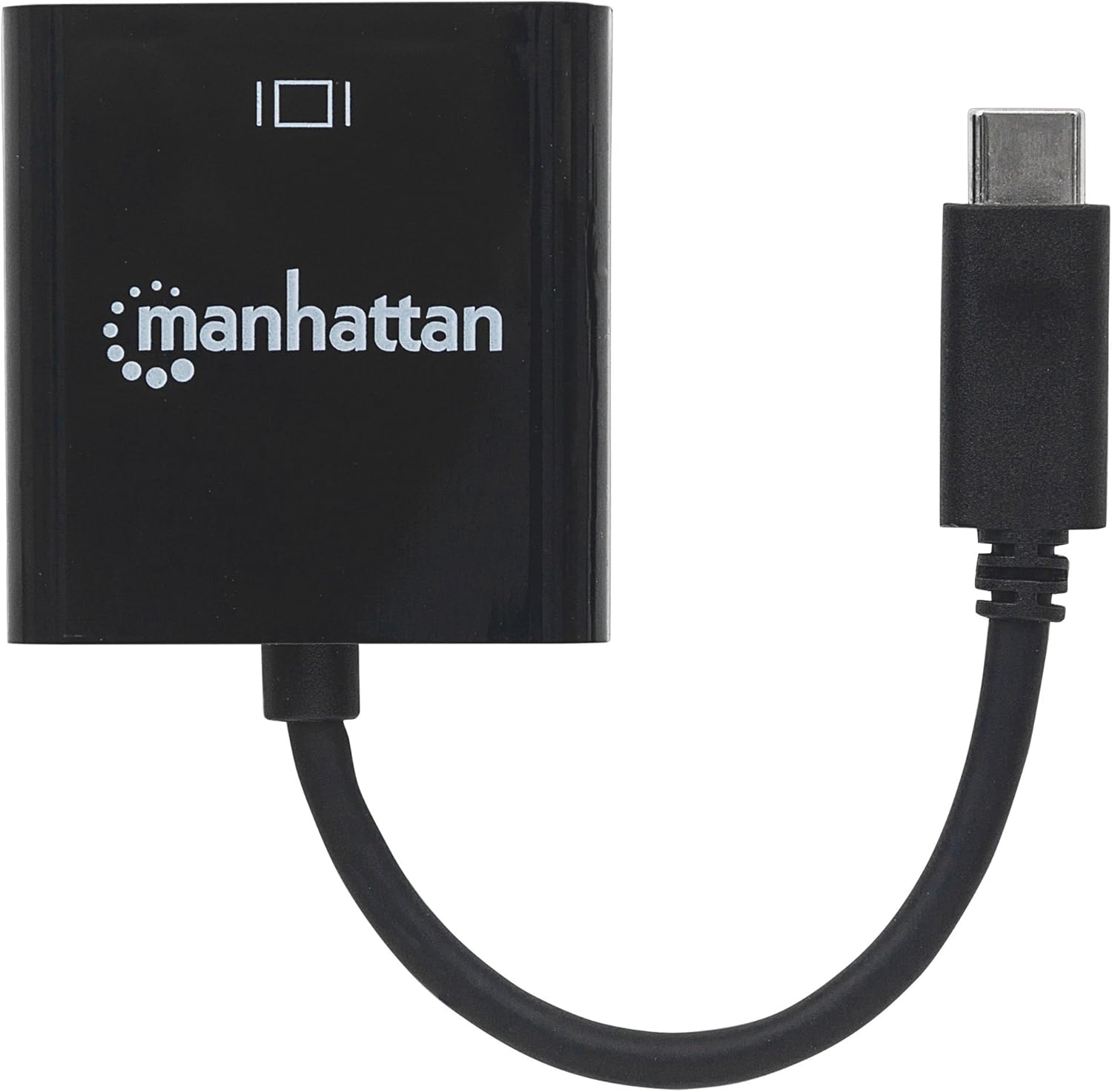
Зображення: Зверху вниз view of the Manhattan USB-C to HDMI Graphic Adapter, illustrating its compact design.
Технічне обслуговування
The Manhattan USB-C to HDMI Graphic Adapter requires minimal maintenance to ensure optimal performance and longevity.
- Прибирання: Use a soft, dry cloth to gently wipe the adapter. Avoid using liquid cleaners, solvents, or abrasive materials, as these can damage the device.
- Зберігання: Коли адаптер не використовується, зберігайте його в прохолодному сухому місці подалі від прямих сонячних променів і екстремальних температур.
- Обробка: Avoid bending or twisting the cable excessively, and do not pull on the cable to disconnect the adapter. Always grasp the connector housing when plugging or unplugging.
Усунення несправностей
If you encounter issues with your Manhattan USB-C to HDMI Graphic Adapter, please refer to the following common solutions:
- Немає відображення на моніторі:
- Ensure both the USB-C connector and the HDMI cable are securely plugged into their respective ports.
- Verify that your source device's USB-C port supports DisplayPort Alternate Mode (DP Alt Mode) for video output. Not all USB-C ports support this feature.
- Check that your display is set to the correct HDMI input source.
- Test with a different HDMI cable or display if possible to rule out faulty components.
- Перезапустіть вихідний пристрій.
- Low Resolution or Incorrect Display:
- Adjust the display resolution settings within your operating system.
- Ensure your HDMI cable is rated for the desired resolution (e.g., High-Speed HDMI for 4K).
- Update the graphics drivers on your source device.
- Без звуку:
- Check the audio output settings on your source device to ensure HDMI audio is selected.
- Перевірте рівні гучності як на вихідному пристрої, так і на дисплеї.
Технічні характеристики
| Номер моделі | 151788 |
| Бренд | МАНХЕТТЕН |
| Тип роз'єму | USB Type-C Male to HDMI Female |
| Тип кабелю | USB, HDMI |
| Сумісні пристрої | Laptop, Monitor, PC, Projector, Tablet (with USB-C DP Alt Mode) |
| Максимальна роздільна здатність | 3840x2160p @ 30Hz (UHD/4K) |
| Відповідність | DisplayPort 1.2 Alternate Mode (DP Altmode) |
| Колір | чорний |
| Вага товару | 18 грамів (0.635 унції) |
| Розміри продукту | 6.3 x 0.79 x 5.51 дюйма (приблизно, включаючи кабель) |
Інформація про гарантію
The Manhattan USB-C to HDMI Graphic Adapter (Model 151788) is backed by a Довічна гарантія. This warranty covers defects in materials and workmanship under normal use. For specific terms and conditions, please refer to the official Manhattan webсайту або зв’яжіться зі службою підтримки клієнтів.
Підтримка
For technical assistance, troubleshooting, or warranty inquiries, please visit the official Manhattan webсайт або зверніться до їхнього відділу підтримки клієнтів. Контактну інформацію зазвичай можна знайти на сайті виробника webсайт або упаковка продукту.
Інтернет-ресурси: www.manhattanproducts.com


