1. Продукт закінчивсяview
The Vimtag CP1 is a wireless IP video monitoring surveillance security camera designed for remote home or business monitoring. It features high-definition video, pan/tilt functionality, two-way audio, and night vision capabilities.
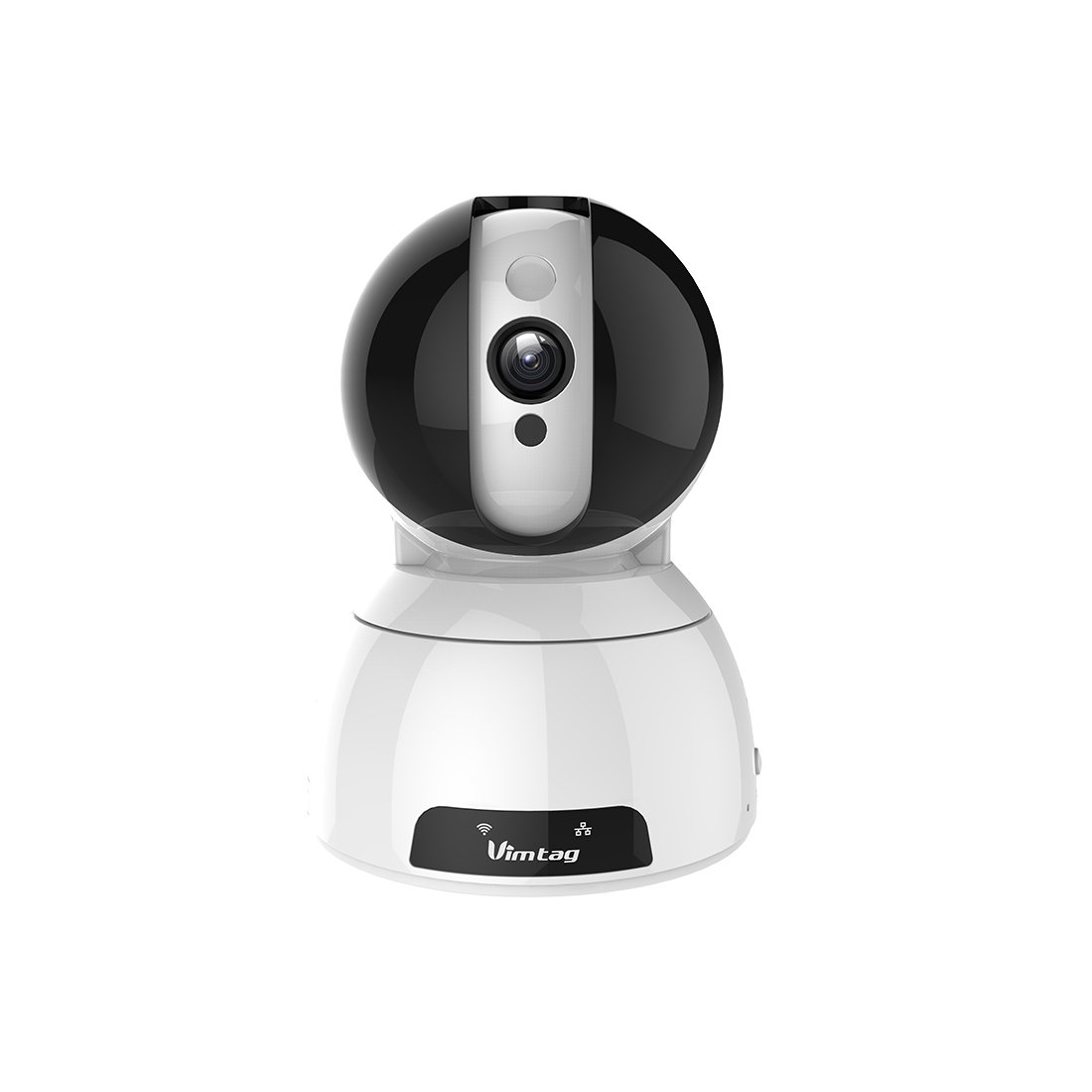
Figure 1: Vimtag CP1 Camera Front View
Ключові характеристики:
- HD Video Quality: 1280 x 720p at 25 frames per second for clear monitoring.
- Функціональність панорамування та нахилу: 350-degree horizontal rotation and 100-degree vertical tilt to cover a wide area.
- Двостороннє аудіо: Вбудований мікрофон і динамік для зв'язку.
- Нічне бачення: Інфрачервоні світлодіоди забезпечують чітку видимість до 10 метрів в умовах слабкого освітлення.
- Виявлення руху: Alerts with snapshots and video clips upon detecting movement.
- Локальні та хмарні сховища: Supports Micro SD cards up to 64GB and optional cloud storage.
- Легке налаштування: Quick Wi-Fi setup via the Vimtag мобільний додаток.

Figure 2: Vimtag CP1 Key Features
2. Посібник із налаштування
2.1 Вміст упаковки
Перед початком роботи переконайтеся, що всі елементи присутні в упаковці:
- 1 x Vimtag Камера CP1
- 1 x Camera Rack
- 1 х кабель живлення
- 1 х Ethernet-кабель
- 1 x Посібник користувача (цей документ)
2.2 Початкові кроки налаштування
- Увімкнення: Connect the power cable to the camera and plug it into a power outlet. The camera will initiate its startup sequence.
- Завантажте додаток: Download the free Vimtag додаток з магазину додатків вашого смартфона (iOS App Store або Google Play Store).
- Реєстрація облікового запису: Open the Vimtag app and register for a new account or log in if you already have one.
- Додати камеру: Follow the in-app instructions to add your new CP1 camera. This typically involves scanning a QR code on the camera or entering its device ID.
- Конфігурація Wi-Fi: Configure the camera to connect to your Wi-Fi network using the app. Ensure your Wi-Fi network is 2.4GHz, as 5GHz networks may not be supported.
- Монтаж (опціонально): Use the included camera rack to mount the camera on a wall or ceiling if desired.
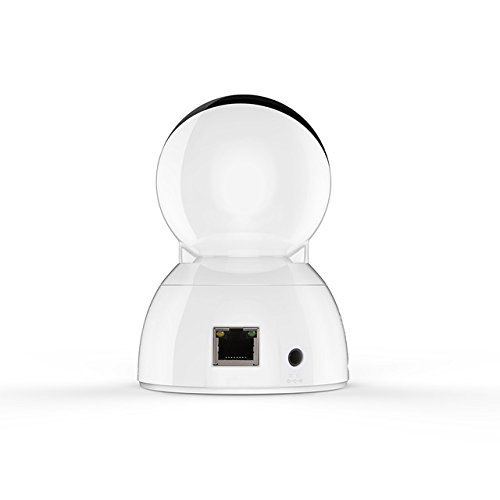
Figure 3: Vimtag CP1 Back View з портами
For detailed visual guidance, refer to the video tutorials available on the official Vimtag підтримка webсайт.
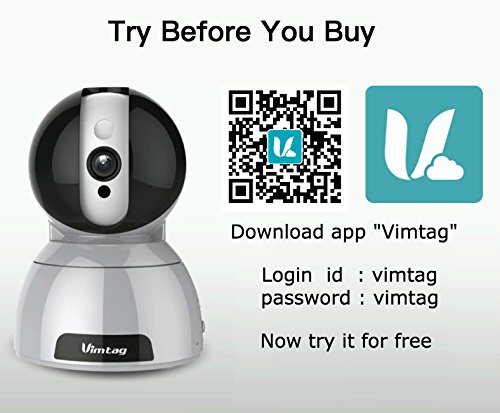
Figure 4: Vimtag App Download and Demo Information
Завантажте Vimtag додаток від вимtag.com/download/.
3. Інструкція з експлуатації
3.1 Живий View та керування панорамуванням/нахилом
Once the camera is connected, open the Vimtag app to access the live video feed. Use the on-screen controls to pan the camera horizontally (350 degrees) and tilt it vertically (100 degrees) to adjust the viewкут.

Figure 5: Pan and Tilt Control via App
3.2 Двосторонній аудіозв'язок
The camera supports two-way audio. Tap the microphone icon in the app to speak through the camera's speaker, and listen to audio from the camera's built-in microphone.
3.3 Нічне бачення
The CP1 camera automatically switches to night vision mode in low-light conditions, providing clear black and white video up to 10 meters using its infrared LEDs.
3.4 Виявлення руху та сповіщення
Configure motion detection settings within the Vimtag app. You can set sensitivity levels and define specific areas for detection. When motion is detected, the camera can send instant notifications to your smartphone, including snapshots or short video clips.
3.5 Запис та зберігання відео
Камера підтримує два основні способи зберігання даних:
- Micro SD Card: Insert a Micro SD card (up to 64GB, not included) into the camera's designated slot for local recording. Recordings can be accessed and managed through the app.
- Хмарне сховище: Optional cloud storage services are available through Vimtag for remote backup and access to recorded footage.
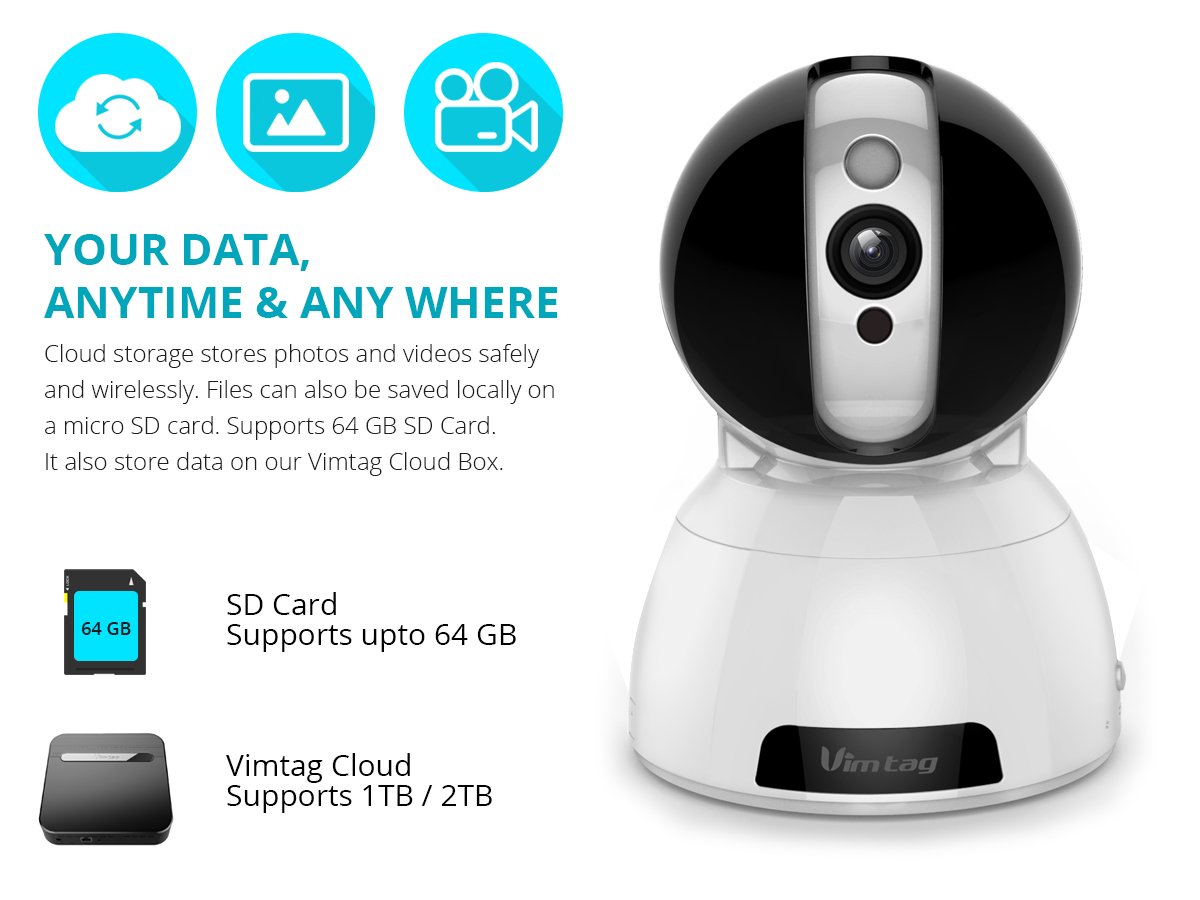
Figure 6: Storage Options for Vimtag CP1
4. Технічне обслуговування
4.1 Очищення
To maintain optimal performance, periodically clean the camera's lens and exterior. Use a soft, dry cloth. Avoid abrasive cleaners or solvents that could damage the camera's finish or lens coating.
4.2 оновлень мікропрограми
Vimtag may release firmware updates to improve camera performance, add features, or enhance security. Check the Vimtag app regularly for available updates and follow the in-app instructions to install them. Ensure the camera remains powered during the update process.
4.3 Екологічні міркування
The Vimtag CP1 camera is designed for indoor use. Avoid exposing it to extreme temperatures, direct sunlight, high humidity, or water, as it is not water-resistant.
5. Вирішення проблем
This section addresses common issues you might encounter with your Vimtag CP1 camera.
5.1 Камера не підключається до Wi-Fi
- Перевірте діапазон Wi-Fi: Ensure your Wi-Fi network is 2.4GHz. The camera may not support 5GHz networks.
- Потужність сигналу: Place the camera closer to your Wi-Fi router to ensure a strong signal.
- Правильний пароль: Double-check that you are entering the correct Wi-Fi password in the app.
- Скинути налаштування камери: Locate the reset button on the camera (often a small pinhole) and press it for 5-10 seconds until the camera resets. Then, attempt the setup process again.
- Налаштування маршрутизатора: Verify that your router's firewall or security settings are not blocking the camera's connection.
5.2 Погана якість відео
- Пропускна здатність мережі: Ensure your internet connection has sufficient upload speed for streaming HD video.
- Налаштування програми: Check the video quality settings within the Vimtag app; you might be able to adjust it.
- Чистота лінз: Очистіть об’єктив камери м’якою сухою тканиною.
5.3 Проблеми з двостороннім аудіозв'язком
- Рівні гучності: Check the volume settings on your smartphone and within the Vimtag додаток
- Microphone/Speaker Obstruction: Переконайтеся, що мікрофон і динамік камери нічим не загороджені.
- Затримка мережі: High network latency can affect audio quality and introduce delays.
5.4 Виявлення руху не працює
- Enable Feature: Verify that motion detection is enabled in the Vimtag налаштування програми.
- Чутливість: Adjust the motion detection sensitivity. If it's too low, it might miss events.
- Зони виявлення: Ensure the areas you want to monitor are correctly configured as detection zones.
6. Технічні характеристики
| Назва моделі | Vimtag CP1 |
| Номер моделі товару | 6970167642228 |
| Роздільна здатність захоплення відео | 720p (1280 x 720 пікселів) |
| Частота кадрів | 25 кадрів в секунду |
| Діапазон повороту/нахилу | 350 degrees (Pan) x 100 degrees (Tilt) |
| Цифровий зум | 4x |
| Відстань нічного бачення | До 10 метрів (інфрачервоний) |
| Параметри зберігання | Micro SD (до 64 ГБ), хмарне сховище |
| Підключення | Wireless (Wi-Fi IEEE802.12b/g/n) |
| Джерело живлення | AC Power Adapter (7 Watts) |
| Розміри (Д x Ш x В) | 40 x 30 x 40 міліметри |
| Вага товару | 450 грами |
| Використання в приміщенні/зовні | закритий |
| Рівень водонепроникності | Не водостійкий |
| Спосіб контролю | App (Android, iOS), Voice |
7. Гарантія та підтримка
7.1 Гарантія на виріб
The Vimtag CP1 camera comes with a Гарантія на заміну 6 місяцівЦя гарантія поширюється на виробничі дефекти та несправності за умов нормального використання. Будь ласка, збережіть чек про покупку для пред'явлення претензій по гарантії.
7.2 Підтримка клієнтів
For any queries, technical assistance, or warranty claims, please contact Vimtag customer support. Support is available via telephone, chat, Skype, and email. Refer to the official Vimtag webсайт для отримання найактуальнішої контактної інформації.
Step-by-step setup instructions and video tutorials are also available on the Vimtag support portal to assist you with installation and operation.


