KEYSIGHT U1242C Handheld Digital Multimeter User Manual
Модель: U1242C
1. Вступ
The KEYSIGHT U1242C is a robust and reliable handheld digital multimeter (DMM) designed for professional and industrial use. It offers high accuracy, durability, and advanced features for various electrical measurements. This manual provides essential information for the safe and efficient operation, maintenance, and troubleshooting of your U1242C DMM.
Ключові особливості:
- 50,000 counts resolution on dual display
- 0.03% basic DC voltagе точність
- True RMS AC measurement
- Data logging to DMM (max. 200 points) & PC with software bundle
- IP 67 certified for dust and water resistance
- Withstands up to 3-meter (10 feet) drop
- Вбудований світлодіодний ліхтарик
2. Інформація про безпеку
WARNING: Read and understand all safety instructions before operating this device. Failure to follow these instructions may result in injury or damage to the meter.
- Цей продукт призначений лише для професійного використання.
- Завжди дотримуйтесь місцевих і національних правил безпеки.
- Не використовуйте лічильник, якщо він виглядає пошкодженим або якщо ізоляція пошкоджена.
- Перед вимірюваннями переконайтеся, що вимірювальні дроти у справному стані та правильно підключені.
- Не перевищуйте максимальні обмеження вхідного сигналу для будь-якої функції.
- Будьте обережні при роботі з обtagвище 30 В змінного струму RMS, 42 В пікового значення або 60 В постійного струму. Ці значенняtagце небезпека ураження електричним струмом.
- Завжди вимикайте живлення кола та розряджайте всі високовольтні акумуляториtagконденсатори перед проведенням тестів опору, перевірки провідності кола або тестів діодів.
- Замінюйте батарею та запобіжники лише на батареї зазначеного типу та номіналу.
3. Продукт закінчивсяview
3.1 Спереду View

This image displays the front of the KEYSIGHT U1242C Digital Multimeter, showing its large orange casing, the dual display screen, the rotary dial for function selection, and the input jacks for test leads. Various buttons for functions like Max/Min, Hz, Log, Hold, and Range are visible around the display.
3.2 Сторона View
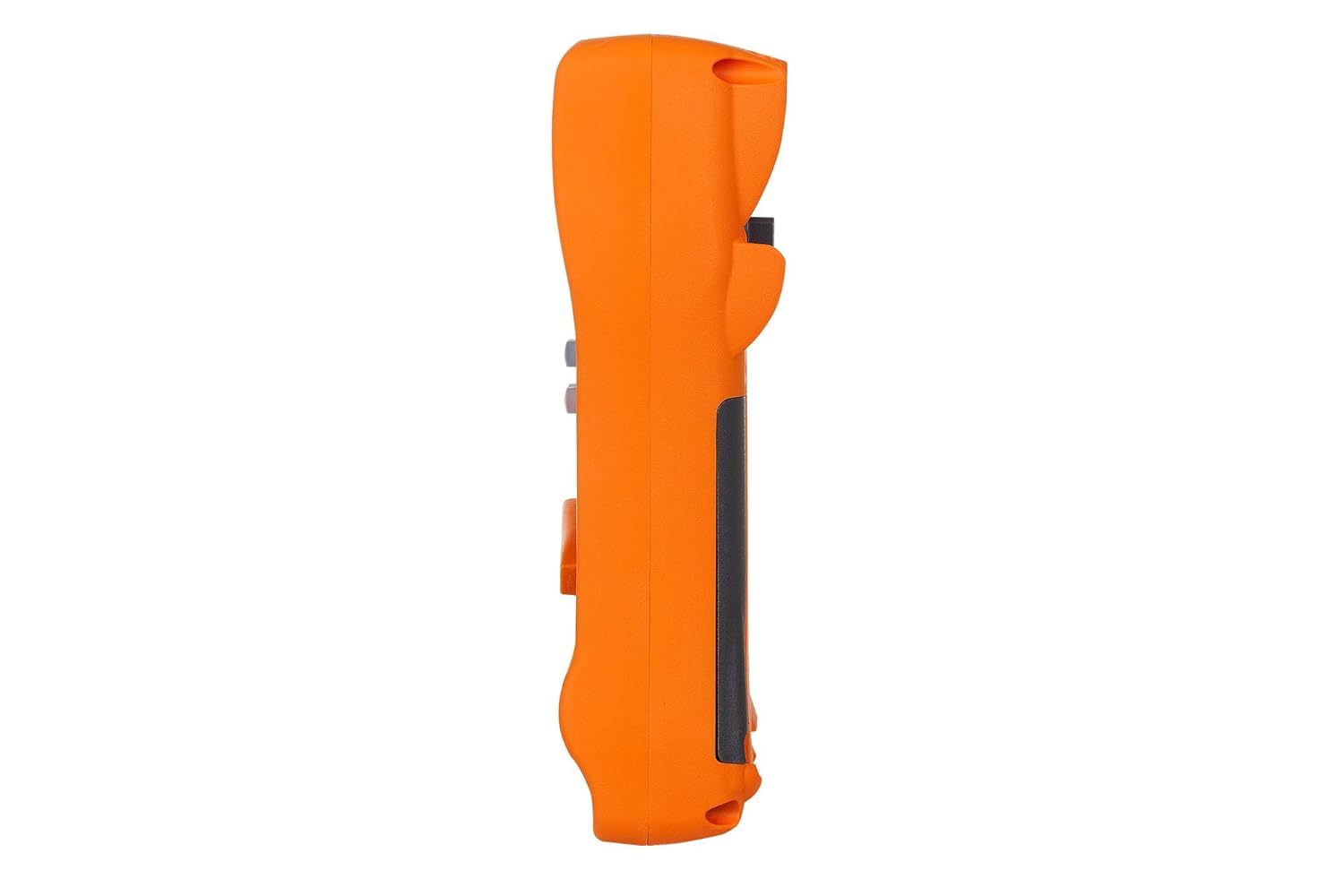
На цьому зображенні показано бічний профіfile of the KEYSIGHT U1242C Digital Multimeter, highlighting its ergonomic design and the textured grip on the orange casing. The side view emphasizes the compact and robust build of the device.
3.3 Назад View

This image presents the back of the KEYSIGHT U1242C Digital Multimeter, revealing the battery compartment cover, the kickstand for hands-free operation, and the product label with model and serial number information. The robust construction of the casing is also evident.
3.4 Елементи керування та роз’єми
- Дисплей: Large dual display for primary and secondary readings.
- Поворотний перемикач: Вибір функцій вимірювання (об'ємtagе., струм, опір тощо).
- Функціональні кнопки: Max/Min, Hz, Log, Hold, Range, View, Shift.
- Вхідні гнізда:
- VΩHz: Вхід для обtage, resistance, frequency, capacitance, and diode tests.
- COM: Common input for all measurements.
- мАµА: Вхід для міліampтут і мікроampпоточні вимірювання.
- 10A МАКС. ЗАПОБІЖНИК: Вхід для вимірювань високого струму (до 10 А).
4. Налаштування
4.1 Встановлення батареї
- Переконайтеся, що мультиметр вимкнено.
- Знайдіть відсік для батарейок на задній панелі глюкометра.
- Використовуйте викрутку, щоб послабити гвинт, що кріпить кришку батарейного відсіку.
- Зніміть кришку акумулятора.
- Insert the specified batteries (e.g., 4 x AAA batteries) observing the correct polarity (+/-).
- Встановіть на місце кришку батареї та надійно затягніть гвинт.
4.2 Підключення вимірювального щупа
Always connect the test leads to the appropriate input jacks for the measurement you intend to perform. Incorrect connection can lead to damage to the meter or personal injury.
- Для більшості вимірювань (об.tage, Resistance, Continuity, Diode, Capacitance, Frequency), connect the black test lead to the COM гніздо та червоний вимірювальний дріт до VΩHz Джек.
- For current measurements (mA/µA), connect the black test lead to the COM гніздо та червоний вимірювальний дріт до мАмкА Джек.
- For high current measurements (up to 10A), connect the black test lead to the COM гніздо та червоний вимірювальний дріт до 10A МАКС. ЗАПОБІЖНИК Джек.
5. Інструкція з експлуатації
This section outlines the basic steps for performing common measurements with your U1242C DMM.
5.1 Вимірювання AC/DC Voltage
- Поверніть поворотний перемикач на бажану гучністьtage range (V~ for AC, V- for DC). The meter may have an auto-ranging feature.
- Підключіть чорний контрольний провід до COM гніздо та червоний вимірювальний дріт до VΩHz Джек.
- Підключіть вимірювальні щупи паралельно до кола або компонента, що вимірюється.
- Прочитайте томtage значення на дисплеї.
5.2 Вимірювання змінного/постійного струму
CAUTION: Never connect the meter in parallel with a voltagджерело струму під час вимірювання струму. Це може перегоріти запобіжник або пошкодити вимірювач.
- Turn the rotary switch to the desired current range (A~ for AC, A- for DC, or mA/µA ranges).
- Підключіть чорний контрольний провід до COM Джек.
- For mA/µA measurements, connect the red test lead to the мАмкА jack. For 10A measurements, connect the red test lead to the 10A МАКС. ЗАПОБІЖНИК Джек.
- Розімкнути коло, де потрібно виміряти струм, і послідовно з'єднати вимірювач.
- Зчитайте поточне значення на дисплеї.
5.3 Вимірювання опору
- Turn the rotary switch to the Ω (Ohms) range.
- Підключіть чорний контрольний провід до COM гніздо та червоний вимірювальний дріт до VΩHz Джек.
- Перед вимірюванням опору переконайтеся, що коло або компонент знеструмлені.
- Підключіть вимірювальні щупи до компонента, який потрібно виміряти.
- Зчитайте значення опору на дисплеї.
5.4 Тест безперервності
- Turn the rotary switch to the continuity symbol (speaker icon).
- Підключіть чорний контрольний провід до COM гніздо та червоний вимірювальний дріт до VΩHz Джек.
- Переконайтеся, що ланцюг знеструмлений.
- Підключіть випробувальні щупи до кола або компонента.
- The meter will beep if continuity is detected (resistance below a certain threshold).
5.5 Реєстрація даних
The U1242C supports data logging. Refer to the detailed user manual for specific instructions on activating and managing data logging functions, including connecting to a PC with the software bundle for extended logging capabilities.
6. Технічне обслуговування
6.1 Очищення
Протріть скло лічильникаasing з оголошеннямamp тканиною та м’яким миючим засобом. Не використовуйте абразивні засоби або розчинники. Перед використанням переконайтеся, що глюкометр повністю сухий.
6.2 Заміна батареї
When the battery indicator appears on the display, replace the batteries as described in Section 4.1. Prompt battery replacement ensures accurate readings and proper operation.
6.3 Заміна запобіжника
WARNING: Always replace blown fuses with fuses of the exact same type and rating to maintain safety and performance.
- Переконайтеся, що мультиметр вимкнено, а всі вимірювальні дроти від'єднані.
- Відкрийте батарейний відсік, як описано в розділі 4.1.
- Locate the fuse(s) inside the compartment.
- Gently remove the blown fuse.
- Insert a new fuse of the correct rating (e.g., 10A/1000V for the 10A input).
- Встановіть на місце кришку батареї та надійно затягніть гвинт.
6.4 Калібрування
The U1242C is factory calibrated. For continued accuracy, periodic calibration by a qualified service center is recommended. Refer to KEYSIGHT's official support channels for calibration services.
7. Вирішення проблем
| проблема | Можлива причина | Рішення |
|---|---|---|
| Лічильник не вмикається | Розряджені або неправильно встановлені батареї | Замініть батарейки, перевірте полярність |
| No reading or "OL" (Overload) displayed | Incorrect function selected; Open circuit; Input exceeds range | Select correct function; Check circuit continuity; Select higher range or auto-range |
| Неточні показання | Low battery; Dirty test leads; Environmental interference; Needs calibration | Replace battery; Clean leads; Move away from interference; Consider calibration |
| Вимірювання струму не працює | Blown fuse; Incorrect lead connection; Meter not in series | Check/replace fuse; Verify lead connection; Ensure meter is in series with circuit |
8. Технічні характеристики
| Особливість | Специфікація |
|---|---|
| Номер моделі | U1242C |
| Підрахунки дисплея | 50,000 |
| Basic DC Voltage Точність | 0.03% |
| Вимірювання змінного струму | Справжня RMS |
| Клас захисту від проникнення (IP). | IP 67 |
| Захист від падіння | До 3 метрів (10 фути) |
| Джерело живлення | Працює від батареї |
| Вага товару | 1 фунт (16 унцій) |
| Виробник | KEYSIGHT |
| Дата першої доступності | 22 травня 2018 р |
9. Гарантія та підтримка
9.1 Юридична відмова від відповідальності
Keysight Technologies products are classified as industrial monitoring and control equipment designed exclusively for professional or industrial use and related training programs. Keysight products are designed and certified to meet national industrial safety standards (such as Electrical Equipment for Measurement, Control and Laboratory Use) where products are sold solely for use by trained professionals. Keysight products are not intended for consumer use in a residential setting and may not meet consumer level standards for EMC and other regulated radiated emissions. Keysight products are intended for use in the country where the product was originally sold.
9.2 Технічна підтримка
For technical assistance, service, or warranty claims, please contact KEYSIGHT customer support through their official website or authorized service centers. Provide your product model number (U1242C) and serial number when seeking support.