1. Продукт закінчивсяview
The Laserliner DistanceMaster Compact is a precise laser distance meter designed for accurate length, area, and volume measurements. It features a color display and a robust, ergonomically designed rubber casing, making it suitable for various environments, including construction sites and indoor applications.
Ключові характеристики:
- Precise point-accurate laser measurement for accurate length determination.
- Area and volume functions for calculating room sizes and material quantities.
- Measured value memory for up to 10 entries.
- Measuring accuracy of ±3 mm up to 25 meters.
- Internal measuring range from 0.1 meters to 25 meters.
- Two selectable reference points for measurement: front and rear.
- Min/Max function for determining diagonals, vertical, and horizontal distances.
- Illuminated three-line color LCD display for clear readability.
- Robust, ergonomically designed rubber casing with IP54 protection against dust and splashing water.
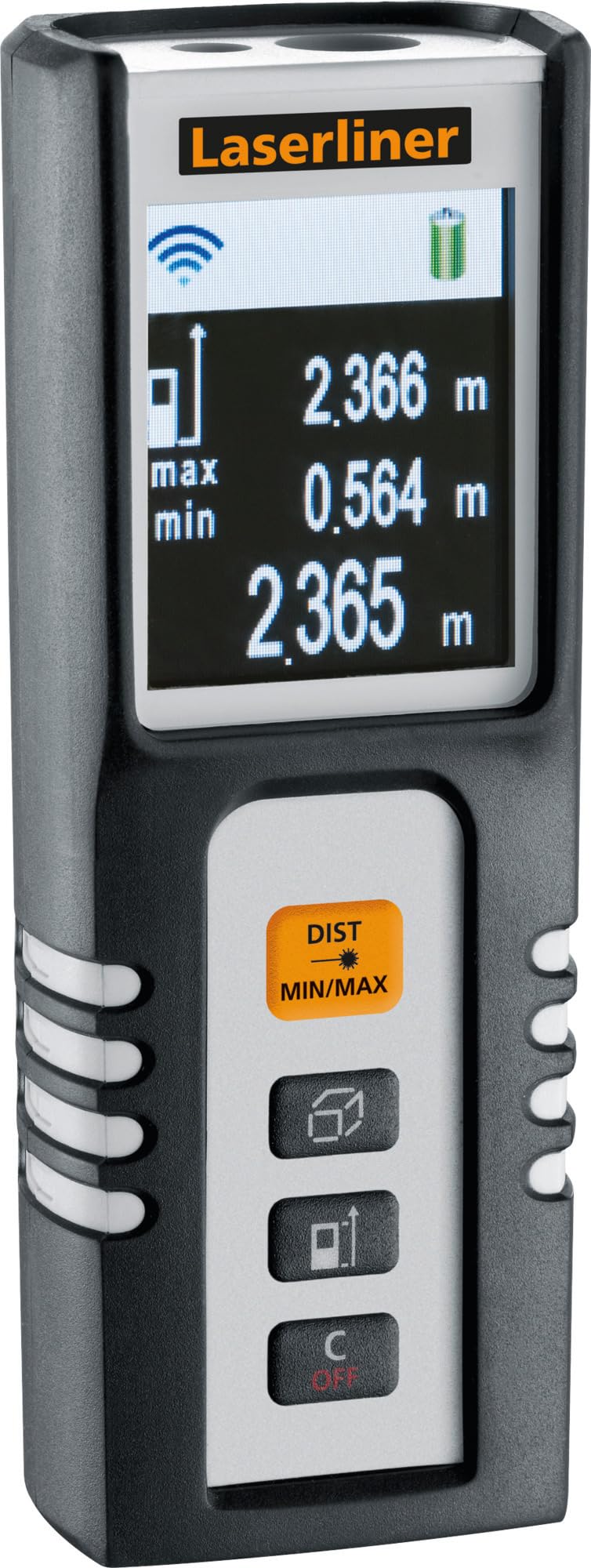
Image 1.1: The Laserliner DistanceMaster Compact laser rangefinder with its protective carrying case. The device features a clear digital display showing measurement readings and battery status.
2. Налаштування
2.1 Встановлення батареї
The DistanceMaster Compact requires two AAA batteries for operation. These are typically included with the device.
- Знайдіть кришку відсіку для батареї на задній панелі пристрою.
- Зсуньте або відкріпіть кришку, щоб відкрити відсік.
- Вставте дві батарейки типу AAA, дотримуючись правильної полярності (+/-), як зазначено всередині відсіку.
- Надійно закрийте кришку батарейного відсіку.
2.2 Увімкнення/вимкнення
Щоб увімкнути пристрій, натисніть DIST кнопку. Щоб вимкнути живлення, натисніть і утримуйте C/OFF кнопку.
3. Інструкція з експлуатації
3.1 Основи вимірювання відстані
For a single distance measurement:
- Направте лазерний промінь на цільову поверхню.
- Натисніть DIST кнопку один раз. Виміряна відстань з’явиться на дисплеї.
3.2 Вимірювання площі та об'єму
The device can calculate area and volume automatically after taking the necessary measurements.
- Натисніть кнопку за допомогою square/cube icon to select area or volume mode.
- Follow the on-screen prompts to measure the required dimensions (length, width, height).
- The calculated area or volume will be displayed.

Image 3.1: The laser rangefinder being used to measure dimensions for calculating the area of a wall, illustrating its practical application for material estimation.
3.3 Min/Max Tracking
The Min/Max function allows for continuous measurement, displaying the minimum and maximum distances recorded during a sweep. This is useful for finding diagonals or precise horizontal/vertical distances.
- Натисніть і утримуйте DIST MIN/MAX кнопку.
- Sweep the device across the desired area. The display will continuously update with the minimum and maximum measured values.
- Прес DIST MIN/MAX again to stop tracking.

Зображення 3.2: Детальний view of the control panel, highlighting the 'DIST MIN/MAX' button used for continuous measurement and tracking.
3.4 Вибір опорної точки
The measurement reference point can be switched between the front and rear of the device. This is important for accurate measurements depending on where the device is placed.
- Натисніть кнопку за допомогою значок стрілки to toggle between front and rear reference points. The active reference point will be indicated on the display.
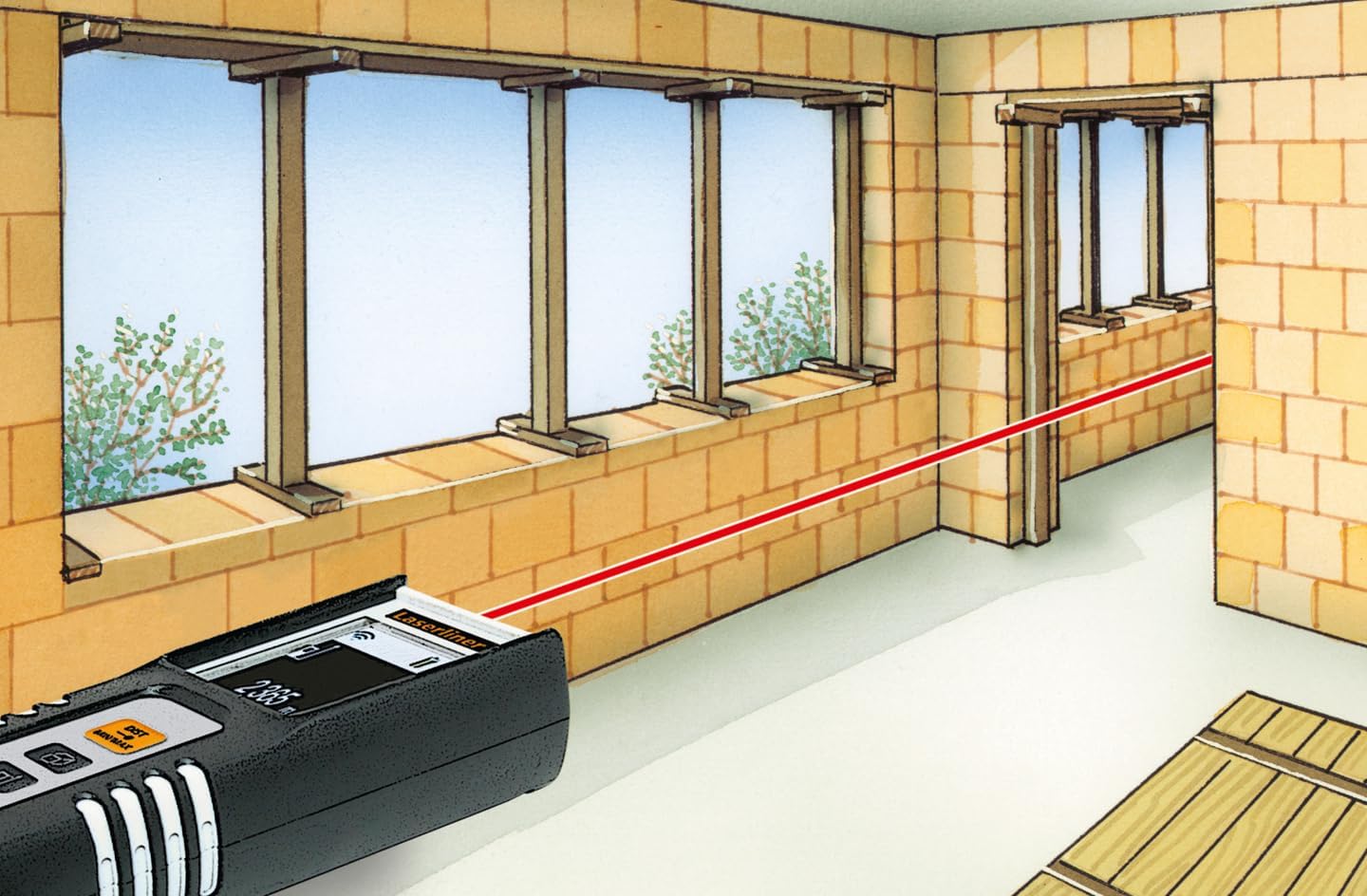
Image 3.3: The laser rangefinder in use, demonstrating a distance measurement across a room, emphasizing the importance of selecting the correct reference point.
3.5 Функція пам'яті
The device can store up to 10 measured values. To access or clear the memory, refer to the on-screen menu or specific button combinations detailed in the full manual (not provided here).
4. Технічне обслуговування
4.1 Очищення
- Протріть пристрій м’якою, damp тканина. Не використовуйте абразивні засоби чи розчинники.
- Для забезпечення точності вимірювань тримайте лазерну лінзу чистою та без пилу чи сміття.
4.2 Зберігання
- Зберігайте пристрій у захисному футлярі, коли він не використовується.
- Вийміть батарейки, якщо пристрій не використовуватиметься протягом тривалого часу, щоб запобігти витіканню.
- Зберігати в сухому місці, подалі від екстремальних температур.
5. Вирішення проблем
- Пристрій не вмикається: Check battery polarity and ensure batteries are not depleted. Replace if necessary.
- Неточні вимірювання: Ensure the laser lens is clean. Verify the correct reference point is selected. Avoid measuring through transparent surfaces or highly reflective materials.
- Проблеми з дисплеєм: Якщо дисплей тьмяний або мерехтить, замініть батарейки.
6. Технічні характеристики

Image 6.1: The vibrant color LCD display of the DistanceMaster Compact, designed for clear visibility of measurements and functions.
| Особливість | Специфікація |
|---|---|
| Номер моделі | 080.936А |
| Діапазон вимірювання | Від 0.1 м до 25 м (від 0.3 футів до 82 футів) |
| Точність | ±3 мм |
| Одиниці вимірювання | Метри (м), Фути (фт), Дюйми (дюйми) |
| Лазерний клас | 2 |
| Довжина хвилі | 650 нм |
| Memory Records | 10 |
| Дисплей | Illuminated 3-line color LCD |
| Джерело живлення | 2 лужні батарейки типу AAA (в комплекті) |
| Робоча температура | -10 °C до 40 °C (14 °F до 104 °F) |
| Рейтинг захисту | IP54 (захист від пилу та бризок води) |
| матеріал | Гума casing |
| Колір | Чорний, Білий |
| Розміри продукту | 110 мм (В) х 43 мм (Ш) х 27 мм (Г) |
| Вага продукту | 100 грами |

Image 6.2: The robust design of the laser rangefinder, featuring anti-shock rubber for durability and protection in demanding environments, indicated by the IP54 rating.
7. Гарантія та підтримка
For warranty information, technical support, or service inquiries regarding your Laserliner DistanceMaster Compact, please refer to the official Laserliner webсайт або зверніться до їхнього відділу обслуговування клієнтів. Зберігайте чек про покупку як підтвердження покупки для гарантійних претензій.
Для отримання додаткової допомоги ви можете відвідати Laserliner official webсайт.


