вступ
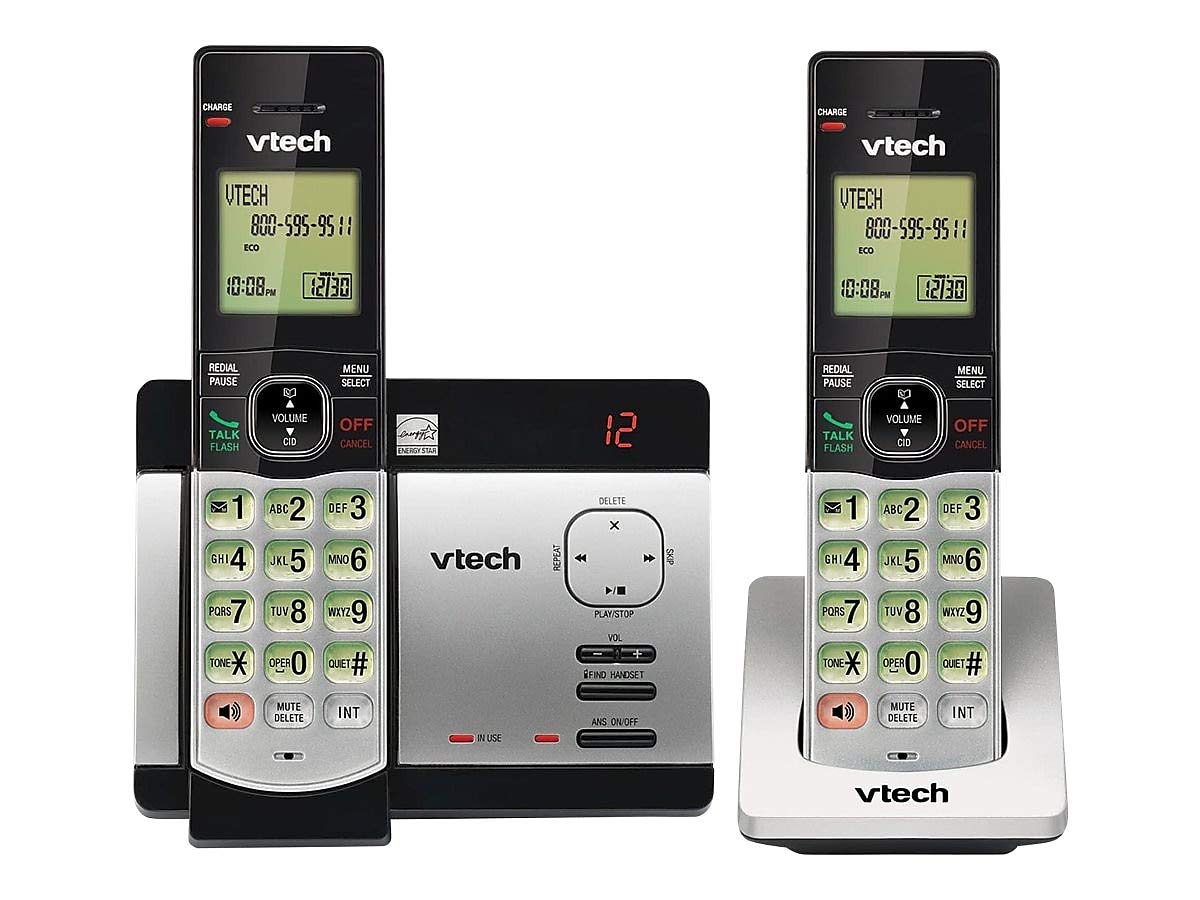
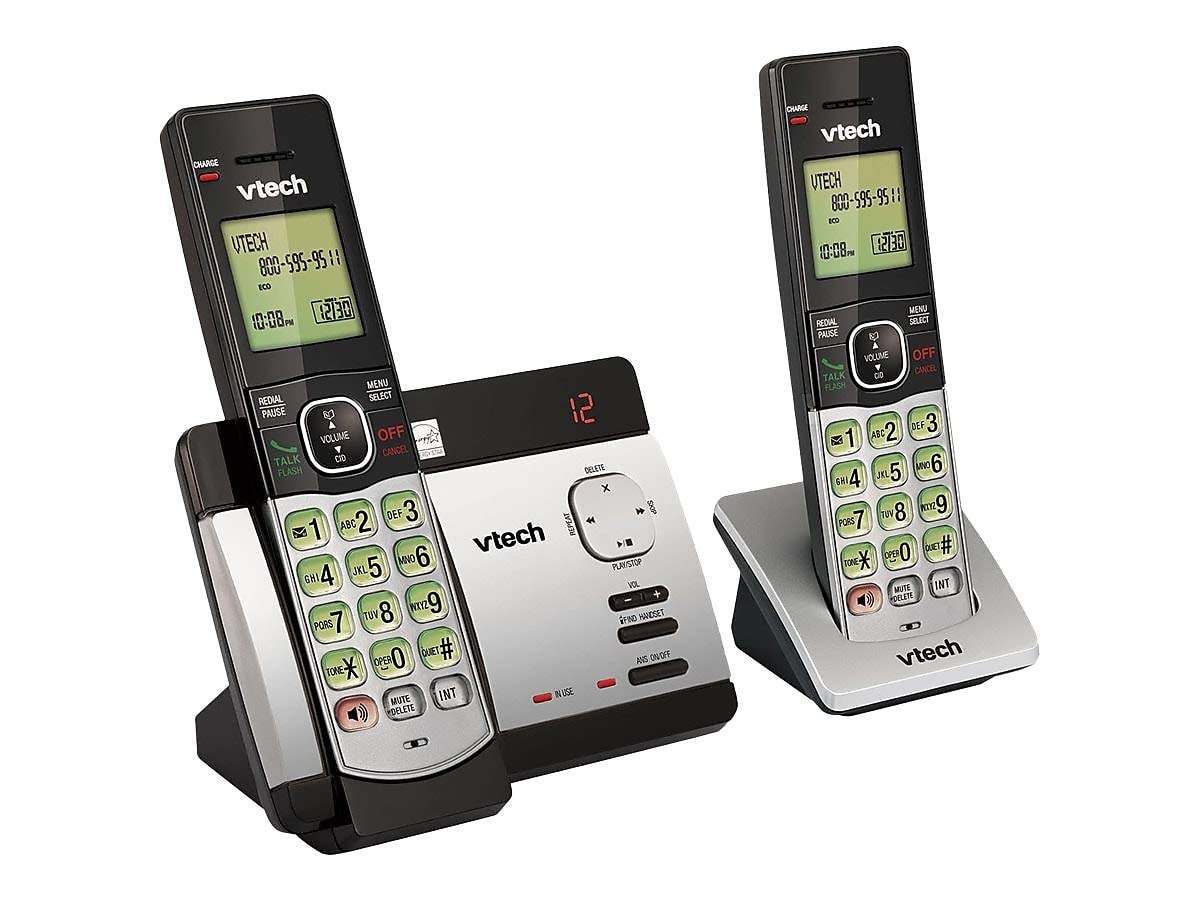
This user manual provides comprehensive instructions for the VTECH Communications CS6729-2 2 Handset Answering System. It covers setup, operation, maintenance, and troubleshooting to ensure optimal performance of your new telephone system. Please read this manual thoroughly before using your phone.
Налаштування та встановлення
Вміст упаковки
Переконайтеся, що всі предмети присутні у вашій упаковці:
- Бездротові трубки (2)
- Base Unit with Digital Answering System
- Адаптер змінного струму для базового блоку
- Шнур телефонної лінії
- Rechargeable Batteries (4 AAA batteries required, included)
- Настінний кронштейн
Установка батареї
Before initial use, install the included AAA batteries into each cordless handset. Open the battery compartment cover on the back of the handset, insert the batteries according to the polarity markings, and close the cover. Place the handset on the base unit or charger to charge for at least 16 hours before first use.
Підключення базового блоку
Connect the small end of the AC power adapter to the power jack on the back of the telephone base. Plug the large end of the AC power adapter into a wall outlet not controlled by a wall switch. Connect one end of the telephone line cord to the telephone jack on the back of the telephone base. Plug the other end of the telephone line cord into a telephone wall jack.
Інструкція з експлуатації
Здійснення та отримання дзвінків
Щоб зателефонувати, натисніть ТАЛК / ФЛЕШ or any dial pad key, then dial the number. To receive a call, press ТАЛК / ФЛЕШ when the phone rings. To end a call, press ВИМК/СКАСУВАННЯ або поставте трубку назад на базу/зарядний пристрій.
Answering System Features
The integrated digital answering system can record up to 14 minutes of messages. You can retrieve messages from any handset or remotely. The voicemail waiting indicator will notify you of new messages. Messages are time and date stamped для зручного ознайомлення.
Ідентифікація абонента/Очікування виклику
The phone displays the caller's name and number (if available) before you answer. If you have Call Waiting service, the phone will alert you to an incoming call while you are on another call.
Телефонна книга
Store up to 50 names and numbers in the phonebook directory for quick dialing. Refer to the handset menu for instructions on adding, editing, and deleting entries.
Домофон
Use the intercom feature to communicate between handsets. This system supports up to 5 handsets (additional handsets sold separately).
Повторний набір
Телефон зберігає останні 10 набраних номерів. Натисніть ПОВТОРНИЙ НАБІР/ПАУЗА to access and redial these numbers.
Регулювання гучності
Adjust the earpiece and speakerphone volume during a call using the ОБ'ЄМ кнопки на бічній панелі телефонної трубки.
Вимкнути звук
Натисніть ВИМКНУТИ/ВИДАЛИТИ button during a call to mute your microphone. The other party will not hear you, but you can still hear them. Press again to unmute.
Конференц-дзвінки
You can set up a 3-way conference call between an outside line and up to two cordless handsets.
Trilingual Prompts
The system offers trilingual prompts, allowing you to choose between English, Spanish, or French for voice announcements and menu options.
Технічне обслуговування
прибирання
Протріть телефон і базу м’якою губкоюamp cloth. Do not use cleaning sprays or harsh chemicals. Avoid getting moisture in any openings.
Догляд за акумулятором
To maintain optimal battery life, fully charge the handsets regularly. If the phone will not be used for an extended period, remove the batteries to prevent leakage.
Усунення несправностей
Якщо у вас виникли проблеми з телефонною системою, спробуйте такі рішення:
| проблема | Рішення |
|---|---|
| Немає гудка | Ensure the power adapter and telephone line cord are securely plugged into the base unit and wall outlets. Check if the phone line is active. |
| Не вдається здійснювати/приймати дзвінки | Check battery charge level. Ensure the handset is within range of the base unit. Verify the telephone line connection. |
| Автовідповідач не записує повідомлення | Переконайтеся, що автовідповідач увімкнено. Перевірте, чи не заповнена пам’ять; за потреби видаліть старі повідомлення. |
| Погана якість звуку | Підійдіть ближче до базової станції. Перевірте наявність перешкод від інших електронних пристроїв. |
| Телефон не заряджається | Ensure the handset is properly seated in the charging cradle. Clean the charging contacts on both the handset and cradle. |
Технічні характеристики
- модель: CS6729-2
- Технологія: DECT 6.0 Digital
- Трубки: 2 (з можливістю розширення до 5)
- Система автовідповідача: Digital, 14 minutes recording time
- Ємність телефонної книги: 50 імен і номерів
- Redial Memory: Останні 10 номерів
- Акумулятори: 4 акумуляторні батарейки типу AAA (в комплекті)
- Розміри продукту: 1 x 3.2 x 6.9 inches (handset)
- Вага товару: 1.3 фунта
- колір: Сірий
- Джерело живлення: Провідний електричний
Гарантія та підтримка
For warranty information and technical support, please refer to the warranty card included with your product or visit the official VTech webсайт. Зберігайте чек про покупку як підтвердження покупки для гарантійних претензій.


