вступ
Thank you for choosing the Beurer HM16 Thermo Hygrometer. This device is designed to accurately measure and display the ambient temperature and relative humidity. It features a large, easy-to-read display and a "smiley" indicator for comfort levels. Please read these instructions carefully before first use and keep them for future reference.
Важлива інформація з безпеки
- Тримайте пристрій подалі від води та вологи.
- Не піддавайте пристрій впливу прямих сонячних променів або екстремальних температур.
- Не кидайте пристрій і не піддавайте його сильним ударам.
- Не намагайтеся самостійно відкривати або ремонтувати пристрій. Зверніться до уповноваженого сервісного персоналу.
- Зберігайте батареї в недоступному для дітей місці. При проковтуванні негайно зверніться за медичною допомогою.
- Утилізуйте батарейки та пристрій відповідно до місцевих правил.
Вміст упаковки
Please check that all items are present and undamaged upon receipt:
- 1x Beurer HM16 Thermo Hygrometer
- 1x Lithium Metal Battery (CR2025, pre-installed or separate)
- 1x Інструкція з експлуатації (цей документ)
Пристрій закінчивсяview
Familiarize yourself with the components of your Beurer HM16 Thermo Hygrometer.
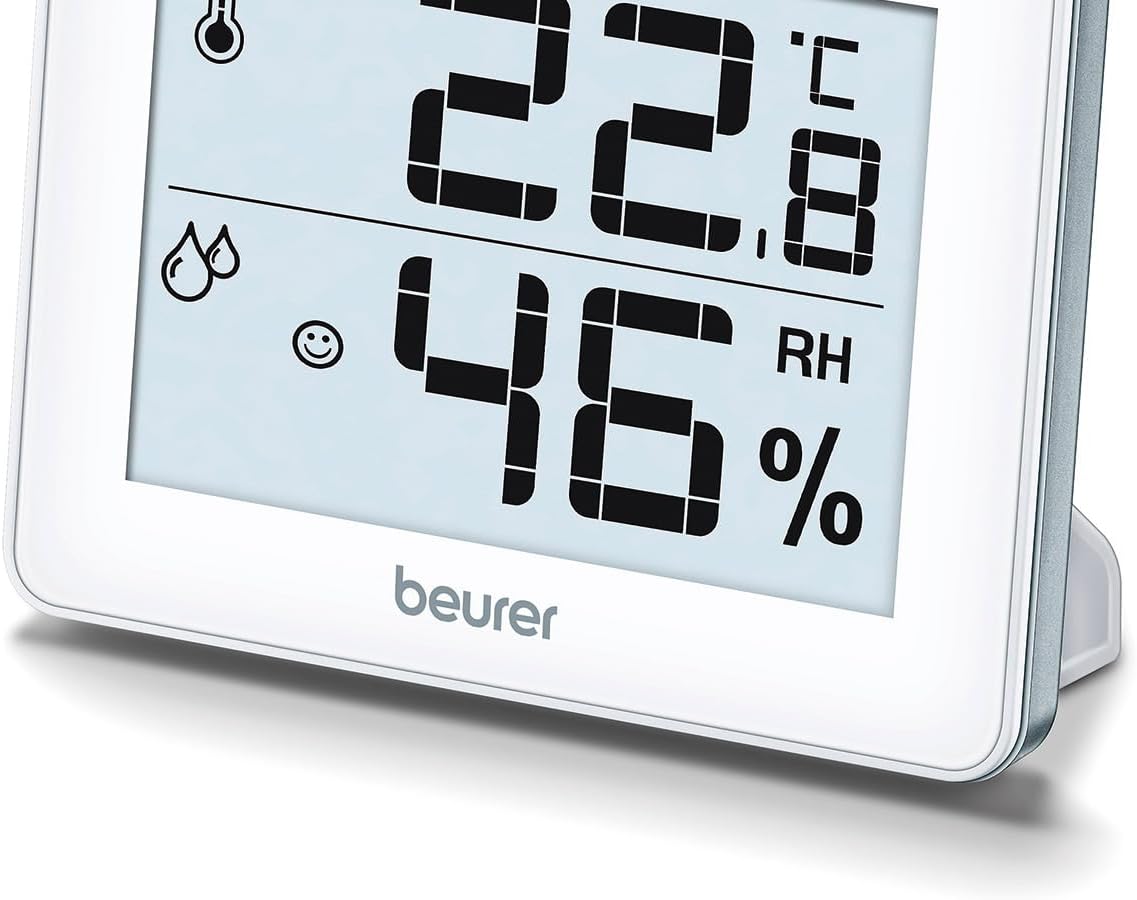
Малюнок 1: Спереду View of Beurer HM16
This image shows the front of the Beurer HM16 Thermo Hygrometer, featuring its large digital display. The display indicates both temperature and relative humidity, along with a comfort level smiley icon. The device is shown with its integrated fold-out stand extended, allowing for tabletop placement.

Малюнок 2: Задня частина View of Beurer HM16
This image displays the rear of the Beurer HM16 Thermo Hygrometer. Visible features include the battery compartment cover, a small button for switching between Celsius and Fahrenheit (°C/°F), and a keyhole slot for wall mounting. The fold-out stand is also shown in its retracted position.
- Дисплей: Shows temperature, humidity, and comfort indicator.
- Батарейний відсік: Located on the back.
- Перемикач °C/°F: Button on the back to change temperature units.
- Розкладна підставка: Для розміщення стільниці.
- Отвір для настінного кріплення: For hanging the device.
Налаштування
1. Встановлення батареї
The Beurer HM16 requires one CR2025 Lithium Metal battery. This battery is typically included and may be pre-installed with a protective tab.
- Знайдіть відсік для батареї на задній панелі пристрою (див. малюнок 2).
- If a protective tab is present, gently pull it out to activate the battery.
- If replacing the battery, use a small screwdriver or coin to open the battery compartment cover.
- Вставте нову батарейку CR2025 позитивним (+) полюсом догори.
- Надійно закрийте кришку батарейного відсіку.
2. Розміщення
The device can be placed on a flat surface or mounted on a wall.
- Розміщення на столі: Extend the fold-out stand on the back of the device. Place the hygrometer on a stable, flat surface away from direct heat sources, windows, or vents that could affect readings.
- Настінне кріплення: Use a screw (not included) suitable for your wall type. Insert the screw into the wall, leaving a small portion protruding. Hang the device using the keyhole slot on its back (refer to Figure 2).
Експлуатація пристрою
1. Automatic Display
Once the battery is installed, the device will automatically power on and begin displaying the current temperature and relative humidity. Readings are updated regularly.
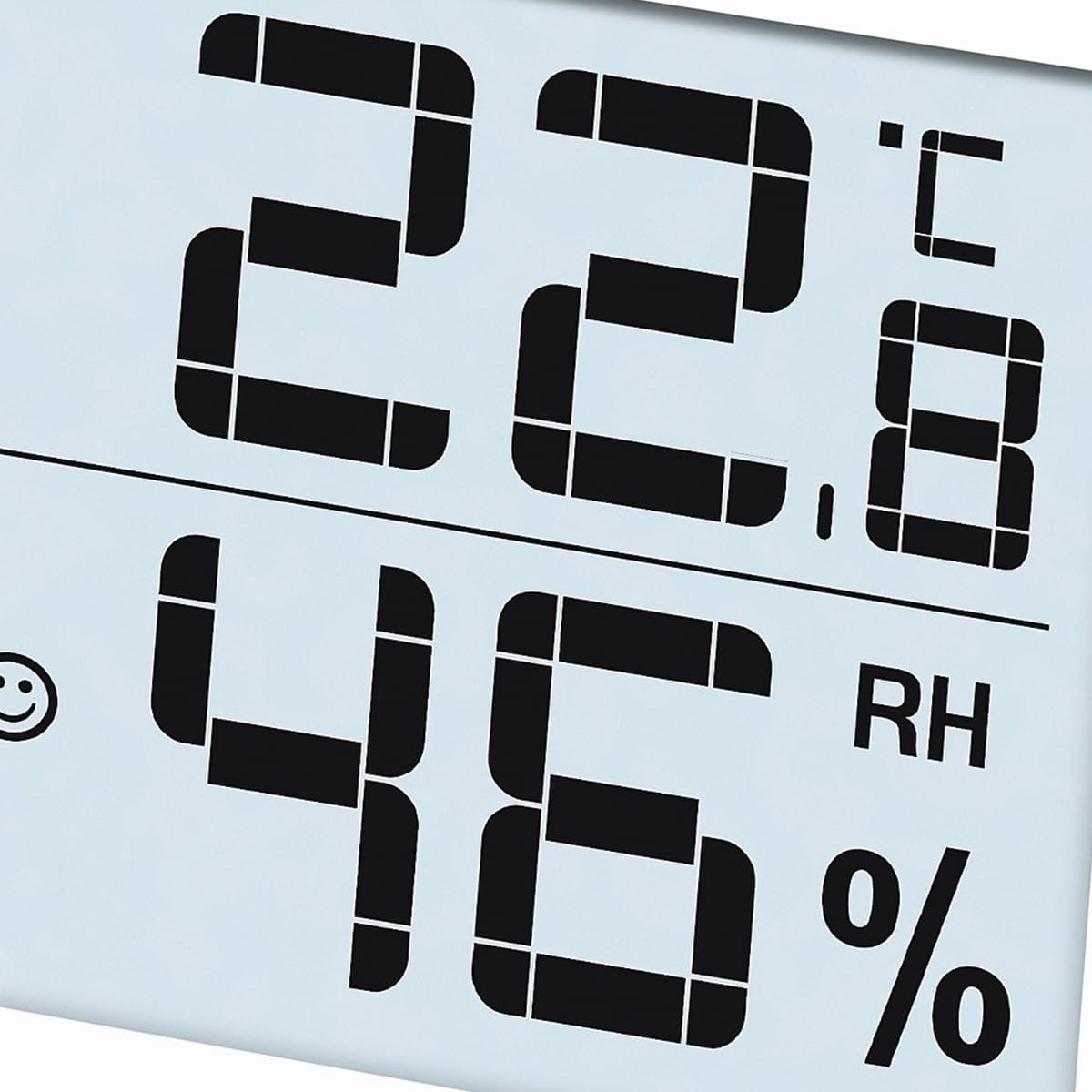
Figure 3: Display Example
This close-up image shows the digital display of the Beurer HM16, clearly indicating a temperature of 22.8 °C and a relative humidity of 46% RH. A small smiley icon is also visible, indicating the comfort level.
2. Перемикання одиниць вимірювання температури (°C/°F)
Щоб переключитися між градусами Цельсія (°C) та Фаренгейта (°F):
- Locate the small button labeled "°C/°F" on the back of the device (refer to Figure 2).
- Press this button once to toggle the temperature display between Celsius and Fahrenheit.
3. Comfort Level Indicator (Smiley Display)
The HM16 features a visual comfort indicator to quickly assess the indoor climate:
- Smiling Face :) : Indicates a comfortable climate (Temperature: 20-25°C / 68-77°F, Humidity: 30-60% RH).
- Neutral Face :| : Indicates a dry climate (Humidity: <30% RH, regardless of temperature).
- Sad Face :( : Indicates a wet climate (Humidity: >60% RH, regardless of temperature).
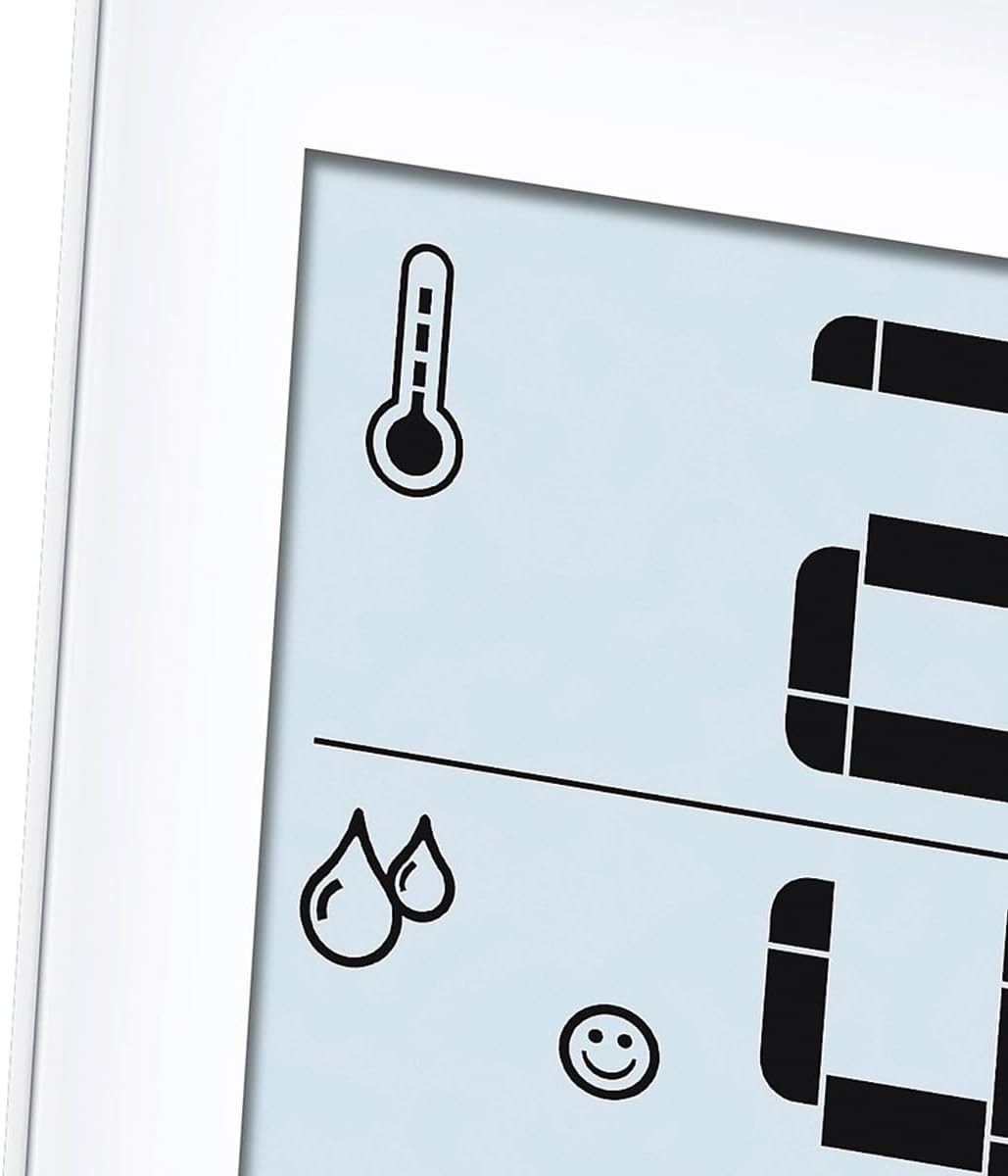
Figure 4: Comfort Indicator and Icons
This image provides a close-up of the display's icons, including the thermometer symbol for temperature, the droplet symbols for humidity, and the smiling face icon which serves as the comfort level indicator. This visual cue helps users quickly understand the current indoor climate conditions.
Технічне обслуговування та догляд
- Регулярно чистіть пристрій м’якою сухою тканиною.
- Не використовуйте абразивні засоби для чищення або розчинники.
- Якщо пристрій не використовуватиметься протягом тривалого часу, вийміть батарею, щоб запобігти витіканню.
- Зберігайте пристрій у прохолодному сухому місці.
Усунення несправностей
| проблема | Можлива причина | Рішення |
|---|---|---|
| No display / Display is dim | Battery is empty or incorrectly inserted. | Replace the battery (CR2025) or ensure it is inserted correctly with the positive (+) side up. |
| Неточні показання | Device placed near heat sources, vents, or in direct sunlight. | Relocate the device to a central area of the room, away from factors that could influence readings. Allow time for stabilization. |
| Temperature unit cannot be changed | Button not pressed firmly or device malfunction. | Ensure the °C/°F button on the back is pressed firmly. If the issue persists, contact customer support. |
Технічні характеристики
- модель: HM16 (Type 67915)
- Розміри продукту: 10 х 21.5 х 8.1 см
- вага: 100 г (0.1 кілограма)
- Джерело живлення: 1 х літій-металева батарея CR2025 (в комплекті)
- Діапазон вимірювання температури: 0°C до 50°C (32°F до 122°F)
- Точність температури: ±0.5°C (±1°F)
- Діапазон вимірювання вологості: Від 20% до 95% відносної вологості
- Точність вологості: ±5% RH (between 40-80% RH)
- Тип монтажу: Настільне, настінне кріплення
- Виробник: Beurer GmbH
Гарантія та підтримка
For information regarding warranty terms and conditions, or if you require technical support, please refer to the warranty card included with your product or visit the official Beurer website. You may also contact Beurer customer service directly for assistance.
Примітка: The manufacturer's legal disclaimer states that actual product packaging and materials may contain more and different information than what is shown on websites. Always read labels, warnings, and directions before using or consuming a product.
Утилізація
Утилізація Пристрою
Do not dispose of the device in household waste. Dispose of the device in accordance with local regulations for electronic waste. Contact your local authorities or waste disposal service for information on proper disposal methods.
Утилізація батарей
Batteries must not be disposed of with household waste. They may contain toxic heavy metals and are subject to special waste treatment. Dispose of batteries at designated collection points in accordance with local regulations.