вступ
Дякуємо за покупкуasing the GPX DH300B 1080p Upconversion DVD Player with HDMI. This device is designed to enhance your viewing experience by upconverting standard definition DVDs to near high-definition resolutions (720p, 1080i, or 1080p) for compatible HDTVs. It supports a variety of disc formats, including DVD, DVD+/-R/RW, CD, CD-R/RW, and JPEG CDs, and features multiple audio and video output options for versatile connectivity.
Вміст упаковки
Будь ласка, переконайтеся, що всі перелічені нижче предмети входять до вашого пакету:
- GPX DH300B DVD Player with built-in AC power cable
- Full-function Remote Control (requires 2 AAA batteries - not included)
- RCA Audio/Video Cable
- Посібник користувача (цей документ)
- Гарантійний талон
Продукт закінченийview
Елементи керування передньої панелі
The front panel of your GPX DH300B DVD Player provides essential controls for basic operation:

Малюнок 1: Спереду view of the GPX DH300B DVD Player, showing the disc tray, control buttons, and USB port.
- Лоток для диска: Вставте сюди DVD- або CD-диски.
- Кнопка «Відкрити/Закрити»: Відкриває та закриває лоток для дисків.
- Кнопка відтворення/паузи: Починає або призупиняє відтворення диска.
- Кнопка зупинки: Зупиняє відтворення диска.
- Кнопка живлення: Вмикає або вимикає пристрій.
- Порт USB: For playing media from a USB flash drive.
Підключення задньої панелі
The rear panel offers various ports for connecting the DVD player to your television or audio system:

Малюнок 2: Задня частина view of the GPX DH300B DVD Player, highlighting the HDMI, S-video, composite video, coaxial digital audio, and RCA stereo audio outputs.
- Вихід HDMI: For digital audio and video connection to an HDTV. Supports 720p, 1080i, 1080p upconversion.
- Вихід S-Video: For video connection to a TV.
- Composite Video Output (Yellow RCA): For standard definition video connection.
- Коаксіальний цифровий аудіовихід: For digital audio connection to a compatible audio receiver.
- RCA Stereo Audio Output (Red/White): For analog stereo audio connection.
Налаштування
1. Підключення до телевізора
Choose the appropriate connection method based on your television's available inputs:
HDMI Connection (Recommended for HDTVs)
- Ensure both the DVD player and your TV are powered off.
- Підключіть один кінець кабелю HDMI (не входить у комплект) до HDMI OUT port on the back of the DVD player.
- Connect the other end of the HDMI cable to an HDMI-IN порт на вашому телевізорі.
- Power on your TV and select the corresponding HDMI input using your TV's remote control.
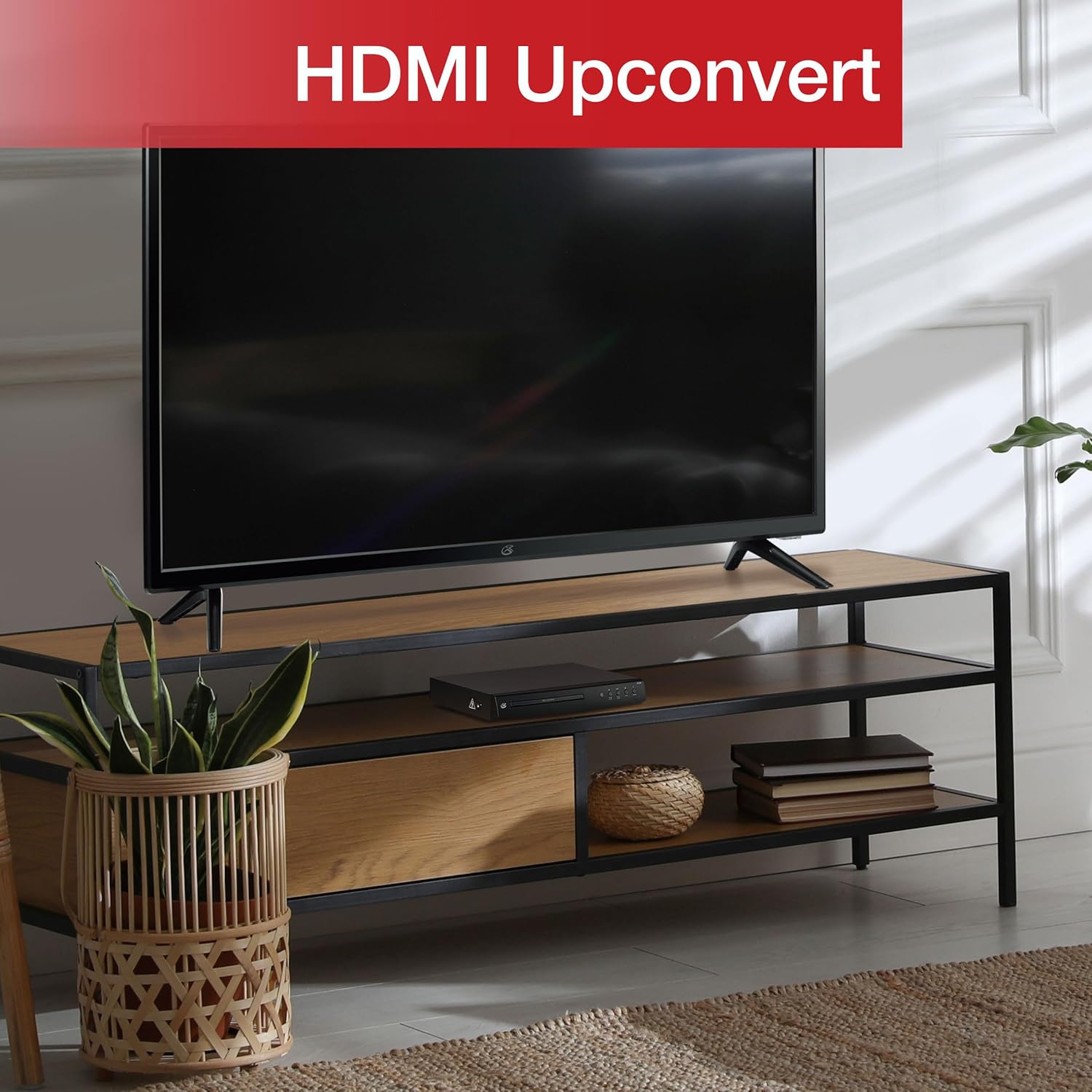
Figure 3: The GPX DH300B DVD Player connected to a television, demonstrating HDMI upconversion capabilities.
RCA Composite Video Connection
- Ensure both the DVD player and your TV are powered off.
- Connect the yellow plug of the RCA audio/video cable to the ВІДЕО ВИХІД (yellow) port on the DVD player.
- Connect the red and white plugs of the RCA audio/video cable to the АУДІОВИХІД R (червоний) і АУДІОВИХІД L (white) ports on the DVD player.
- Connect the other ends of the RCA cables to the corresponding ВІДЕО ВХОД і AUDIO IN (R/L) порти на вашому телевізорі.
- Power on your TV and select the corresponding AV input.
2. Підключення живлення
The DVD player has a built-in AC power cable. Plug this cable into a standard 120V AC wall outlet.
3. Встановлення батареї пульта дистанційного керування
The remote control requires two AAA batteries (not included). Open the battery compartment on the back of the remote and insert the batteries, ensuring correct polarity (+/-).
Інструкція з експлуатації
1. Увімкнення/вимкнення живлення
Натисніть потужність button on the front panel of the DVD player or on the remote control to turn the unit on or off.
2. Відтворення диска
- Power on the DVD player and your television.
- Натисніть Відкрити/Закрити кнопку на передній панелі або пульті дистанційного керування, щоб відкрити лоток для дисків.
- Помістіть DVD або CD у лоток для дисків етикеткою догори.
- Натисніть Відкрити/Закрити знову натисніть кнопку, щоб закрити лоток для диска. Плеєр почне завантажувати диск.
- Playback should start automatically. If a menu appears, use the arrow buttons on the remote to navigate and the OK кнопку для вибору.
- Використовуйте Відтворення/Пауза і СТІЙ кнопки для керування відтворенням.

Figure 4: The GPX DH300B DVD Player, indicating its DVD playback capability.

Figure 5: The GPX DH300B DVD Player, indicating its CD playback capability.
3. Відтворення через USB
The GPX DH300B supports media playback from a USB flash drive. Insert your USB drive into the USB port on the front panel. Use the remote control to navigate the on-screen menu and select your desired media files (e.g., JPEG images).
4. On-Screen Display (OSD) and Settings
The multi-language on-screen display allows you to adjust various video and audio settings. Press the НАЛАШТУВАННЯ button on the remote control to access the setup menu. Use the arrow buttons to navigate and OK для підтвердження вибору.
5. Функції дистанційного керування
The included full-function remote control provides comprehensive control over the DVD player. Key functions include:

Figure 6: A user operating the GPX DH300B DVD Player with its remote control.
- Увімкнення/вимкнення живлення
- Відкрити/закрити лоток для дисків
- Play, Pause, Stop, Fast Forward, Rewind
- Chapter Skip (Next/Previous)
- Регулювання гучності
- Setup Menu Access
- Navigation (Arrow buttons, OK)
- Subtitle, Audio, Angle selection
Технічне обслуговування
Очищення агрегату
Wipe the exterior of the DVD player with a soft, dry cloth. Do not use liquid cleaners or abrasive materials, as they may damage the finish.
Очищення дисків
Wipe discs from the center outwards with a soft, lint-free cloth. Avoid touching the playback surface of the disc. Do not use solvents such as benzene, thinners, or commercially available cleaners, as they may damage the disc.
Усунення несправностей
| проблема | Можлива причина | Рішення |
|---|---|---|
| Немає живлення | Кабель живлення не підключено; розетка неактивна. | Ensure power cable is securely plugged into a working outlet. |
| Немає зображення | Video cable not connected; incorrect TV input selected. | Check video cable connections (HDMI or RCA). Select the correct input source on your TV. |
| Ні звуку | Audio cable not connected; TV/receiver volume too low or muted. | Check audio cable connections (HDMI or RCA). Adjust volume on TV/receiver. Ensure not muted. |
| Диск не відтворюється | Диск брудний, подряпаний або несумісний з форматом. | Clean the disc. Try a different disc. Ensure the disc format is supported (DVD, CD, JPEG CD). |
| Пульт не працює | Batteries are dead or incorrectly inserted; obstruction between remote and player. | Replace batteries, ensuring correct polarity. Remove any obstructions. Ensure remote is pointed at the player. |
Технічні характеристики
- модель: DH300B
- Підтримувані носії: DVD, DVD+/-R/RW, CD, CD-R/RW, JPEG CD
- Відеовихід: HDMI (720p, 1080i, 1080p upconversion), S-Video, Composite Video
- Аудіовихід: Coaxial Digital Audio, RCA Stereo Audio (2-channel)
- Співвідношення сторін: 16:9, 4:3LB, 4:3PS
- Особливості: Progressive Scan, Multi-language On-Screen Display
- Вимоги до живлення: 120 В змінного струму
- Розміри: Приблизно 10.24 x 8.07 x 1.85 дюйма
- вага: Приблизно 2.38 фунта
Гарантія та підтримка
For detailed warranty information and customer support, please refer to the warranty card included in your product packaging or visit the official GPX webсайт. Зберігайте чек про покупку для будь-яких гарантійних претензій.


