вступ
This manual provides detailed instructions for the MATRIX MR600 Tuner Metronome. This device combines a metronome for rhythm practice and a tuner for instrument pitch accuracy, designed to assist musicians in their practice and performance.
Продукт закінченийview
The MATRIX MR600 features a pendulum-style LED display for visual beat indication, chromatic pitch output for tuning, and an adjustable downbeat function for various time signatures.
компоненти
- Tempo Dial: Large rotary dial for precise tempo adjustment.
- Перемикач живлення/режиму: Selects between Off, Metronome, and Sound (Tuner) modes.
- Beat/Pitch Settings: Controls for metronome beat patterns and tuner reference pitch.
- Регулювання гучності: Регулює вихідну гучність.
- LED Beat Indicators: Visual representation of the metronome beat.
- Вбудований динамік: For audible metronome clicks and tuner tones.
- Роз'єм для навушників: Для приватного прослуховування.
- Підставка: For upright positioning.

Налаштування
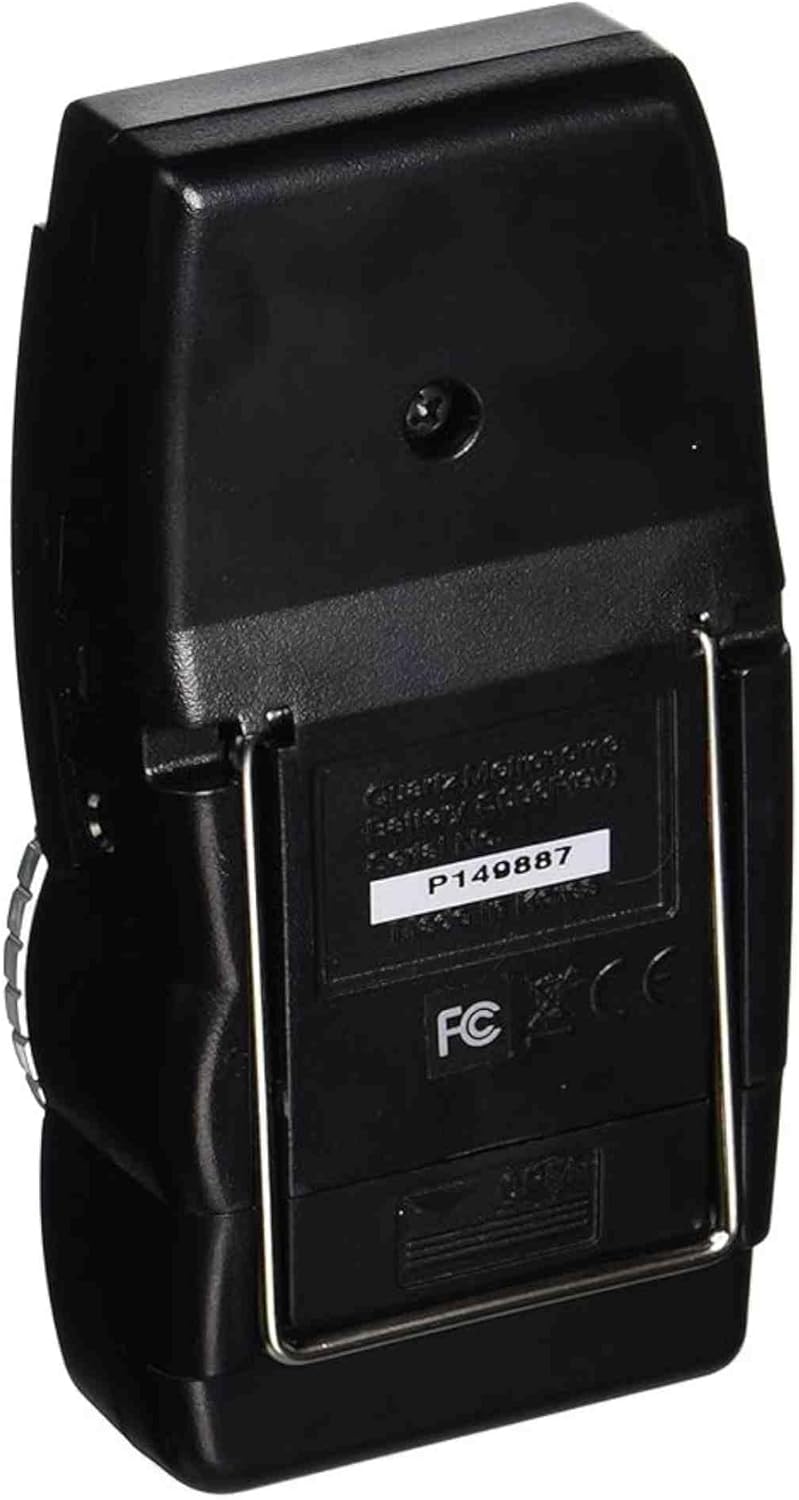
Установка батареї
- Знайдіть відсік для батарейок на задній панелі пристрою.
- Відкрийте кришку батарейного відсіку.
- Вставте одну батарейку 9 В, дотримуючись правильної полярності (+/-).
- Надійно закрийте кришку батарейного відсіку.
Інструкція з експлуатації
Функція метронома
- Set the Power/Mode switch to "METRO".
- Adjust the tempo using the large rotary dial. The tempo range is typically from 40 to 208 beats per minute (BPM).
- Use the "BEAT" selector to choose the desired beat pattern (e.g., 0, 2, 3, 4, 5, 6 for different time signatures). The first beat of the selected pattern will have a distinct tone.
- Відрегулюйте гучність за допомогою регулятора гучності.
- Observe the LED indicators for a visual representation of the beat.
Tuner Function (Chromatic Pitch Output)
- Set the Power/Mode switch to "SOUND".
- Use the "PITCH" selector to choose the desired reference pitch (e.g., A440, A441, A442, A443, A444, A445 Hz).
- The unit will emit a continuous tone at the selected pitch. Use this tone to tune your instrument by ear.
- За потреби відрегулюйте гучність.

Технічне обслуговування
- Прибирання: Протирайте пристрій м’якою сухою тканиною. Уникайте використання абразивних засобів для чищення або розчинників.
- Заміна батареї: Replace the 9V battery when the unit's performance degrades or it fails to power on. Remove the battery if the unit will not be used for an extended period to prevent leakage.
- Зберігання: Store the metronome in a dry place, away from extreme temperatures and direct sunlight.
Усунення несправностей
- Немає живлення: Ensure the 9V battery is correctly installed and not depleted. Replace the battery if necessary.
- Немає звуку: Check the volume control. Ensure the Power/Mode switch is set to "METRO" or "SOUND" and not "OFF".
- Inaccurate Tempo/Pitch: Verify that the correct beat pattern or reference pitch is selected.
- Переривчаста робота: Check battery connections. If issues persist, contact customer support.
Технічні характеристики
| Особливість | Деталь |
|---|---|
| Номер моделі | MR600 |
| Вага товару | 5.6 унції |
| Розміри продукту | 8 x 5.5 x 1.4 дюймів |
| Джерело живлення | Батарейка 9 В (не входить до комплекту) |
| Діапазон темпу | 40-208 ударів за хвилину (BPM) |
| Референтний крок | A440-A445 Hz (adjustable) |
| Дисплей | Pendulum style LED |
Гарантія та підтримка
Specific warranty information for the MATRIX MR600 Tuner Metronome is not provided in this manual. Please refer to the product packaging or the retailer where the product was purchased for warranty details.
For further assistance or support, please visit the official MATRIX Brand Store.