
1. Вступ
Welcome to the user manual for your new TCL 65A400 Pro 65-inch 4K UHD MiniLED Smart TV. This guide provides essential information for setting up, operating, maintaining, and troubleshooting your television. Please read these instructions carefully to ensure proper use and to maximize your viewнабутий досвід.
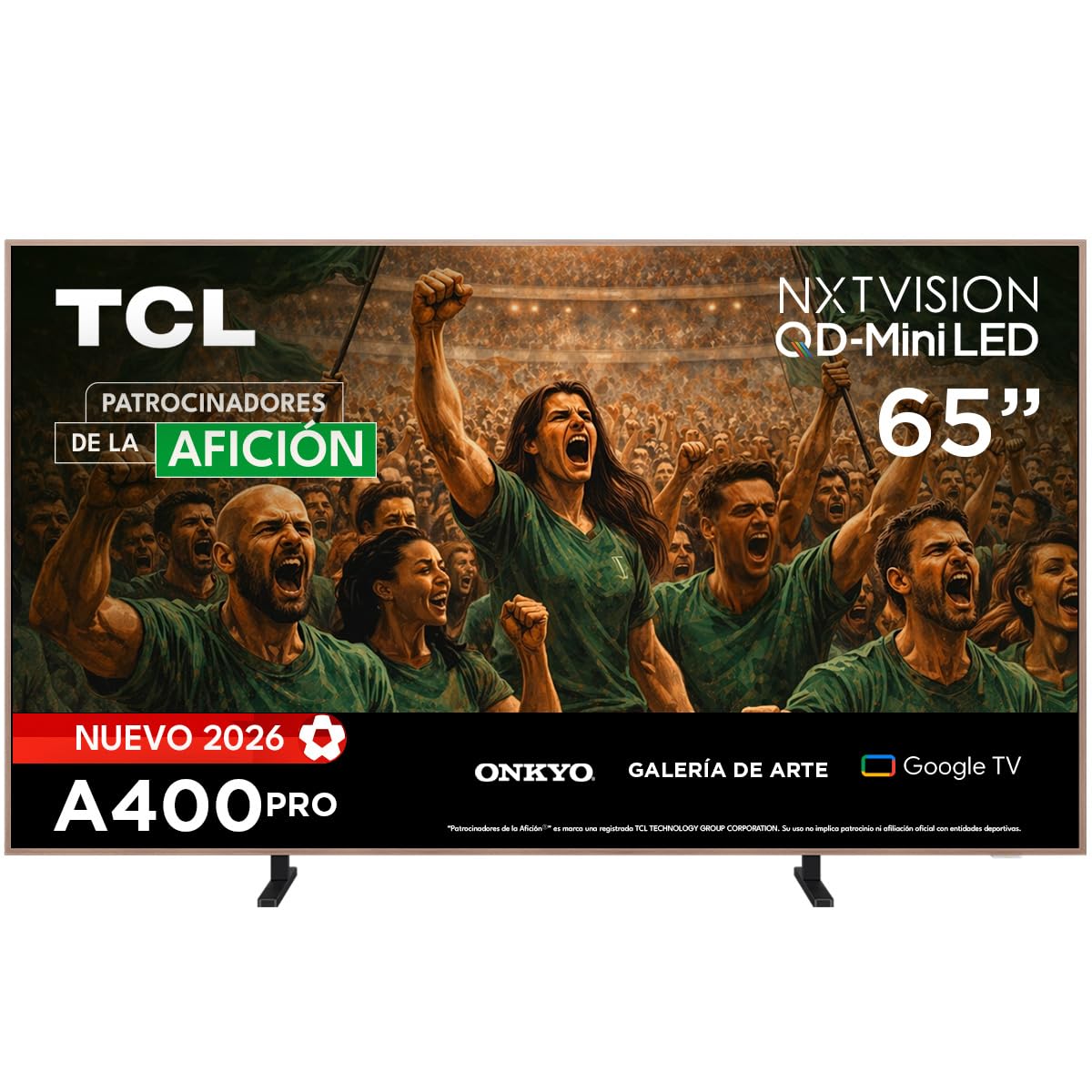
Зображення: спереду view of the TCL 65A400 Pro 65-inch Smart TV.
2. Що в коробці
Перш ніж розпочати, перевірте вміст упаковки, щоб переконатися, що всі елементи присутні:
- TCL Smart TV with Google TV
- Настільна підставка
- Кабель живлення
- Короткий посібник
- Пульт дистанційного керування та батареї

Image: Diagram showing the TV dimensions and a list of included accessories.
3. Налаштування
3.1 Фізичне встановлення
Your TCL 65A400 Pro TV offers flexible installation options:
- Настільна підставка: Attach the included table stand according to the Quick Start Guide for placement on a flat surface.
- Настінне кріплення: The TV supports flush wall mounting. Ensure you use a compatible VESA wall mount (sold separately) and follow its installation instructions carefully.
- Easel Bases: Optional easel-style bases are available for a unique display (sold separately).

Image: The ultra-thin design of the TV, suitable for flush wall mounting.
3.2 Підключення пристроїв
Підключіть зовнішні пристрої до телевізора за допомогою доступних портів:
- HDMI: Use one of the four HDMI ports for high-definition devices like Blu-ray players, game consoles, or cable boxes.
- USB: Two USB ports are available for connecting USB storage devices to play media.
- Потужність: Підключіть кабель живлення до телевізора, а потім до розетки.
3.3 Початкове увімкнення та налаштування мережі
After connecting all devices and power, press the power button on the remote control. Follow the on-screen instructions to complete the initial setup, including connecting to your Wi-Fi network and logging into your Google account for Google TV features.
4. Керування телевізором
4.1 Інтерфейс Google TV
Your TV runs on Google TV, providing a personalized experience with access to streaming services, apps, and content recommendations. Use the remote control to navigate the interface, search for content, and manage your smart home devices.

Image: The Google TV home screen displaying various streaming applications and content.
4.2 Художній режим
Transform your TV into a digital art display with Art Mode. Access a collection of famous paintings and photographs in stunning 4K UHD. This mode allows your screen to blend seamlessly into your home decor when not actively watching content.

Image: The TV in Art Mode, showcasing a painting in a gallery environment.
4.3 Функції дисплея
- QD-міні-світлодіод: Experience deep blacks and intense brightness with Quantum Dot and Mini LED technology, offering superior cinematic realism.
- Роздільна здатність 4K UHD: Насолоджуйтесь неймовірно деталізованими та чіткими зображеннями.
- 144 Hz VRR: Variable Refresh Rate at 144 Hz provides smooth motion, especially beneficial for gaming.
- Matte Panel: The HVA Matte finish reduces glare from natural or artificial light, maintaining color fidelity and protecting your eyes.

Image: Illustration of QD-Mini LED technology enhancing picture precision, brightness, and contrast.
4.4 Аудіосистема
The integrated Onkyo audio system with Dolby Atmos delivers powerful and clear sound, creating an immersive audio experience for all your entertainment.
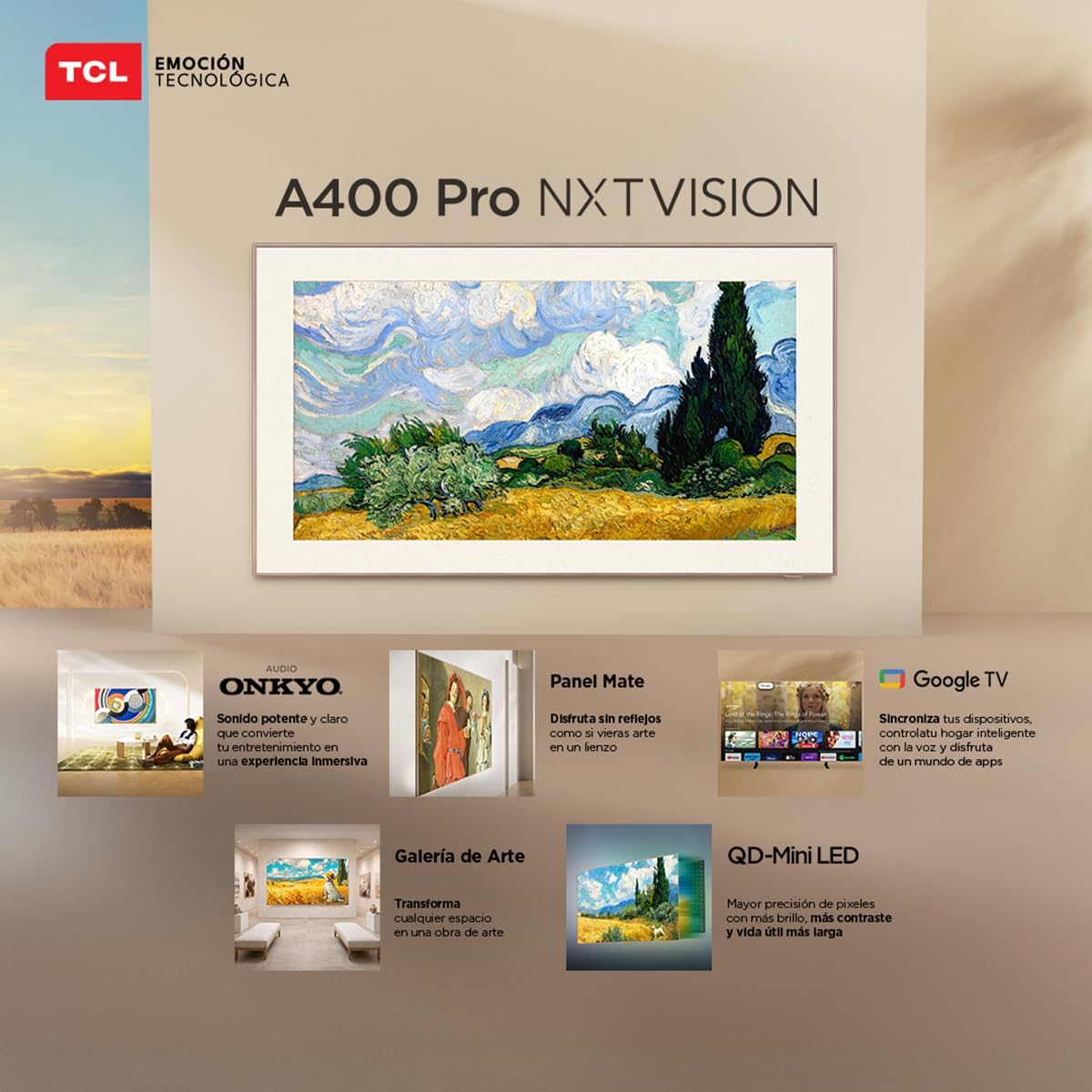
Image: A person enjoying immersive audio from the TV, highlighting the Onkyo sound system.
4.5 Підключення
Телевізор підтримує різні варіанти підключення:
- Wi-Fi: Підключіться до домашньої мережі для доступу до Інтернету та потокової передачі.
- Bluetooth 5.4: Pair wireless headphones, soundbars, or other Bluetooth-enabled devices.
- Chromecast: Built-in Chromecast allows you to cast content from your mobile devices to the TV.
- Сумісність Alexa: Control your TV using voice commands through compatible Alexa devices.
5. Технічне обслуговування
Щоб забезпечити довговічність та оптимальну роботу вашого телевізора TCL, дотримуйтесь цих інструкцій з технічного обслуговування:
- Очищення екрану: Обережно протріть екран м’якою, сухою тканиною без ворсу. Для стійких плям злегка протрітьampПротріть тканину водою або спеціалізованим засобом для чищення екранів. Уникайте агресивних хімікатів або абразивних матеріалів.
- Очищення рами: Використовуйте м’яку суху тканину для очищення рами телевізора.
- Вентиляція: Переконайтеся, що вентиляційні отвори на задній панелі телевізора не заблоковані, щоб запобігти перегріву.
- Шнур живлення: Регулярно перевіряйте шнур живлення на наявність пошкоджень. У разі пошкодження зверніться до служби підтримки клієнтів для заміни.
6. Вирішення проблем
Якщо у вас виникли проблеми з телевізором, зверніться до наступних поширених проблем та способів їх вирішення:
| проблема | Можливе рішення |
|---|---|
| Немає живлення | Ensure the power cable is securely connected to both the TV and a working power outlet. Check if the power outlet is functional. |
| Немає зображення, але звук є | Check the input source. Ensure the connected device is powered on and its video output is correctly configured. Try a different HDMI cable. |
| Немає звуку, але зображення є | Check the TV's volume and mute settings. Ensure external audio devices (soundbar, receiver) are properly connected and powered on. Check audio output settings on the TV. |
| Пульт дистанційного керування не працює | Замініть батарейки в пульті дистанційного керування. Переконайтеся, що між пультом дистанційного керування та ІЧ-датчиком телевізора немає перешкод. Повторно підключіть пульт, якщо це пульт Bluetooth. |
| Проблеми з підключенням Wi-Fi | Restart your router and modem. Go to the TV's network settings and try reconnecting to your Wi-Fi network. Ensure the Wi-Fi password is correct. |
Якщо проблема не зникає після спроби цих рішень, зверніться до служби підтримки клієнтів TCL.
7. Технічні характеристики
Key technical specifications for the TCL 65A400 Pro 65-inch Smart TV:
| Особливість | Деталь |
|---|---|
| Розмір екрана | 65 дюймів |
| Технологія дисплея | 4K, Mini LED |
| роздільна здатність | 4K UHD |
| Частота оновлення | 144 Гц (VRR) |
| Підтримка формату HDR | Dolby Vision, HDR10+ |
| Операційна система | Google TV |
| Режим аудіовиходу | Об'ємний |
| Integrated Surround Sound Format | Dolby Atmos |
| Порти HDMI | 4 |
| USB порти | 2 |
| Версія Bluetooth | 5.4 |
| Технологія підключення | Bluetooth, HDMI, USB, Wi-Fi |
| Особливості | Chromecast, Art Mode |
| Розміри продукту (ДxШxВ) | 4 х 145.2 х 83.3 см |
| Вага (без підставки) | 17.6 кілограма |
| Колір | чорний |
| Screen Finish | Матовий |
| Рік моделі | 2026 |
| UPC | 840464047636 |
8. Інформація про гарантію
Your TCL 65A400 Pro Smart TV comes with a 2 рік обмеженої гарантії from the date of purchase. This warranty covers manufacturing defects under normal use. Please retain your proof of purchase for warranty claims. For full terms and conditions, refer to the warranty card included with your product or visit the official TCL webсайт.
9. Підтримка клієнтів
Щоб отримати технічну допомогу, усунення несправностей або запити щодо гарантії, зверніться до служби підтримки клієнтів TCL:
- телефон: 800 112 4656
- WhatsApp: 55 7005 5159
- Електронна пошта: servicio.mx@tcl.com
- Години роботи: Monday to Saturday, 8:00 a.m. to 8:00 p.m. (local time)

Image: TCL Technical Support contact details including phone, WhatsApp, and email.