
1. Вступ
This manual provides comprehensive instructions for the installation, operation, and maintenance of your Anlapus 3MP 2K Window Camera. This camera is designed for indoor security, offering 2K resolution, night vision, AI human/vehicle detection, two-way talk, and flexible magnetic setup for monitoring outdoor areas through a window.
2. Вміст упаковки
Будь ласка, перевірте упаковку на наявність наступних предметів:
- Anlapus 3MP 2K Window Camera
- USB Power Cable (long)
- Адаптер живлення
- Magnetic Mounting Brackets (various types, including 20° tilt mount)
- Клейкі кабельні затискачі
- Посібник користувача (цей документ)
- Mounting Stickers
3. Посібник із налаштування
3.1. Увімкнення камери
- Підключіть кабель живлення USB до порту живлення камери.
- Підключіть інший кінець USB-кабелю до наданого адаптера живлення.
- Підключіть адаптер живлення до стандартної електричної розетки.
- The camera will power on and indicate its status (e.g., an LED light).
3.2. Встановлення програми
The Anlapus 3MP 2K Window Camera operates with the Vsees App.
- Download the "Vsees" app from your mobile device's app store (App Store for iOS or Google Play Store for Android).
- Install the app and create an account if you are a new user, or log in with your existing credentials.
3.3. Підключення до Wi-Fi
The camera supports both 2.4 GHz and 5 GHz dual-band Wi-Fi for a stronger network connection.

Image: The camera supports both 2.4 GHz for wider coverage and 5 GHz Wi-Fi for faster speeds, ensuring a robust network connection.
- Open the Vsees app and tap the "+" icon to add a new device.
- Follow the on-screen instructions to select your camera model and connect it to your home Wi-Fi network. This typically involves scanning a QR code displayed on your phone with the camera or entering your Wi-Fi credentials.
- Ensure your mobile device is connected to the same Wi-Fi network during the initial setup.
3.4. Монтаж камери
The Anlapus Window Camera features a quick and easy magnetic setup, requiring no tools for repositioning.
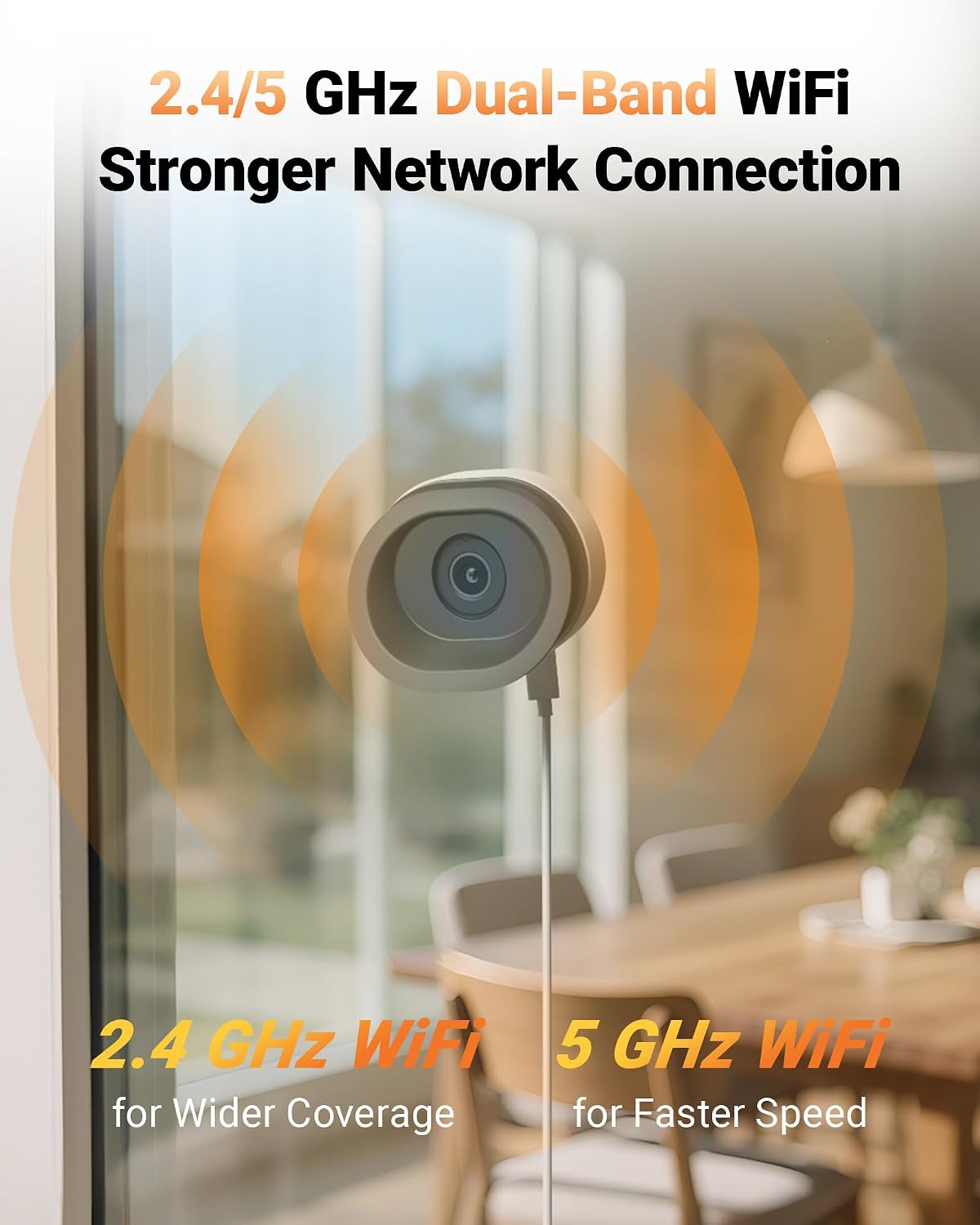
Image: The camera's magnetic base allows for quick, tool-free installation and easy repositioning on compatible mounting stickers.
Choose a suitable window for placement. The camera is designed for versatile window placement, including 2nd-floor windows, garage windows, balcony windows, and storefront windows, without requiring outdoor mounting, preventing vandalism, or theft.

Зображення: Прamples of versatile window placements, demonstrating the camera's suitability for various indoor monitoring scenarios without outdoor installation.
The camera comes with multiple magnetic brackets, including a 20° tilt mount for higher windows and a level mount. The magnetic design allows you to easily attach and detach the camera from the mounting stickers.

Image: A comparison showing the wider outdoor view achieved with the 20° tilt mount, ideal for higher windows, versus a standard level mount.
The camera also features multi-directional tilt capabilities, allowing you to adjust the angle (up, down, left, right) for optimal viewінж.

Image: Illustrations showing the camera's ability to tilt in multiple directions (down, up, left, right) for flexible viewкути.
- Clean the window surface where you intend to mount the camera.
- Apply the adhesive mounting sticker to the clean window surface.
- Attach the desired magnetic bracket (e.g., 20° tilt mount) to the sticker.
- Place the camera onto the magnetic bracket. Adjust the camera angle as needed.
- Use the included adhesive cable clips to neatly route the power cable along the window frame or wall.
4. Інструкція з експлуатації
4.1. Жити View
Access the Vsees app on your mobile device. Select your camera from the device list to view the live feed. You can pinch to zoom and pan across the live video.
4.2. Двостороння розмова
Камера підтримує двосторонній аудіозв'язок. У режимі реального часу view interface of the Vsees app, tap the microphone icon to speak through the camera's speaker. Tap the speaker icon to listen to audio from the camera's vicinity.
4.3. Запис і відтворення
The camera supports 24/7 continuous recording or motion-triggered recording. You can store footage locally using a microSD card (not included) or via cloud storage (subscription may be required).
- Локальна пам'ять: Insert a formatted microSD card into the camera's designated slot. Configure recording settings (continuous or event-based) within the Vsees app.
- Відтворення: In the Vsees app, navigate to the playback section for your camera. Use the timeline to review записаний footage.
4.4. AI Human/Vehicle Detection
The camera features AI-powered human and vehicle detection, providing accurate alerts and reducing false alarms.

Image: The camera's AI detection identifies and distinguishes between persons, vehicles, and pets, sending relevant alerts to your device.
- Enable AI detection in the Vsees app settings for your camera.
- Configure alert preferences, such as push notifications to your mobile device.
4.5. Нічне бачення
The camera provides clear night vision, including full-color night images with true AI-ISP technology and an F1.0 super aperture, without requiring a spotlight.

Image: The Anlapus A60 Pro camera offers full-color night vision with no glare, providing clearer images compared to traditional infrared or spotlight-based night vision.
4.6. Anti-Glare & Anti-Reflection
The camera is designed with anti-glare and anti-reflection technology to ensure clear viewing through windows, minimizing distortions often seen with traditional indoor cameras.

Image: A side-by-side comparison demonstrating the Anlapus A60 Pro's ability to provide a clear, reflection-free view through a window, unlike a traditional indoor camera.
5. Технічне обслуговування
- Прибирання: Обережно протріть об’єктив та корпус камери м’якою сухою тканиною. Уникайте використання агресивних хімікатів або абразивних засобів для чищення.
- Оновлення прошивки: Regularly check the Vsees app for available firmware updates. Keeping your camera's firmware updated ensures optimal performance and security. Follow the app's instructions for any update procedures.
- Розміщення: Ensure the camera is not exposed to direct sunlight for extended periods, as this can cause the housing to warm up.
6. Вирішення проблем
- Камера не підключається до Wi-Fi:
- Переконайтеся, що ваша мережа Wi-Fi активна та знаходиться в межах досяжності.
- Перевірте, чи ви ввели правильний пароль Wi-Fi.
- Спробуйте перезавантажити роутер і камеру.
- Confirm your phone is connected to the same Wi-Fi network during setup.
- Погана якість зображення:
- Check if the camera lens is clean.
- Ensure there is sufficient lighting, especially during night vision.
- Verify the camera is positioned correctly to avoid reflections or glare from the window.
- Немає сповіщень про виявлення руху:
- Ensure motion detection is enabled in the Vsees app settings.
- Перевірте налаштування чутливості для виявлення руху.
- Verify that app notifications are enabled on your mobile device.
- Two-way talk not working:
- Check your phone's microphone and speaker permissions for the Vsees app.
- Переконайтеся, що мікрофон і динамік камери нічим не загороджені.
- Verify a stable internet connection.
- Camera feels warm:
- It is normal for the camera housing to feel warm during operation. However, ensure it is not placed in direct sunlight or in an enclosed space with poor ventilation.
7. Технічні характеристики
| Особливість | Специфікація |
|---|---|
| Бренд | Анлапус |
| Номер моделі | Віконна камера |
| Рекомендоване використання | Безпека в приміщенні |
| Технологія підключення | Wired (Power), Wireless (Wi-Fi) |
| Особливості | Easy to Install, Night Vision, AI Human/Vehicle Detection, 2-Way Talk, Magnetic Setup, Anti-Glare/Anti-Reflection |
| Сумісні пристрої | Vsees App |
| Джерело живлення | Провідний електричний |
| Розміри предмета (Д x Ш x В) | 3.39 x 3.06 x 3.15 дюймів |
| Підтримка Wi-Fi | 2.4GHz / 5GHz Dual-Band |
| роздільна здатність | 3 МП 2K |
8. Гарантія та підтримка
Anlapus products are designed for reliability and performance. For specific warranty details, please refer to the warranty card included in your product packaging or visit the official Anlapus webсайт.
For technical support, troubleshooting assistance, or any inquiries regarding your Anlapus 3MP 2K Window Camera, please contact Anlapus customer support through their official website or the Vsees app.
Інтернет-ресурси:
- Anlapus Official Webсайт: www.anlapus.com (Примітка: Це тимчасовий фрагмент URLбудь ласка, зверніться до документації до продукту для отримання правильної інформації webсайт.)
- Vsees App Support: Check the 'Help' or 'FAQ' section within the Vsees application.