
1. Вступ
This manual provides instructions for the proper use and maintenance of your plplaaoo SC12022D wired 1D and 2D barcode scanner. This device is designed for fast and accurate scanning of both printed and screen-based barcodes, suitable for various retail, warehouse, and office environments.
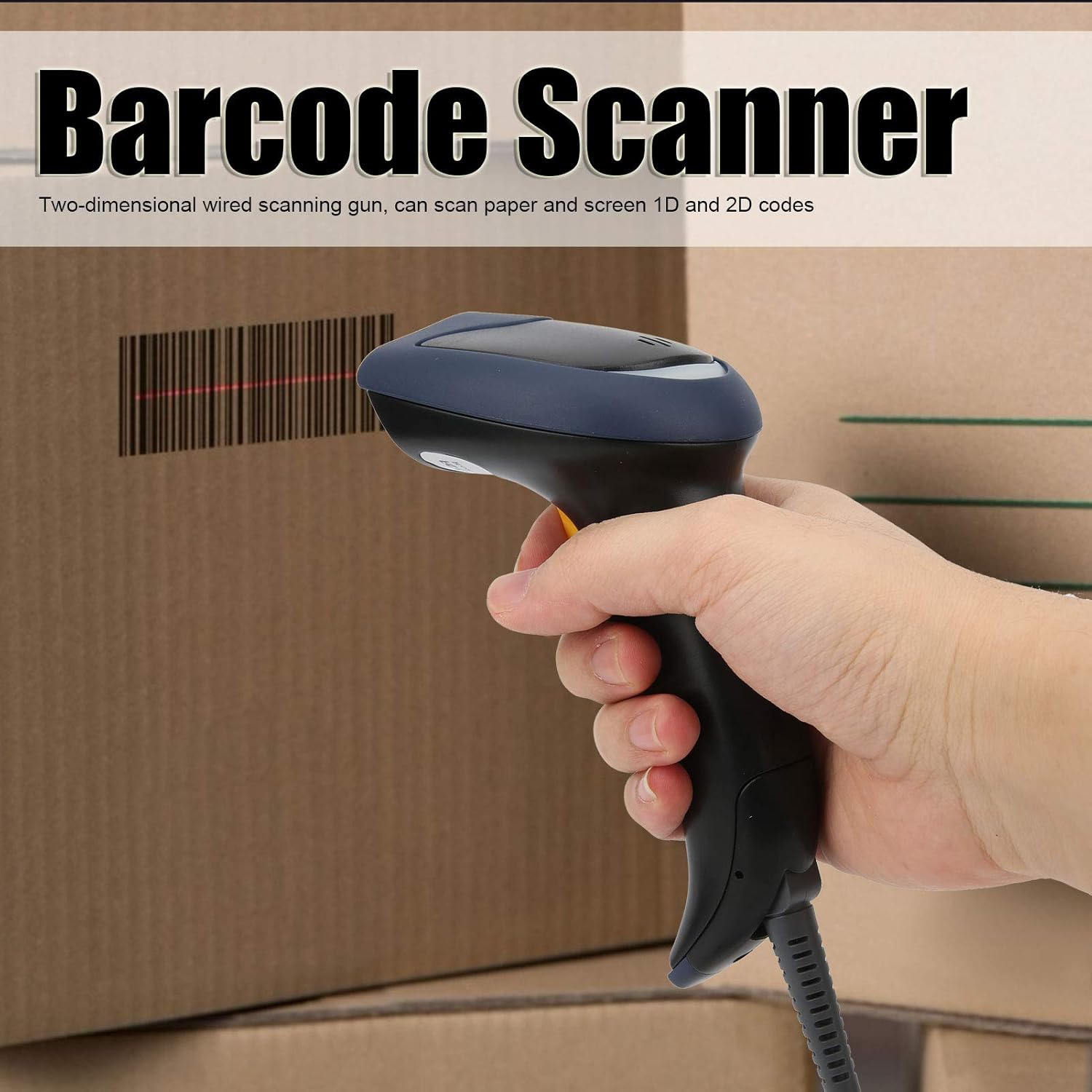
Image 1.1: The plplaaoo SC12022D barcode scanner in operation, held by a user scanning a package. This illustrates the ergonomic design and typical use case of the device.
2. Інформація про безпеку
Please read and follow these safety guidelines to ensure safe operation and to prevent damage to the device or injury to yourself.
- Лазерна безпека: Do not stare directly into the scanning window or point the laser beam at eyes. This device uses a visible light laser.
- Умови навколишнього середовища: Operate the scanner within the specified temperature range of 20℃ to +60℃. Avoid exposure to extreme temperatures, humidity, or dust.
- Обробка: Поводьтеся з пристроєм обережно. Уникайте падінь та сильних ударів.
- Прибирання: Використовуйте для очищення м’яку суху тканину. Не використовуйте абразивні засоби для чищення або розчинники.
3. Вміст упаковки
Перевірте наявність усіх елементів в упаковці:
- plplaaoo SC12022D Barcode Scanner
- USB Cable (attached or separate)
- Посібник користувача (цей документ)
4. Продукт закінчивсяview
The plplaaoo SC12022D is a handheld, gun-style barcode scanner designed for comfortable and efficient use. It features a high-resolution sensor for precise reading of various barcode types.
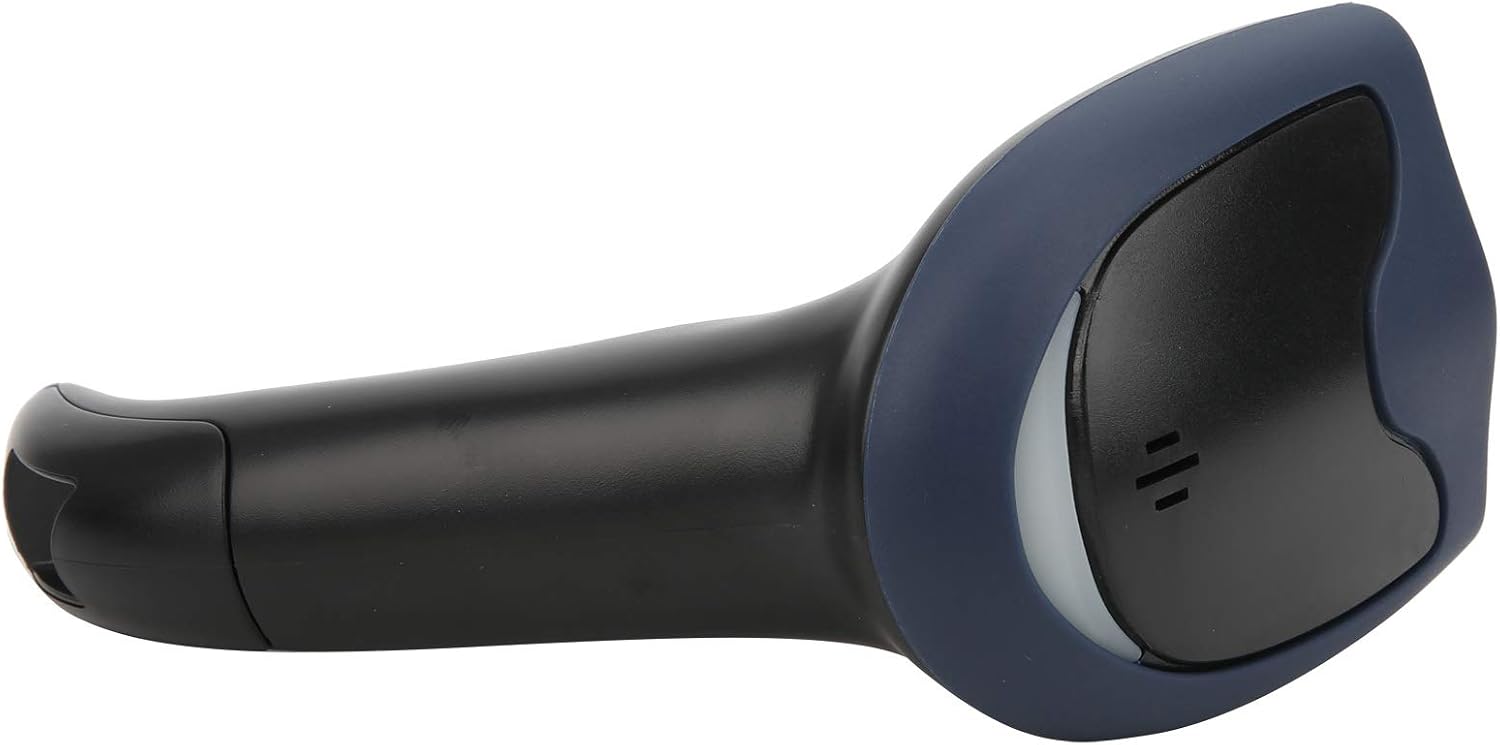
Зображення 4.1: спереду view of the barcode scanner, highlighting the scanning window and the comfortable grip design.

Зображення 4.2: Збоку view of the barcode scanner, illustrating its contoured shape and the placement of the trigger button.

Зображення 4.3: Детальний view of the scanning window, where the laser beam is emitted and barcodes are read.
5. Налаштування
The plplaaoo SC12022D barcode scanner is designed for plug-and-play convenience. No driver installation is typically required for most operating systems.
- Підключіть кабель USB: Locate the USB cable. If it is detachable, connect the smaller end to the port on the base of the scanner.
- Plug into Computer/POS System: Insert the standard USB-A end of the cable into an available USB port on your computer or Point-of-Sale (POS) system.
- Розпізнавання системи: Your operating system should automatically detect and install the necessary generic drivers. The scanner will typically emit a beep or flash an indicator light to confirm it is ready for use.

Image 5.1: The USB cable provided with the scanner, featuring a USB-A connector for the host device and a proprietary connector for the scanner.

Image 5.2: The USB cable securely connected to the port on the underside of the scanner's handle.
6. Інструкція з експлуатації
Once connected, the scanner functions as a keyboard wedge, inputting scanned data directly into any active text field.
- мета: Спрямуйте вікно сканування на штрих-код, який ви хочете зчитати.
- сканування: Press and hold the trigger button. A red laser line or aiming pattern will appear. Position the laser line across the entire barcode.
- Підтвердження: Upon successful scan, the scanner will emit a beep and/or the indicator light will flash. The barcode data will then appear in your active application.
- Scanning Performance: The scanner is capable of reading both 1D and 2D barcodes from paper and digital screens, even if they are poorly printed or slightly damaged.
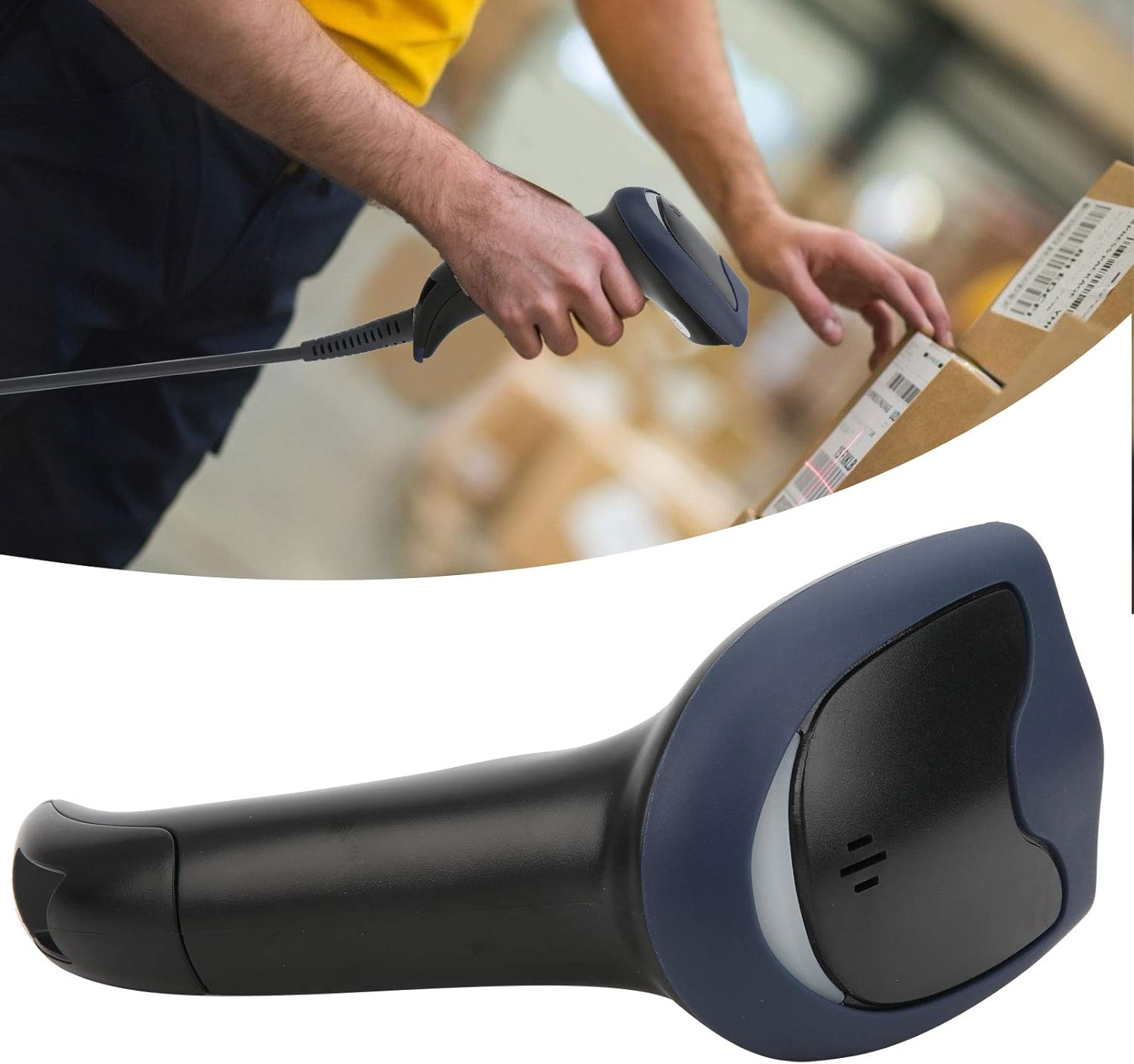
Image 6.1: A user actively scanning a barcode on a box, demonstrating the scanner's application in a typical work environment.

Image 6.2: The barcode scanner displayed alongside icons representing diverse environments such as retail, logistics, and office settings, illustrating its broad compatibility.
7. Технічне обслуговування
Правильне обслуговування забезпечує довговічність та оптимальну роботу вашого сканера штрих-кодів.
- Очищення вікна сканування: Regularly clean the scanning window with a soft, lint-free cloth. For stubborn smudges, slightly dampen the cloth with water or a mild, non-abrasive cleaner. Ensure the window is dry before use.
- Генеральне прибирання: Wipe the exterior of the scanner with a soft, dry cloth. Avoid using harsh chemicals or solvents that could damage the plastic.
- Зберігання: Коли сканер не використовується, зберігайте його в чистому, сухому місці, подалі від прямих сонячних променів та екстремальних температур.
8. Вирішення проблем
Якщо у вас виникли проблеми зі сканером, зверніться до наступних поширених проблем та способів їх вирішення:
| проблема | Можлива причина | Рішення |
|---|---|---|
| Сканер не вмикається або не відповідає. | USB-кабель неправильно підключений або USB-порт несправний. | Переконайтеся, що USB-кабель надійно підключено як до сканера, так і до комп’ютера. Спробуйте інший USB-порт або комп’ютер. |
| Сканер подає звуковий сигнал, але дані не передаються. | No active text field or incorrect keyboard layout. | Ensure a text input field is active (e.g., Notepad, Word document, browser search bar). Check your computer's keyboard language settings. |
| Unable to scan certain barcodes. | Barcode type not supported, damaged barcode, or poor lighting. | Refer to the Specifications section for supported symbologies. Try scanning a different, known-good barcode. Ensure adequate lighting and proper aiming. |
| Scanner is slow or inconsistent. | Dirty scanning window or interference. | Clean the scanning window as described in the Maintenance section. Ensure no obstructions are near the scanning area. |
9. Технічні характеристики
- модель: SC12022D
- Технологія сканування: 1D/2D Wired
- Інтерфейс: USB
- Підтримувані символи: QR, Micro QR, PDF417, Maxicode, Data Matrix, AztecCode, UPC, EAN, Code 128, and more than 20 other types.
- Робоча температура: від 20 ℃ до +60 ℃
- Захист від електростатичного розряду (ESD): Up to ±15 KV
- Дизайн: Ergonomic handheld gun style
10. Інформація про гарантію
This product comes with a standard manufacturer's warranty. Please retain your proof of purchase for warranty claims. The warranty typically covers defects in materials and workmanship under normal use. It does not cover damage caused by misuse, accidents, unauthorized modifications, or operation outside the specified environmental conditions.
11. Підтримка
For technical assistance, troubleshooting beyond this manual, or warranty inquiries, please contact your retailer or the manufacturer directly. Refer to the product packaging or the manufacturer's official webна сайті для отримання контактної інформації.