
1. Вступ
This manual provides instructions for the setup, operation, maintenance, and troubleshooting of your LETSUNG Golite11 Mini PC. The Golite11 is a compact desktop computer designed for various tasks, from web browsing and office applications to light gaming and multimedia playback. It features an Intel Celeron N4000 processor, 6GB LPDDR4 RAM, and a 128GB M.2 SSD, offering efficient performance in a small form factor.
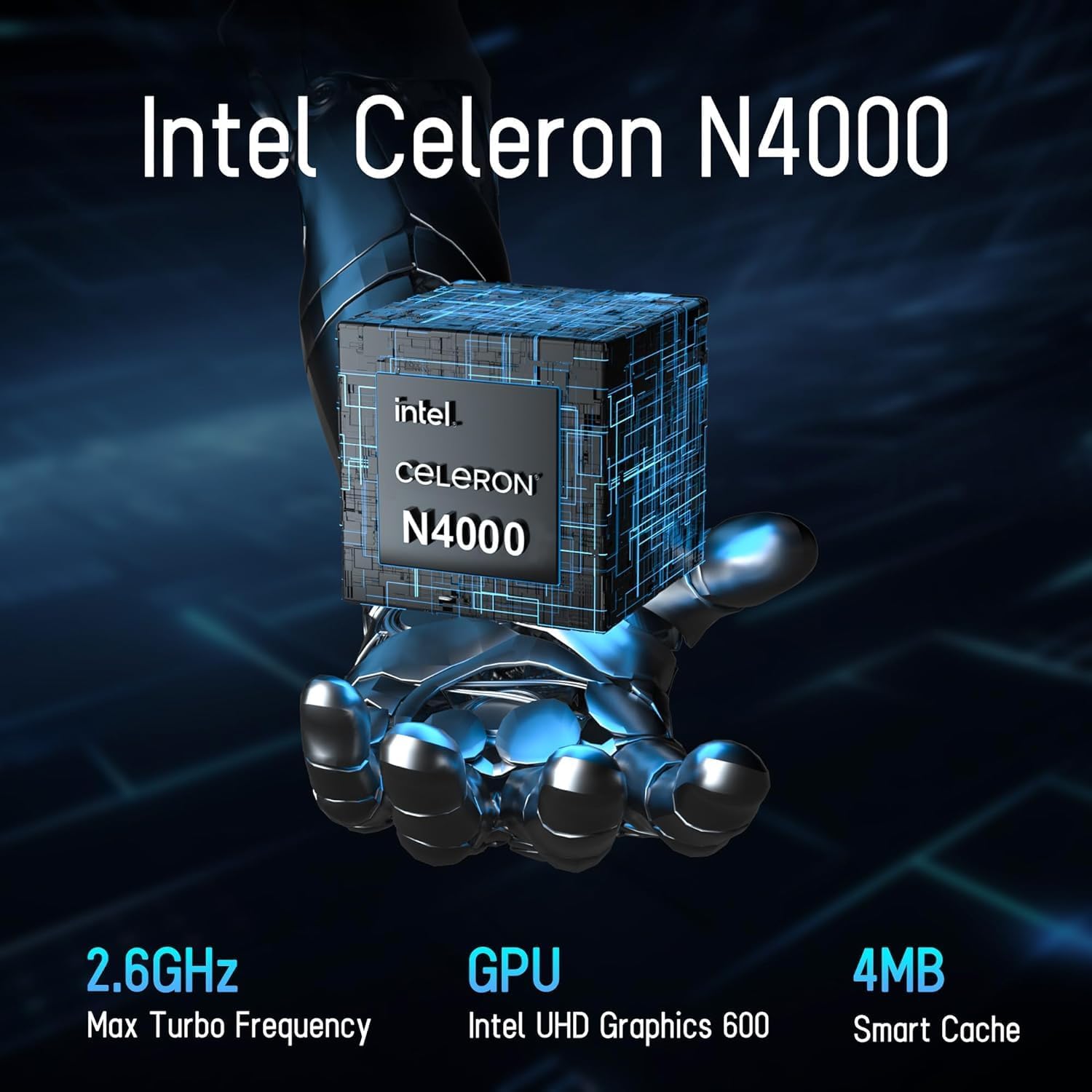
Image 1.1: LETSUNG Golite11 Mini PC, front view.
2. Що в коробці
Перевірте наявність усіх елементів в упаковці:
- 1 x Міні-ПК Golite 11
- 1 кабель HDMI
- 1 кріплення VESA
- 1 x адаптер живлення
- 1 x Посібник користувача
3. Продукт закінчивсяview
3.1. Процесор і пам'ять
The Golite11 Mini PC is equipped with an Intel Celeron N4000 processor, providing efficient performance for daily computing tasks. It includes 6GB of LPDDR4 RAM for smooth multitasking.

Image 3.1: Intel Celeron N4000 Processor.

Image 3.2: DDR4 Memory Module.
3.2. Зберігання
The device comes with a 128GB M.2 SATA SSD, offering fast boot times and data access. Storage can be expanded up to 512GB.
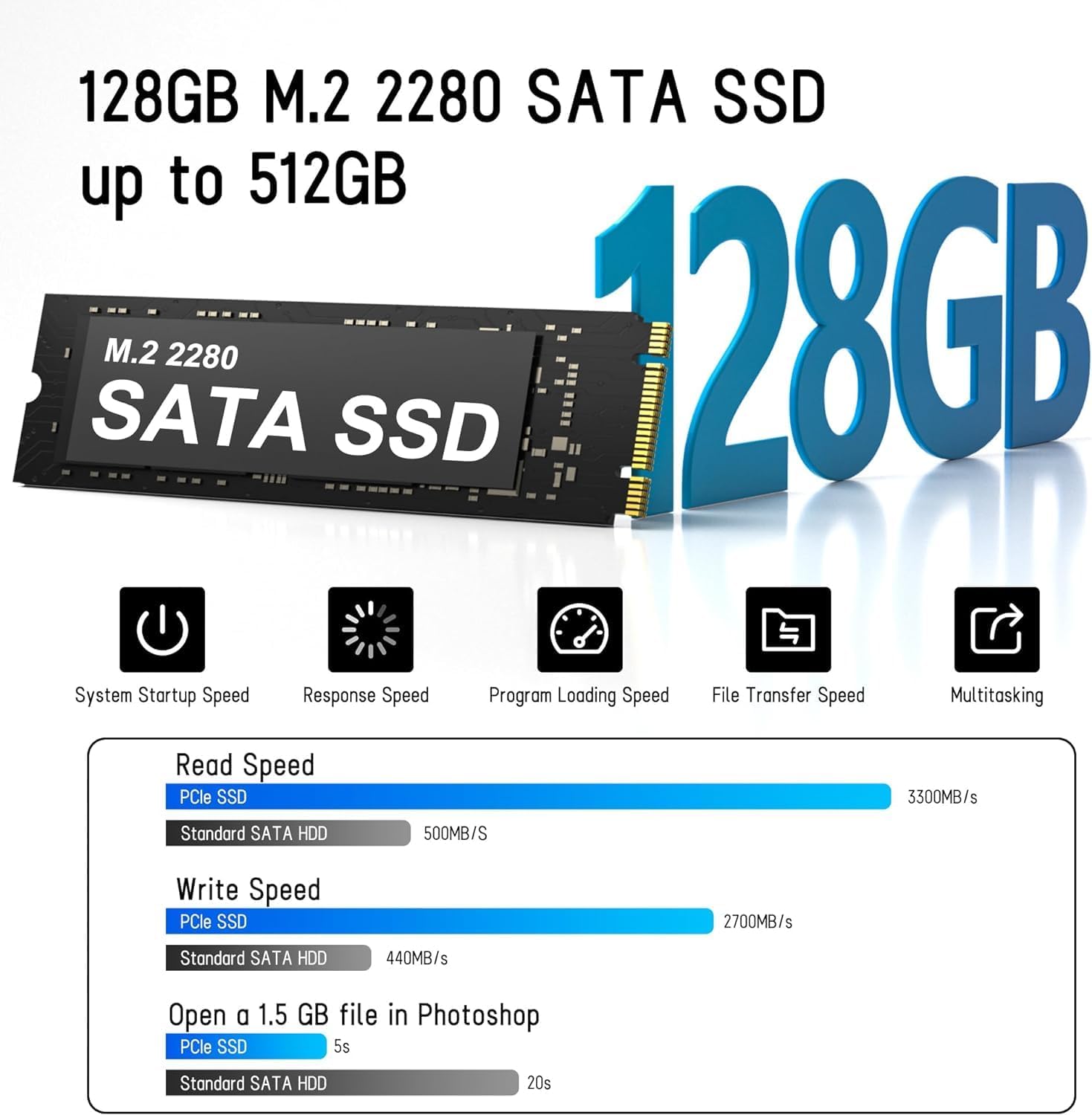
Image 3.3: M.2 SATA SSD.
3.3. Порти та роз'єми
The Golite11 Mini PC features a variety of ports for connectivity:
- Кнопка живлення: Щоб увімкнути або вимкнути пристрій.
- Гніздо для навушників 3.5 мм: Для виведення звуку.
- Порти USB 3.2 першого покоління: Multiple ports for connecting peripherals.
- Порт локальної мережі RJ45: Для дротового мережевого підключення.
- Порти HDMI 1.4: Two ports for connecting displays.
- DC Джек: Для вхідної потужності.

Зображення 3.4: Детальний опис view of ports and connectors.
4. Налаштування
Follow these steps to set up your LETSUNG Golite11 Mini PC:
- Підключення до дисплея: Use the provided HDMI cable to connect the Mini PC to a monitor or TV. The device supports dual displays.
- Підключення периферійних пристроїв: Підключіть USB-клавіатуру та мишу до доступних USB-портів.
- Підключіть живлення: Connect the power adapter to the DC jack on the Mini PC, then plug the adapter into a power outlet.
- Увімкнення: Press the power button located on the device. The system will boot up.
- Початкове налаштування Windows: Follow the on-screen instructions to complete the initial Windows operating system setup, including language, region, and network configuration.
5. Інструкція з експлуатації
5.1. Основна операція
Once the initial setup is complete, your Mini PC is ready for use. Navigate the operating system using your connected keyboard and mouse. You can install applications, browse the internet, and perform other computing tasks.
5.2. Налаштування двох дисплеїв
The Golite11 supports connecting two displays simultaneously for an extended desktop experience. Connect a second monitor using the additional HDMI port. The operating system should automatically detect the second display. You can configure display settings (e.g., extend, duplicate) through the display settings in your operating system.

Image 5.1: Dual display setup with the Mini PC.
5.3. Підключення до мережі
- Wi-Fi: The Mini PC supports WiFi 5.0. To connect to a wireless network, go to your operating system's network settings, select your desired Wi-Fi network, and enter the password.
- Ethernet: For a wired connection, connect an Ethernet cable from your router or modem to the RJ45 LAN port on the Mini PC.
5.4. Bluetooth Devices
The Mini PC supports Bluetooth 4.2. To pair Bluetooth devices (e.g., headphones, speakers), enable Bluetooth in your operating system's settings, search for devices, and follow the pairing instructions.
6. Технічне обслуговування
6.1. прибирання
To maintain optimal performance, keep the Mini PC clean. Use a soft, dry cloth to wipe the exterior. For dust accumulation in vents, use compressed air. Ensure the device is powered off and unplugged before cleaning.

Image 6.1: Internal cooling system for efficient heat dissipation.
6.2. Оновлення програмного забезпечення
Regularly update your operating system and drivers to ensure security, stability, and optimal performance. Check for updates through your operating system's settings.
6.3. Розширення сховища
The internal M.2 SATA SSD can be upgraded up to 512GB. Refer to the detailed instructions for internal component access if you plan to upgrade the storage. It is recommended to seek professional assistance for hardware upgrades.
7. Вирішення проблем
Якщо у вас виникли проблеми з вашим міні-ПК, зверніться до наступних поширених проблем та рішень:
- Немає живлення:
- Переконайтеся, що адаптер живлення надійно підключений як до міні-ПК, так і до справної розетки.
- Перевірте справність розетки, підключивши інший пристрій.
- Немає дисплея:
- Перевірте, чи кабель HDMI надійно підключено як до міні-ПК, так і до монітора.
- Переконайтеся, що монітор увімкнено та налаштовано на правильне джерело вхідного сигналу (HDMI).
- Якщо можливо, спробуйте інший кабель HDMI або монітор.
- Повільна продуктивність:
- Закрийте непотрібні програми, що працюють у фоновому режимі.
- Перевірте та встановіть усі доступні оновлення операційної системи.
- Переконайтеся, що на SSD-накопичувачі достатньо вільного місця.
- Проблеми з підключенням до мережі:
- For Wi-Fi, ensure the correct password is entered and the signal strength is adequate.
- For Ethernet, check the cable connection and ensure your router/modem is working correctly.
- Перезавантажте маршрутизатор/модем і міні-ПК.
8. Технічні характеристики
| Особливість | Специфікація |
|---|---|
| Модель | Golite11 |
| Процесор | Intel Celeron N4000 (2 ядра, 2 потоки, до 2.8 ГГц) |
| Графіка | Intel UHD Graphics 600 |
| ОЗУ | 6 ГБ LPDDR4 |
| Внутрішня пам'ять | 128GB M.2 SATA SSD (Expandable up to 512GB) |
| Операційна система | Pre-installed (e.g., Windows 11, specific version may vary) |
| Відеовихід | 2 x HDMI 1.4 (Supports 1920x1080 @60Hz, Dual Display) |
| USB порти | 4 x USB 3.2 Gen 1 |
| Мережа | WiFi 5.0, Bluetooth 4.2, 1 x RJ45 LAN Port |
| Аудіо | 1 x 3.5 мм гніздо для навушників |
| Розміри | Approx. 4.52in x 4.42in x 1.61in |
| вага | Прибл. 0.6 фунта |
| Система охолодження | Built-in ultra-low power cooling fan |
9. Гарантія та підтримка
LETSUNG products are designed for reliability and performance. For warranty information, please refer to the warranty card included with your purchase or visit the official LETSUNG website. For technical support, troubleshooting assistance beyond this manual, or service inquiries, please contact LETSUNG customer support through the contact information provided on the official webсайт або ваша платформа для покупок.
Зберігайте підтвердження покупки для гарантійних претензій.