
1. Вступ
Дякуємо за покупкуasing the Aiwa BST-130RD Bluetooth Speaker. This portable speaker features Bluetooth 5.3 connectivity, vibrant RGB lighting, FM radio, and multiple playback options including USB and TF card. This manual provides essential information for the safe and efficient use of your device. Please read it thoroughly before operation and retain it for future reference.
2. Вміст упаковки
Переконайтеся, що всі предмети присутні в упаковці:
- Aiwa BST-130RD Bluetooth Speaker
- Зарядний кабель USB Type-C
- Інструкція з експлуатації
3. Продукт закінчивсяview
Ознайомтеся з елементами керування та портами динаміка.
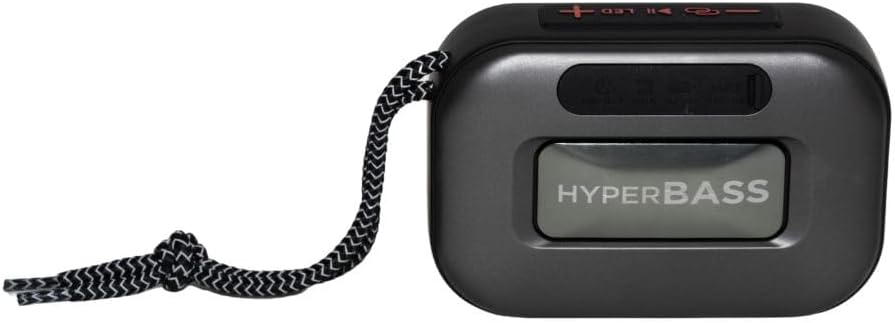
малюнок 3.1: Фронт view of the Aiwa BST-130RD Bluetooth Speaker, showcasing the speaker grille and RGB light ring.

малюнок 3.2: Close-up of the tactile control buttons located on the top panel of the speaker. These include power, play/pause, volume, mode, and LED light controls.

малюнок 3.3: Задня view of the speaker, illustrating the USB-A port, Micro SD (TF) card slot, AUX-IN port, and USB Type-C charging port.
Елементи керування:
- Кнопка живлення: Натисніть і утримуйте, щоб увімкнути/вимкнути динамік.
- Кнопка відтворення/паузи: Відтворення або призупинення аудіо. Відповідь/завершення дзвінків у режимі Bluetooth.
- Збільшення гучності (+): Increase volume. Long press for next track/FM station.
- Зменшення гучності (-): Decrease volume. Long press for previous track/FM station.
- Кнопка режиму (M): Switch between Bluetooth, FM Radio, USB, TF Card, and AUX-IN modes.
- Світлодіодна кнопка: Зміна режимів RGB-підсвічування.
Порти:
- Порт USB-A: Для відтворення з USB-флеш-накопичувача.
- Слот для картки TF: Для відтворення з карт Micro SD.
- AUX-IN Port (3.5mm): Для дротового аудіопідключення.
- Порт зарядки USB Type-C: Для зарядки колонки.
4. Налаштування
4.1 Заряджання динаміка
- Підключіть наданий зарядний кабель USB Type-C до зарядного порту динаміка.
- Connect the other end of the cable to a 5V DC USB power adapter (not included).
- Індикатор заряджання світитиметься під час заряджання та вимкнеться після повного заряджання.
- Повна зарядка зазвичай займає приблизно 2-3 години.
4.2 Увімкнення/вимкнення живлення
- Щоб увімкнути: Press and hold the Power button for 2-3 seconds until you hear an audible prompt and the RGB lights activate.
- Щоб вимкнути: Press and hold the Power button for 2-3 seconds until you hear an audible prompt and the RGB lights deactivate.
5. Інструкція з експлуатації
5.1 Створення пари Bluetooth
- Ensure the speaker is powered on and in Bluetooth mode (indicated by an audible prompt or LED status). If not, press the Mode button to switch to Bluetooth mode.
- Увімкніть Bluetooth на своєму смартфоні, планшеті або іншому пристрої з підтримкою Bluetooth.
- шукати available devices and select "AIWA BST-130RD" from the list.
- Once paired, the speaker will emit an audible confirmation.
- Тепер ви можете відтворювати аудіо з вашого пристрою через динамік.
5.2 Сполучення справжнього бездротового стерео (TWS)
The TWS function allows you to connect two Aiwa BST-130RD speakers for a stereo sound experience.
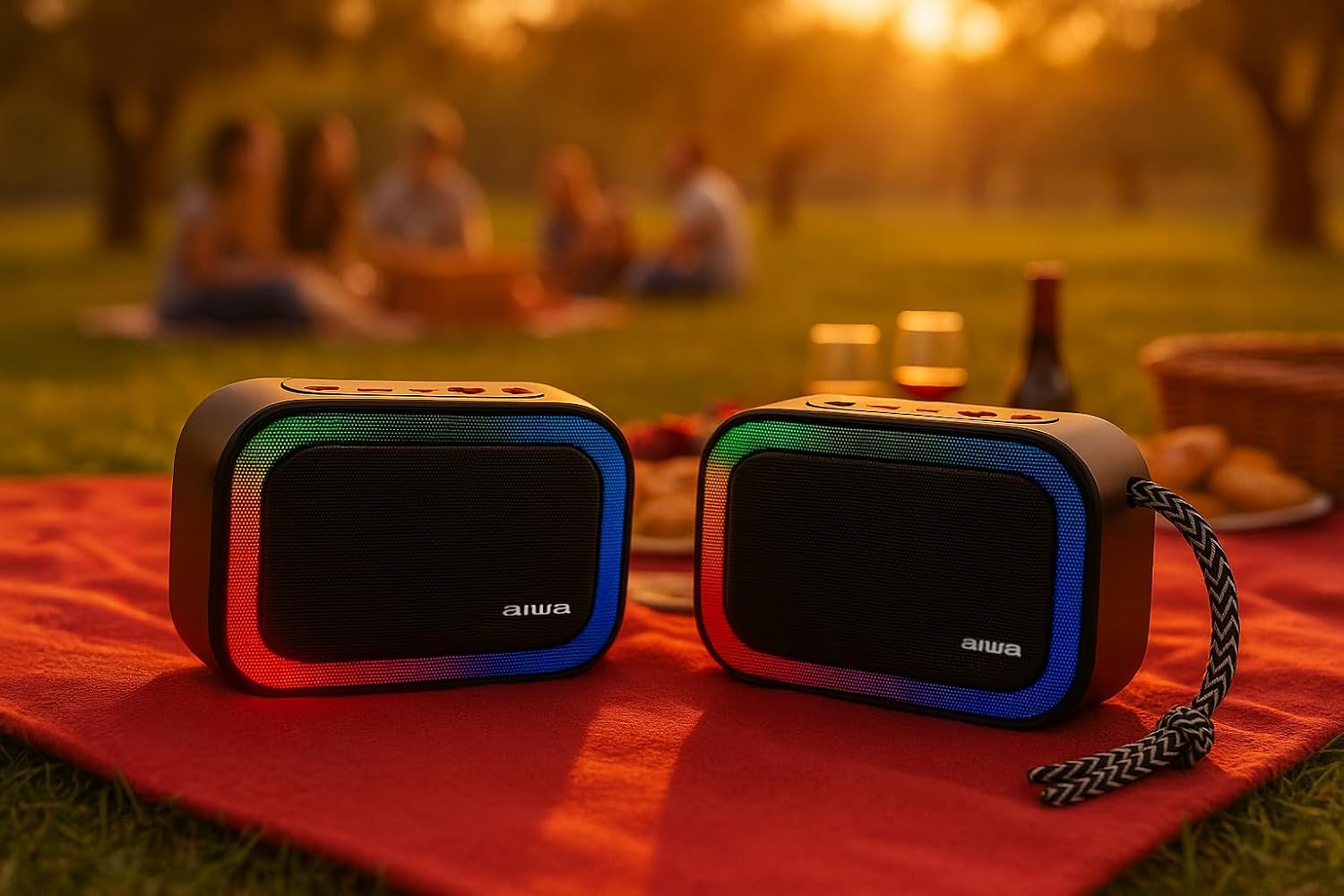
малюнок 5.1: Two Aiwa BST-130RD speakers operating in True Wireless Stereo (TWS) mode, providing a wider soundstage.
- Ensure both BST-130RD speakers are powered on and in Bluetooth mode, but not yet paired to any device.
- On one of the speakers (this will be the primary speaker), double-press the Play/Pause button. The speaker will search for another BST-130RD.
- Once connected, you will hear an audible confirmation. The primary speaker will act as the left channel, and the secondary speaker as the right channel.
- Now, pair your Bluetooth device to the primary speaker as described in Section 5.1.
5.3 Робота FM-радіо
- Press the Mode button repeatedly until you enter FM Radio mode.
- Натисніть кнопку відтворення/паузи один раз, щоб розпочати автоматичне сканування станцій. Гучномовець просканує та збереже доступні FM-станції.
- Use the Volume Up (+) and Volume Down (-) buttons (long press) to navigate between saved stations.
5.4 Відтворення з USB / TF-карти
- Insert a USB flash drive into the USB-A port or a TF (Micro SD) card into the TF card slot.
- The speaker will automatically switch to the corresponding mode and begin playing MP3 files. If not, press the Mode button to select USB or TF mode.
- Use the Play/Pause button to control playback. Use the Volume Up (+) and Volume Down (-) buttons (long press) to skip tracks.
5.5 Режим AUX-IN
- Connect one end of a 3.5mm audio cable (not included) to the speaker's AUX-IN port.
- Підключіть інший кінець до аудіовиходу вашого зовнішнього пристрою (наприклад, MP3-плеєра, комп’ютера).
- Press the Mode button to switch to AUX-IN mode.
- Audio will now play through the speaker. Control playback from your external device.
5.6 Функція гучного зв'язку
При підключенні до смартфона через Bluetooth, динамік можна використовувати для здійснення дзвінків у режимі hands-free.
- Відповісти на дзвінок: Натисніть кнопку Відтворення/Пауза один раз.
- Завершити виклик: Натисніть кнопку відтворення/паузи один раз під час дзвінка.
- Відхилити виклик: Натисніть і утримуйте кнопку відтворення/паузи протягом 2 секунд.
5.7 Керування RGB-підсвічуванням
The speaker features a dynamic RGB lighting system.

малюнок 5.2: The Aiwa BST-130RD speaker displaying its vibrant RGB lighting effects.
- Натискайте кнопку LED, щоб перемикатися між різними режимами RGB-підсвічування.
- Press and hold the LED button to turn the RGB lighting On/Off.
6. Технічне обслуговування
- Протирайте динамік м’якою сухою тканиною. Не використовуйте абразивні засоби для чищення або розчинники.
- Уникайте впливу на динамік екстремальних температур, прямих сонячних променів або високої вологості.
- Do not immerse the speaker in water. It is not waterproof.
- Якщо акумулятор не використовується протягом тривалого часу, заряджайте його принаймні раз на три місяці, щоб продовжити термін його служби.
7. Вирішення проблем
| проблема | Можлива причина | Рішення |
|---|---|---|
| Динамік не вмикається. | Низький заряд батареї. | Заряджайте динамік за допомогою кабелю USB Type-C, що постачається в комплекті. |
| Ні звуку. | Занадто низька гучність; неправильний режим; пристрій не сполучено. | Increase volume on speaker and connected device. Ensure correct mode is selected. Re-pair Bluetooth device. |
| Не вдається з'єднати Bluetooth. | Динамік не в режимі сполучення; пристрій занадто далеко; перешкоди. | Ensure speaker is in Bluetooth pairing mode. Move device closer to speaker. Turn off other Bluetooth devices. |
| Прийом FM-радіо поганий. | Слабкий сигнал; перешкоди навколишнього середовища. | Перемістіть динамік в інше місце. Знову виконайте автоматичне сканування. |
8. Технічні характеристики
- модель: BST-130RD
- Версія Bluetooth: V5.3
- Вихідна потужність: 5 Вт RMS (10% THD)
- Драйвер динаміка: 5 cm (Full Range), 3 Ohm Impedance
- АЧХ: 80 Гц - 18 кГц
- Коефіцієнт сигнал-шум: ≥ 85 дБ
- Чутливість: 490 mV (1 kHz)
- входи: Bluetooth, USB MP3, TF MP3, FM Scanner, AUX-IN (3.5mm Stereo)
- Споживана потужність: 5V DC USB Type-C
- Батарея: 1200mAh, 3.7V Lithium (with protection circuit)
- Зарядка Voltage: 5В 1А
- особливості: TWS (True Wireless Stereo), RGB Lighting, Hands-free Function
- Розміри: 133 x 89 x 47.5 мм
- вага: 0.314 кг
9. Інформація про безпеку
- Не розбирайте, не ремонтуйте та не модифікуйте пристрій.
- Тримайте пристрій подалі від води, вологи та легкозаймистих речовин.
- Уникайте тривалого прослуховування на високій гучності, щоб запобігти пошкодженню слуху.
- Утилізуйте акумулятор та пристрій відповідально згідно з місцевими правилами.
10. Гарантія та підтримка
Aiwa products are designed and manufactured to the highest quality standards. For warranty information and technical support, please refer to the warranty card included in your package or visit the official Aiwa webсайт для вашого регіону.