
вступ
This manual provides essential instructions for setting up, operating, and maintaining your SGIN-T12S Android Tablet. Please read this guide thoroughly to ensure proper use and to maximize your tablet's performance and longevity.

Image: The SGIN-T12S Android Tablet, showcasing its 12-inch screen with the Android 13 operating system and a protective blue case.
Налаштування
1. Пристрій закінчивсяview і порти

Image: A detailed diagram illustrating the various components and ports of the SGIN-T12S tablet, including cameras, power button, volume controls, speakers, Type-C port, and TF mount.
- Фронтальна камера: Для відеодзвінків та селфі.
- Задня камера: Для зйомки фото та відео.
- Кнопка включення/виключення живлення: Натисніть та утримуйте, щоб увімкнути або вимкнути живлення.
- Increase Volume Button: Регулює рівень вихідного аудіо.
- Reduce Volume Button: Регулює рівень вихідного аудіо.
- Стереодинаміки: Забезпечує вихід аудіо.
- TF Mount: Slot for inserting a Micro TF (microSD) card.
- Порт типу C: Для зарядки та передачі даних.
2. Зарядка планшета
Before first use, fully charge your tablet. Use the included Type-C fast charger.
- Connect the Type-C cable to the tablet's Type-C port.
- Підключіть зарядний пристрій до розетки.
- Індикатор заряду батареї на екрані показуватиме стан заряджання.
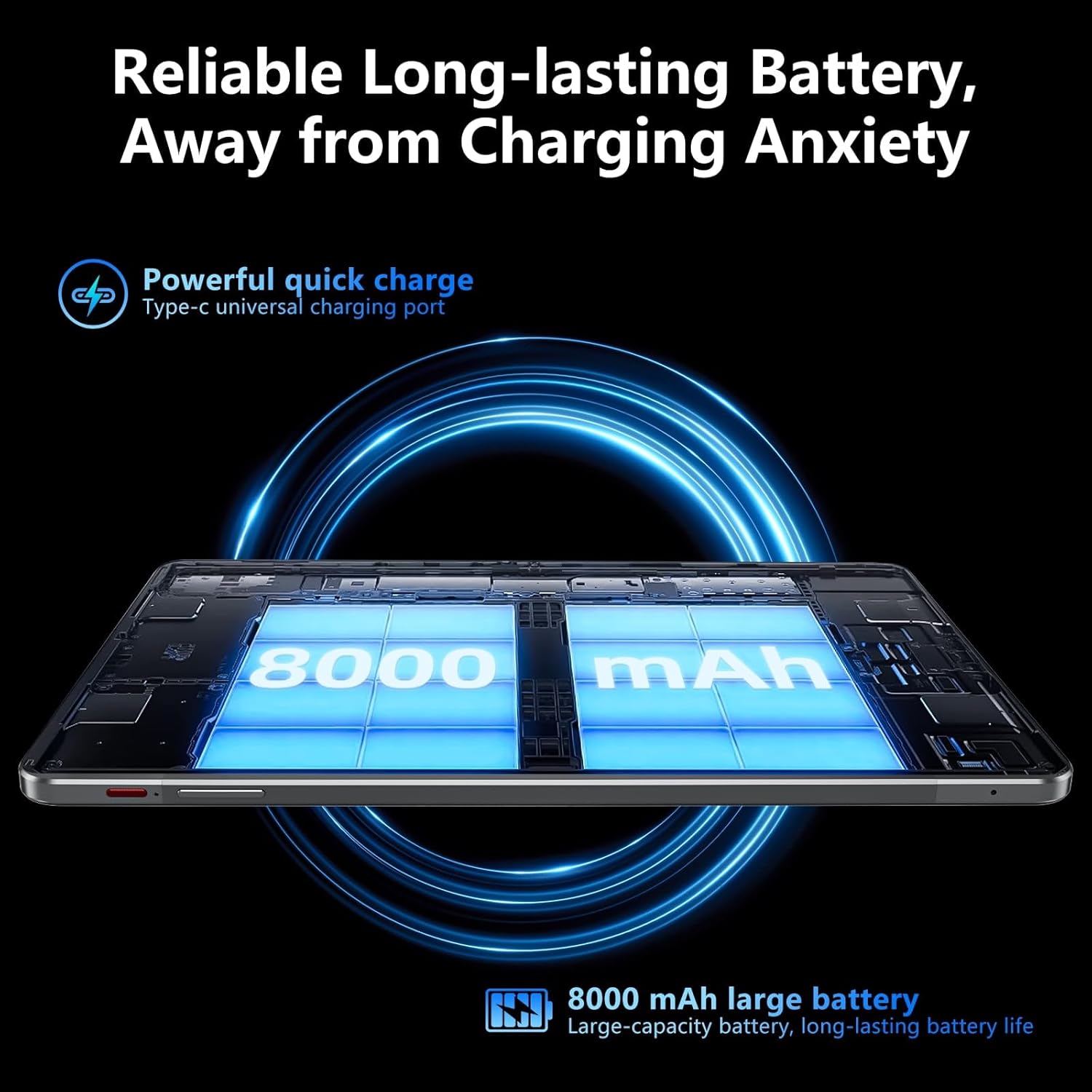
Image: Visual representation of the tablet's 8000mAh battery capacity and the Type-C universal charging port, emphasizing long battery life.
3. Увімкнення/вимкнення живлення
- Щоб увімкнути: Press and hold the Power ON/OFF button until the SGIN logo appears.
- Щоб вимкнути: Press and hold the Power ON/OFF button, then select 'Power off' from the options on the screen.
- Щоб перезапустити: Press and hold the Power ON/OFF button, then select 'Restart' from the options.
4. Початкове налаштування
Upon first power-on, the tablet will guide you through the initial setup process for Android 13. This includes:
- Вибір мови.
- Підключення до мережі Wi-Fi.
- Setting up your Google account (required for Google Mobile Services and app downloads).
- Setting up screen lock (PIN, pattern, or password).
5. Inserting a Micro TF Card
To expand storage, insert a Micro TF (microSD) card into the TF mount.
- Locate the TF mount on the side of the tablet (refer to the Device Overview зображення).
- Gently insert the Micro TF card into the slot until it clicks into place.
- The tablet supports up to 256GB TF card expansion.
Інструкція з експлуатації
1. Display and Touch Screen
The tablet features an 11.97-inch Full HD IPS touch screen with a resolution of 1920x1200 pixels.
- Жести дотиком: Use standard Android touch gestures such as tap, swipe, pinch-to-zoom, and long-press.
- Обертання екрана: The display automatically adjusts orientation based on how you hold the tablet. This can be locked or unlocked in the Quick Settings panel.
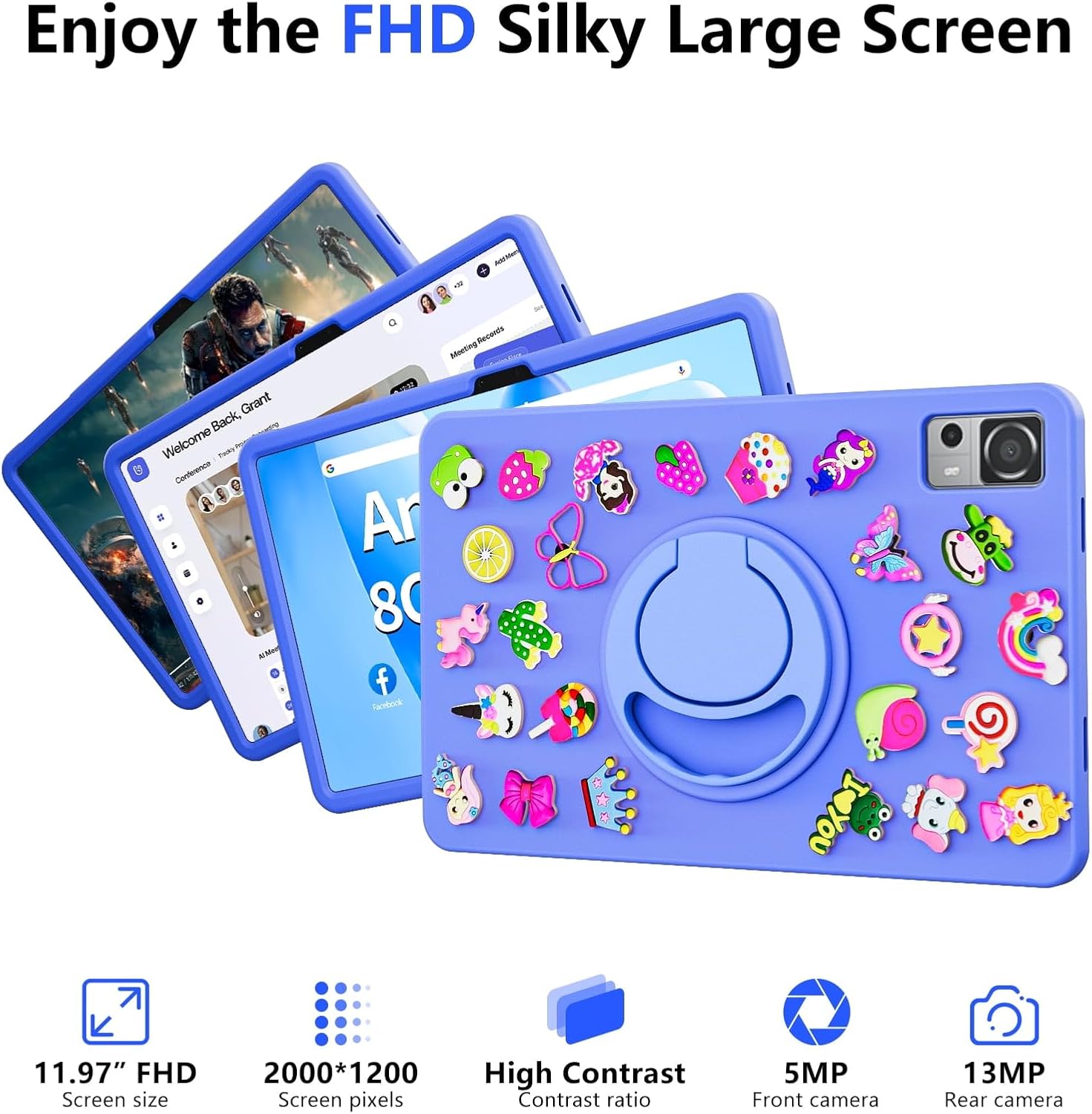
Image: The SGIN-T12S tablet highlighting its 11.97-inch FHD screen, 2000x1200 pixel resolution, 5MP front camera, and 13MP rear camera.
2. Фотоапарати
Планшет оснащений 5-мегапіксельною фронтальною камерою та 13-мегапіксельною задньою камерою.
- Відкрийте програму «Камера» на головному екрані або в панелі програм.
- Перемикайтеся між передньою та задньою камерами за допомогою значка на екрані.
- Tap to focus and press the shutter button to capture photos or start/stop video recording.
3. Аудіо
Experience immersive sound with the tablet's quad speakers and 3.5mm headphone jack.
- Чотири динаміки: Located on the sides of the tablet, providing stereo sound.
- Роз'єм для навушників: Підключіть стандартні 3.5-мм навушники для прослуховування музики в приватному режимі.
- Adjust volume using the physical volume buttons or the on-screen controls.

Image: The SGIN-T12S tablet illustrating its surround four-speaker stereo system, designed for an immersive audio experience.
4. Підключення
- Wi-Fi: Supports dual-band Wi-Fi (2.4G/5G). Go to Налаштування > Мережа та інтернет > Wi-Fi для підключення до доступних мереж.
- Bluetooth 5.0: For connecting wireless accessories like headphones, keyboards, or mice. Go to Налаштування> Підключені пристрої> Параметри з'єднання> Bluetooth to pair devices.
5. Зберігання та продуктивність
The tablet comes with 8GB RAM and 256GB internal storage, expandable via Micro TF card.
- Оперативна пам'ять: 8GB LPDDR4 RAM ensures smooth multitasking and app performance.
- Внутрішня пам'ять: 256GB ROM for apps, photos, videos, and documents.
- Розширюване сховище: Supports Micro TF cards up to 256GB for additional storage.
- Процесор: Powered by an ARM high-performance 8-core CPU with a frequency up to 2GHz for efficient operation.
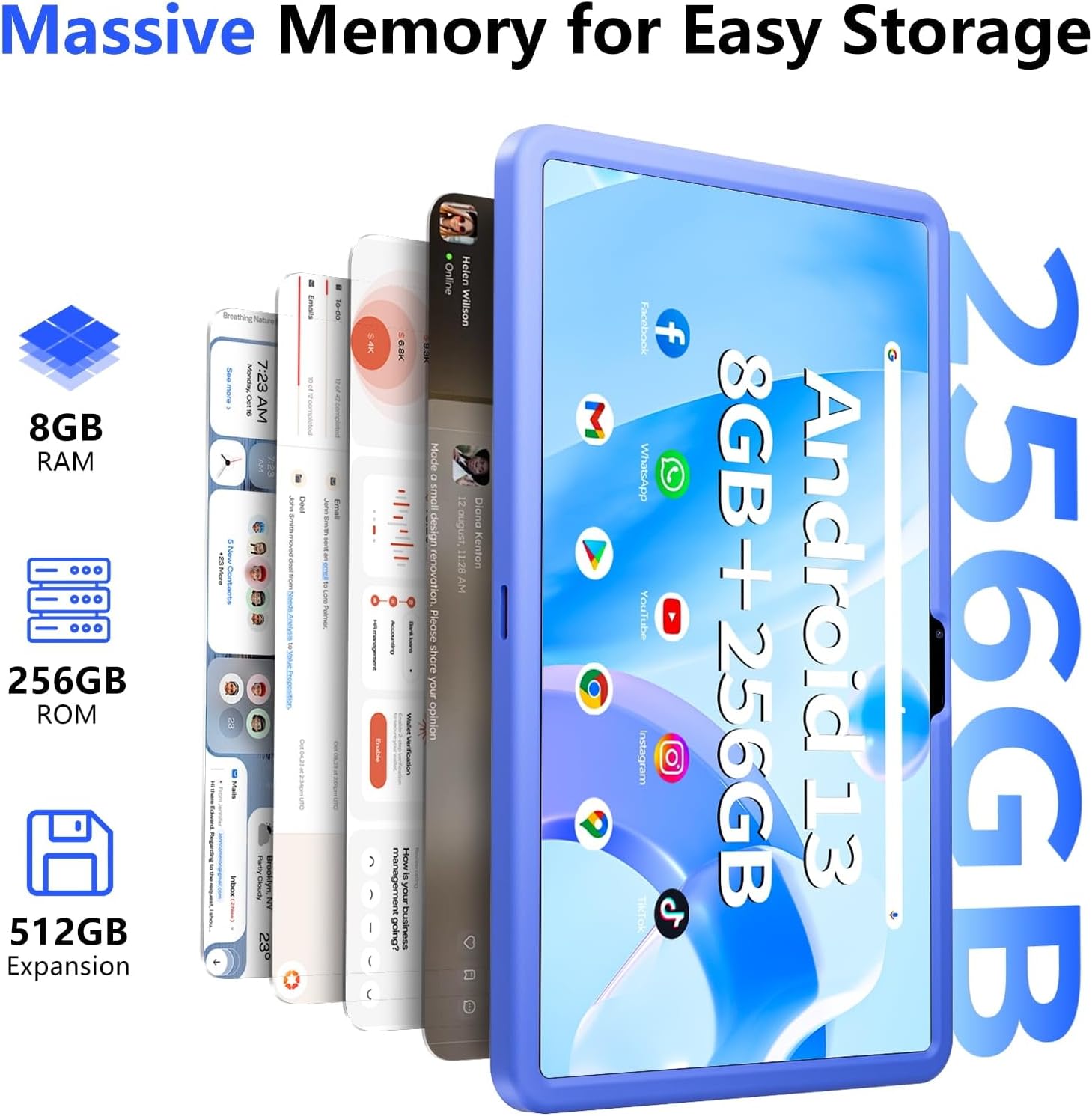
Image: The SGIN-T12S tablet emphasizing its large memory capacity, including 8GB RAM, 256GB ROM, and the potential for 512GB expansion.
6. Операційна система Android 13
The tablet runs on Android 13, offering enhanced security and personalization features.
- Безпека: Android 13 provides improved privacy controls and system security.
- Персоналізація: Customize your tablet's interface, themes, and widgets to suit your preferences.
- Google Mobile Services: Access to Google Play Store for apps, Gmail, Google Maps, and other Google services.

Image: The SGIN-T12S tablet highlighting the benefits of Android 13, such as enhanced security and personalization, alongside its matte metal body and silicone shell options.
Технічне обслуговування
1. прибирання
- Використовуйте м’яку тканину без ворсу для очищення екрана та корпусу планшета.
- Для стійких плям злегкаampпротріть тканину водою або розчином для очищення екрану.
- Уникайте використання агресивних хімікатів, абразивних матеріалів або надмірної вологості.
2. Догляд за акумулятором
- Уникайте екстремальних температур, оскільки вони можуть знизити термін служби акумулятора.
- Для оптимального стану акумулятора уникайте частого повного розряджання акумулятора або тривалого перебування його на 100% заряді.
- The 8000mAh battery provides approximately 7-9 hours of usage depending on activity.
3. Оновлення програмного забезпечення
- Регулярно перевіряйте наявність та встановлюйте оновлення системи, щоб забезпечити наявність найновіших функцій, виправлень безпеки та покращень продуктивності вашого планшета.
- Перейти до Налаштування > Система > Оновлення системи щоб перевірити наявність оновлень.
Усунення несправностей
- Планшет не вмикається: Ensure the tablet is charged. Connect it to the charger and wait a few minutes before attempting to power on again. If it still doesn't turn on, try holding the power button for 10-15 seconds.
- Екран не реагує: Try restarting the tablet. If the issue persists, ensure the screen is clean and free of debris.
- Проблеми з підключенням Wi-Fi: Check if Wi-Fi is enabled in settings. Restart your router and the tablet. Ensure you are within range of the Wi-Fi signal and have entered the correct password.
- Збої або зависання програм: Close and reopen the app. Clear the app's cache (Settings > Apps > [App Name] > Storage & cache > Clear cache). If the problem continues, uninstall and reinstall the app.
- Повільна продуктивність: Close unnecessary background apps. Clear cached data. Consider removing unused apps or large files, щоб звільнити місце для зберігання.
Технічні характеристики
| Особливість | Специфікація |
|---|---|
| Назва моделі | SGIN-T12S |
| Операційна система | Android 13 |
| Розмір екрана | 11.97 дюймів |
| Максимальна роздільна здатність екрана | 2000*1200 Pixels (FHD IPS) |
| Процесор | ARM Octa-Core 2.0 GHz (ARM_Cortex_A5) |
| ОЗУ | 8 ГБ DDR4 SDRAM |
| Hard Drive (ROM) | 256 ГБ |
| Розширюване сховище | Supports Micro TF card up to 256 GB |
| Фронтальна камера | 5 Мп |
| Задня камера | 13 Мп |
| Бездротовий тип | 802.11bgn (Dual-band 2.4G/5G Wi-Fi) |
| Bluetooth | Bluetooth 5.0 |
| Акумулятор | 8000 mAh Lithium Ion (Average 6-9 hours) |
| Порти | Type-C, Micro TF slot, 3.5mm Headphone Jack |
| Аудіо | Quad Speakers |
| Вага товару | 2.2 фунта (приблизно 500 грамів) |
| Розміри продукту | 11.97 x 6.85 x 0.3 дюймів |
Гарантія та підтримка
Information regarding specific warranty terms and direct support contact details for the SGIN-T12S tablet is not provided in the available product data. Please refer to the product packaging or the official SGIN website for the most current warranty information and customer support options.