
1. Вступ
Thank you for choosing the GooDee AC321 Video Projector. This manual provides essential information for setting up, operating, and maintaining your device to ensure optimal performance and longevity. Please read this manual thoroughly before using the projector.

Image: The GooDee AC321 Video Projector, a compact device with a lens on the front, resting on its adjustable stand.
2. Що в коробці
Перевірте наявність усіх елементів в упаковці:
- GooDee AC321 Projector
- Шнур живлення
- Кабель HDMI
- Пульт дистанційного керування
- Посібник користувача (цей документ)

Image: A visual representation of the items included with the GooDee AC321 projector: the projector unit, remote control, power cable, lens cover, and a 90-degree HDMI cable.
3. Налаштування
3.1 Підключення живлення
- Підключіть шнур живлення до вхідного порту живлення проектора.
- Підключіть інший кінець шнура живлення до відповідної електричної розетки.
- Натисніть кнопку живлення на проекторі або пульті дистанційного керування, щоб увімкнути пристрій.
3.2 Розміщення та позиціонування
The GooDee AC321 features a flexible hovering stand, allowing for versatile placement options:
- Проекція на стіл: Place the projector on a flat surface and adjust the stand to direct the image onto a wall or screen.
- Проекція стелі: The projector can be tilted upwards to project onto a ceiling, ideal for comfortable viewлежачи.
- Кріплення штатива: Utilize the 1/4-inch screw holes at the bottom of the projector to mount it on a tripod for stable and precise positioning.

Image: The GooDee AC321 projector demonstrating its flexible stand, capable of adjusting the projection angle up to 120 degrees for various viewing positions, including ceiling projection.
3.3 Initial Power On and Focus
Upon powering on, the projector will automatically perform autofocus and keystone correction to provide a clear and rectangular image. Further adjustments can be made via the remote control.
Video: A demonstration of the GooDee Mini Projector's initial setup, showing the power-on sequence, automatic focus adjustment, and the main user interface with various streaming apps.
4. Інструкція з експлуатації
4.1 Навігація та інтерфейс користувача
The GooDee AC321 runs on Movin 2.0 OS, providing a smart TV experience with pre-installed streaming applications. Use the included remote control to navigate the interface:
- Напрямна панель: Використовуйте кнопки зі стрілками для переміщення між програмами та пунктами меню.
- Кнопка ОК: Виберіть елемент або підтвердіть дію.
- Кнопка "Додому: Поверніться на головний головний екран.
- Кнопка Назад: Повернення до попереднього екрана.
- Кнопки гучності: Налаштуйте рівень вихідного аудіо.
- Спеціальні кнопки програм: Quickly access Netflix, YouTube, and Prime Video.

Image: The GooDee AC321 projector's home screen, showcasing a variety of pre-installed streaming applications like Netflix, YouTube, and Prime Video, ready for selection.
4.2 App Access and Streaming
The projector comes pre-licensed with major streaming platforms. Connect to your Wi-Fi network to access over 10,000 streaming channels and a built-in app store for additional content.
4.3 Віддзеркалення екрана
The GooDee AC321 supports various casting protocols including DLNA, AirPlay, and Miracast, allowing seamless screen mirroring from iOS, Android, and Windows devices.

Image: The GooDee AC321 projector casting content from a mobile device to a large screen, illustrating its screen mirroring capabilities across different operating systems.
5. Підключення
Проектор пропонує кілька варіантів підключення:
- HDMI: Connect to computers, gaming consoles, TV boxes, or DVD players.
- USB: Відтворюйте медіа безпосередньо з USB-накопичувачів.
- 3.5 мм аудіороз’єм: Підключіть зовнішні динаміки або навушники.
- Wi-Fi 6: For high-speed wireless internet and streaming.
- Bluetooth 5.4: For stable connection to external audio devices like speakers or headphones.
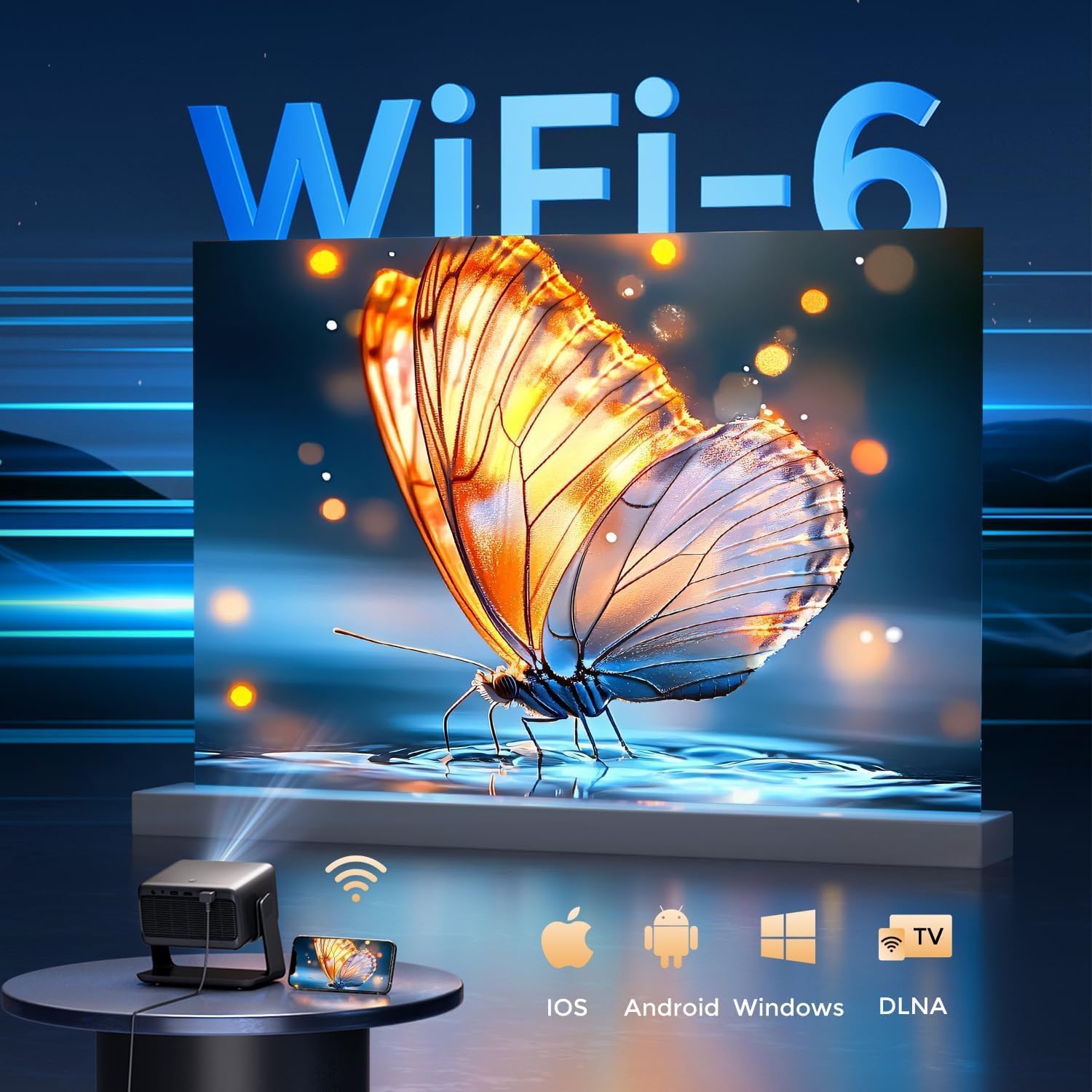
Image: The rear panel of the GooDee AC321 projector, highlighting its connectivity ports including a 3.5mm audio jack, USB port, HDMI input, and power connector.
6. Функції дисплея та аудіо
6.1 Візуальна продуктивність
Experience an immersive visual feast with the following display capabilities:
- Рідна роздільна здатність: 1080p (1920 x 1080) for sharp and clear images.
- Декодування відео 4K: Supports 4K video input for smooth playback of high-definition content.
- Яскравість: 1200 ANSI lumens ensures clear picture quality even in ambient light conditions.
- AI Image Quality Optimization: Utilizes deep learning algorithms to analyze and optimize picture pixels in real-time, enhancing HDR10+ color and 25000:1 contrast ratio.
- Large Screen Zooming: Project images from 60 to 200 inches, with adjustable zoom from 50-100%.
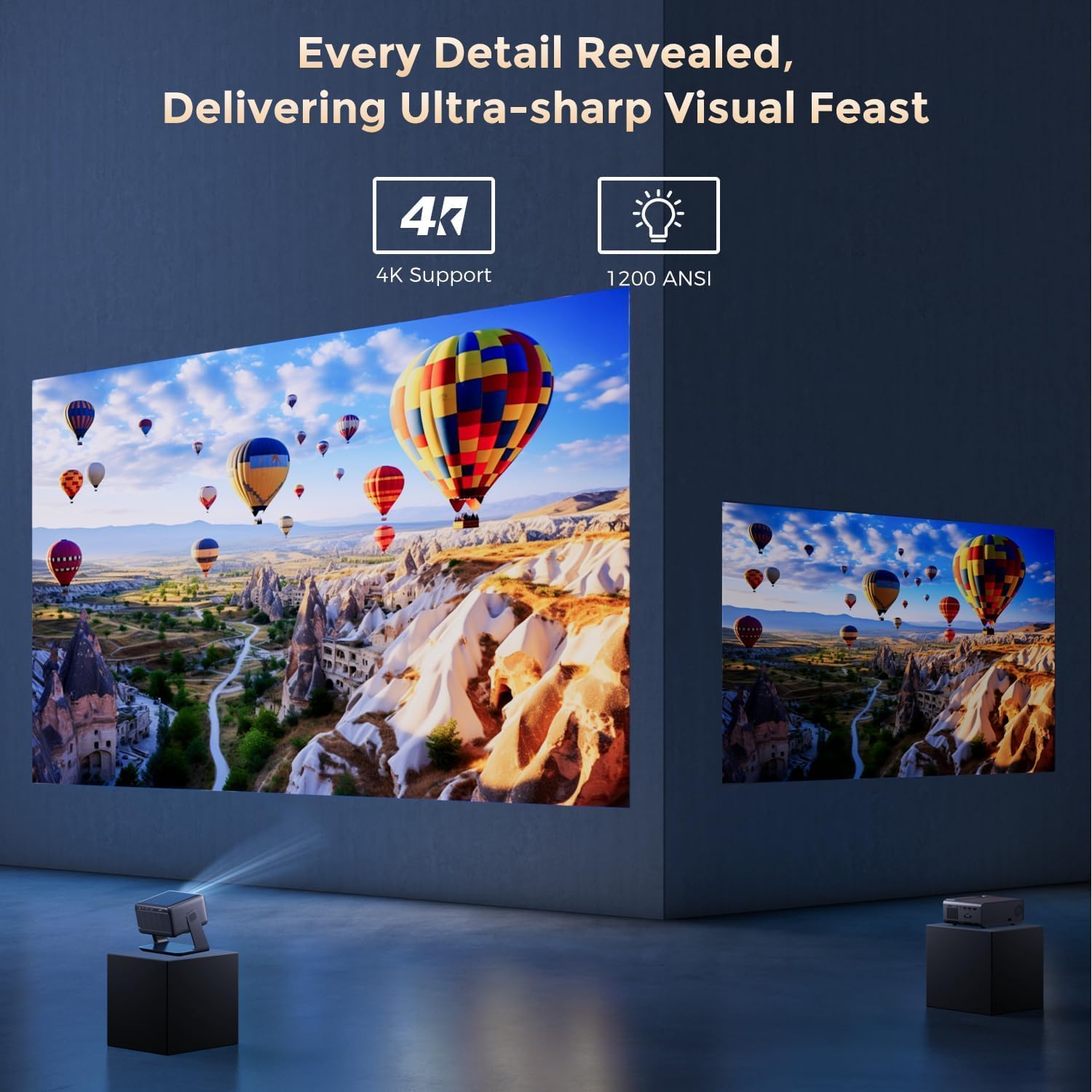
Image: The GooDee AC321 projector showcasing its visual capabilities with a bright, detailed image, emphasizing 4K support and 1200 ANSI lumens for superior clarity.
6.2 Аудіодосвід
The projector is equipped with built-in features for an immersive audio experience:
- Dolby Audio: Integrated Dolby Audio speakers provide rich and immersive sound.
- Bluetooth 5.4: Connect wirelessly to external Bluetooth speakers or soundbars for enhanced audio.
7. Розширені функції
The GooDee AC321 incorporates intelligent features for effortless setup and optimal viewing:
- Автофокус: Automatically adjusts the image clarity in seconds.
- Автоматична корекція трапецеїдальних спотворень: Intelligently corrects vertical and horizontal trapezoidal distortion, ensuring a perfectly rectangular image even from an angled projection.
- Автоматичне вирівнювання екрана: Automatically fits the projected image to your screen.
- Автоматичне уникнення перешкод: Виявляє та налаштовує проекцію, щоб уникнути перешкод на шляху проекції.

Зображення: Прозорий view of the GooDee AC321 projector, illustrating its AI 3D ToF Technology for automatic keystone correction, obstacle avoidance, focus, and screen fitting.
Video: A demonstration of the GooDee Mini Smart Projector's automatic keystone correction and focus features, showing how the image quickly adjusts to a perfect rectangle and sharp clarity.
8. Технічні характеристики
| Особливість | опис |
|---|---|
| Номер моделі | AC321 |
| Бренд | Гуді |
| Роздільна здатність дисплея | 1920 x 1080 (оригінальна) |
| Декодування відео | Підтримується 4K |
| Яскравість | 1200 ANSI Lumens |
| Технологія підключення | 3.5mm Jack, Bluetooth 5.4, HDMI, USB, Wi-Fi 6 |
| Особливості | Auto Focus, Auto Keystone, Auto Screen Alignment, Auto Obstacle Avoidance, Built-In Cooling System, Built-In Speaker, Smart TV OS (Movin 2.0), Dolby Audio |
| Вага товару | 4.66 фунта |
| Розміри продукту | 8.1 x 6.1 x 7.1 дюймів |
| Номінальна потужність | 65 Вт |
9. Технічне обслуговування
To ensure the longevity and optimal performance of your GooDee AC321 projector, follow these maintenance guidelines:
- Очищення лінзи: Use a soft, lint-free cloth specifically designed for optical lenses. Gently wipe the lens to remove dust or smudges. Avoid using abrasive materials or harsh chemicals.
- Cleaning the Vents: Regularly check and clean the air intake and exhaust vents to prevent dust buildup, which can hinder cooling and affect performance. Use a soft brush or compressed air.
- Зберігання: When not in use for extended periods, store the projector in a cool, dry place, away from direct sunlight and extreme temperatures. Use the provided lens cover to protect the lens.
- Правильно вимкніть живлення: Always power off the projector using the designated power button and allow it to complete its shutdown cycle before unplugging.
10. Вирішення проблем
If you encounter any issues with your GooDee AC321 projector, refer to the following common troubleshooting steps:
- Немає зображення:
- Переконайтеся, що шнур живлення надійно підключений, а проектор увімкнено.
- Check the input source (HDMI, USB) and ensure it is correctly selected.
- Переконайтеся, що підключений пристрій (ноутбук, консоль) увімкнено та виводить сигнал.
- Немає звуку:
- Adjust the volume on both the projector and the connected source device.
- Якщо ви використовуєте зовнішні динаміки, переконайтеся, що вони правильно підключені через Bluetooth або 3.5-мм аудіороз'єм.
- Check the audio output settings on the connected source device.
- Розмите зображення:
- Allow the auto-focus function to complete its cycle.
- Переконайтеся, що об'єктив проектора чистий.
- Adjust the projector's distance from the screen/wall.
- Зображення спотворене (трапецієподібна форма):
- Allow the auto-keystone correction to complete.
- Manually adjust keystone settings via the remote control if needed.
- Проблеми з підключенням Wi-Fi/Bluetooth:
- Переконайтеся, що проектор знаходиться в зоні дії вашого Wi-Fi роутера або Bluetooth-пристрою.
- Перезавантажте проектор і маршрутизатор/пристрій Bluetooth.
- Перевірте пароль Wi-Fi та налаштування мережі.
11. Гарантія та підтримка
The GooDee AC321 Video Projector comes with a Гарантія 12 місяців. For any product-related inquiries, technical assistance, or warranty claims, please contact GooDee customer support.
GooDee offers Цілодобова підтримка в чаті to assist you with any issues. You can also visit the official GooDee website for more information and to register your product for warranty activation.
- Webсайт: www.top-goodee.com
- Обслуговування клієнтів: Зверніться до контактної інформації, зазначеної на офіційному сайті webсайті або в упаковці вашого продукту.