
1. Інформація про безпеку
Please read all safety instructions carefully before using the innioasis G1 MP3 Player. Keep this manual for future reference.
- Не піддавайте пристрій впливу екстремальних температур, прямих сонячних променів або високої вологості.
- Уникайте падіння та сильних ударів пристрою.
- Не намагайтеся розбирати або ремонтувати пристрій самостійно. Це призведе до анулювання гарантії.
- Використовуйте для заряджання лише кабель USB-C, що постачається в комплекті.
- Тримайте пристрій подалі від води та інших рідин.
- Тривале прослуховування на високих рівнях гучності може призвести до пошкодження слуху.
2. Вміст упаковки
Перевірте наявність усіх предметів у вашій упаковці:
- 1 x innioasis G1 MP3 Player
- 1 x 64GB SD card (pre-installed or separate)
- 1 кабель для зарядки USB-C
- 1 x Wired headphones
- 1 х посібник користувача

Image: The innioasis G1 MP3 Player, USB-C cable, wired headphones, 64GB SD card, and user manual included in the package.
3. Пристрій закінчивсяview
The innioasis G1 MP3 Player features a compact design with a 4-inch full-touch screen. It includes physical buttons for power and volume control, and ports for charging and headphones.

Зображення: спереду view of the innioasis G1 MP3 Player displaying various preinstalled applications on its touch screen.
Ключові характеристики:
- 4-дюймовий повністю сенсорний екран
- Android OS with 1.9GHz Octa-core CPU and 2GB RAM
- 80GB Storage (16GB ROM + 64GB TF card), expandable up to 1TB
- Підключення Bluetooth 4.2
- Wi-Fi (2.4 ГГц і 5 ГГц)
- Pre-installed streaming apps (Spotify, Spotify Kids, Amazon Music, Pandora, Tidal, Deezer, Audible)
- Батьківський контроль
- FM Radio, Voice Recorder, Video Player, Ebook Reader, Calculator, Clock, Gallery, Browser, Calendar
4. Налаштування
4.1 Початкове заряджання
Before first use, fully charge the device using the provided USB-C cable and a compatible power adapter (not included). The battery indicator on the screen will show charging status.
4.2 Увімкнення/вимкнення живлення
- Щоб увімкнути: Натисніть і утримуйте кнопку живлення на бічній панелі пристрою, доки екран не засвітиться.
- Щоб вимкнути: Press and hold the Power button, then select "Power Off" from the options on the screen.
4.3 Налаштування мови та часу
Upon first startup, you may be prompted to select your preferred language and set the date and time. Follow the on-screen instructions.
4.4 Підключення Wi-Fi
To access streaming services and online features, connect your device to a Wi-Fi network:
- Перейти до Налаштування > Мережа та Інтернет > Wi-Fi.
- Увімкнути/вимкнути Wi-Fi On.
- Виберіть потрібну мережу зі списку.
- Введіть пароль, якщо буде запропоновано, і натисніть Підключитися.

Image: The innioasis G1 MP3 Player displaying its home screen with app icons, illustrating its strong network connection capabilities.
5. Інструкція з експлуатації
5.1 Основна навігація
The device features a full touch screen for navigation. Swipe left/right to browse app pages, tap an icon to open an app, and use the navigation buttons at the bottom of the screen (Back, Home, Recent Apps) to move between screens and applications.
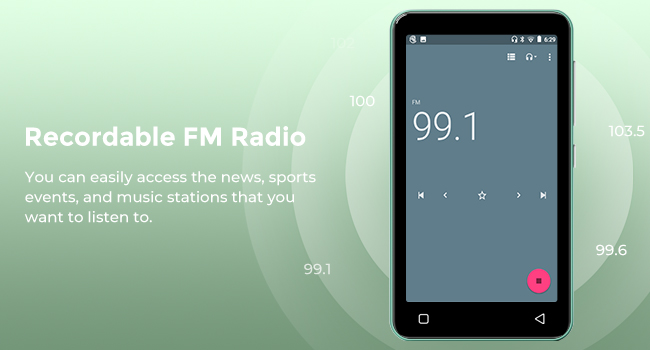
Image: A hand demonstrating touch screen interaction on the innioasis G1 MP3 Player, highlighting its ease of use.
5.2 Відтворення музики
The innioasis G1 supports various audio formats including MP3, FLAC, WAV, AAC, APE, OGG, M4A, WMA, and MP2.
- Local Music Player: Open the "Music" app to play files stored on the device or SD card. You can create playlists, search for songs, and use the graphic equalizer to adjust sound.
- Програми для потокового передавання: Access pre-installed apps like Spotify, Spotify Kids, Amazon Music, Pandora, Tidal, and Deezer. Ensure you are connected to Wi-Fi for streaming.

Image: The innioasis G1 MP3 Player displaying its local music player interface, showing song categories, search function, playlist creation, and equalizer options.
5.3 Підключення Bluetooth
Connect your MP3 player to Bluetooth headphones, speakers, or car stereos.
- Перейти до Налаштування > Підключені пристрої > Bluetooth.
- Увімкнути Bluetooth On.
- Make sure your Bluetooth accessory is in pairing mode.
- Виберіть аксесуар зі списку доступних пристроїв для сполучення.
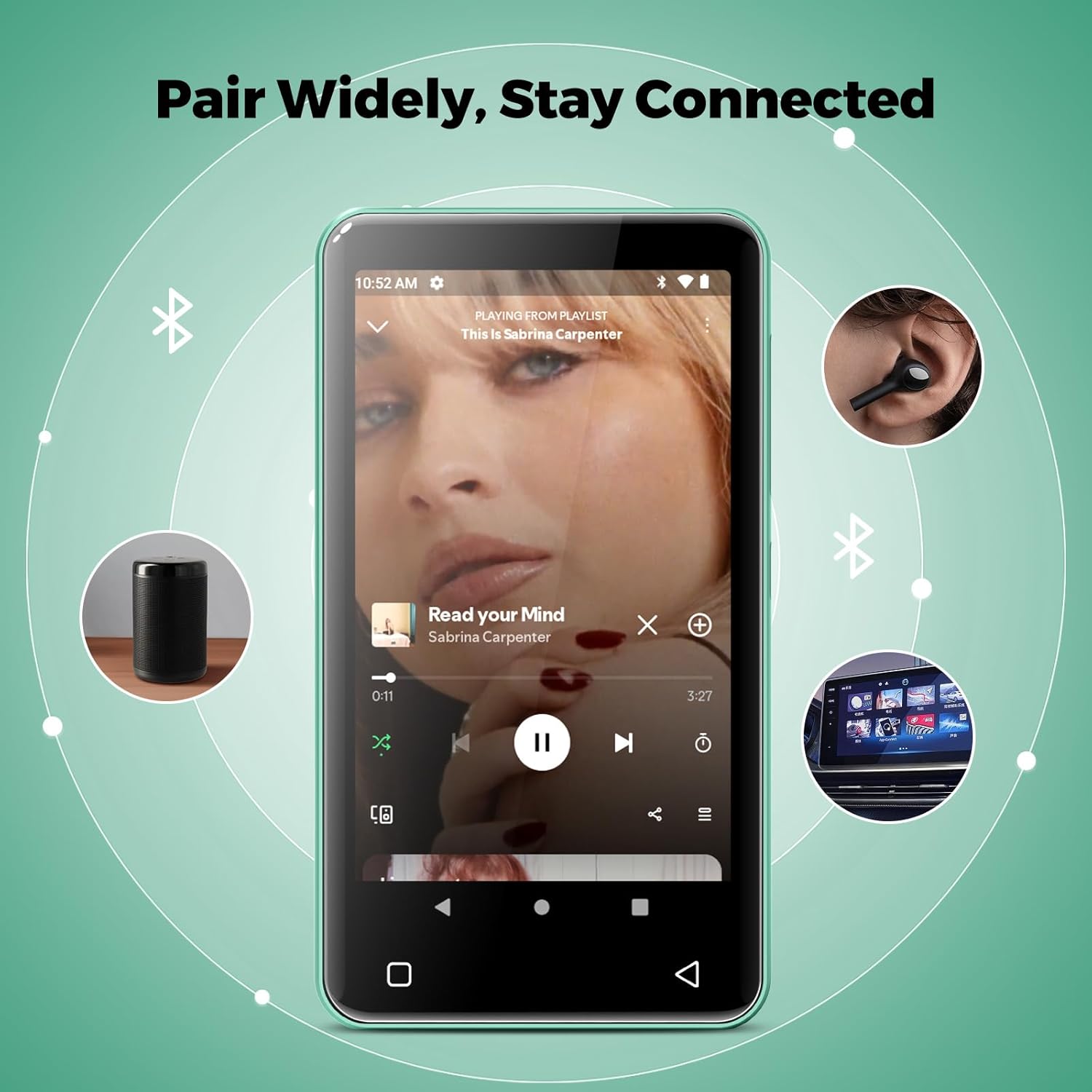
Image: The innioasis G1 MP3 Player showing its Bluetooth connection capabilities, pairing with headphones, a portable speaker, and a car stereo system.
5.4 Батьківський контроль
The device includes parental control features to manage app access and settings.
- Перейти до Налаштування > Батьківський контроль.
- Set a parental control password.
- You can enable/disable app installation, limit internet usage, and restrict device usage time.
- Preloaded apps can be removed, and settings can be locked with the passcode.

Image: The innioasis G1 MP3 Player displaying its parental control settings, including options for password management, app installation, internet usage limits, and device usage limits.
5.5 File Трансфер
To transfer music, videos, and other files from a computer:
- Connect the MP3 player to your computer using the USB-C cable.
- On the MP3 player, swipe down from the top of the screen to open the notification panel.
- Tap the USB notification (e.g., "USB charging this device") and select "File transfer" or "MTP".
- Your computer should now recognize the device as a removable storage drive. You can drag and drop files to the internal storage or the SD card.
5.6 Інші програми
The innioasis G1 comes with several other useful applications:
- FM-радіо: Tune into local radio stations. Some models may support recording.
- Відеопрогравач: Supports 1080P HD video playback and various formats including AVI, MKV, MP4, MPEG, MOV, VOB, WMV, WEBM, DIVX, F4V, FLV, XviD, 3GP.
- Диктофон: Record audio using the built-in microphone.
- Ebook Reader: Access pre-loaded Audible for audiobooks and other e-book formats.
- Calculator, Clock, Gallery, Browser, Calendar: Standard utility apps for daily use.
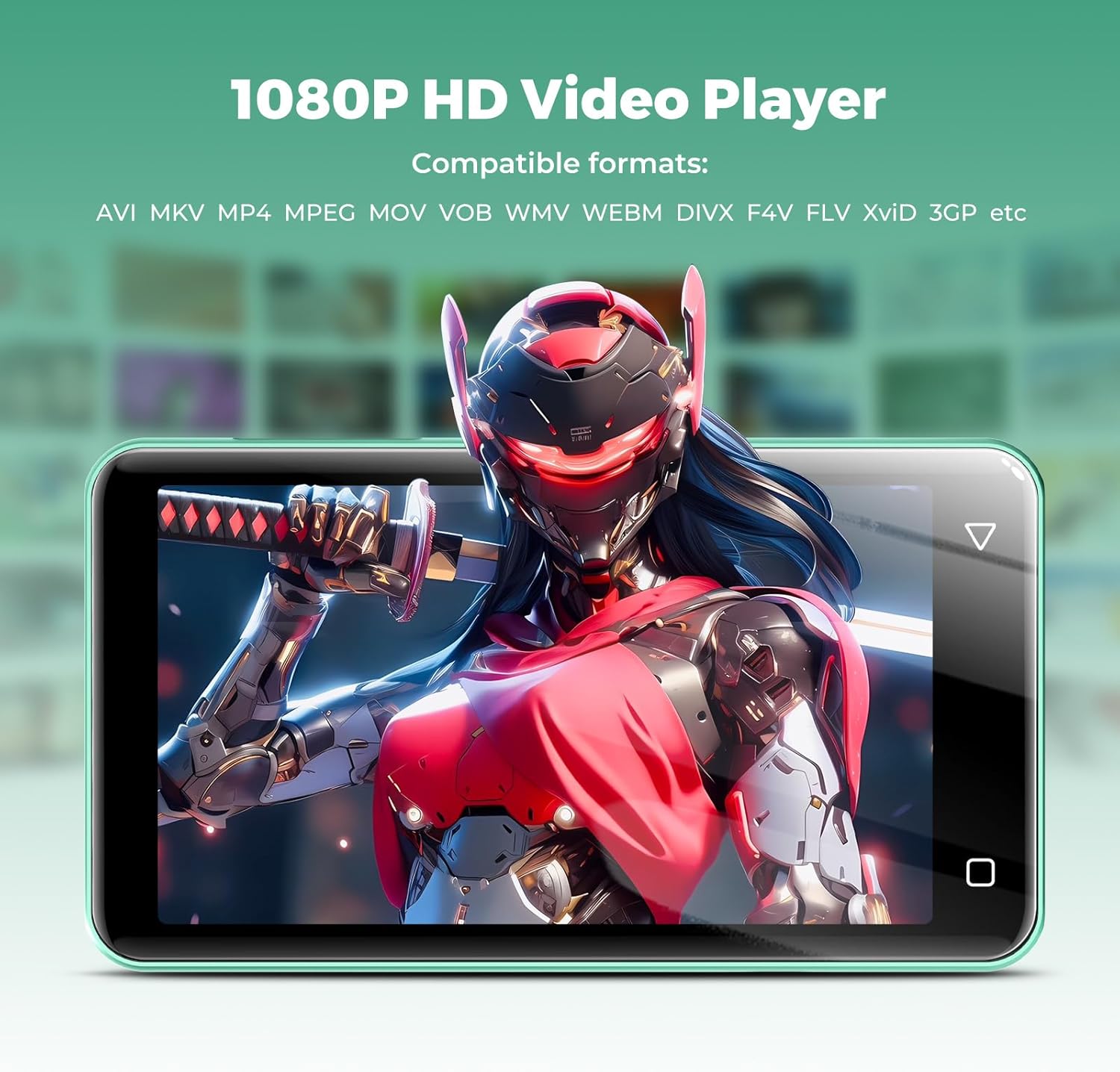
Image: The innioasis G1 MP3 Player displaying a high-definition video on its screen, illustrating its 1080P HD video playback capability.
6. Технічне обслуговування
- Прибирання: Використовуйте м’яку суху тканину для очищення пристрою. Не використовуйте рідкі засоби для чищення або аерозолі.
- Догляд за акумулятором: To prolong battery life, avoid fully discharging the battery frequently. Charge the device regularly. If storing for a long period, charge it to about 50% every few months.
- Оновлення програмного забезпечення: Periodically check for software updates in the device settings to ensure optimal performance and security.
7. Вирішення проблем
| проблема | Можливе рішення |
|---|---|
| Пристрій не включається. | Ensure the battery is charged. Connect to a charger for at least 30 minutes. If unresponsive, press and hold the power button for 10-15 seconds to force a restart. |
| Неможливо підключитися до Wi-Fi. | Check if Wi-Fi is enabled in settings. Verify the Wi-Fi password. Restart your router and the MP3 player. Ensure you are within range of the Wi-Fi signal. |
| Пристрій Bluetooth не сполучається. | Ensure Bluetooth is enabled on both devices and the accessory is in pairing mode. Move the devices closer together. Try restarting both devices. |
| Apps are slow or unresponsive. | Close unused background apps. Clear app cache in Settings > Apps. Restart the device. Ensure sufficient storage space is available. |
| Неможливо передати files to/from computer. | Ensure the USB-C cable is properly connected and functioning. On the MP3 player, select "File transfer" mode from the USB notification. Try a different USB port or computer. |
| Погана якість звуку. | Check headphone connection. Test with different headphones. Adjust equalizer settings in the music player. Ensure audio files не пошкоджені. |
8. Технічні характеристики
- Назва моделі: G1
- Розміри продукту: 0.39 x 2.56 x 4.13 дюймів
- Вага товару: 5.9 унції
- Виробник: ІНІОАЗ
- Ємність пам'яті: 80 GB (16GB ROM + 64GB TF card)
- Розширюване сховище: Up to 1TB (SDXC/SDHC compatible)
- Розмір екрана: 4 дюймів
- Технологія підключення: Bluetooth 4.2, Wi-Fi (2.4GHz & 5GHz)
- Особливості: Equalizer, FM Radio, Hi-Res Audio, Video Playback, Voice Recorder, Parental Controls
- Сумісні пристрої: Headphones, Earphones
- Тип носія: Micro SD, Micro SDHC, Micro SDXC, SD Card, SDHC
- Батарея: 1500mAh (up to 25 hours music, 5 hours video playback)

Image: The innioasis G1 MP3 Player screen displaying battery life indicators for video (5 hours) and music (25 hours) playback.
9. Гарантія та підтримка
The innioasis G1 MP3 Player comes with a standard manufacturer's warranty. For detailed warranty information, please refer to the warranty card included in your package or contact innioasis customer support.
If you encounter any issues or have questions about your device, please contact innioasis customer support through their official webсайт або контактну інформацію, зазначену на упаковці продукту.