
вступ
Thank you for choosing the INPHIC Wireless Rechargeable Mouse. This manual provides detailed instructions for setting up, operating, and maintaining your mouse to ensure optimal performance and longevity. This mouse features a visible battery indicator, silent buttons, an ergonomic design, and adjustable DPI settings for a comfortable and efficient user experience.
Налаштування
1. Вміст упаковки
- INPHIC Wireless Rechargeable Mouse
- USB-приймач (зберігається в миші)
- Зарядний кабель USB-C
- Посібник користувача
2. Початкове заряджання
Before first use, fully charge the mouse for approximately 1 hour. Connect the provided USB-C charging cable to the mouse's charging port and the other end to a USB power source (e.g., computer USB port, USB wall adapter). The visible battery indicator on the top of the mouse will show charging status and remaining battery level.

Image: The mouse connected via USB-C cable for charging, highlighting the charging port and the visible battery level indicator.
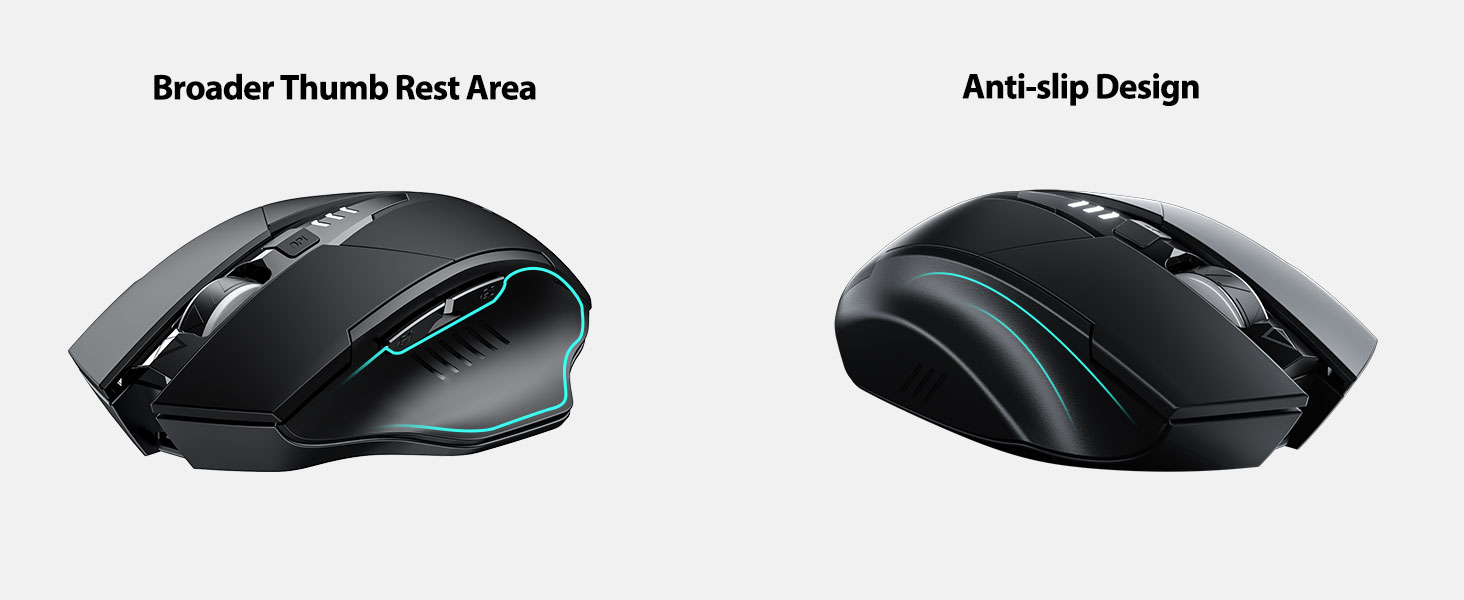
Image: A close-up of the mouse's top surface, showing the illuminated battery indicator displaying the current charge level.
3. Connecting the USB Receiver (2.4G Mode)
- Знайдіть USB-приймач, що знаходиться у відсіку на нижній частині миші.
- Вийміть USB-приймач.
- Insert the USB receiver into an available USB port on your computer or laptop.
- Увімкніть мишу за допомогою перемикача живлення, розташованого внизу.
- Ваш комп’ютер має автоматично виявити та встановити необхідні драйвери. Миша готова до використання.

Image: The underside of the mouse, illustrating the storage compartment for the USB receiver.

Image: The mouse in use on a desk, demonstrating its reliable 2.4G wireless connection with a laptop.
4. Сумісність
The 2.4G USB connected mode is compatible with any USB-enabled device and supports a wide range of operating systems, including:
- Windows 7/8/10/XP, Vista
- Система Mac OS
- Android
- ОС Chrome
- Ядро Linux 2.6+

Image: The mouse positioned alongside icons representing Windows, Chrome OS, and Linux, illustrating its broad compatibility.
Інструкція з експлуатації
1. Увімкнення/вимкнення живлення та режим сну
Use the power switch on the bottom of the mouse to turn it on or off. To conserve battery, the mouse will automatically enter sleep mode after 5 minutes of inactivity. Click any button to wake it up.
2. Налаштування роздільної здатності
The mouse features 4 adjustable DPI levels: 800, 1200, 1600, and 2400. Press the DPI button located behind the scroll wheel to cycle through these settings. Each press will change the cursor speed, allowing you to select the sensitivity that best suits your task.
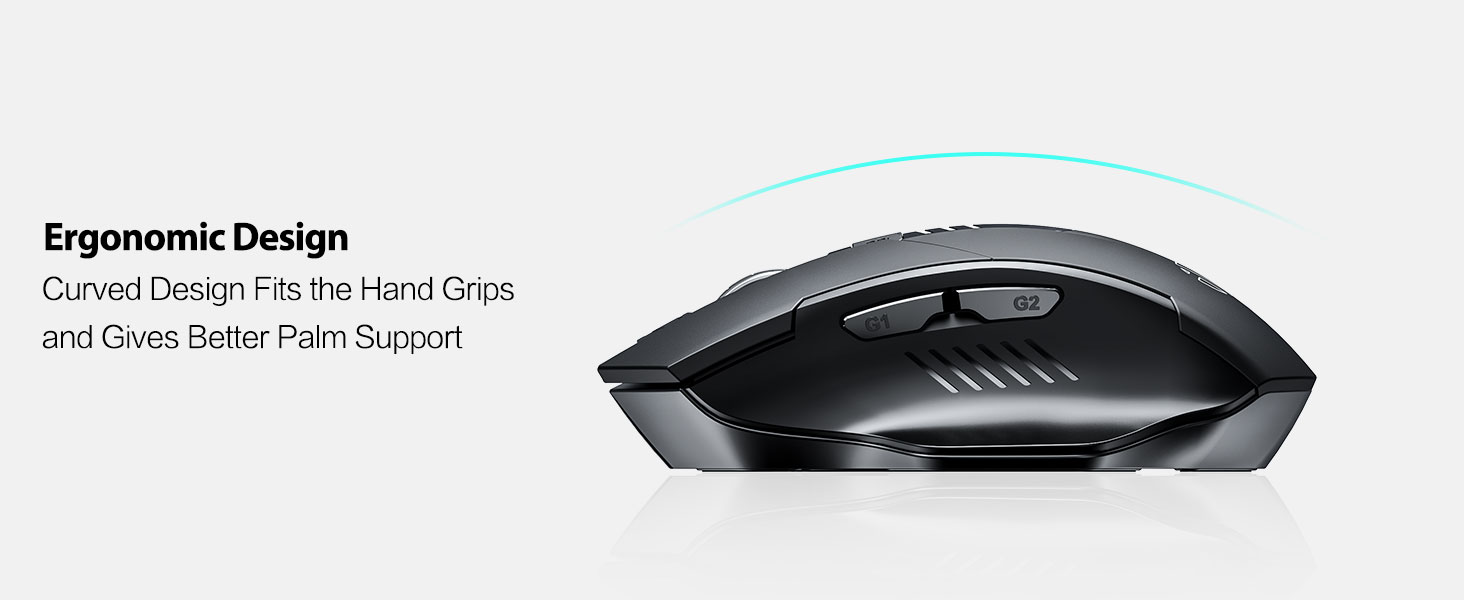
Image: An illustration showing the mouse and a graphic representing the adjustable DPI settings from 800 to 2400.

Зображення: Крупний план view of the DPI controller button located on the top of the mouse.
3. Функції кнопок
The mouse is equipped with 6 efficient buttons:
- Ліва кнопка миші: Primary function, silent operation.
- Клацніть правою кнопкою миші: Secondary function, silent operation.
- Колесо прокрутки: Для вертикального прокручування. Також можна натиснути для функції клацання середньою кнопкою миші.
- Кнопка DPI: Налаштовує чутливість курсора (800/1200/1600/2400 DPI).
- Бічні кнопки (G1, G2): Зазвичай функціонують як «Вперед» та «Назад» у web браузери та file дослідники.

Image: The mouse on a desk, emphasizing its quiet left and right click buttons for reduced noise.

Зображення: Крупний план view of the smooth scrolling wheel on the mouse.
4. Ергономічний дизайн
The mouse is designed for right-handed users with a curved shape and a broader thumb rest area to provide optimal support for the entire palm and fingers. This design aims to reduce pressure and tension during extended use.
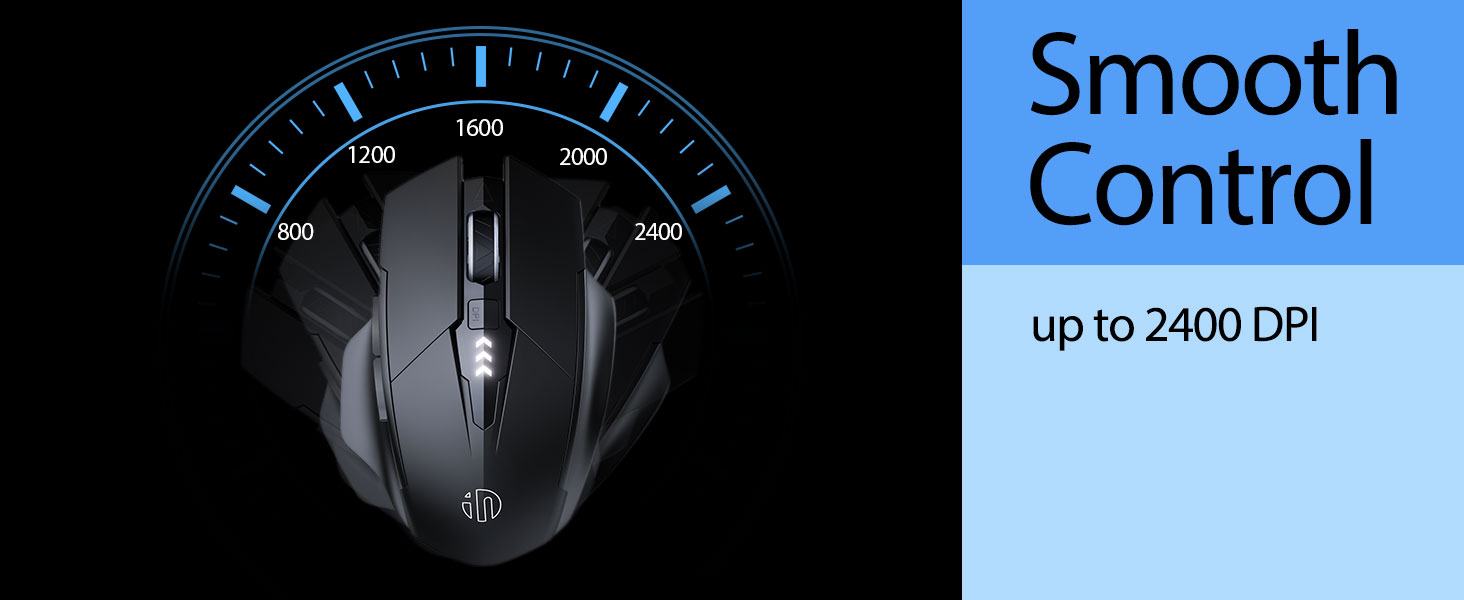
Image: An illustration demonstrating the ergonomic curve of the mouse, designed to fit the hand comfortably.

Зображення: Два views of the mouse, highlighting its broader thumb rest area and anti-slip design for improved grip and comfort.
Технічне обслуговування
1. прибирання
Щоб очистити мишу, обережно протріть її поверхню м’якою тканиноюamp тканиною. Уникайте використання агресивних хімікатів або абразивних матеріалів, оскільки вони можуть пошкодити покриття. Переконайтеся, що рідина не потрапляє всередину компонентів.
2. Зберігання
When not in use for extended periods, store the mouse in a cool, dry place. It is recommended to turn off the mouse to preserve battery life. The USB receiver can be stored in its dedicated compartment on the mouse's underside.
3. Догляд за акумулятором
The built-in 400mAh rechargeable battery is designed for long-lasting performance. For optimal battery health, avoid completely draining the battery frequently. Recharge the mouse when the visible indicator shows a low battery level. Do not expose the mouse to extreme temperatures.
Усунення несправностей
| проблема | Можлива причина | Рішення |
|---|---|---|
| Миша не відповідає | Low battery; USB receiver disconnected; Mouse power off. | Charge the mouse; Re-insert USB receiver; Turn on the mouse. |
| Рух курсора нерівномірний або повільний | Incorrect DPI setting; Dirty optical sensor; Unsuitable surface. | Adjust DPI using the DPI button; Clean the optical sensor; Use on a clean, non-reflective surface. |
| Миша не заряджається | Несправний кабель USB-C або джерело живлення. | Try a different USB-C cable or USB port/power adapter. |
| Side buttons (G1/G2) not working | Application does not support side button functions. | Ensure the application (e.g., web browser) is active and supports 'back'/'forward' commands. |
Технічні характеристики
- модель: B0FQCCP1VH
- Розміри продукту: 4.7 x 3.1 x 0.1 дюймів
- Вага товару: 4.2 унції
- Батарея: 1 Nonstandard Battery (400mAh, included)
- Технологія підключення: Бездротовий зв'язок 2.4G (USB-приймач)
- Технологія виявлення руху: Оптичний
- Рівні DPI: 800 / 1200 / 1600 / 2400 (регульований)
- кнопки: 6 (Left, Right, Scroll Wheel, DPI, G1, G2)
- Особливості: Ergonomic Design, LED Battery Level Display, Rechargeable, Silent Clicks (Left & Right Buttons)
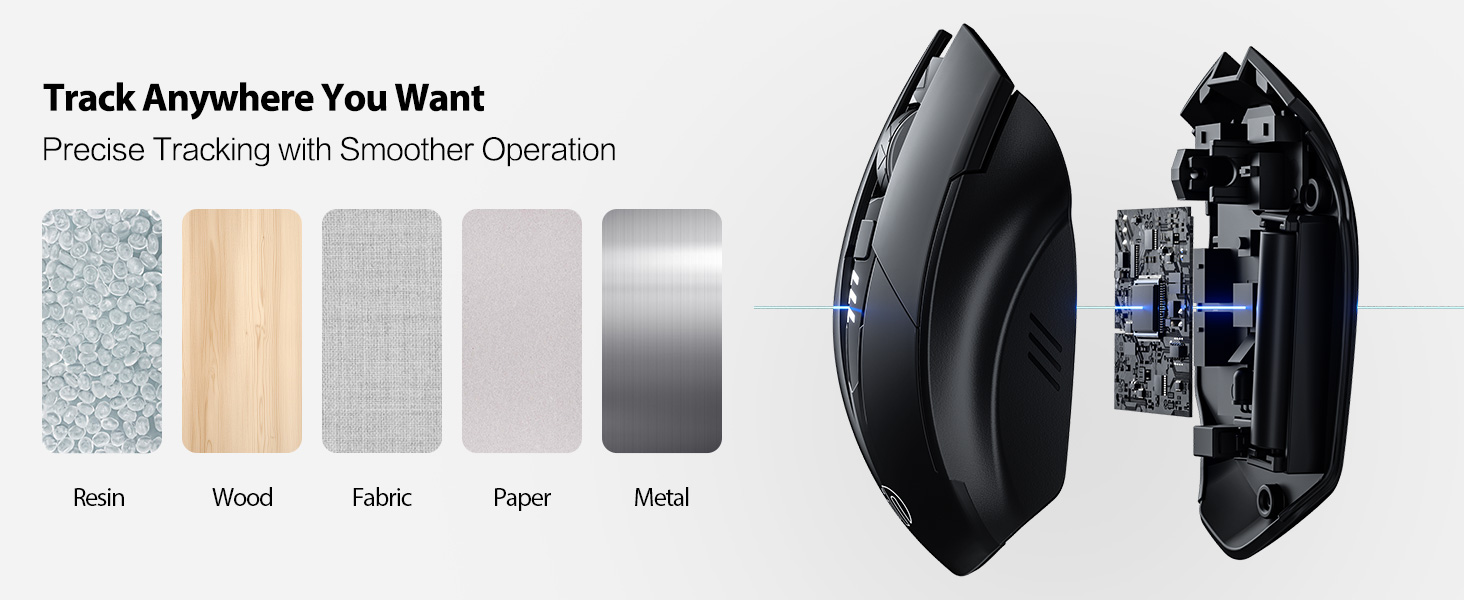
Image: A diagram illustrating the physical dimensions of the INPHIC Wireless Mouse.
Відео продукту
Відео: Оверview of the INPHIC Wireless Rechargeable Mouse, demonstrating its features and ergonomic design.
Гарантія та підтримка
Щоб отримати інформацію про гарантію або технічну підтримку, зверніться до упаковки продукту або зверніться безпосередньо до виробника. Зберігайте чек про покупку як підтвердження покупки.


