
вступ
Thank you for choosing the UPERFECT 4K QLED 15.6 inch Portable Monitor. This manual provides essential information for setting up, operating, maintaining, and troubleshooting your new monitor. Please read it thoroughly to ensure optimal performance and longevity of your device.
Особливості продукту
- 4K UHD дисплей: Experience stunning visuals with a 3840 x 2160 UHD resolution, delivering exceptional clarity and detail, four times that of Full HD.
- 100% Adobe RGB Color Accuracy: The monitor features 100% Adobe RGB color space, providing a wider and more accurate color gamut compared to sRGB. This ensures realistic color reproduction, a 1200:1 contrast ratio, and support for 16.7 million display colors for a cinematic visual experience.
- Покращений ігровий досвід: Integrated Game Mode optimizes screen contrast for gaming. HDR (High Dynamic Range) provides significant differences in brightness details, while FreeSync technology synchronizes the graphics card's refresh rate to minimize screen tearing and image distortion. A rapid 3ms response time ensures smooth motion without blur or ghosting.
- Універсальний підключення: Equipped with two USB Type-C ports and one Mini HDMI port. The Type-C ports support both video signal transmission and power delivery, allowing for single-cable connection to compatible laptops and smartphones. Connect to various devices including PCs, Raspberry Pi, PS5, Xbox, and more.
- VESA Mount & Protective Cover: Standard 75x75mm VESA mounting holes (M3 x 4mm) enable flexible installation on a desk mount or wall in either landscape or portrait orientation. The included magnetic PU protective cover safeguards the screen from scratches and functions as a convenient portable stand.
Інструкції з налаштування
- Розпакування: Carefully remove the monitor and all accessories from the packaging. Ensure all components are present: monitor, protective cover, USB-C cables, HDMI cable, and power adapter.
- Connecting to a Device (USB-C):
For devices with a full-featured USB Type-C port (supporting DisplayPort Alternate Mode and power delivery), connect one end of the provided USB-C to USB-C cable to the monitor's Type-C port and the other end to your device's USB-C port. This single cable can provide both video and power.

опис: This image shows the portable monitor connected to a smartphone via a single USB-C cable, demonstrating the ease of mirroring or extending the smartphone's display.
- Connecting to a Device (HDMI):
For devices using HDMI output, connect one end of the provided Mini HDMI to HDMI cable to the monitor's Mini HDMI port and the other end to your device's HDMI port. In this setup, the monitor will require external power. Connect the provided power adapter to one of the monitor's USB Type-C ports and to a power outlet.
опис: This image illustrates the portable monitor connected to a laptop using an HDMI cable for video, and a separate USB-C cable for power, a common setup for devices without full-featured USB-C ports.
- Using the Protective Cover as a Stand:
The magnetic protective cover can be folded into various positions to serve as a stand, allowing you to prop up the monitor at different viewing angles. Ensure the monitor is stable before use.

опис: This image demonstrates how the included magnetic protective cover can be folded and used as a stable stand for the portable monitor, offering adjustable viewкути.
- Монтаж VESA:
The monitor features 75x75mm VESA mounting holes on the back. Use M3 x 4mm screws to attach the monitor to a compatible VESA desk mount or wall mount. This allows for flexible positioning and frees up desk space.

опис: This image shows the portable monitor mounted on a VESA-compatible arm, illustrating how it can be integrated into a multi-monitor setup or used to optimize desk space.
Інструкція з експлуатації
- Увімкнення/вимкнення живлення: Press the power button located on the side or back of the monitor to turn it on or off.
- Навігація екранним меню: Use the joystick or buttons (refer to the physical layout on your monitor) to navigate the On-Screen Display (OSD) menu. This menu allows you to adjust various settings.
- Вибір джерела вхідного сигналу: From the OSD menu, select the appropriate input source (e.g., USB-C, HDMI) corresponding to your connected device.
- Налаштування параметрів дисплея:
- Яскравість/Контрастність: Налаштуйте ці параметри в екранному меню відповідно до ваших потреб. viewing environment. The monitor offers 500 Nits brightness for vibrant visuals.
- Параметри кольору: Fine-tune color temperature, hue, and saturation for optimal color accuracy, leveraging the 100% Adobe RGB support.
- Режим HDR: Enable HDR in the OSD menu for enhanced contrast and color depth with HDR-compatible content.
- Режим гри: Activate Game Mode for optimized visual settings during gaming, improving visibility in dark scenes and overall responsiveness.
- FreeSync: If your connected device supports AMD FreeSync, ensure it is enabled in both your device's graphics settings and the monitor's OSD menu to prevent screen tearing.
Технічне обслуговування
- Очищення екрану: Обережно протріть екран м’якою тканиною без ворсу. Для стійких плям злегка протрітьampПротріть тканину водою або розчином для очищення екрана. Уникайте використання агресивних хімікатів, абразивних матеріалів або розпилення рідини безпосередньо на екран.
- Очищення організму: Use a soft, dry cloth to clean the monitor's body.
- Зберігання: When not in use for extended periods, store the monitor in a cool, dry place, preferably in its original packaging or protective cover, away from direct sunlight and extreme temperatures.
- Обробка: Завжди тримайте монітор за краї. Уникайте тиску на екран.
Усунення несправностей
| проблема | Можлива причина | Рішення |
|---|---|---|
| No image/No signal | Incorrect input source selected; loose cable connection; device not outputting signal. | Ensure correct input source is selected in OSD. Check all cable connections (USB-C, HDMI) are secure. Verify the source device is powered on and configured to output to the monitor. |
| Монітор не вмикається | No power supply; faulty power adapter/cable. | Ensure the power adapter is securely connected to the monitor and a working power outlet. If using USB-C for power, ensure the source device provides sufficient power. Try a different power outlet or adapter if available. |
| Мерехтіння або спотворене зображення | Faulty cable; incompatible resolution/refresh rate; electromagnetic interference. | Replace the connecting cable. Adjust the resolution and refresh rate on your source device to match the monitor's specifications (3840x2160, 60Hz). Move away from other electronic devices that may cause interference. |
| Кольори виглядають неправильно | Incorrect color settings; faulty cable. | Reset color settings in the OSD menu to default. Adjust color temperature, hue, and saturation. Ensure the cable is fully functional. |
| Немає звуку з монітора (якщо є) | Volume too low; incorrect audio output selected on source device; monitor's audio settings. | Increase monitor volume via OSD. Check audio output settings on your connected device to ensure sound is directed to the monitor. |
Технічні характеристики
| Особливість | Деталь |
|---|---|
| Бренд | НАДОСВІТНІ |
| Номер моделі | ccf5c598-9977-4620-9699-ed83e5597279 |
| Розмір екрана | 15.6 дюймів |
| роздільна здатність | 3840 x 2160 UHD |
| Співвідношення сторін | 16:9 |
| Опис поверхні екрана | Матовий |
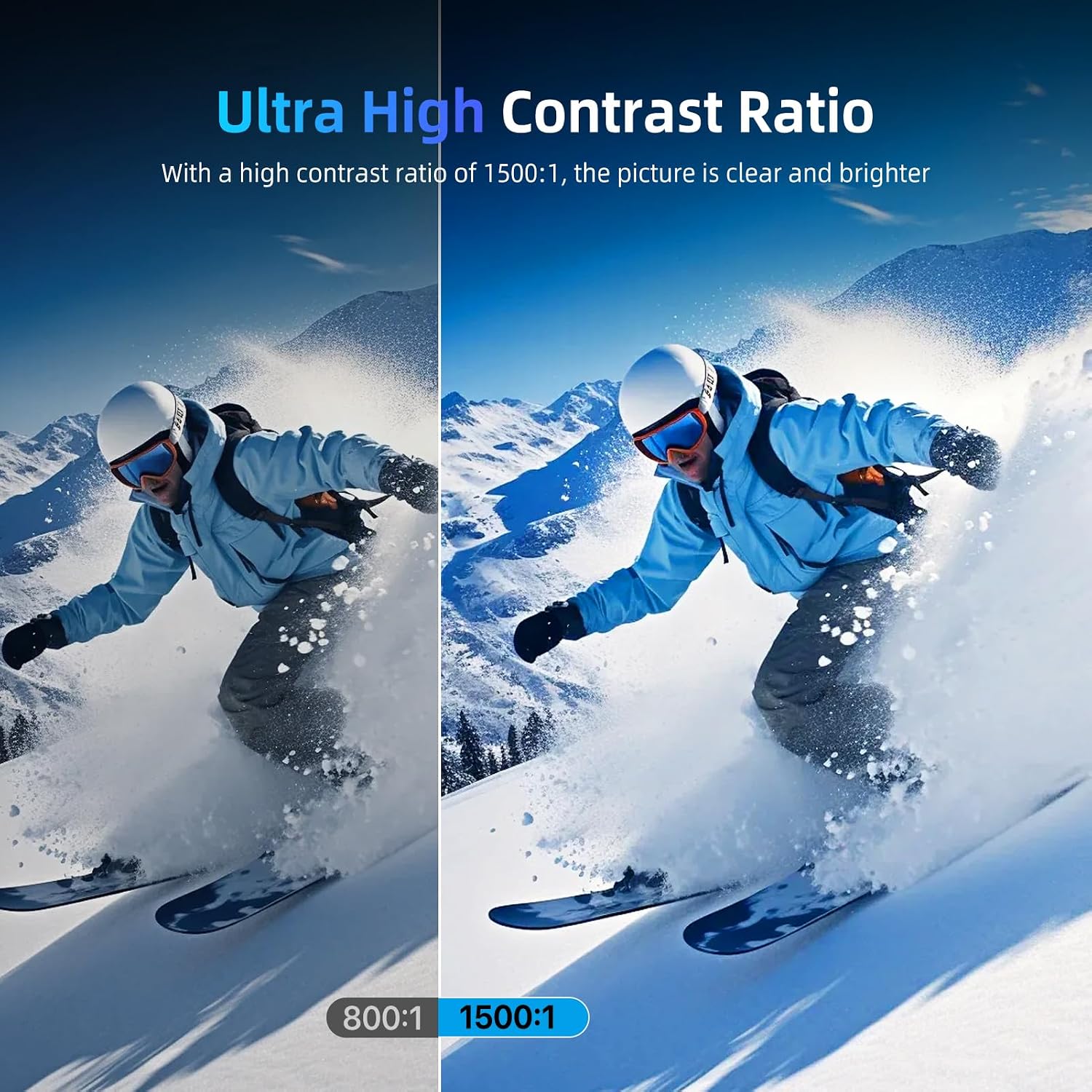
| Коефіцієнт контрастності | 1500:1 |
| Час відгуку | 3 мілісекунд |
| Максимальна роздільна здатність дисплея | 3840 х 2160 |
| Особливості | Game Mode, HDR, FreeSync, Fast Response Time, 2 Type-C Ports, VESA Mount |
| Технологія підключення | HDMI, USB типу C |
| Тип дисплея | QLED |
| Яскравість | 500 ніт |
| Кольоровий дисплей | так |
| Розміри предмета (Д x Ш x В) | 24 х 36 х 1 сантиметрів |
| Загальна кількість портів HDMI | 1 |
| Загальна кількість портів USB | 2 (USB 3.0) |
| Технологія адаптивної синхронізації | FreeSync |
| Клас енергоефективності (SDR) | A |
| Споживана потужність (SDR) | 6.0 Вт / 1000 год |
Для отримання детальної інформації про енергетику, будь ласка, зверніться до бази даних ЄС EPREL: https://eprel.ec.europa.eu/qr/1803782
Інформація про гарантію
Specific warranty details for this product are not explicitly provided in the available product data. For information regarding warranty coverage and terms, please refer to the documentation included with your purchase or contact the seller directly. Please note that a 30-day return policy may apply, as indicated by the seller.
Інформація щодо наявності запасних частин та гарантованих оновлень програмного забезпечення відсутня у наданих даних про продукт.
Підтримка
If you encounter any issues not covered in this manual or require further assistance, please contact UPERFECT customer support or the retailer from whom you purchased the product. Please have your model number and purchase details ready when contacting support.