
вступ
This manual provides comprehensive instructions for the 8Bitdo Ultimate 2 Wireless Controller (Evernight Edition). It covers setup, operation, maintenance, and troubleshooting to ensure optimal performance across compatible platforms including Windows PC, Apple, Steam, and Android devices.
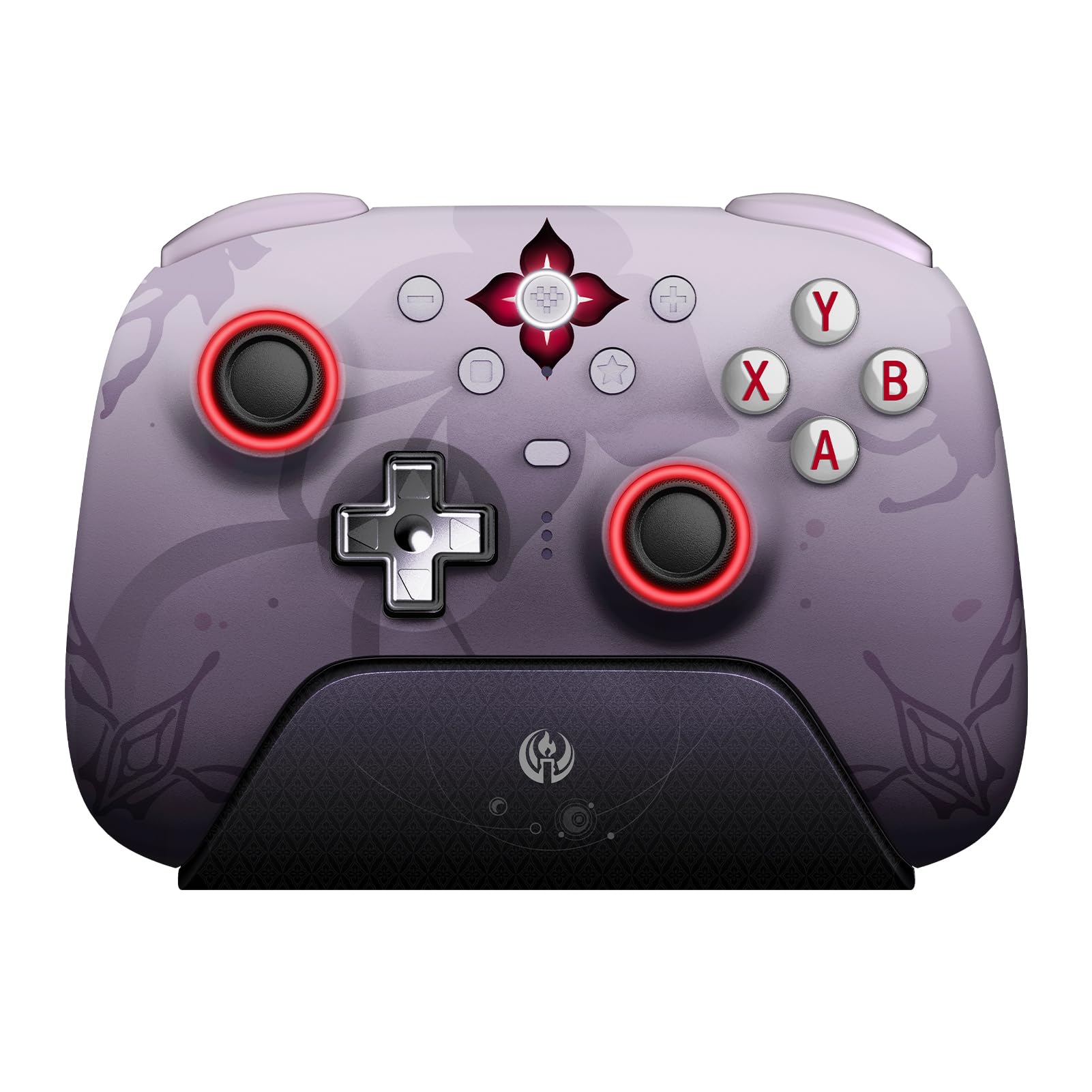
The 8Bitdo Ultimate 2 Wireless Controller in Evernight color, shown with its accompanying 2.4G USB adapter.
Вміст упаковки
Перевірте наявність усіх предметів у вашій упаковці:
- 8BitDo Ultimate 2 Wireless Controller x1
- Зарядна док-станція x1
- 2.4G Adapter x1
- Дорожній кейс x1
- USB кабель x1
- Joystick Caps x4
- Glitter Coaster x1
- Temporary Tattoo Sticker x1
All components included with the 8Bitdo Ultimate 2 Wireless Controller Evernight Edition, including the controller, charging dock, travel case, and other accessories.
Сумісність
The 8Bitdo Ultimate 2 Wireless Controller offers broad compatibility across multiple platforms:
- ПК з Windows: Compatible with Windows 10 (1903) or above. Connect via 2.4G wireless or wired USB.
- Пристрої Apple: Compatible with Apple iOS 16 or above, iPadOS 16 or above, tvOS 16 or above, macOS 13 or above, and visionOS 1.0 or above. Connect via Bluetooth.
- Steam: Compatible with SteamOS 3.0 or above. Connect via Bluetooth.
- Пристрої Android: Compatible with Android 9.0 or above. Connect via Bluetooth.

Visual representation of the controller's compatibility with Windows, Steam, Android, and Apple operating systems.
Налаштування
1. Заряджання контролера
Before first use, fully charge your controller. Place the controller on the integrated charging dock. The dock also serves as a passthrough for the 2.4G dongle, requiring only one USB port on your computer for both charging and connection.

The 8Bitdo Ultimate 2 Wireless Controller resting on its integrated charging dock.
2. Connecting via 2.4G Wireless (Windows PC)
- Insert the 2.4G USB adapter into an available USB port on your Windows PC.
- Переконайтеся, що перемикач режимів на задній панелі контролера встановлено на «2.4G».
- Press the Home button on the controller to power it on. The controller will automatically connect to the adapter.
- The controller features a 1000Hz polling rate for low-latency 2.4G and wired connections.
3. Connecting via Bluetooth (Apple, Steam, Android)
- Переконайтеся, що перемикач режимів на задній панелі контролера встановлено в положення «Bluetooth».
- Натисніть кнопку «Додому» на контролері, щоб увімкнути його.
- On your device (Apple, Steam, or Android), navigate to Bluetooth settings and select the 8Bitdo Ultimate 2 Controller to pair.

Задній view of the controller, highlighting the mode switch for 2.4G and Bluetooth connections, along with the programmable back buttons (PR and PL).
Інструкція з експлуатації
Основні елементи керування
The controller features standard gamepad buttons, D-pad, and analog sticks. Refer to in-game prompts for specific button functions.
Розширені функції
- Джойстики TMR: These joysticks provide enhanced sensitivity, precision, and durability. They are equipped with an RGB Fire Ring and wear-resistant joystick rings.
- Hall Effect Triggers & Mode Switching: Easily switch between linear Hall Effect triggers and non-linear tactile triggers for optimal control in different gaming scenarios.
- Customizable 6-Axis Motion Control, Turbo, and Rumble: The controller supports customizable 6-Axis motion control, turbo functions, and rumble feedback for an immersive gaming experience.
- Extra Fast Bumpers (R4 and L4 buttons): Remappable R4 and L4 buttons are designed for personalized configuration, allowing for quicker reactions in games without requiring additional software.
- Вогняне кільце RGB: The joysticks feature an RGB Fire Ring for customizable lighting effects.
- Refined Tactile D-pad: The D-pad is designed for precise and responsive input.

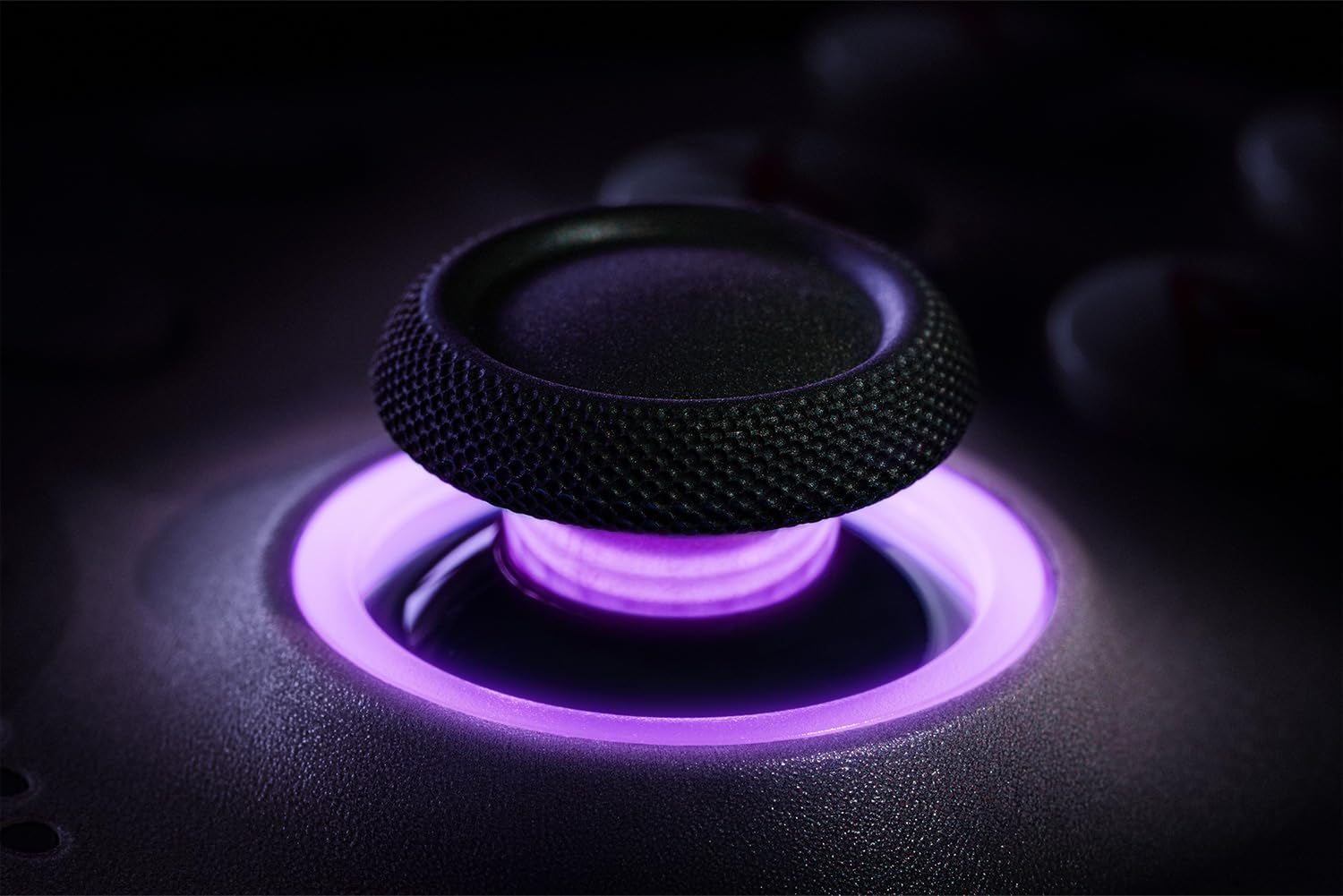
Детальний view of the TMR joystick, showcasing its RGB lighting and design.

Illustration of the Hall Effect triggers and the mechanism for switching between linear and tactile modes.

The controller's design featuring the additional R4 and L4 bumper buttons for enhanced customization.
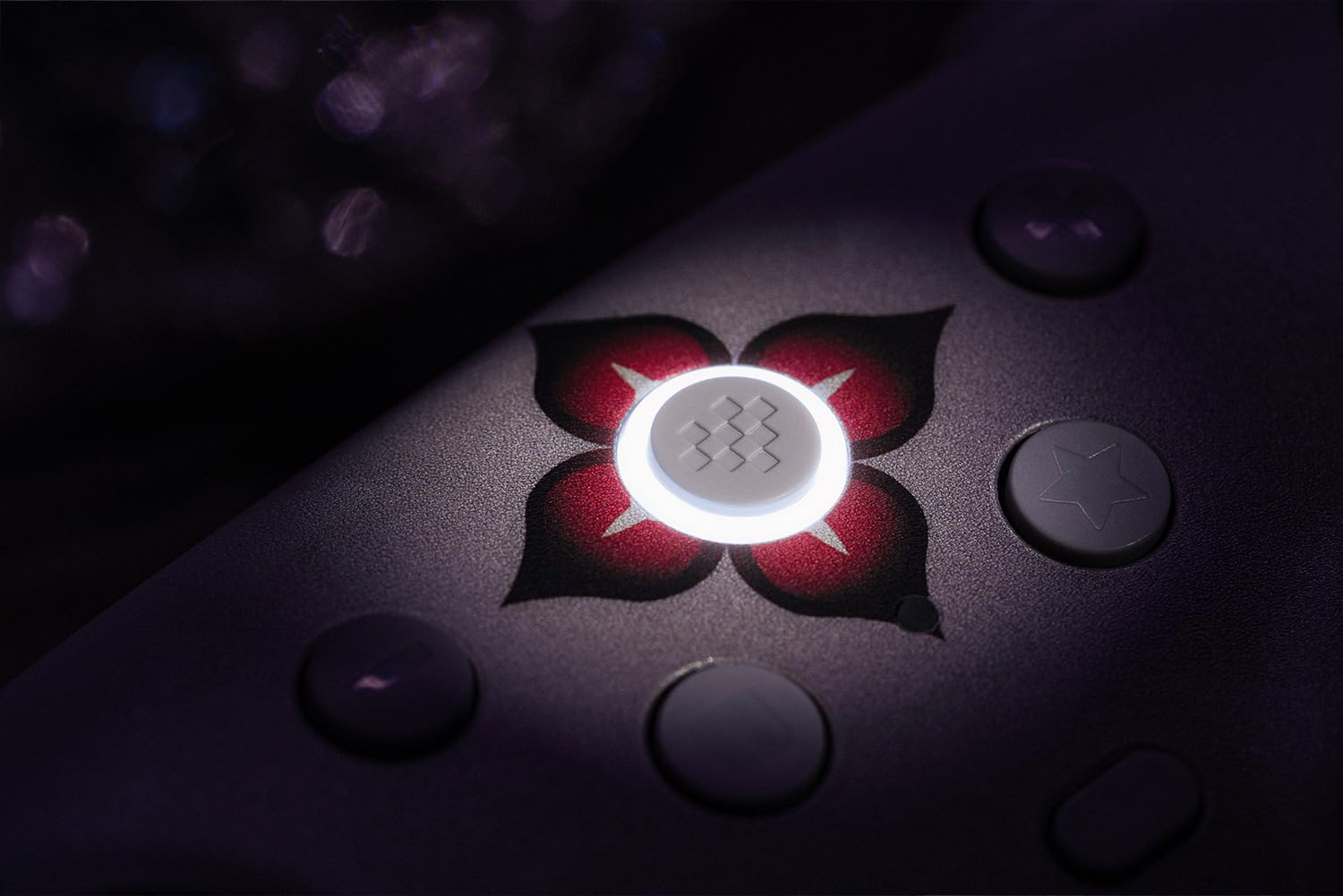
Крупний план view of the controller's joystick, showcasing the vibrant RGB Fire Ring illumination.

A detailed image of the controller's D-pad, emphasizing its tactile design.
8BitDo Ultimate Software V2
The controller supports 8BitDo Ultimate Software V2, allowing for advanced customization of button mapping, stick and trigger sensitivity, vibration intensity, and macro creation. Download the software from the official 8Bitdo webсайт для повної функціональності.
Технічне обслуговування
- Прибирання: Використовуйте м’яку суху тканину для очищення контролера. Уникайте використання агресивних хімікатів або абразивних матеріалів.
- Зберігання: Store the controller in a cool, dry place away from direct sunlight and extreme temperatures. Use the provided travel case for protection during transport or storage.
- Догляд за акумулятором: Щоб продовжити термін служби батареї, уникайте частого повного розряджання контролера. Регулярно заряджайте його, особливо якщо ви зберігаєте його протягом тривалого часу.
Усунення несправностей
- Контролер не підключається:
- Ensure the mode switch on the back of the controller is set correctly for your device (2.4G for Windows, Bluetooth for Apple/Steam/Android).
- For 2.4G connection, ensure the USB adapter is securely plugged in.
- For Bluetooth, ensure Bluetooth is enabled on your device and the controller is in pairing mode.
- Спробуйте перезавантажити і контролер, і пристрій.
- Затримка вхідного сигналу або обриви з'єднання:
- Переконайтеся, що контролер повністю заряджений.
- Reduce interference by moving closer to the 2.4G adapter or Bluetooth device.
- Update controller firmware using the 8BitDo Ultimate Software V2.
- Кнопки не відповідають:
- Test button functionality using the 8BitDo Ultimate Software V2.
- Ensure no custom profiles are interfering with expected button behavior.
- Проблеми із зарядкою:
- Ensure the USB cable is properly connected to both the charging dock and a power source.
- Verify the charging dock pins are clean and making proper contact with the controller.
Технічні характеристики
| Назва моделі | Остаточний 2 |
| Номер деталі виробника | 81HE05 |
| Колір | Evernight |
| Сумісні пристрої | Android, iOS, Mac, PC, Windows |
| Тип контролера | Геймпад |
| Технологія підключення | 2.4G Wireless, Bluetooth, Wired (USB) |
| Додаткові функції | Rumble, Wireless, TMR Joysticks, Hall Effect Triggers, Customizable 6-Axis Motion Control, Turbo, RGB Fire Ring, Remappable Back Buttons |
| Кількість кнопок | 16 |
| Апаратна платформа | PC |
| Джерело живлення | Wireless (Rechargeable Battery) |
| Вага товару | 240 г |
| Розміри предмета | 6.26 x 6.42 x 8.62 дюймів |
Гарантія та підтримка
Щоб отримати інформацію про гарантію та технічну підтримку, відвідайте офіційний веб-сайт 8Bitdo. webсайт або зверніться до служби підтримки клієнтів. Зберігайте чек про покупку для гарантійних випадків.
Інтернет-ресурси:


